



New
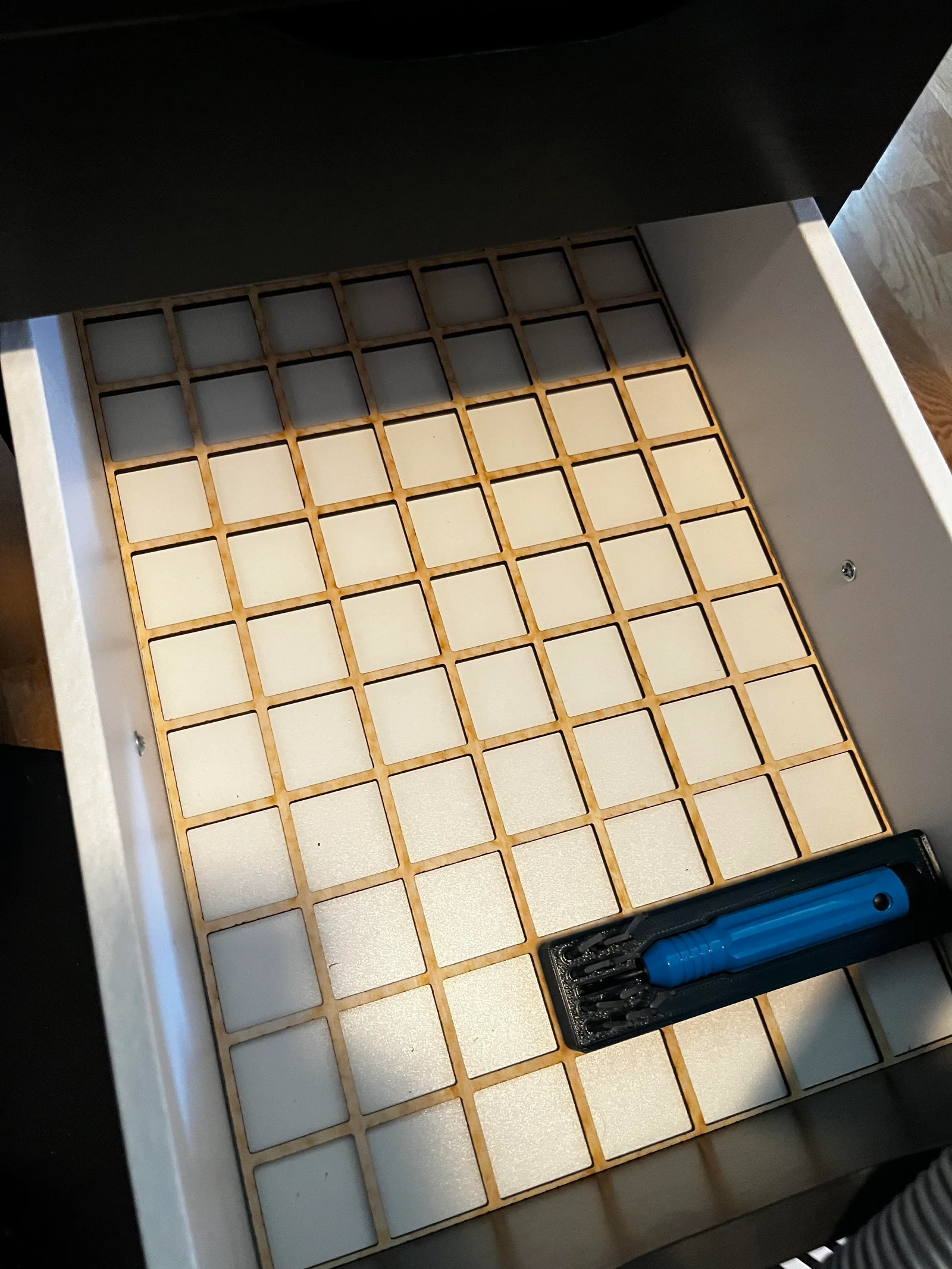
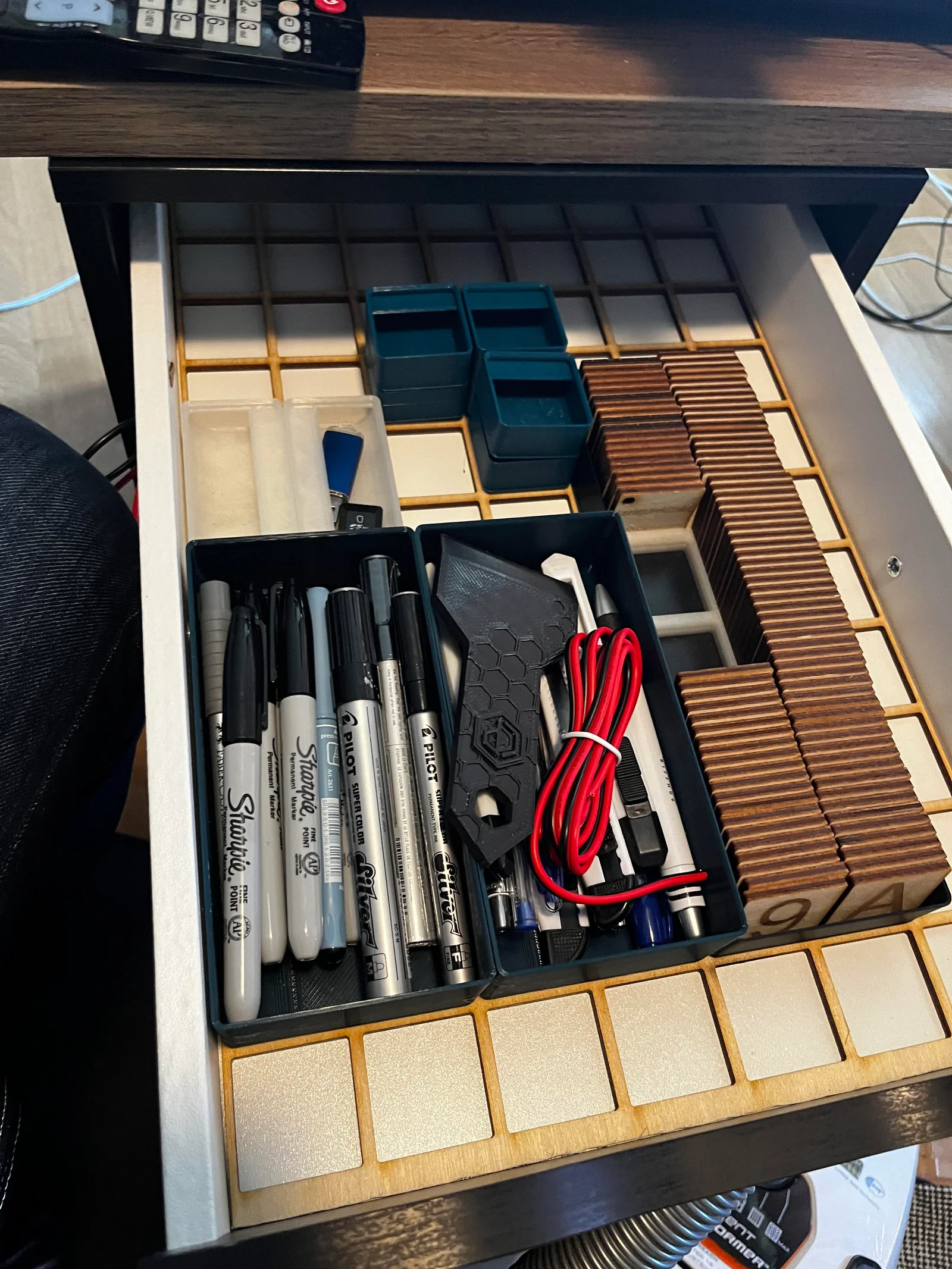
Clean Storage Boxes | 16 Sizes
 BymoonyxLikes0Downloads700
Build another version of this model.
In Fusion 360, you can adjust the dimensions and positioning of your plate design by navigating to "Modify -> Change Parameters." Here's how you can modify each parameter:
Positioning adjustments:
For laser cutting, such as using Lightburn, go to the "Sketches" panel, select the third sketch, right-click, and choose "Export as DXF." This will prepare your design for laser cutting.
BymoonyxLikes0Downloads700

 Bydona3d_Likes456Downloads685

 ByVC_DesignLikes721Downloads2.9K

 ByUpcrid3D_1585693Likes808Downloads2.1K

 ByshoheiyLikes0Downloads436

 ByWilko_SLOLikes935Downloads2K

 ByRobertoGalloc_356815Likes549Downloads1.8K

 ByTater_364200Likes486Downloads1.6K

 ByfifindrLikes709Downloads1.7K

 Bywhilex_1739192Likes644Downloads1.1K

 ByGi_TLikes801Downloads1.3K

 ByzeroflowLikes186Downloads1.2K