
F3D
Print Profile cho Modix Big-Meter (PrusaSlicer) 1

1 image

Máy In 3D

Print Profile cho Modix Big-Meter (PrusaSlicer)

By HjortCreations

Downloads
240
Likes
3
Views
677

Files 2 28.5 KB

  • Shape-Box_1776879624.3mf3MF · 18.1 KB
  • Modix_Big-Meter_Creativity_settings_1776879626.iniINI · 10.4 KB

Make a variant with AI

Build another version of this model.

Open Studio

Description

Overview

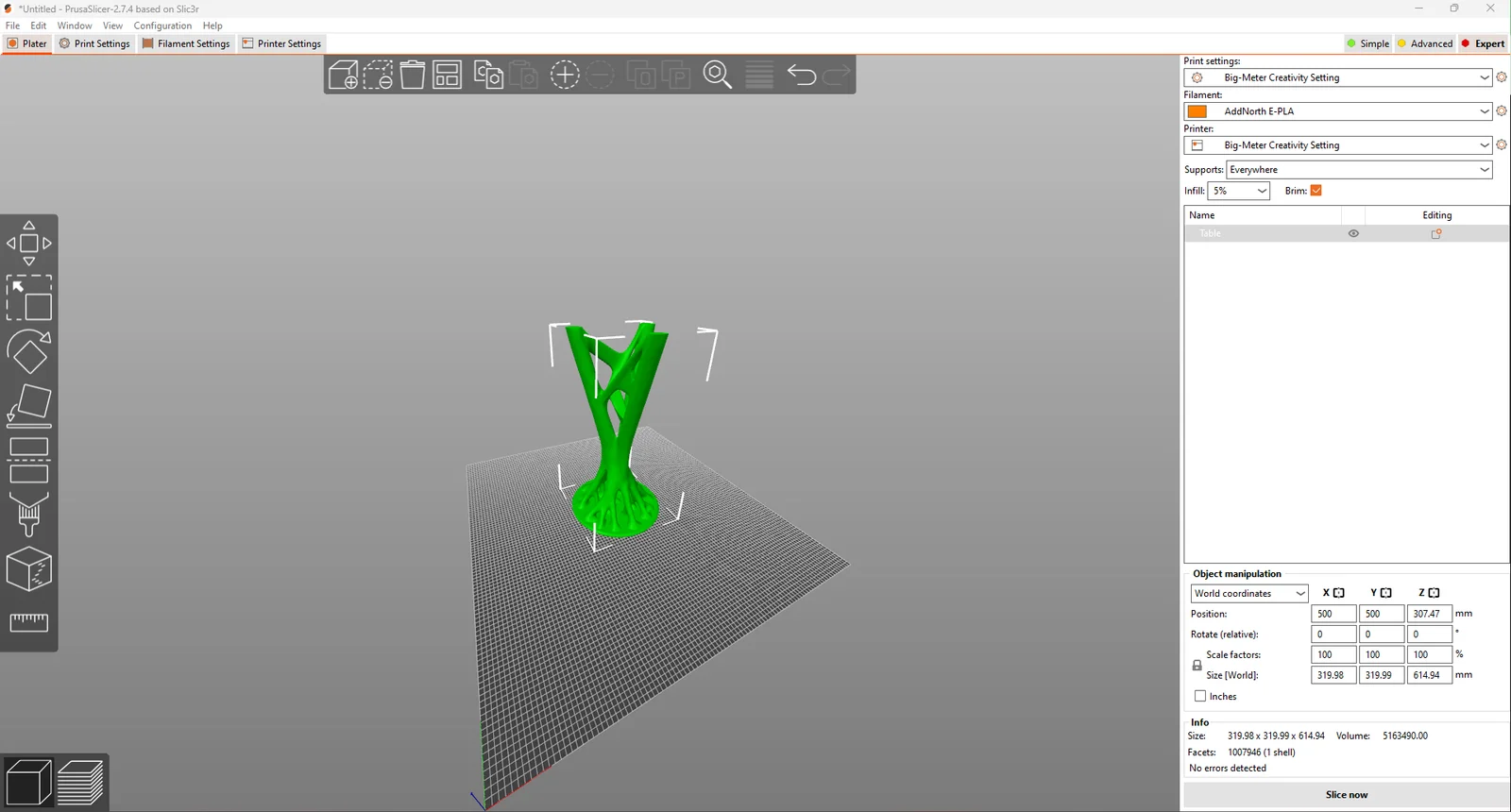
This print profile is specifically optimized for Modix Big-Meter printers with a single printhead. It is designed primarily for PLA material but can be easily adjusted to work with other materials and adapted to other Modix models. The profile is configured for use with PrusaSlicer.

Key Features

  • Optimized for PLA: This profile provides the best possible results with PLA material.
  • High Precision: Fine-tuned settings for accurate and detailed prints.
  • Flexibility: Easily adjustable to work with other materials and Modix models.
  • User-Friendly: Simple to install and modify according to your needs.
  • PrusaSlicer Compatibility: Specifically configured for use with PrusaSlicer software.

Specifications

  • Print Speed: Up to 200 mm/s
  • Layer Height: Standard 0.4 mm, adjustable from 0.1 mm to 0.6 mm
  • Infill Pattern: Adaptive cubic with 5% infill density
  • Number of Perimeters: 3
  • First Layer Speed: 50 mm/s
  • Support Material: Enabled, organic style with rectilinear pattern

Material and Temperature

  • Optimized for PLA
  • Bed Temperature: 60°C
  • First Layer Temperature: 235°C
  • Print Temperature: 225°C
  • Fan Speed: 100%

Benefits

  • Improved Print Quality: Minimized defects and improved surface finish with precise settings.
  • Time-Efficient: High print speeds without compromising quality.
  • User-Friendly: Easy to install and adjust for different materials and projects.
  • Software Compatibility: Tailored for seamless integration with PrusaSlicer.

Customization and Installation

The profiles can be easily adapted to suit other Modix models. During installation, you may need to adjust certain settings depending on the specific material you are using.

Download and Usage Instructions

  1. Download the Profile: Click the link to download the profile.
  2. Import to PrusaSlicer: Follow the instructions in PrusaSlicer software to import and use the profile.
  3. Adjust as Needed: Customize the settings to optimize the print for other materials or specific projects.

For a quick and concise guide on adjusting print parameters, watch this video: Watch Video.

Read more Show less

Print spec

Formats
3mfini
Model files
2
Total size
28.5 KB
Largest file
18.1 KB

0 comments

See all