



Robust BUCKLES +
 Byrorys3DLikes0Downloads325
Remix of Bộ Kit PCB TD-1 By AJAX_802102
Build another version of this model.
EDIT 7/17/2024: From AJAX:
Made the following changes (in version 1.4):
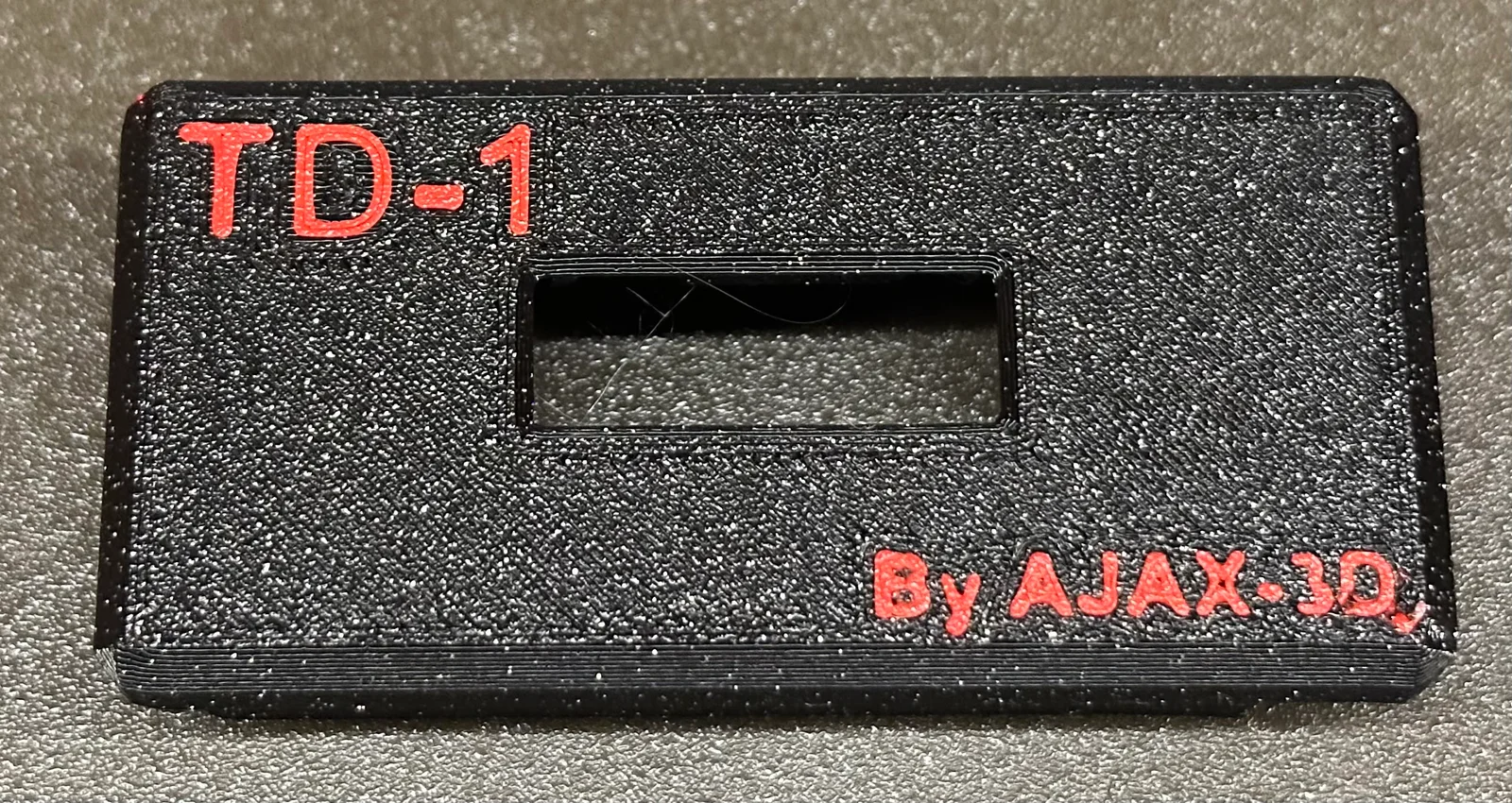
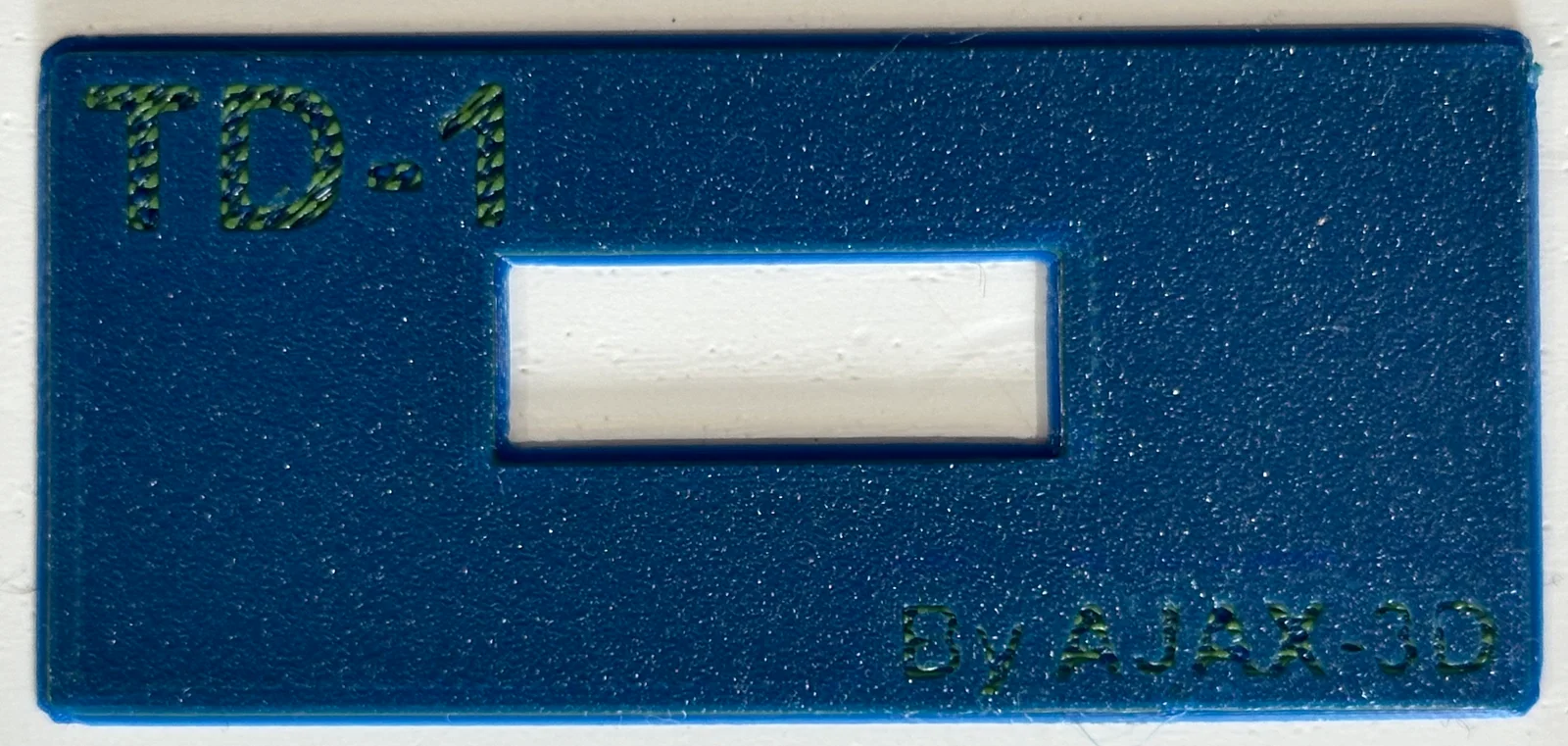
I wanted the multicolor first layer so I read up on @Sembazuru's single layer MMU-ish instructions. Tried it out and it worked great, as is seen in the photo.
Directions reproduced here:
Make sure you have “Expert” mode enabled.
In Printer Settings→General→Capabilities increase the Extruders value to the number of different colors you plan on using. 2 in this case.
Make sure General→Capabilities→Single Extruder Multi Material box is not checked.
In Printer Settings→Custom G-code insert the following into the Tool change G-code panel (you'll need to scroll down on the window to see it):
{if layer_z>0 }
M117 Change to color {next_extruder}
M600; Filament change
{endif}
In Print Settings→Multiple Extruders make sure Wipe tower→Enable is not checked.
Once you have assigned the different colors, if you have more than 2 colors create a chart to know which color number (starting with the default or whichever you number you use for the first color) is which spool of filament you plan to use.
Byrorys3DLikes0Downloads325

 ByAustin Wolt WoltLikes162Downloads380

 ByLecso_113752Likes76Downloads337

 Bytovelaermans_3355197Likes63Downloads427

 ByAlexMuLikes41Downloads331

 ByckthLikes148Downloads2.4K

 ByTangoOscarMik_505113Likes31Downloads251

 ByxsynaticLikes27Downloads213

 BySimin03Likes84Downloads205

 ByDerTapirLikes34Downloads174


 BynasikLikes0Downloads273