



Bộ sưu tập ray Picatinny và kẹp lắp đặt cho mô hình in 3D
 ByMFTuningLikes153Downloads1.8K
Build another version of this model.
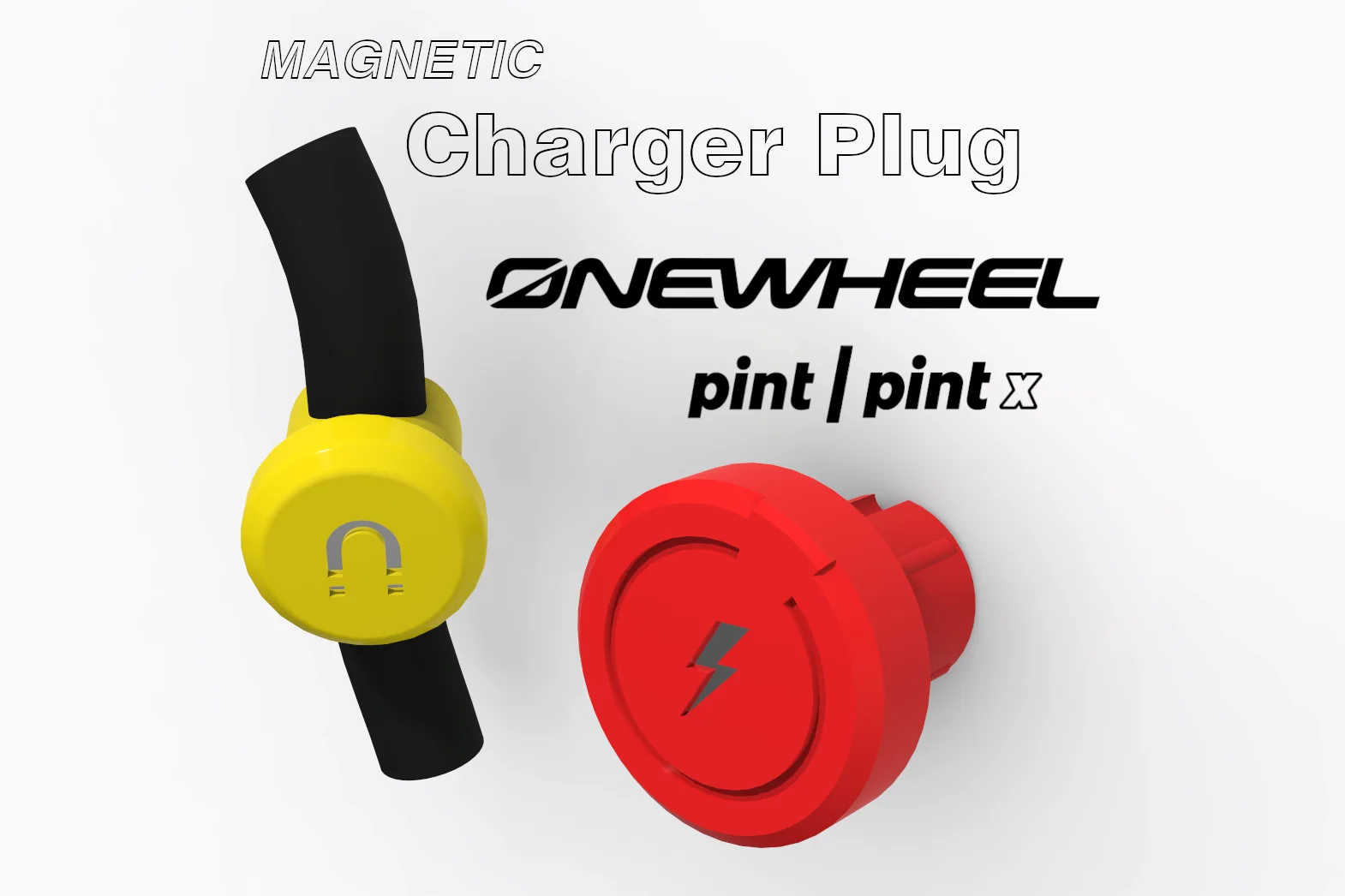
My original Onewheel Pint Charger Plug occasionally moved out or fell out of the socket and seems to break into pieces soon. Thus, I needed a replacement for covering the charging socket of my OW Pint. I ended up designing two variants. A plug similar to the original one from Onewheel, but less prominent and printable without supports, and a fancy looking, flush, magnetic plug.
You can find the FLEX Charger Plug files here. And if you are in need of a mini fender for your Pint or other stuff, here is the link to my Onewheel Collection.
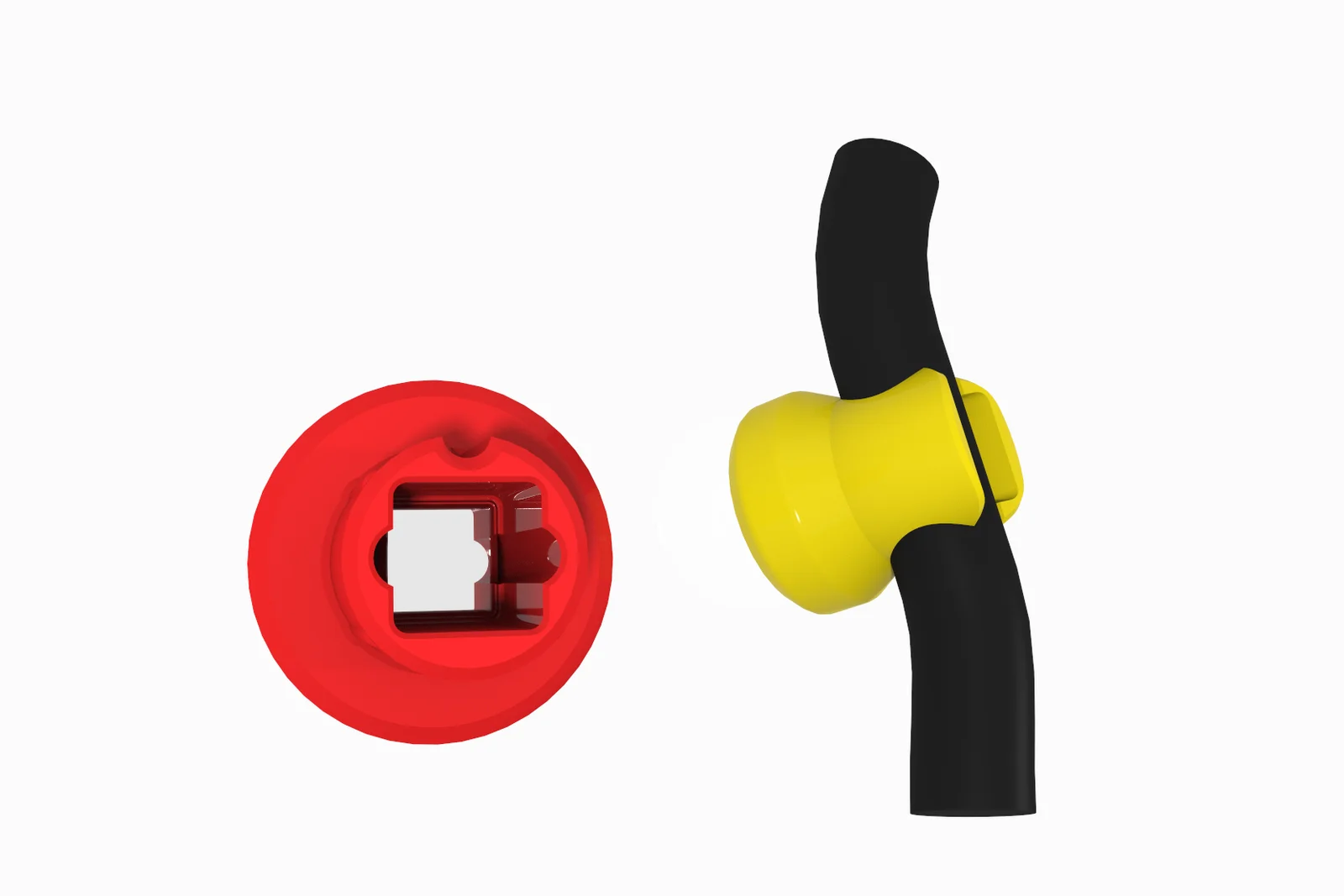
You need two magnets (5x5mm *) for the Magnetic Charger Plug. They are simply pressed into the Charger Plug and the Plug Remover, where they then sit tightly.
*Update 2022-06-16: New/additional version for cylindric magnets.
I recommend using PETG, or any other filament softer than PLA, for the Magnetic Charger Plug. A plug out of PLA tends to wear down more quickly, which leads to a loose fit. You might have to use a Stanley knife or sandpaper and rework the printed Plug a little bit, so, it sticks inside the socket, while being removeable with the Magnetic Plug Remover. For the Magnetic Plug Remover, any filament should work. The plug remover is meant to be clipped onto the charging cable.
I take no responsibility for any damages on your board.
ByMFTuningLikes153Downloads1.8K

 ByMaverick0197Likes161Downloads1.3K

 ByMauroVanDerG_4110408Likes378Downloads2.7K

 ByAdamSwintLikes83Downloads340

 Byclad-coral2Likes0Downloads372

 ByCubaLibreee_2869176Likes125Downloads1K

 By3d-finesseLikes0Downloads147

 ByDylanBermejo_3971567Likes12Downloads109

 ByXDr4g0nXLikes198Downloads831

 By3DMasonLikes0Downloads115

 ByCreativeKari_4457452Likes10Downloads81

 Bykeith-treezLikes0Downloads143