



Argus - Motorized Microscope Motion System - Focus Stacking & More!
 ByMandicReallyLikes0Downloads136
Build another version of this model.
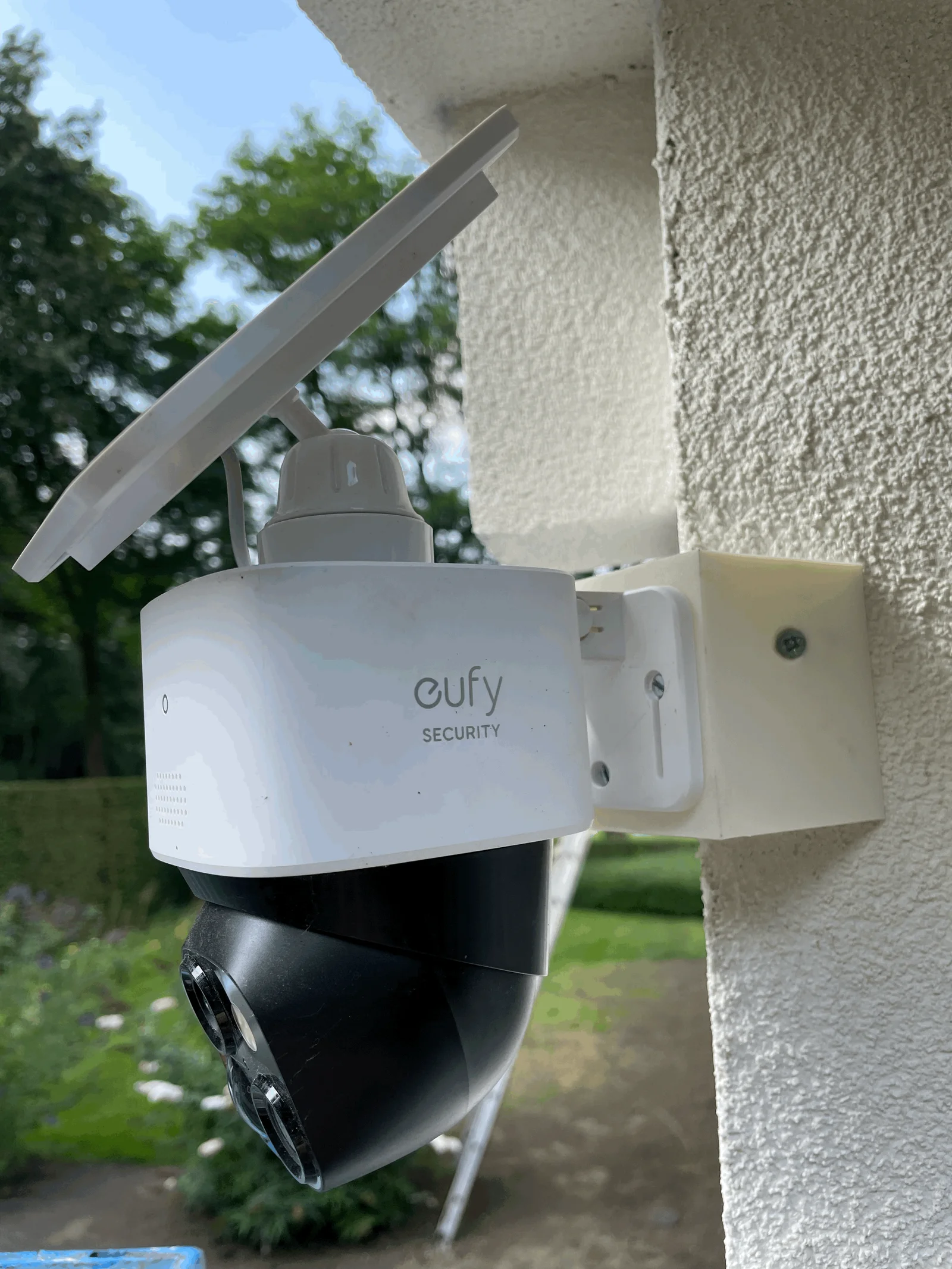
Achieve optimal camera angles and maximize your surveillance coverage!
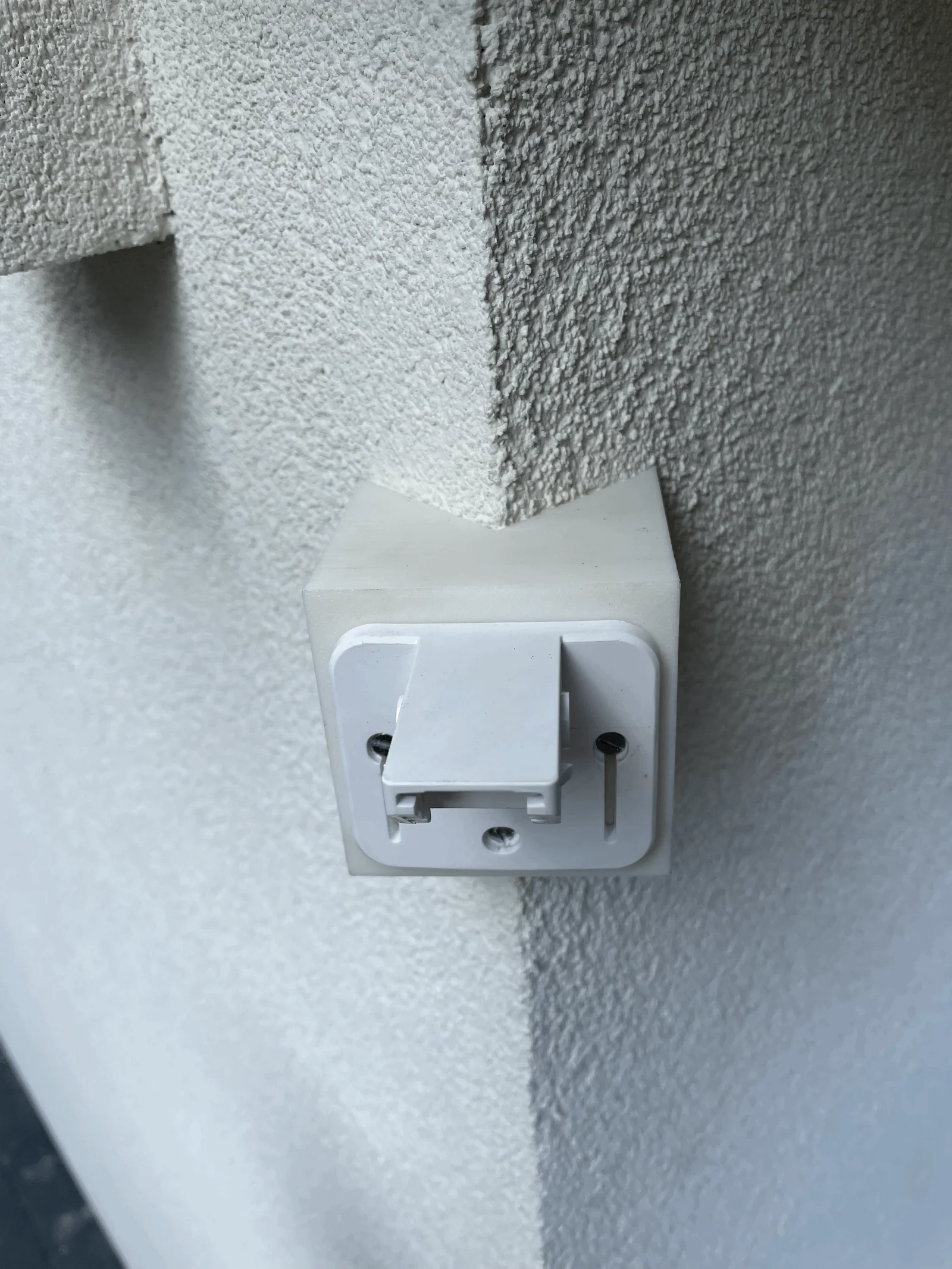
Transform your Eufy Solo Cam S340 into a versatile corner-mounted security device with this custom-designed 3D printed corner mount.
Make sure to use filament that can withstand outdoors!
Printing instructions:
Mout / Install instructions:
Done and dusted!
Non-3D printed parts needed:
ByMandicReallyLikes0Downloads136

 ByNK01_3850118Likes13Downloads214

 BynasikLikes0Downloads272

 ByBrokentooth_designsLikes30Downloads225

 BycharlieLikes0Downloads116

 ByckthLikes148Downloads2.4K

 ByvideograndpaLikes36Downloads285

 ByJwidessLikes34Downloads375

 ByjbfishLikes5Downloads79

 Bynexgen-3d-printingLikes0Downloads394

 ByBaGooNLikes64Downloads142

 ByjoranLikes0Downloads211