



Kẹp giữ sợi Filament
 Bytinx_1344834Likes1.2KDownloads6K
Build another version of this model.
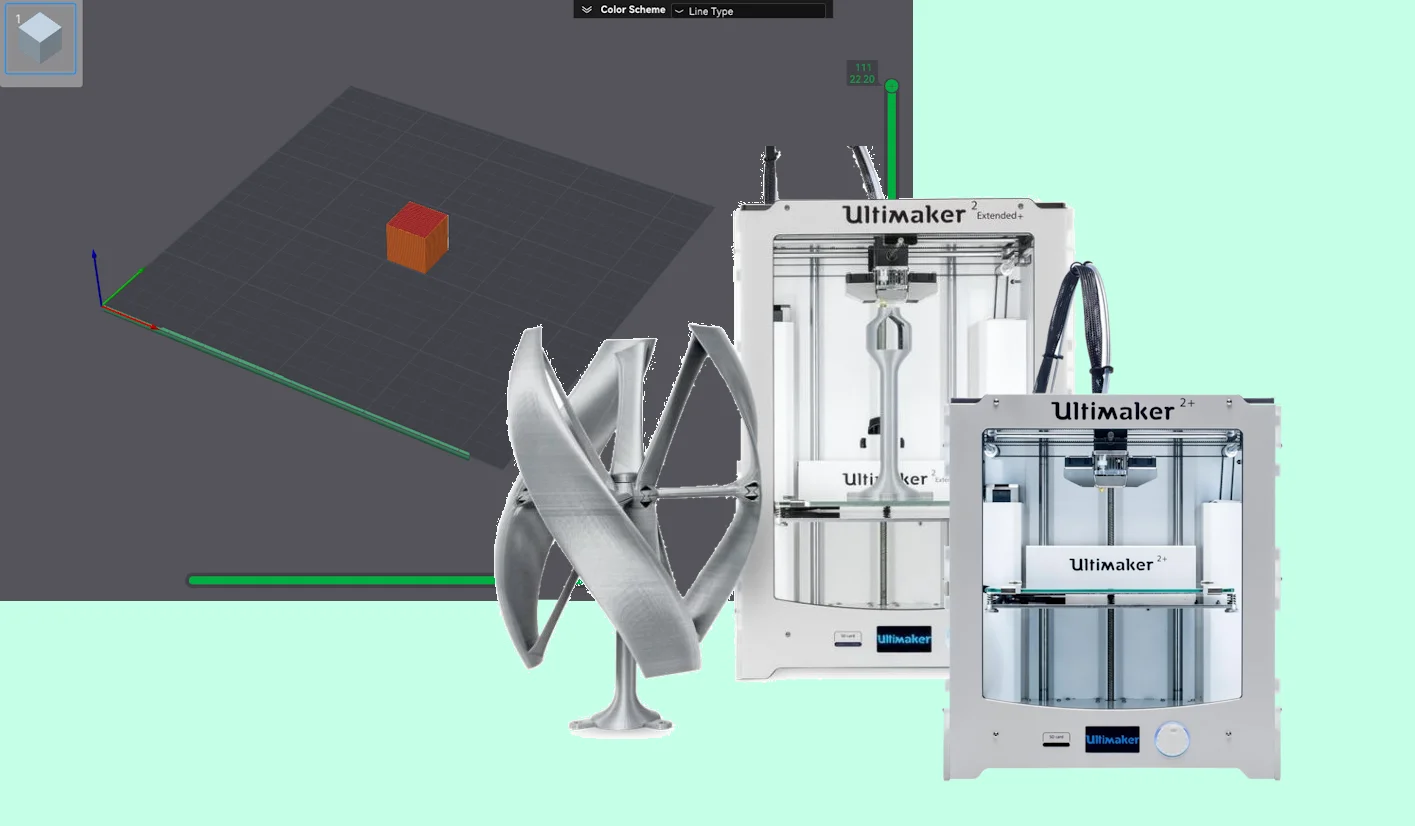
The reason why I did this is because normally if you add the Ultimaker 2 Extended + to Ultimaker Cura, it won't let you adjust the settings for retraction that are most important (retraction speed and retraction distance).
Normally when you try to print with the default profile for the Ultimaker 2 that is in the Bambu Studio program presets, you will get an error on your printer that says something along the lines of “error: tried to print outside of area”.
I changed the starting G-Code so that the starting line starts correctly on the buildplate and doesn't collide with the buildplate brackets.
HOW IT WORKS:
Happy printing!
Bytinx_1344834Likes1.2KDownloads6K

 ByreddLikes216Downloads2.2K

 ByJasonOlliff_519145Likes241Downloads2K

 Byprusa-researchLikes0Downloads777

 Bypjs37Likes0Downloads152

 Bygafyx3dLikes0Downloads117

 Byduo3dprintLikes0Downloads150

 ByswimLikes0Downloads106

 ByhumebeamLikes0Downloads123

 Byarhi_585078Likes64Downloads540

 By3d-mmakerLikes0Downloads111

 ByHanzo3dLikes155Downloads413