



Mẫu gảy đàn Guitar (Guitar Pick) in 3D tùy chỉnh độ dày
 ByWolf_115355Likes513Downloads8.4K
Build another version of this model.
Update 11/10/2024: I will be uploading an updated version of this model this weekend (After I fully test everything), I have a new rear battery cover with a built in power switch, as the soft off for the V3 still chews power, and I have added ventilation to the main case as the V3 gets a little toasty over time, probably not an issue for some, but here in Australia, things get warm pretty quickly, probably related to its excessive power usage, the switch cover is still compatible with the old main body, so you don't need to print the new one if you just want the power switch.
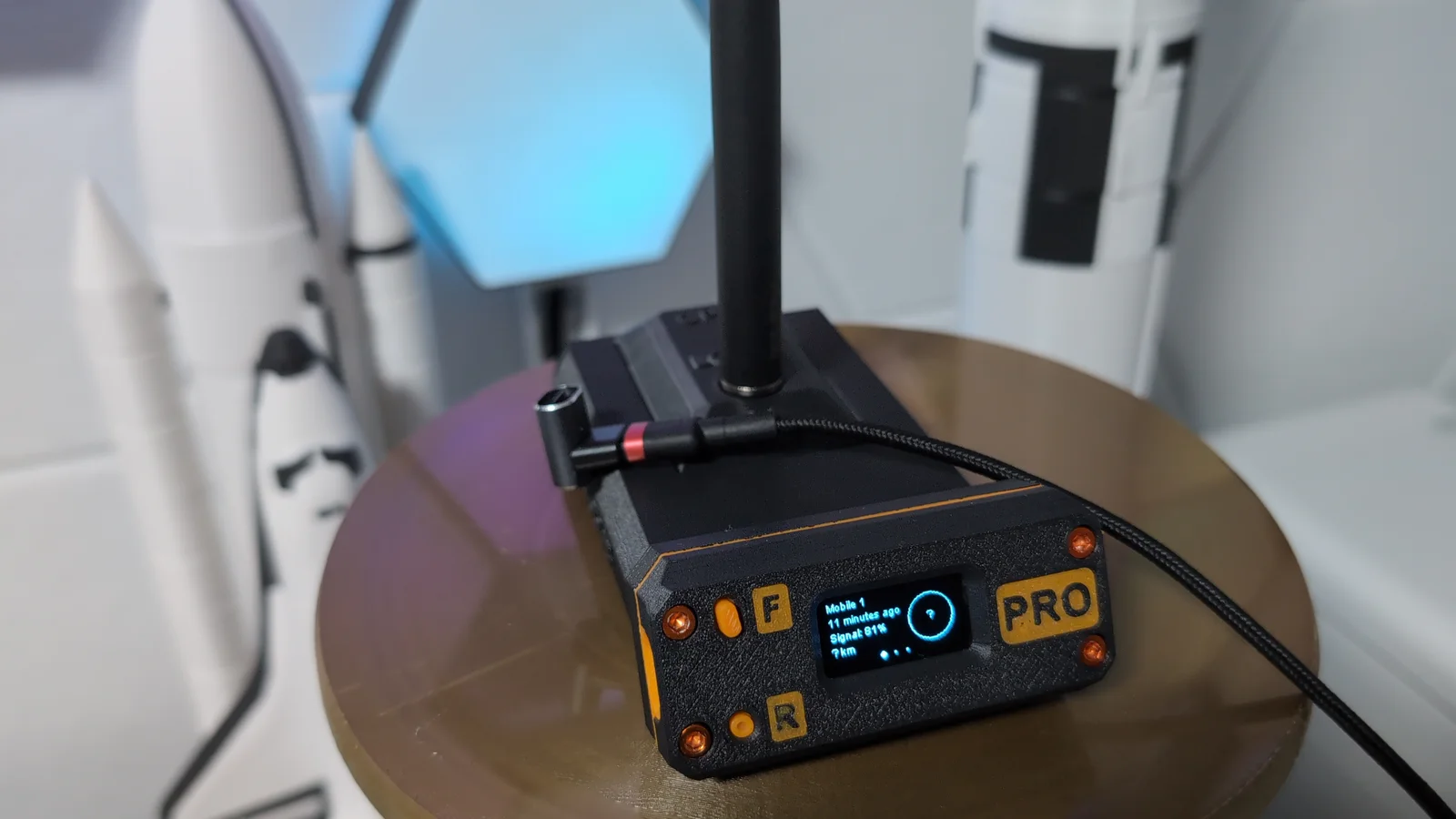
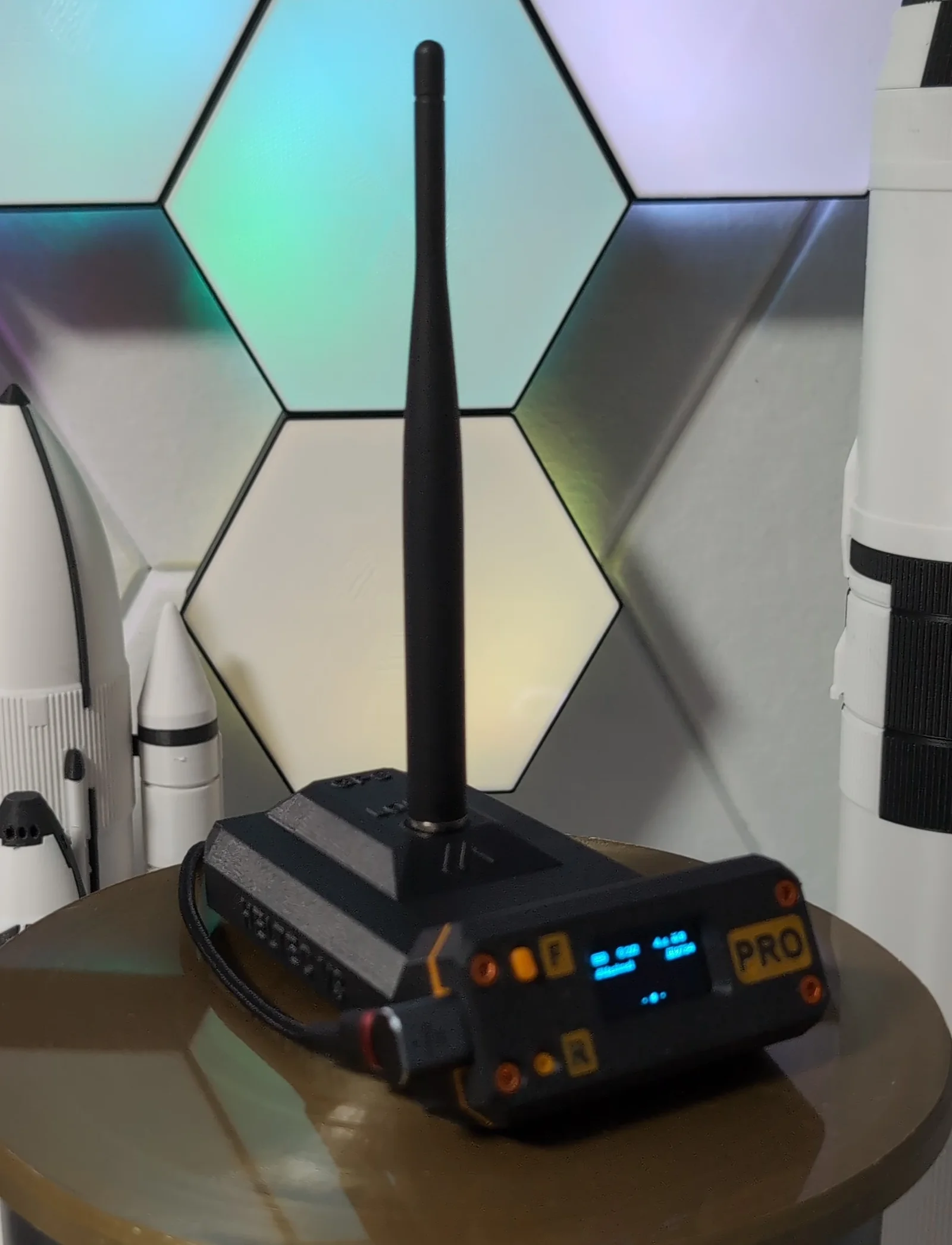
BaseStation Pro
Meshtastic ATAK Case to suit the Heltec V3
BOM:
I designed this to have a future military look to it, and I had a broken large capacity powerbank kicking around so I decided to use the battery out of it, this should allow the basestation to run for close to 24hrs, will be perfect if your going camping and want to keep track of everyone, also gives you and others a beacon to your base camp so you can easily find your way back using another Meshtastic client.
I recommend building up the Antenna array first, insert it into the main body, then slide in the battery pack, fit the V3 with the buttons into the face plate, and connect up the GPS and the battery.
Wiring up the GPS Module: I connect the VCC from the GPS board to the 3.3v on the Heltec V3, then GND to GND and TX from the GPS board to Pin 46 on the Heltec V3, and set that Pin in the Meshtastic Android/IOS App under the GPS settings and it should fire up and work, if you have trouble, please drop me a comment and I will assist if I can.
Just use some Superglue to stick the base to the main body, I have already put holes in it for heat inserts if required, I have provided an image with dimensions on it if you would like to make a custom mount if you wish to install this in a vehicle, I have also included an optional TPU foot.
I have provided files for multimaterial, each part is in separate folders, and for example, the face plate has all the additional files for the accents, just drag them all into the slicer together, and load as one item with multiple parts, then you can change the colour as for each part.
ByWolf_115355Likes513Downloads8.4K

 ByZED4EverLikes313Downloads5.2K

 ByVC_DesignLikes271Downloads750

 ByfifindrLikes500Downloads4K

 Bymrfixit_324954Likes65Downloads472

 ByDan Schwartz SchwartzLikes744Downloads3.4K

 ByBrokentooth_designsLikes83Downloads447

 ByUpcrid3D_1585693Likes808Downloads2.1K

 ByAdam Záhořák ZáhořákLikes39Downloads251

 ByWilko_SLOLikes935Downloads2K

 Bychubbs8697_2027893Likes585Downloads1.7K

 Byquibeck_3353173Likes965Downloads1.9K