



Grippy Broom Holder
 Byvc-designLikes0Downloads3.2K
Build another version of this model.
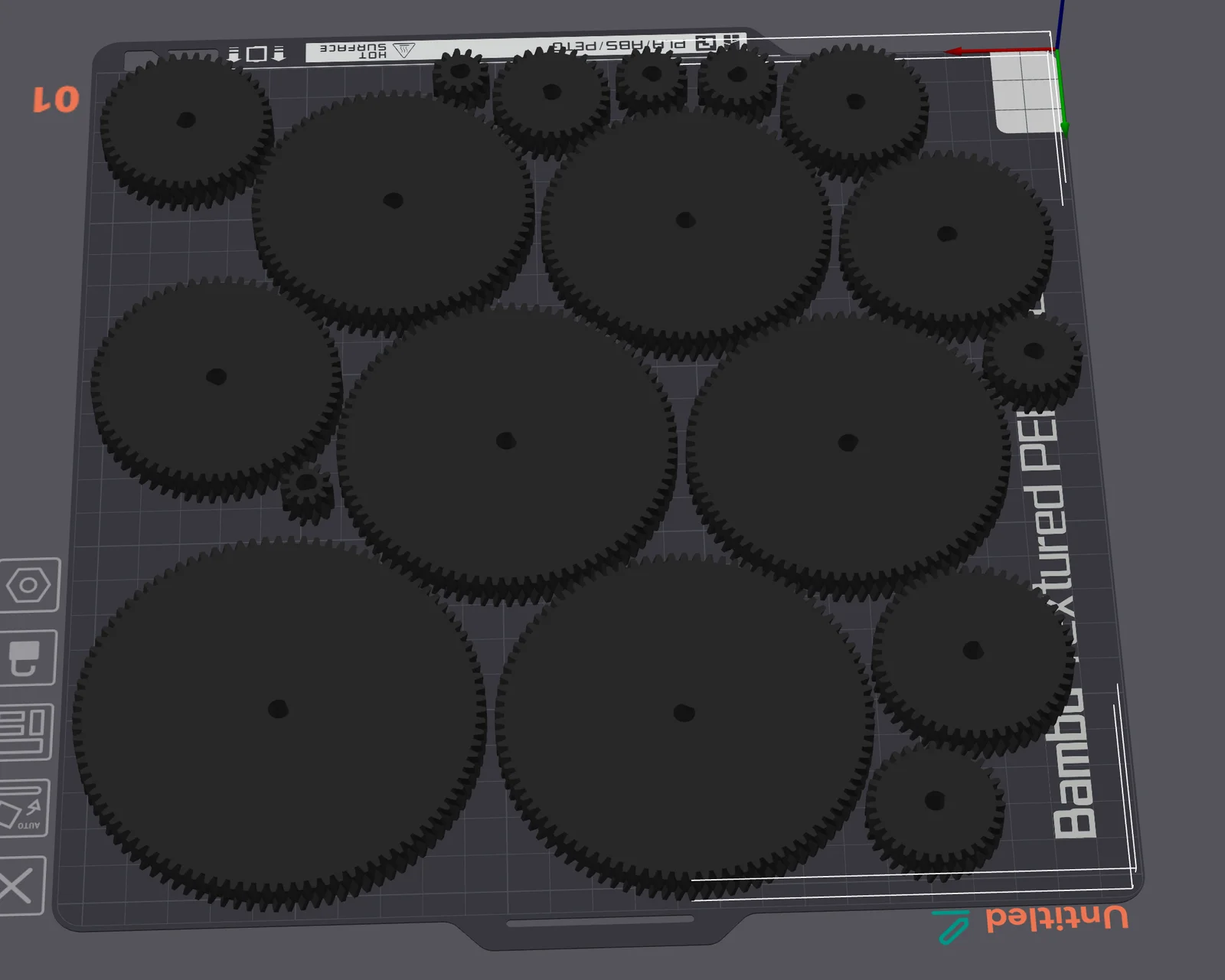
For a project, I required gears. My 3d modelling program (Shapr3d) does not support generating gears, so I had to search for existing models (creating them by hand is quite tricky, especially when they should reliably mesh).
I could not find any collection of gears that provided step files (stl/3mf are difficult to work with in most 3d modelling programs). There exist some that can be used to create stl/3mf files:
For Fusion360, there exists a plugin that can be used to generate gears https://apps.autodesk.com/FUSION/en/Detail/Index?id=1236778940008086660 and that is what generated the gears I uploaded here.
The gears were generated with the following settings:
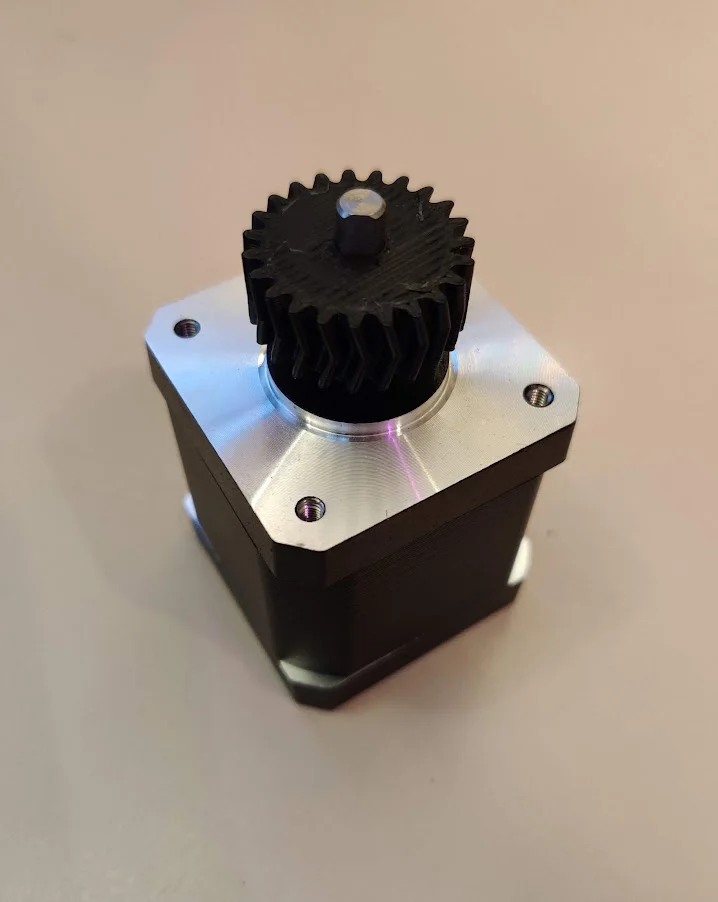
There is one version where the gears are without holes in the center, and one that should fit on a Nema 17 motor.
The distance between two gears can be calculated like this:
(m * N1)/2 + (m * N2)/2
where m is the module, here it is 1, the N1 is number of teeth of the first gear and N2 the number of teeth for the second gear.
For example to mesh a gear with 11 and 41 teeth. You would calculate: (1 * 11)/2 + (41 * 1)/2 = 26.5mm
Byvc-designLikes0Downloads3.2K

 ByfifindrLikes500Downloads4K

 BySeppoTakaloLikes960Downloads1.9K

 Byrb_200934Likes48Downloads1.1K

 ByleonicLikes0Downloads1.4K

 ByZED4EverLikes313Downloads5.2K

 ByVC_DesignLikes679Downloads3.6K

 ByKNIN_CustomLikes112Downloads439

 ByDan Schwartz SchwartzLikes744Downloads3.4K

 Bythorin-oakenshieldLikes0Downloads529

 ByUpcrid3D_1585693Likes808Downloads2.1K

 ByWilko_SLOLikes935Downloads2K