



Bộ 34 bông tuyết có khoen treo (Snowflake) / Kolekce sněhových vloček s očky
 ByCraftswomanczLikes3.8KDownloads15.7K
Build another version of this model.
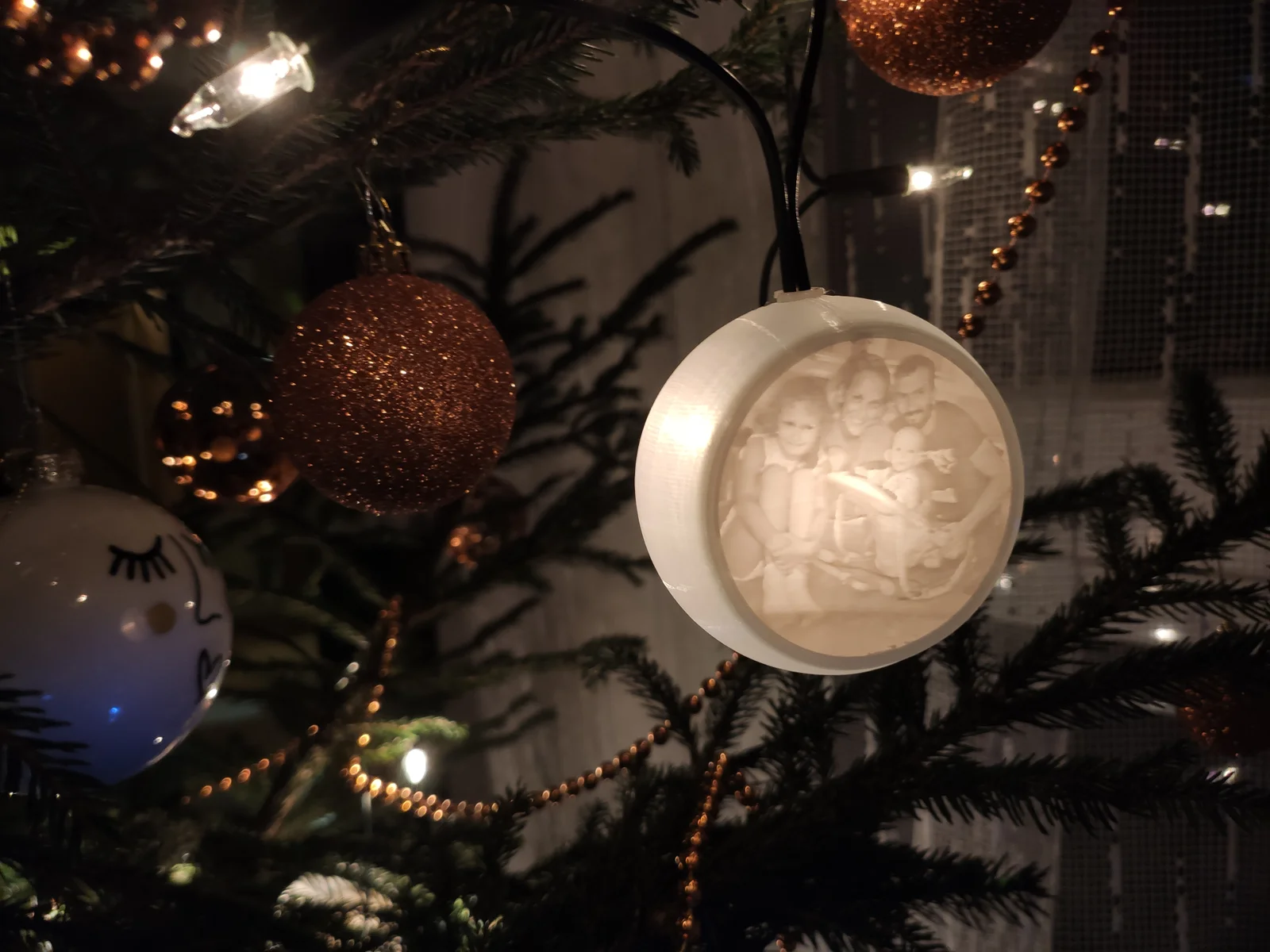
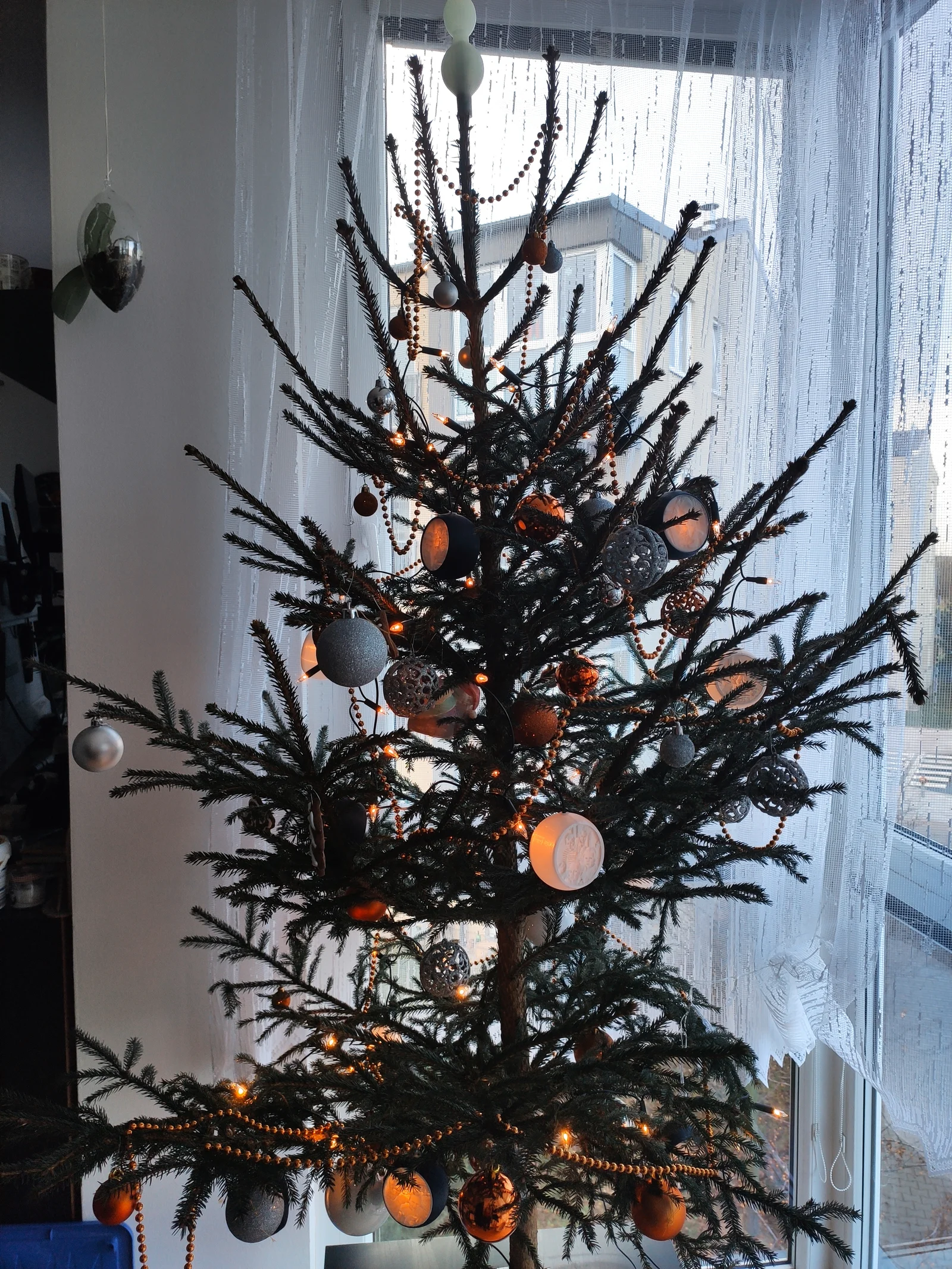
I created ornaments with family photos (lithophane) that attach to a light chain. I planned to add a few to the light chain each year.
I also created a second model so that the ornaments could be used on their own without the light chain. A 35mm or 38mm diameter led tea light candle will provide the light for the ornament.
!! I haven't had a chance to print the candle version yet. I cannot guarantee the quality of the model. I will try to provide photos or improvements as soon as possible (as soon as I am released from the hospital).
Litophane Maker url
https://lithophanemaker.com/Lithophane%20Tag.html
The ornament itself is printed without supports. Since the lithophane is printed in portrait, you will have to secure it with supports. The lithophane has a diameter of 60mm, but it is better to use 59,6mm values.
Ornaments:
Litophane:
Ornament for light chain
First, insert the lithophane inside the ornament. Insert perpendicularly - the ornament will spread a little - use a little force
Step 1: Insert the lithophane inside the ornament into the groove
Step 2: Insert the second lithophane into the groove on the outside of the ornament
Step 3: Insert the light chain bulb into the hole in the ornament. Place the fuse on the light chain wire and insert it into the hole. Pull the light chain back a little.
First, insert the lithophane inside the ornament. Insert perpendicularly - the ornament will spread a little - use a little force
Step 1: Insert the lithophane inside the ornament into the groove
Step 2: Insert the hook holder from the inside
Step 3: Insert the hook
Step 4: Light and insert the iced tea light
Step 5: Insert the second lithophane into the groove on the outside of the ornament
Circular Lithophane Maker is used to create lithophane
https://lithophanemaker.com/Lithophane%20Tag.htm
For greater lithophane strength, set at least a 2mm frame.
Insert a photo and set values similar to the picture... Litophane is printed vertically
ByCraftswomanczLikes3.8KDownloads15.7K

 ByanalogicparadoxLikes177Downloads697

 ByMaxTLikes527Downloads1.7K

 Bymijo11Likes41Downloads220

 ByTheBearLikes91Downloads186

 By3DxDTLikes229Downloads794

 ByAmalthea_559742Likes125Downloads960

 ByTomekLikes189Downloads509

 BymeafdesignsLikes830Downloads2K

 ByDanielKLikes76Downloads397

 ByNyndroth_1844449Likes430Downloads1.5K

 ByBastianSaldi_4042402Likes36Downloads330