




Pocket-Size Third Hand Mini Spring Loaded Vise
 ByrjunLikes0Downloads304
Remix of Giá đỡ thẻ Tufty 2040 cho màn hình TFT By biglesp_306462
Build another version of this model.
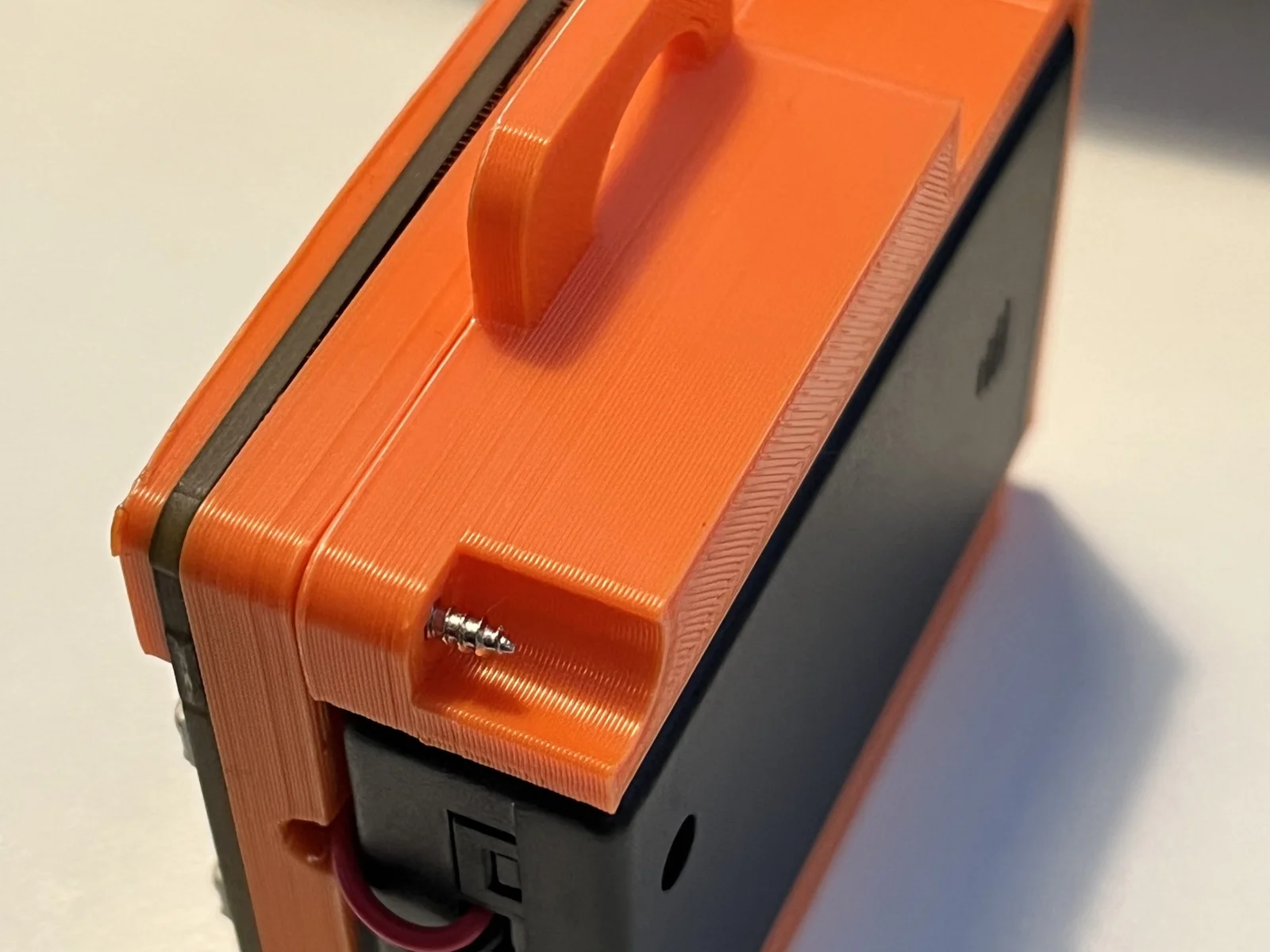
The Pimoroni Tufty 2040 Badge + Accessory Kit doesn't have a good solution for securing the battery case beyond some velcro stickers. There is a great model designed for semi-permanent storage of one of the LiPo battery packs (but lacking a charger, you're going to be opening the case often.
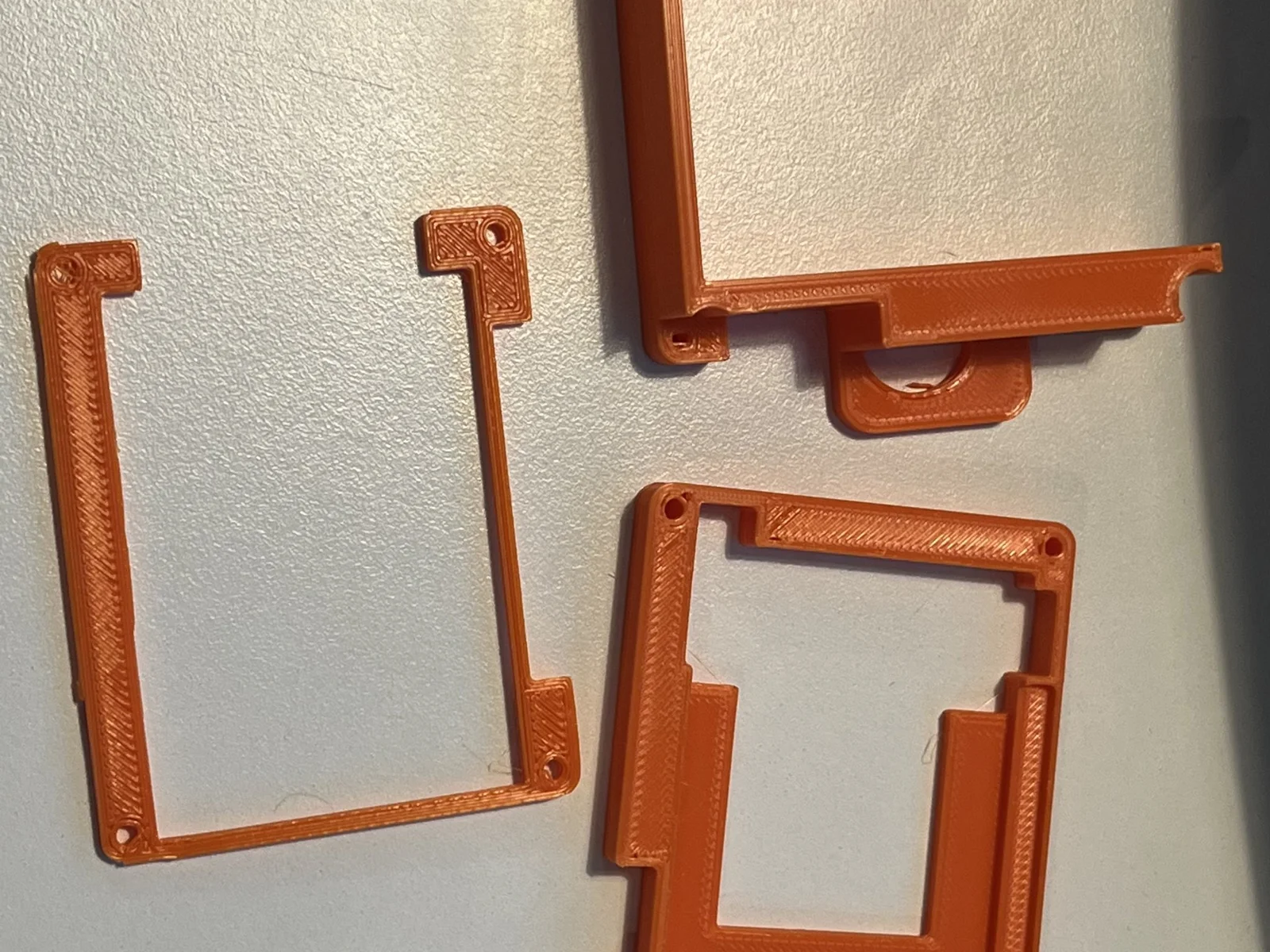
Assembly:
Enjoy!
Thanks Les Pounder for your work on the original model!
ByrjunLikes0Downloads304

 ByleonicLikes0Downloads1.4K

 ByZED4EverLikes313Downloads5.2K

 ByfifindrLikes500Downloads4K

 Bymrfixit_324954Likes65Downloads478

 Bylab-96Likes0Downloads106

 ByVC_DesignLikes679Downloads3.6K

 BymoonyxLikes0Downloads698

 ByDan Schwartz SchwartzLikes744Downloads3.4K

 ByBrokentooth_designsLikes83Downloads453

 Byvc-designLikes0Downloads3.2K

 Bythorin-oakenshieldLikes0Downloads532