



Steam Machine Companion Cube / Vỏ đựng Weighted Storage Cube
 ByJaronLikes310Downloads1K
Build another version of this model.
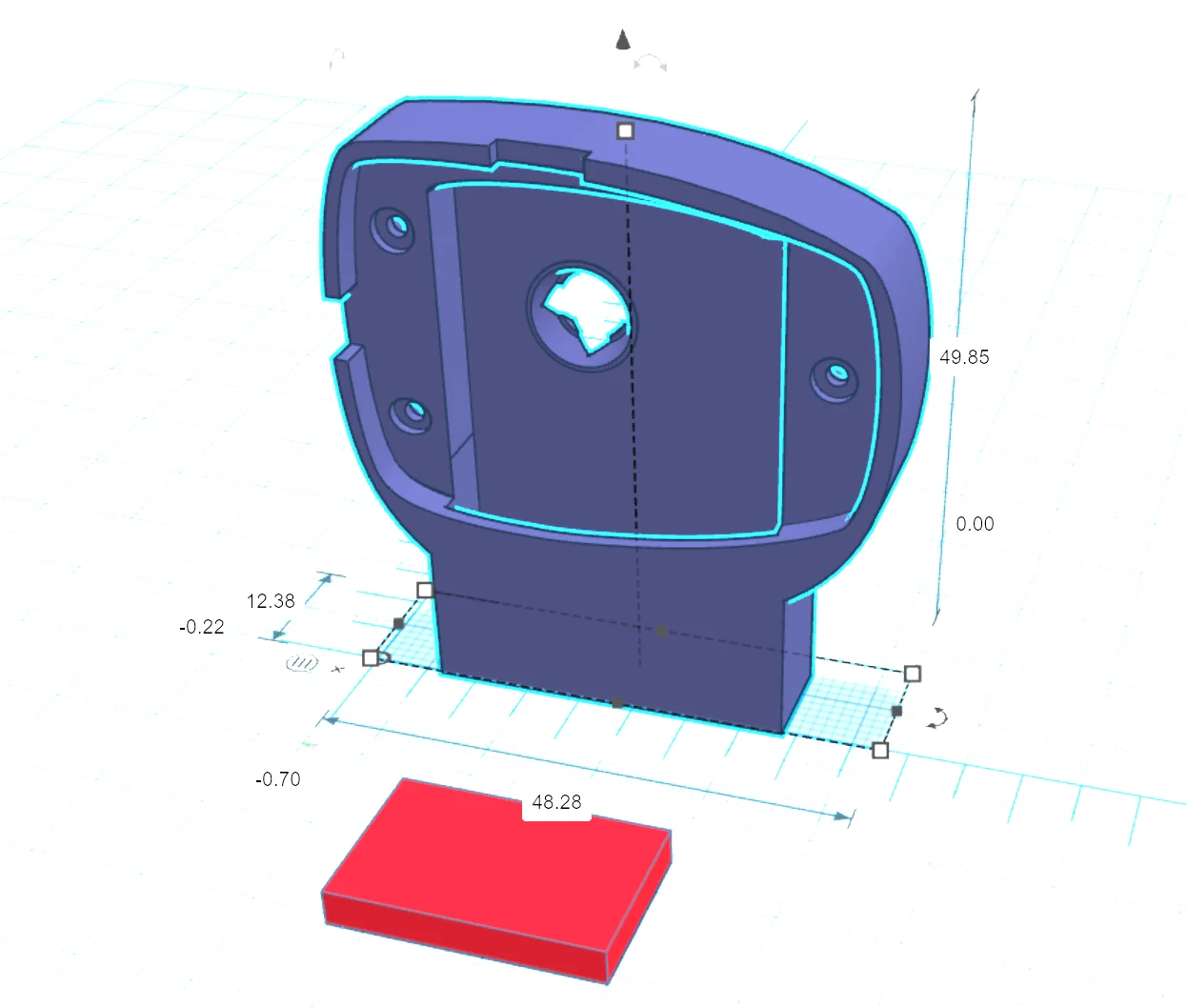
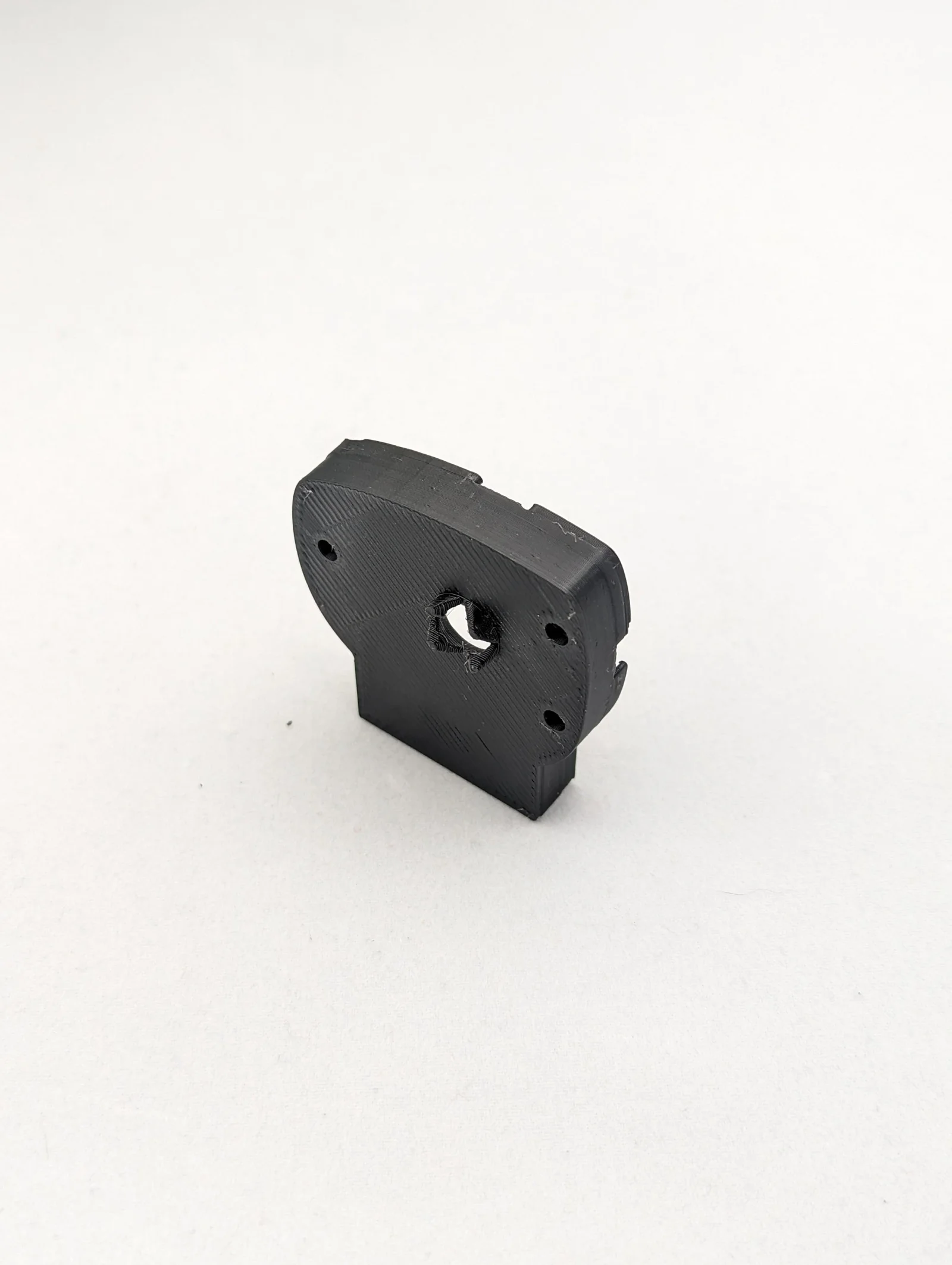
Upgrade your Antlion ModMic Wireless with this oversize battery cover that supports up to a 600mAh LIPO 503040 battery. This is a simple and easy way to extend the battery life of your ModMic Wireless by up to 200%.
Spacer is to fille the gap between the battery and pcb
To install the Antlion ModMic Wireless Oversize Battery Cover:
ByJaronLikes310Downloads1K

 BykukulinLikes77Downloads514

 ByckthLikes148Downloads2.4K

 ByTimSomeCallMeLikes35Downloads238

 ByFredRaket_1274632Likes60Downloads278

 ByKastnerd_192794Likes21Downloads226

 Byw3rN42Likes127Downloads931

 ByTurbosol_2577940Likes53Downloads89

 ByTomDDLikes89Downloads574

 ByrpservisLikes10Downloads66

 ByJwidessLikes34Downloads374

 ByAustin Wolt WoltLikes162Downloads377