



Kẹp giữ sợi Filament
 Bytinx_1344834Likes1.2KDownloads6K
Build another version of this model.
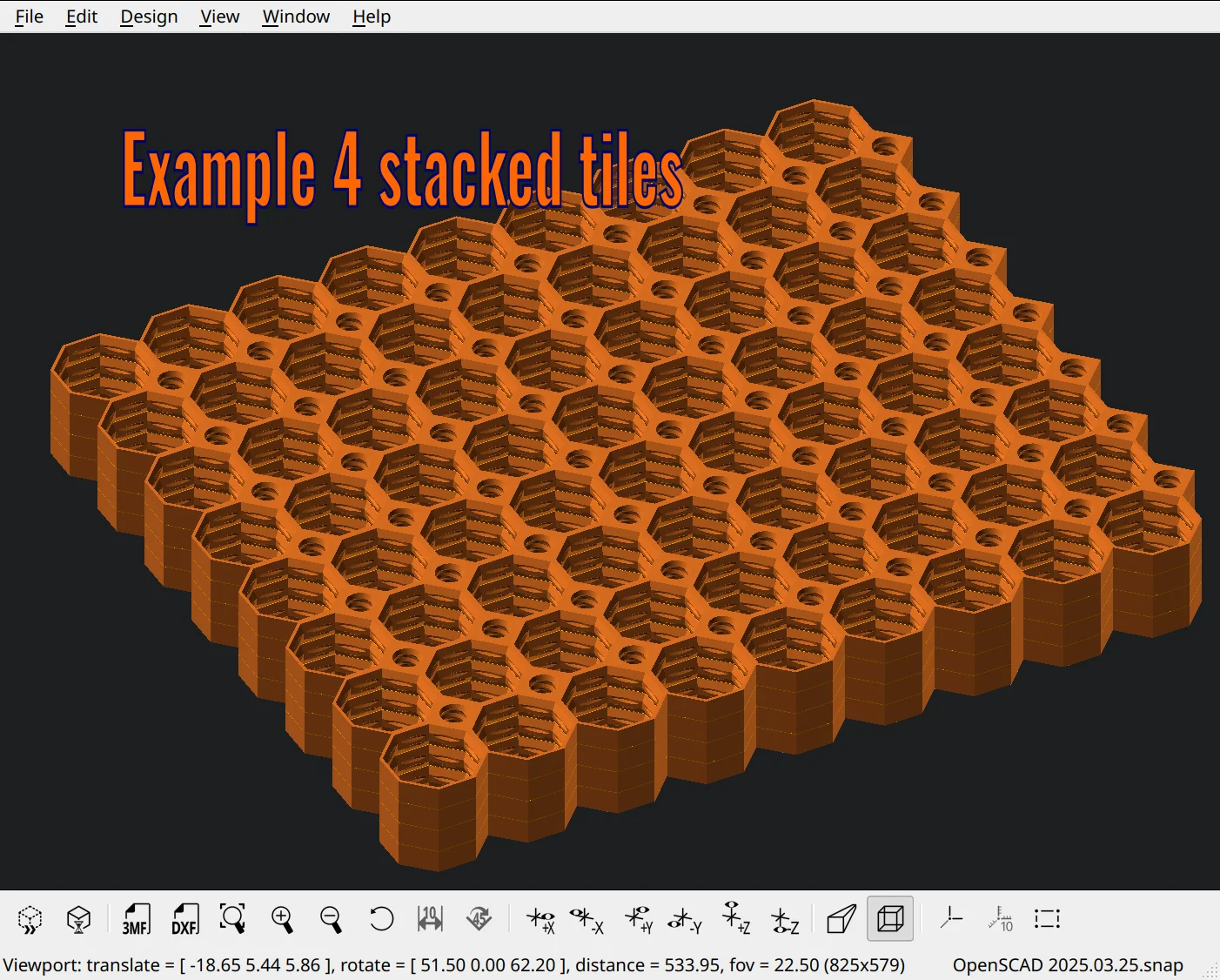
This tool lets you stack any object with a top layer sturdy enough to support another layer of itself.
Sound complicated? It’s not! 😃 For example:
✔ Honeycomb wall tiles
✔ Multiboard wall system tiles
...and more!
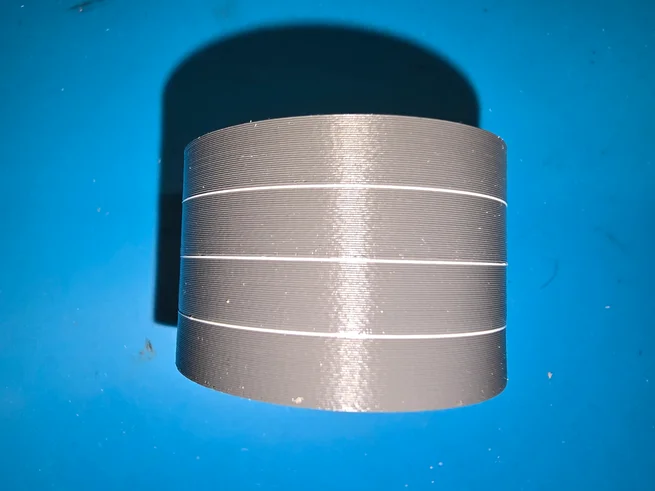
This tool harnesses the power of your printer’s AMS, MMU, or tool-changer to create a printable separation layer between stacked objects. How? By using filaments that don’t bond when printed together!
🔥 Proven Non-Binding Combos:
Try the cylinder test model to see how your favorite filaments perform.
The cloud version may face issues with models that need more resources like big tiles.
Don't use the outdated stable from 2021 use one of this:
https://openscad.org/downloads.html#snapshots
Now go stack smarter, not harder! 🏗💡
Bytinx_1344834Likes1.2KDownloads6K

 Byprusa-researchLikes0Downloads2.7K

 Bypjs37Likes0Downloads155

 Bygafyx3dLikes0Downloads121

 Byduo3dprintLikes0Downloads152

 BylaserbaconLikes0Downloads171

 Bylk-3d-printsLikes0Downloads206

 ByswimLikes0Downloads108

 Byarhi_585078Likes64Downloads541

 ByleopoldmozartLikes0Downloads136

 By3d-mmakerLikes0Downloads114

 Bynadir-cn3dLikes0Downloads110