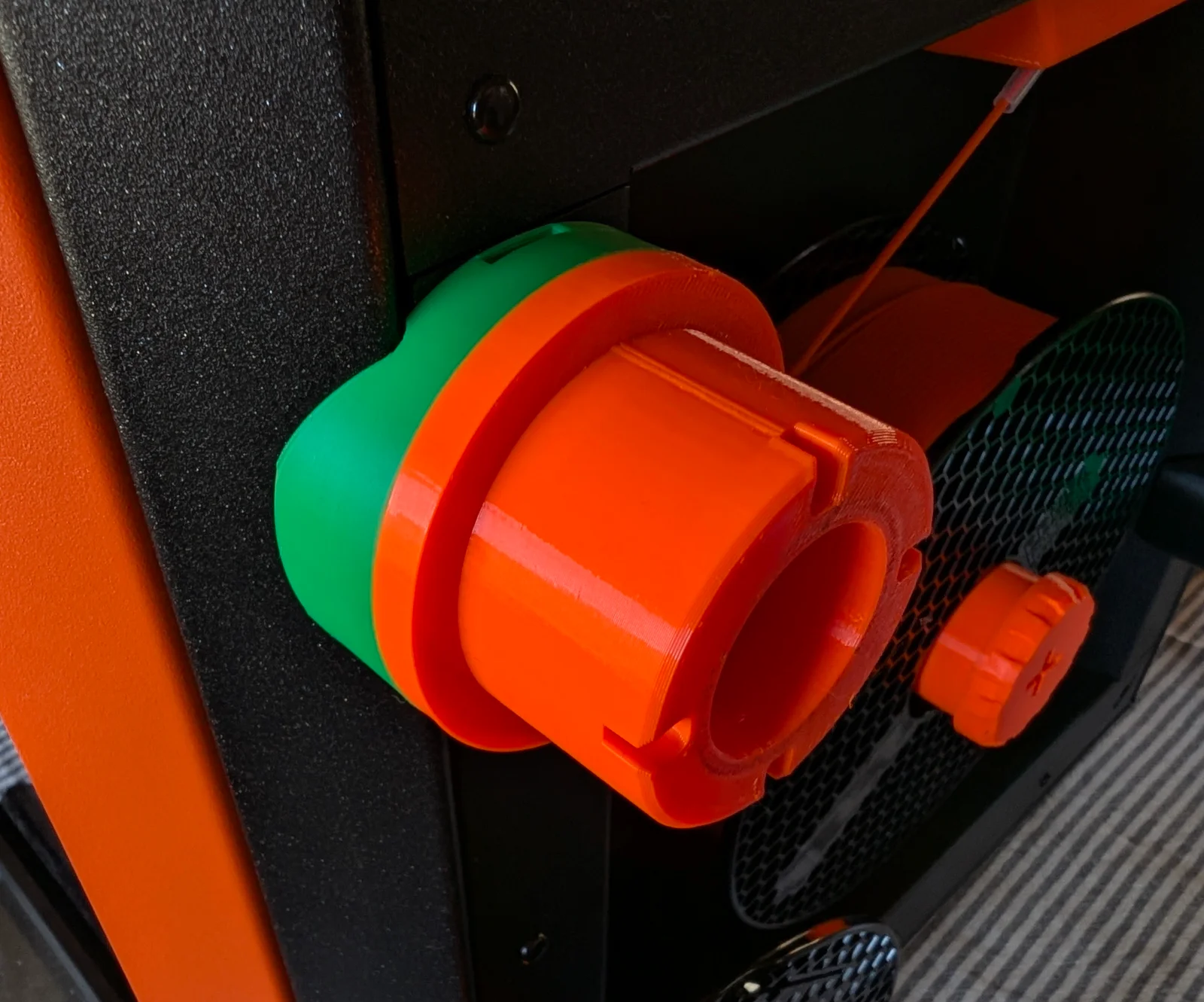


PRUSA Core One+ swingarm flex extension
 ByduellmpLikes0Downloads108
Build another version of this model.
The Spool-holder is required, from below, for the accessories.
M3 x 10 (x4) screw
M3 x 20 (x1) screw
M3w (x1) washer
M3nL (x1) lock nut
Puck Universal R1 (Prusa Original, the orange one)
COREOne_Accs_SpoolBase_RightSide (under Files), (the green one)
M3n Helper (COREOne_Accs_Tool_M3nL under Files)
M3 x 20 (x1)
M3w (x1)
M3nL (x1)
M3nL Tool helper
The M3x20 screw and the M3w washer into the orange part
Remove the plastic rivet where you want to mount the holder
There is space for two spools at the front and two at the back. The ones at the back are not as easy to access from the inside
Use the Nut-Tool-Helper to hold the nut on the inside
Please note that there are slots inside the green part with room for 2 pcs 10 x 2 mm magnets on each side.
Could be useful with at least one when attaching to the chassis
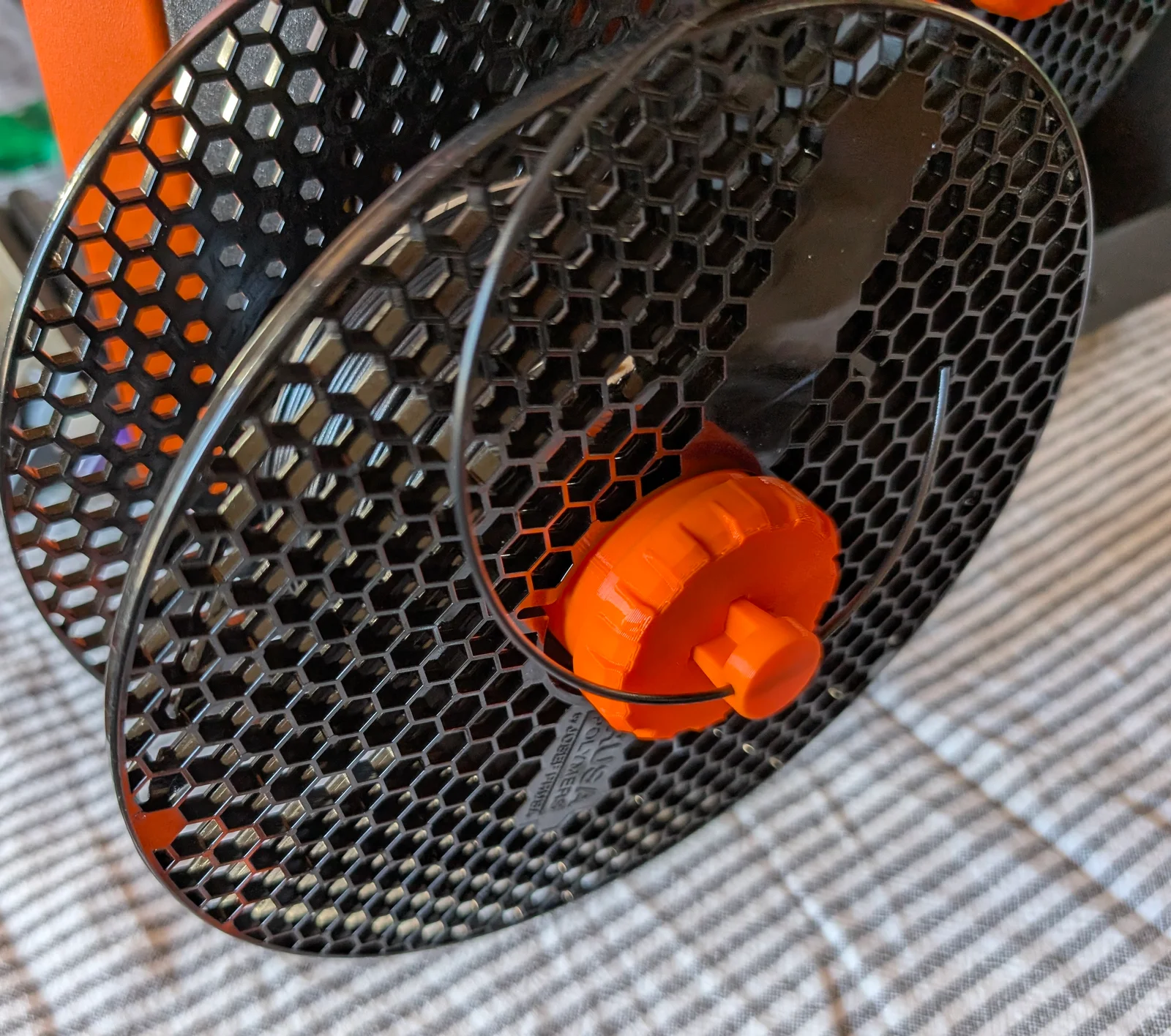
The small add-on/accessory (the black part on the outside of the orange handle) is a holder for the filament when it’s not in use
Also see...
ByduellmpLikes0Downloads108

 Bytinx_1344834Likes1.2KDownloads6K

 Byprusa-researchLikes0Downloads2.7K

 BydjcodyLikes1Downloads15

 ByBretDorssers_4183352Likes19Downloads58

 Bypeter-van-der-waalLikes0Downloads261

 BythomersLikes0Downloads119

 BynasikLikes0Downloads127

 BykingnothingLikes0Downloads188

 Byp3rr1ff3ryLikes0Downloads155


 By3DSourcererLikes48Downloads386