


Kẹp giữ sợi Filament
 Bytinx_1344834Likes1.2KDownloads6K
Remix of Nắp che toolhead Qidi Plus 4 By GUNgrel_388409
Build another version of this model.
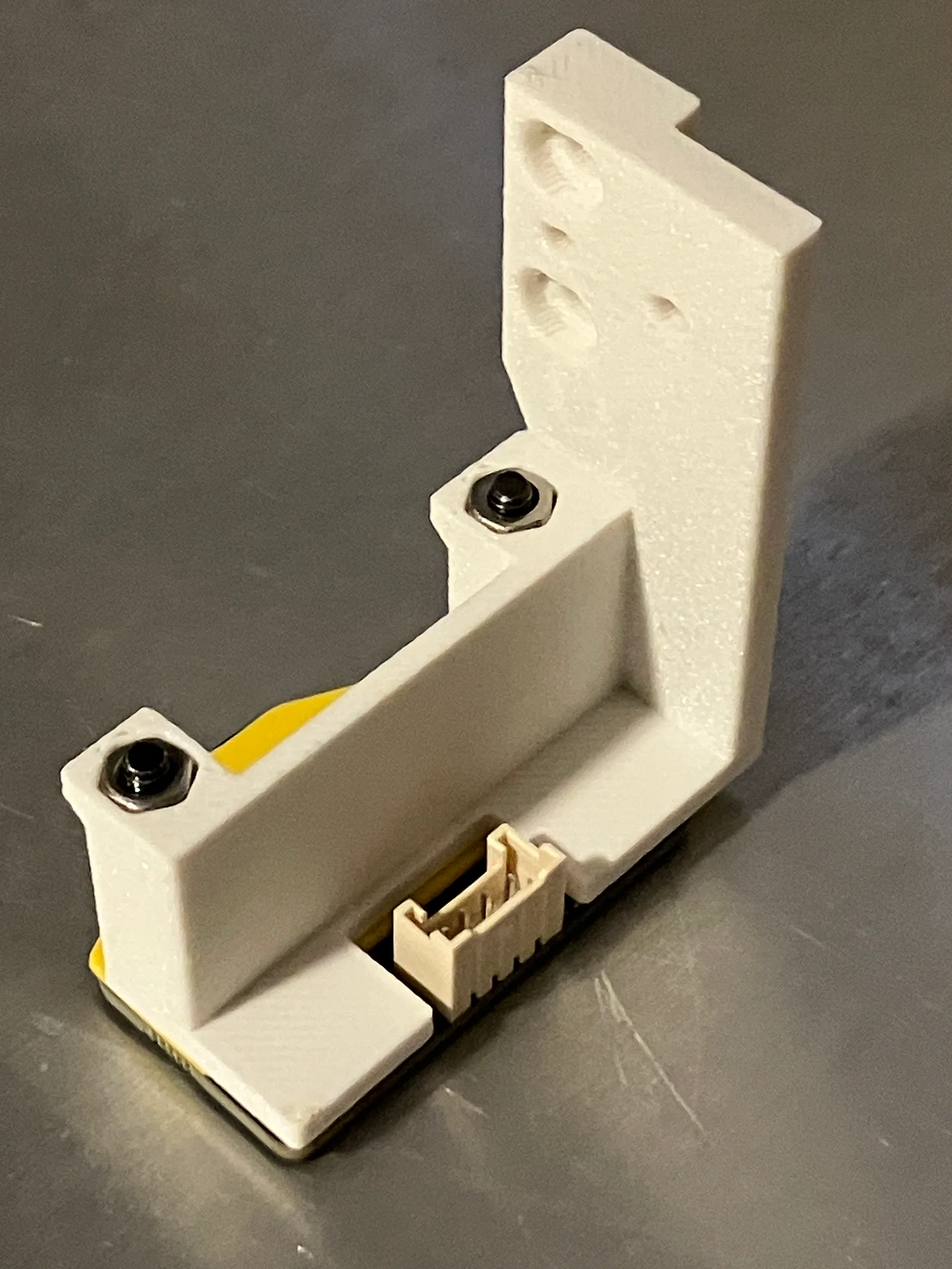
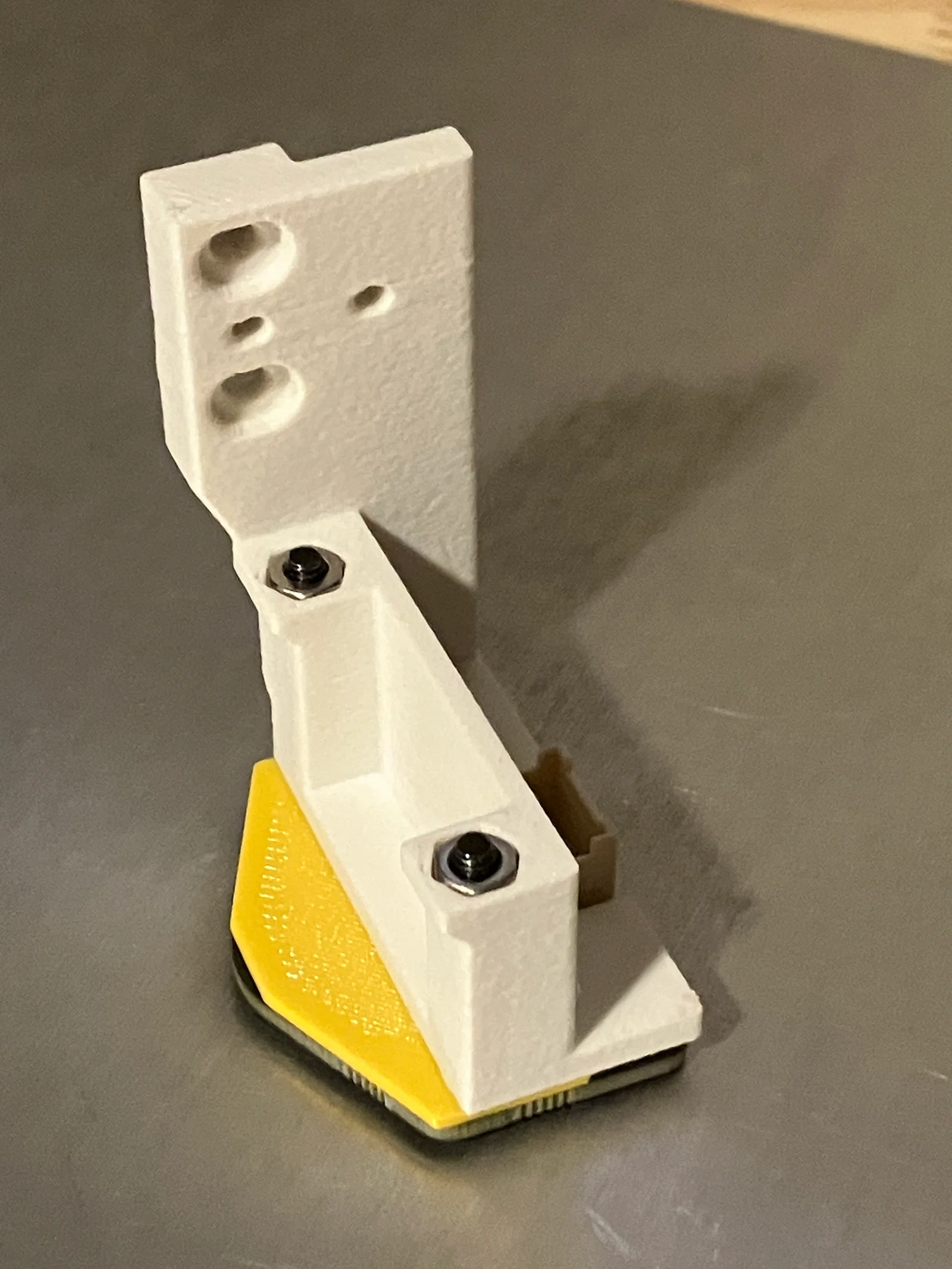
I greatly appreciate the work that stew675 did to create a Beacon mount and code for the Plus 4 printer. I found that the mount was compciated to install and blocked the front view to the nozzle. Swapping nozzles and removing the little access door to clear clogs was also blocked by the mount.
I found a way to mount the probe in the same location as the original Qidi probe. It took many iterations to stay within the right edge, clear the part cooling fan duct, and be as close to the nozzle as possible.
*The shim is MANDATORY to provide clearance for the electronics on the top of the beacon.
Print the three parts (I used ASA-GF filament for the probe mount)
Install the beacon with the the 1mm shim to the mount using the longer bolts provided by Beacon, using two M3 nuts
Remove the factory probe
Install the Beacon probe
Route the USB cable to the main board per instructons by Beacon and stew675
Modify your cfg files following the guide by stew675
The probe location is:
X (+) 18.6 (to the right)
Y (-) 10.6 (forward)
** The cover was remixed to open the front for unobstructed viewing of the nozzle and provide attachment to the probe mount on the right side. The magnet is optional.
Bytinx_1344834Likes1.2KDownloads6K

 Byprusa-researchLikes0Downloads2.7K

 Bydet-manLikes0Downloads176

 Bygummiegecko8477Likes0Downloads168

 Bychukwufumnanya-arinzechukwuLikes0Downloads153

 BydalleLikes0Downloads151

 BynasikLikes0Downloads122

 Byarhi_585078Likes64Downloads547

 ByHanzo3dLikes155Downloads417

 BydarienLikes0Downloads1K

 ByGeek5DLikes147Downloads491

 ByBrokentooth_designsLikes23Downloads412