




Thùng rác in Vase Mode
 BybobmakesLikes2.5KDownloads17.5K
Build another version of this model.
If you're encountering interference with the labels and cables, @darkspeedy26 created an awesome label guide:
https://www.printables.com/model/472863-label-guide-for-thermal-label-printer-stand-suppor
Edit 22 Aug 22: Updated roller and roller pin dimensions for better fit/performance
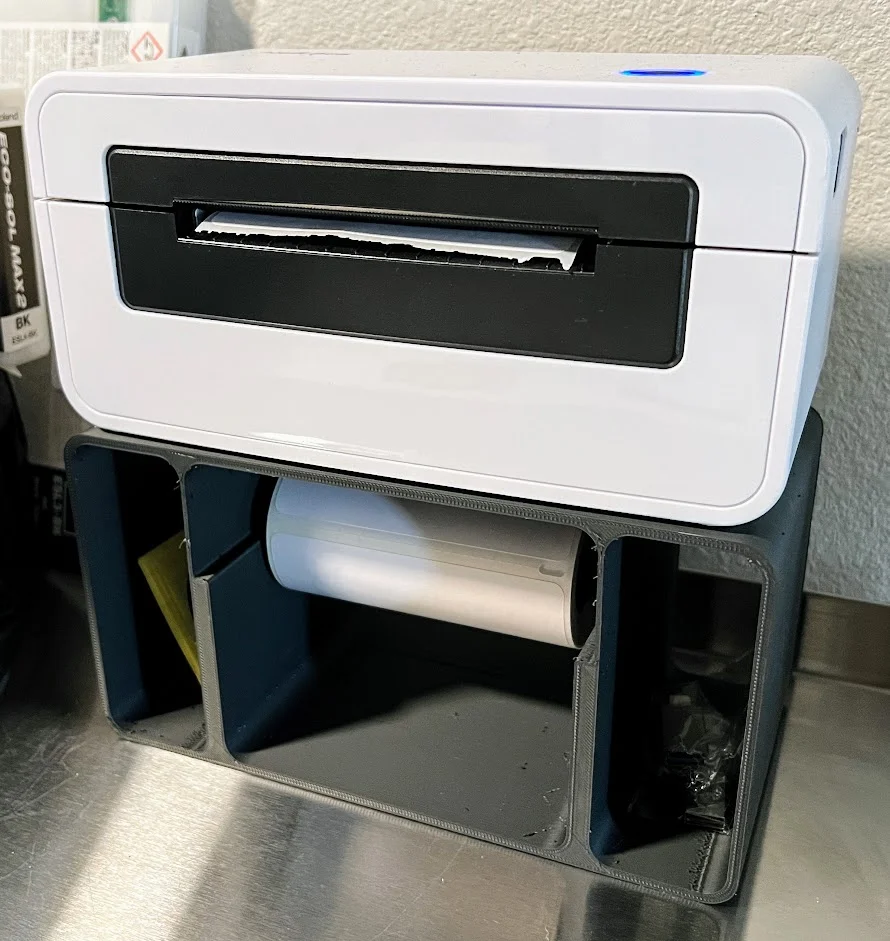
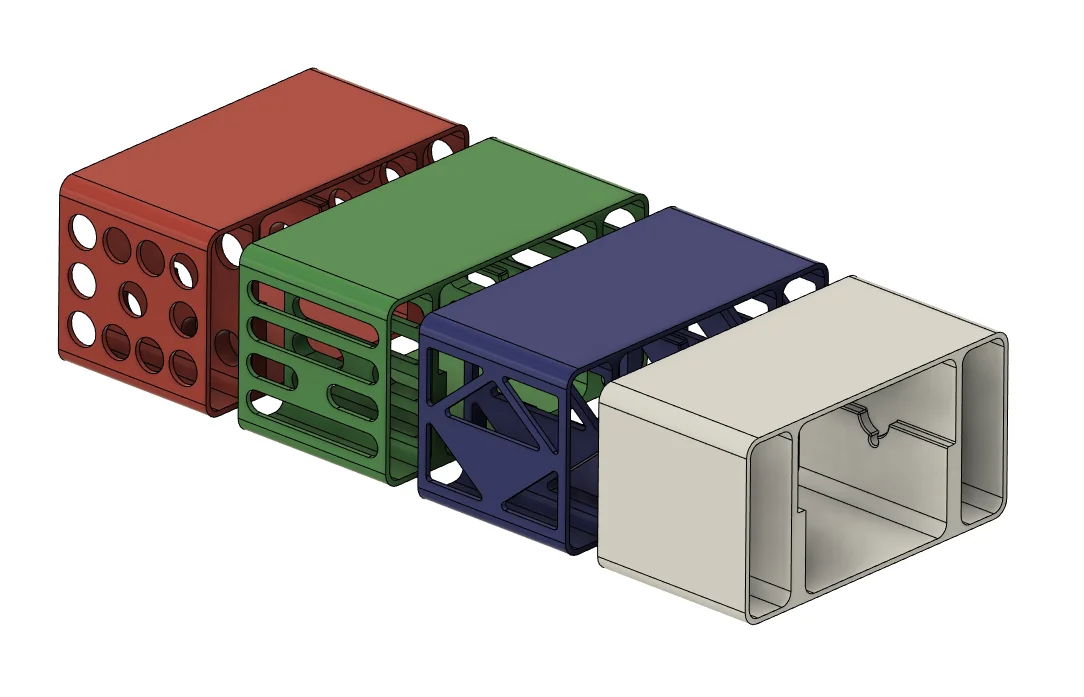
After trying some of the other label printer stands on here, I either wasn't satisfied with the design or how they printed. It was time for me to take… a stand. Make a stand. I meant make a stand.
Key criteria for this design:
BOM
Filament Material
Printing/Assembly
BybobmakesLikes2.5KDownloads17.5K

 ByHydratedMini_1690513Likes173Downloads724

 Byxtruderline-3dLikes0Downloads130

 Byaxis-prints-3dLikes0Downloads788

 BytsmccLikes0Downloads309

 Bygleb_sexy_1069616Likes42Downloads241

 ByVinors3DLabLikes393Downloads1K

 Bycustom-3d-partsLikes0Downloads209

 ByklworxLikes0Downloads481

 ByimanorangutanLikes0Downloads676

 Bym-collectableLikes0Downloads3.9K

 Byquibeck_3353173Likes545Downloads3K