

CORE One/+ INDX printed parts
 Byprusa-researchLikes0Downloads2.7K
Build another version of this model.
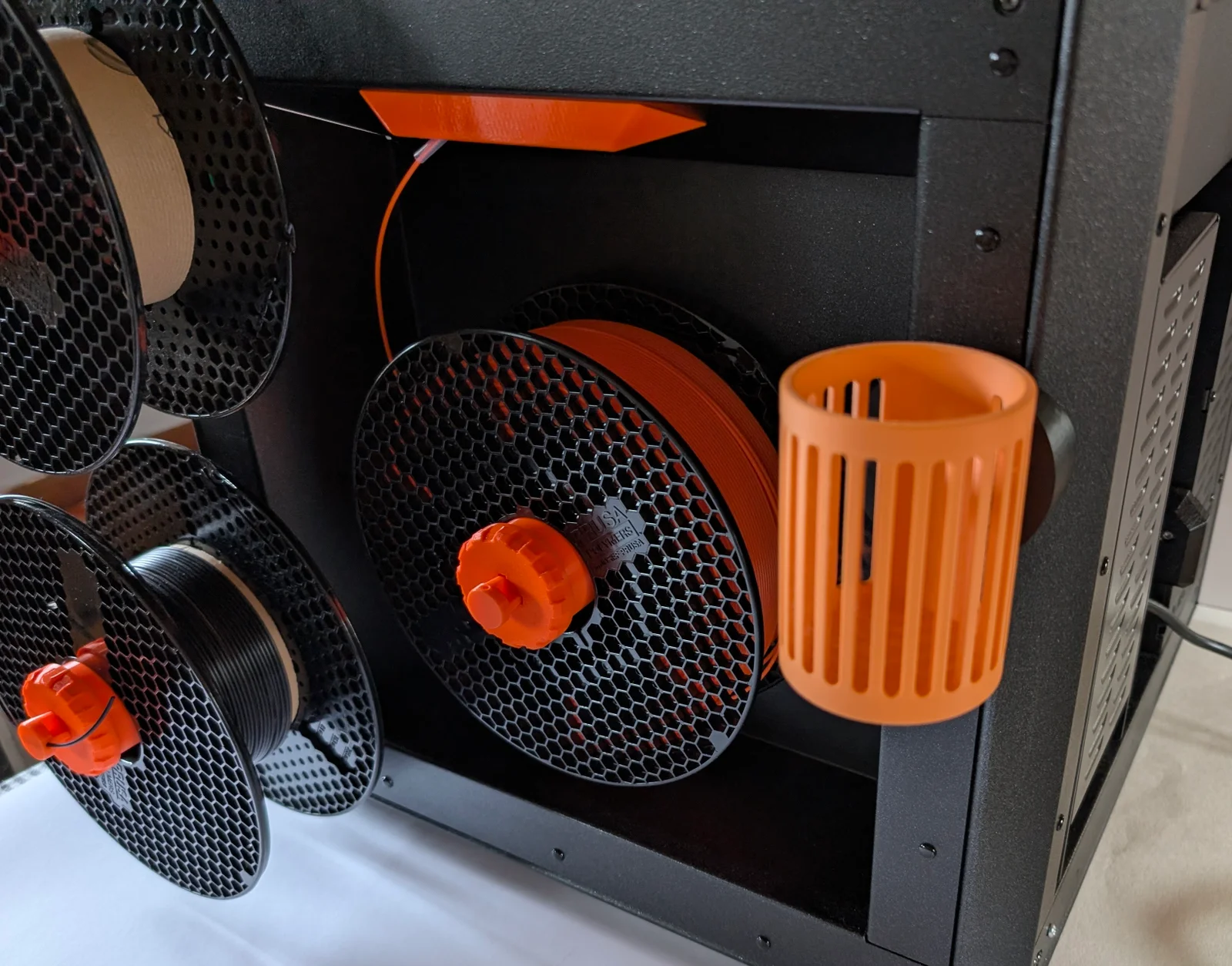
Note! Since the left and right sheet metal work are different for the CORE One, there is a right version and a left version. The right side is the one with the filament spool!
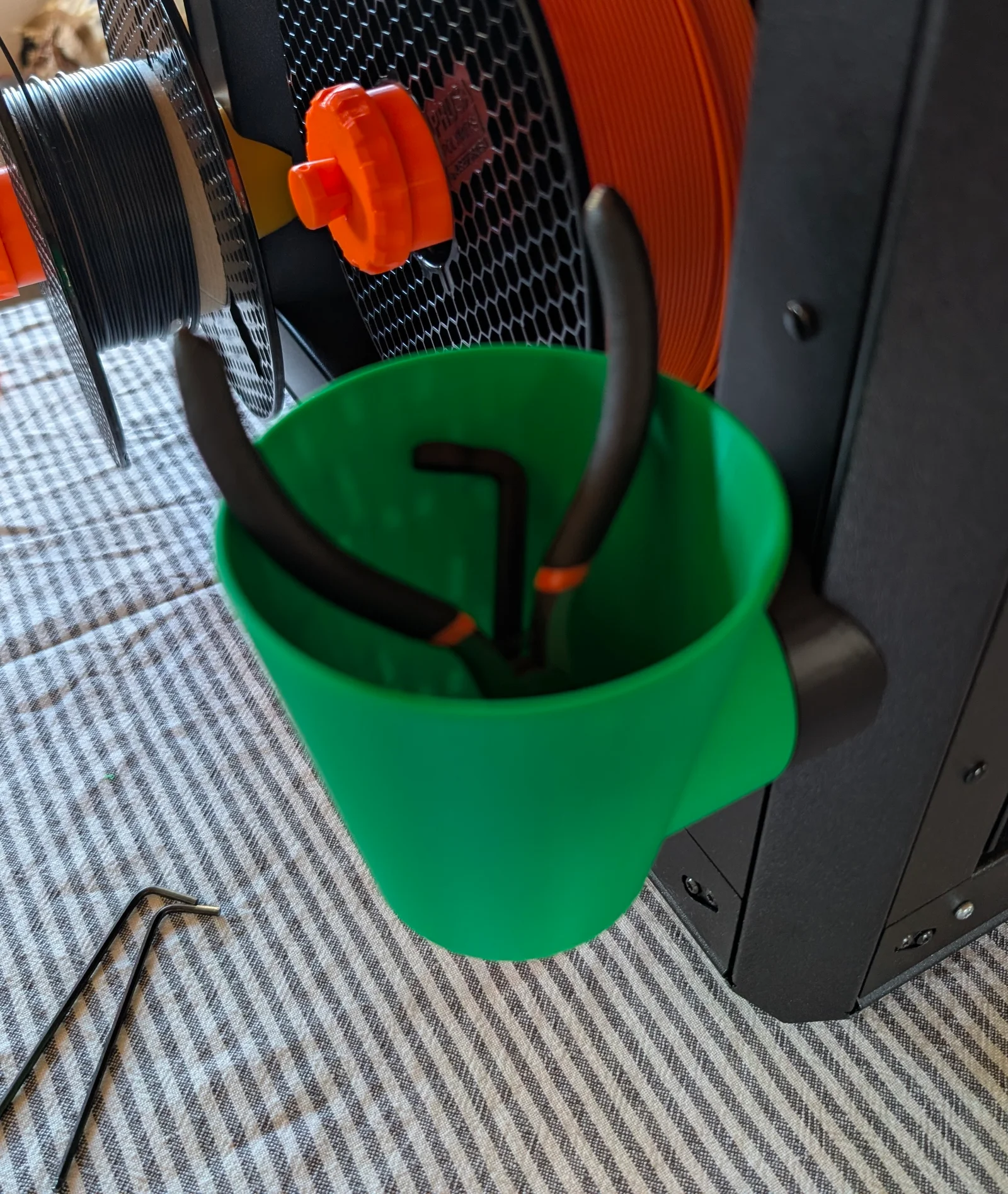
Regardless of which side you choose, you can put it either in front or in the back, just turn it 180 degrees
Print a leftside or a rightside bracket. (You'll see a L or a R. L as in the picture above)
There are two ways to attach it to the CORE One frame, either with a screw, replacing a rivet, or with magnets.
With magnets: there are space for 2 x 20 mm magnets (in my case above two 2 x 10 mm in each side)
(I bought mine from supermagnete.com, Art# Q-20-10-02-N and S-10-02-N)
COREOne_Accs_Base_RightSide (or COREOne_Accs_Base_LeftSide)
COREOne_Accs_DoveTail (the default .3mf is the COREOne_Accs_DoveTail_0_1)
COREOne_Accs_BaseMagnetCover (if you decide to use magnets)
Round magnets, 10 mm x 2 mm
or
Rectangular, 20 mm x 10 mm x 2 mm
COREOne_Accs_Base_RightSide (or COREOne_Accs_Base_LeftSide)
COREOne_Accs_DoveTail (the default .3mf is the COREOne_Accs_DoveTail_0_1)
COREOne_Accs_Tool_M3nL (not in picture) (if you decide to use a screw)
M3x10 (x1) Screw
M3w (x1) Washer
M3nL (x1) Lock nut
Slide the Dovetail into position, from top to bottom. You may have to slide it a couple of times to make it work smoothly.
... and of course, if you intend to screw it to the frame, you must do so before you attach the dovetail.
Under Files/Stl there are two files for the Dovetail connection
COREOne_Accs_Dovetail_Connection_Part
and
COREOne_Accs_Dovetail_Connection_PartRound
which you can use to attach to your own model
Byprusa-researchLikes0Downloads2.7K

 BykingnothingLikes0Downloads144

 Bydominik-chuchlikLikes0Downloads119

 Bytinx_1344834Likes1.2KDownloads6K

 ByBretDorssers_4183352Likes19Downloads53

 BydjcodyLikes1Downloads10

 Bypeter-van-der-waalLikes0Downloads254

 Byp3rr1ff3ryLikes0Downloads148


 By3DSourcererLikes48Downloads377

 Byarhi_585078Likes64Downloads541

 ByfilamentalistLikes71Downloads110