



Grippy Broom Holder
 Byvc-designLikes0Downloads3.2K
Build another version of this model.
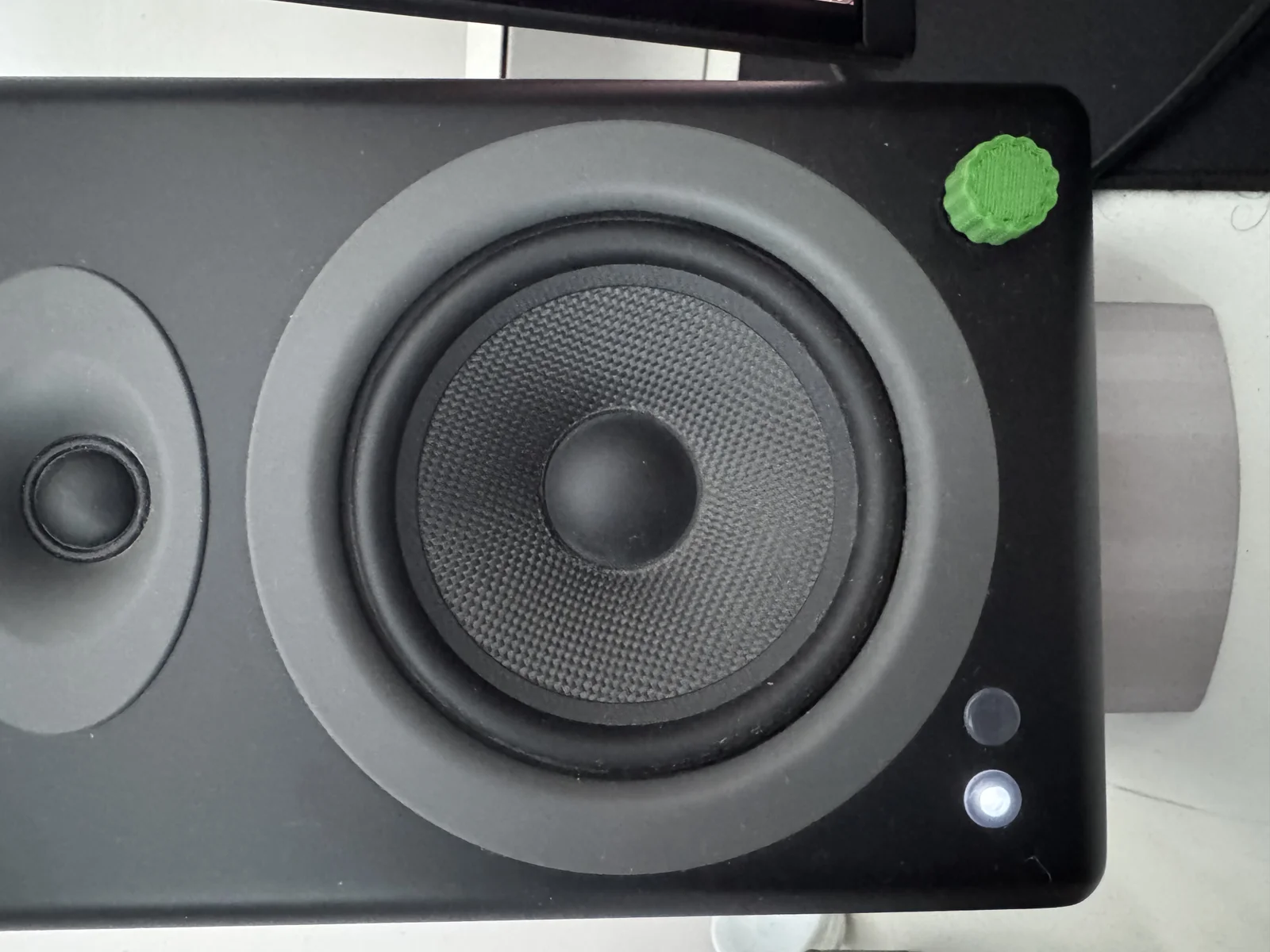
This script lets you generate a encoder knob.
If you've never used openscad before, here are some basic instructions to get you started.
Download knob.scad
Download and install OpenSCAD
Open knob.scad using OpenSCAD
Edit the first few lines of the script. The comments explain what each variable does.
In the menu, press Design > Render
In the menu, press File > Export as STL (ascii)
You now have an STL file that you can bring into a slicer to print.
The variables for an Audio Engine A5+ volume knob are:
shaft_od = 8.9; // outer diameter of mount cylinder
shaft_id = 5.8; // inner diameter (encoder shaft)
shaft_depth = 5.0; // how far the mount extrudes from the body
Byvc-designLikes0Downloads3.2K

 BySeppoTakaloLikes960Downloads1.9K

 Byrb_200934Likes48Downloads1.1K

 ByZED4EverLikes313Downloads5.2K

 ByfifindrLikes500Downloads4K

 ByVC_DesignLikes679Downloads3.6K

 ByKNIN_CustomLikes112Downloads437

 ByDan Schwartz SchwartzLikes744Downloads3.4K

 ByUpcrid3D_1585693Likes808Downloads2.1K

 ByWilko_SLOLikes935Downloads2K

 Bychubbs8697_2027893Likes585Downloads1.7K

 Byquibeck_3353173Likes965Downloads1.9K