

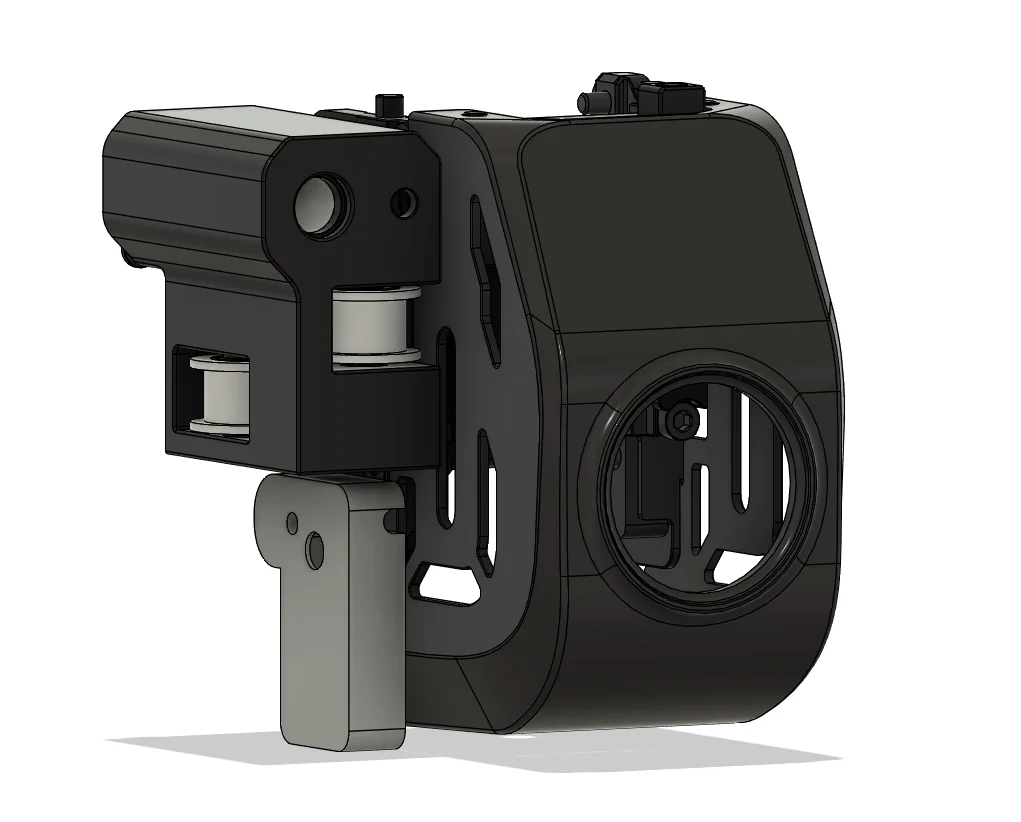
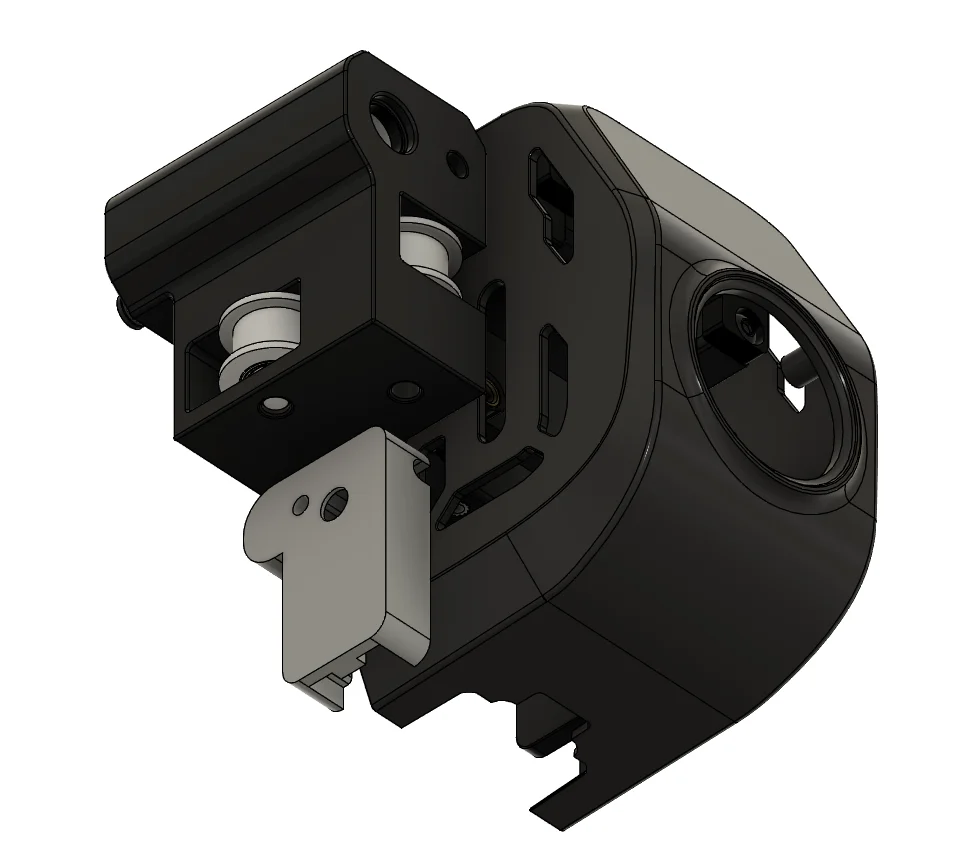


Kẹp giữ sợi Filament
 Bytinx_1344834Likes1.2KDownloads6K
Remix of Mô hình CAD Lắp ráp CoreXY Creality K1 By Henlor
Build another version of this model.
 Ngàm gắn BTT Eddy Duo cho máy in 3D Creality K1, K1C và K1 MaxByZaleAnderson_1663734 · 05/13/2026
 Ngàm điều chỉnh độ cao BTTEddy cho Creality K1 & K1CByheyitworks_977237 · 04/14/2026
 Ngàm gắn BTT Eddy_NG cho dòng máy in Creality K1Bynesham_240390 · 04/02/2026
 Giá đỡ BTT Eddy Duo MountBySmokewrench_2608169 · 03/19/2026
In version 2 the dimensions were optimized
I liked the model from @ZeroDotCMD, but I decided to go further, I ran a cable from the USB connector on the motherboard to the printer head, and then connected the BTTEddy to the lidar port
mothreboard connectors jst ph2.0 4pin x2
lidar port connecotr jst 1.25 5pin x1
@ZeroDotCMD Thank you for your work!
Simple-AF-BTT-Eddy - repository thanks to which this model was created
Update frimware
Firmware Notes
This moves the eddy coil perfectly in line with the Y axis so no Y offset is needed. The X axis offset is -23.0
Use the model to calibrate the offsets!
In the bed mesh section for the BTTEddy You'll also need to make sure to set Your new min and max to these listed values.
mesh_min: 10, 10
mesh_max: 205, 210
Motherboard pinout:
Motherboard→Head pinout:
Lidar port pinout:
Bytinx_1344834Likes1.2KDownloads6K

 Byprusa-researchLikes0Downloads2.7K

 Bydet-manLikes0Downloads178

 Bygummiegecko8477Likes0Downloads169

 Bychukwufumnanya-arinzechukwuLikes0Downloads155

 Bychris-barwickLikes0Downloads134

 BydalleLikes0Downloads153

 ByBrokentooth_designsLikes17Downloads159


 BynasikLikes0Downloads125

 Byarhi_585078Likes64Downloads547

 ByHanzo3dLikes155Downloads417