



Bộ sưu tập 11 nhân vật mô hình Mecca Chameleon in 3D vui nhộn
 ByZED4EverLikes313Downloads5.2K
Build another version of this model.
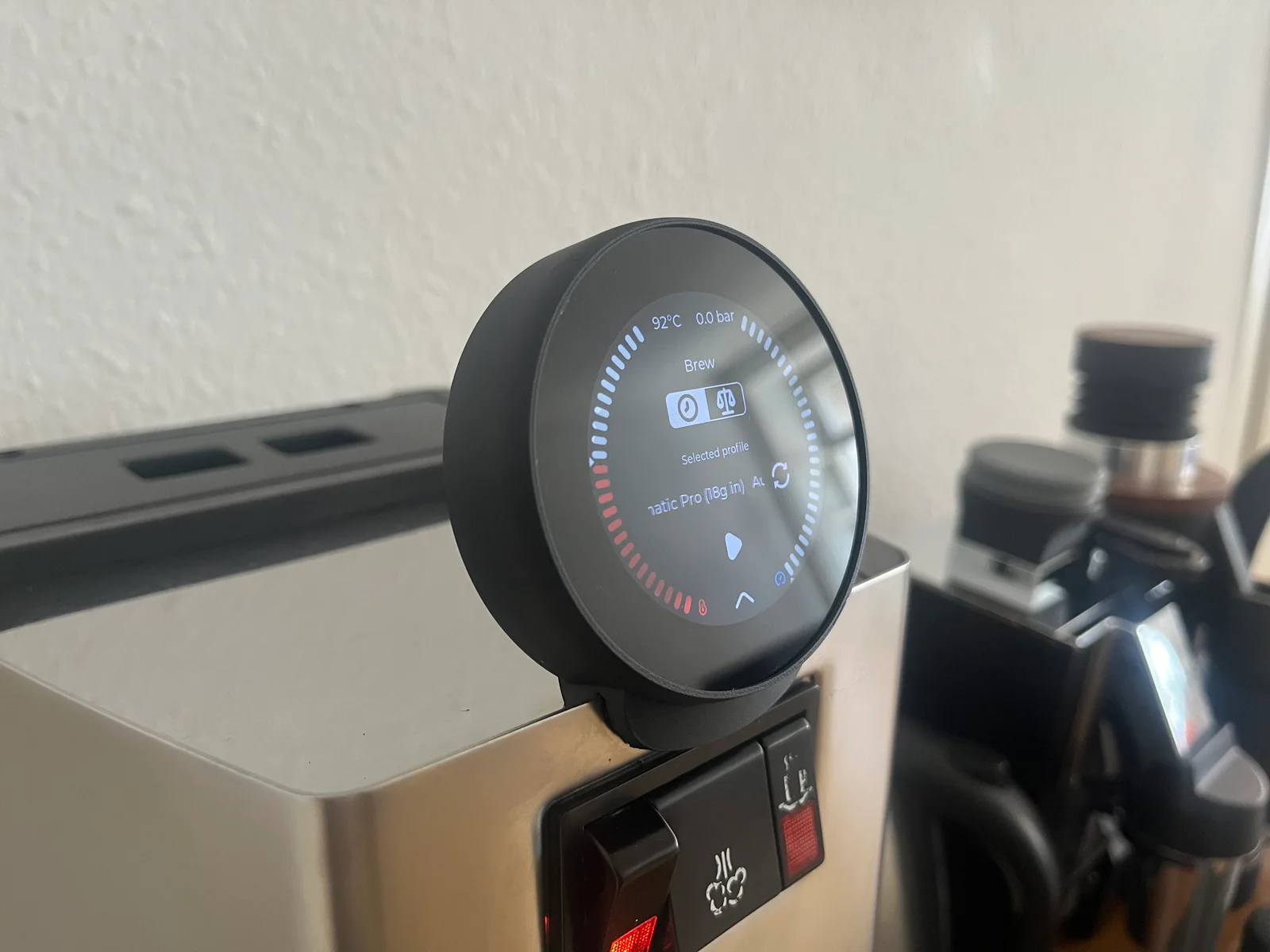
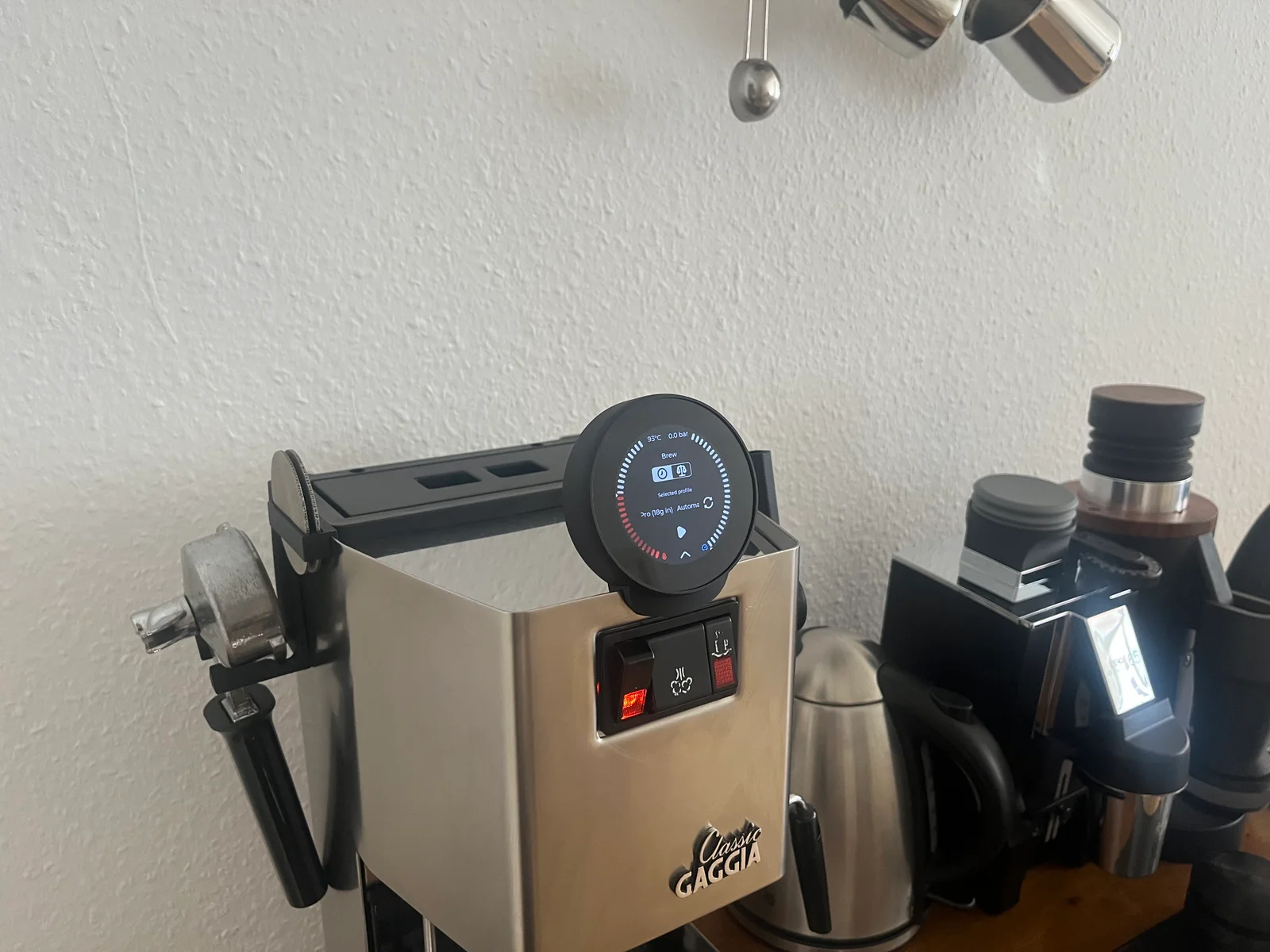
All smthng display housings for GaggiMate: https://www.printables.com/@dubios42/collections/2861668
Housing 2 is the housing I personally recommend most for the LILYGO T-RGB, 2.1 inch, as it is the easiest to install, protects the display with its frame and I offer holder widths from 1.4 mm to 2.4 mm for it.
Holder widths from 1.4 mm to 2.4 mm, check print plate naming.
Instructions with pictures in the files
Before installation, it is best to assemble everything once without the display to test the functionality and then practice the installation with the display without the machine.
make sure that the cable for the display is as long as possible
feed the cable through the BASE from behind
place the base on the coffee machine
insert the display into the FRAME. The display is easiest to insert at a slight angle through the front of the FRAME.
plug the cable into the display
place the display in the BASE with the plug on the side and the ribbon cable pointing downwards.
Tip: The longer the cable, the easier this step is.
when the display is correctly positioned in the BASE, press the FRAME down.
Base
It is best to print at a 45 degree angle without supports (Warnings due to floating regions can be ignored).
Or: If there are adhesion problems, the housing can also be printed flat on the back, but then supports should be activated.
Frame
ByZED4EverLikes313Downloads5.2K

 ByBasementLABLikes888Downloads1.5K

 Bydan-sabauLikes0Downloads2.6K

 ByfifindrLikes709Downloads1.7K

 ByleonicLikes0Downloads1.4K

 ByVC_DesignLikes679Downloads3.6K

 BymoonyxLikes0Downloads698

 ByDan Schwartz SchwartzLikes744Downloads3.4K

 Byvc-designLikes0Downloads3.2K

 Bythorin-oakenshieldLikes0Downloads532

 Bytorii-creative-studioLikes0Downloads449
