



Còi Tàu Hơi Nước Mini
 ByfifindrLikes500Downloads4K
Build another version of this model.
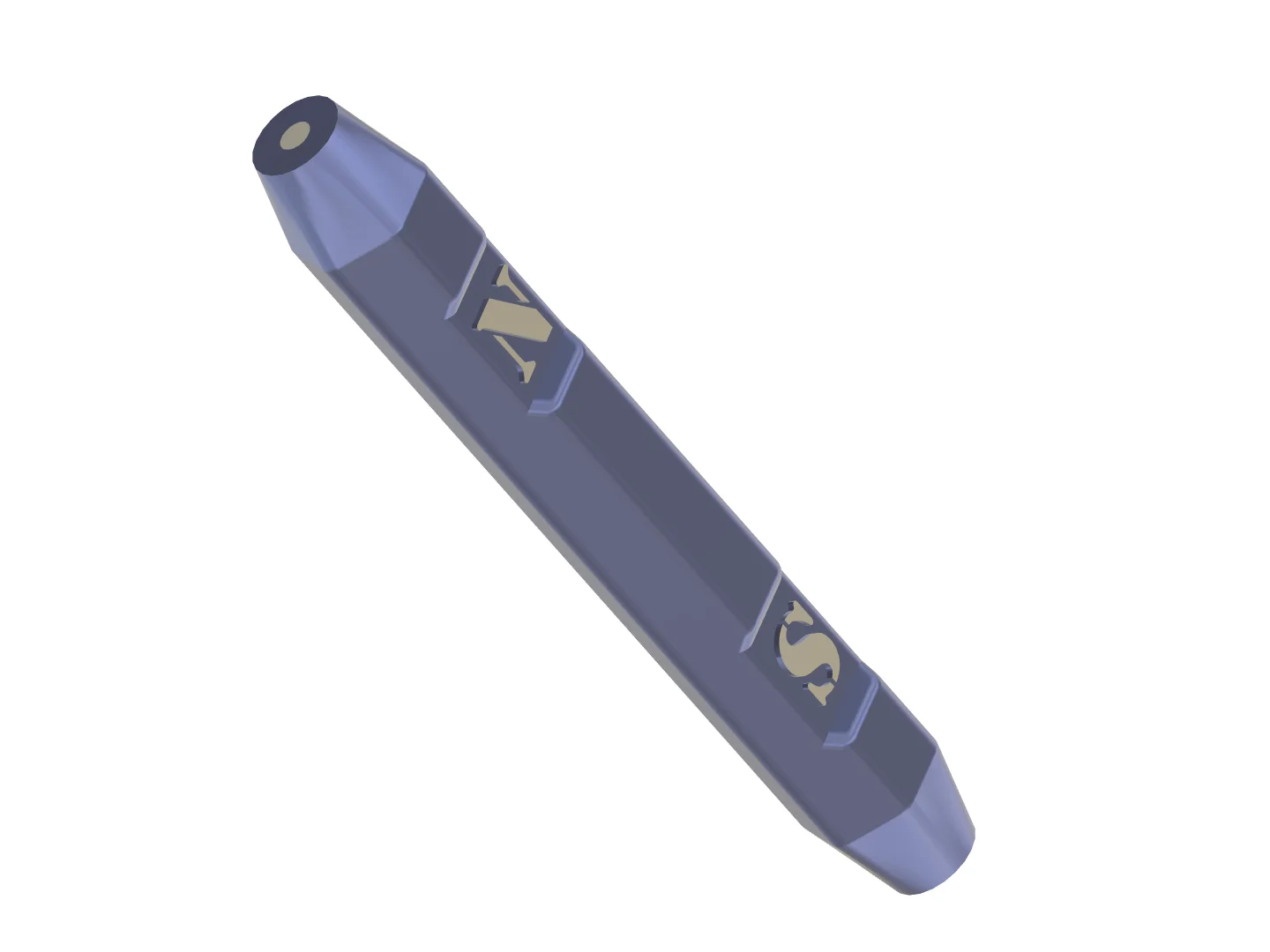
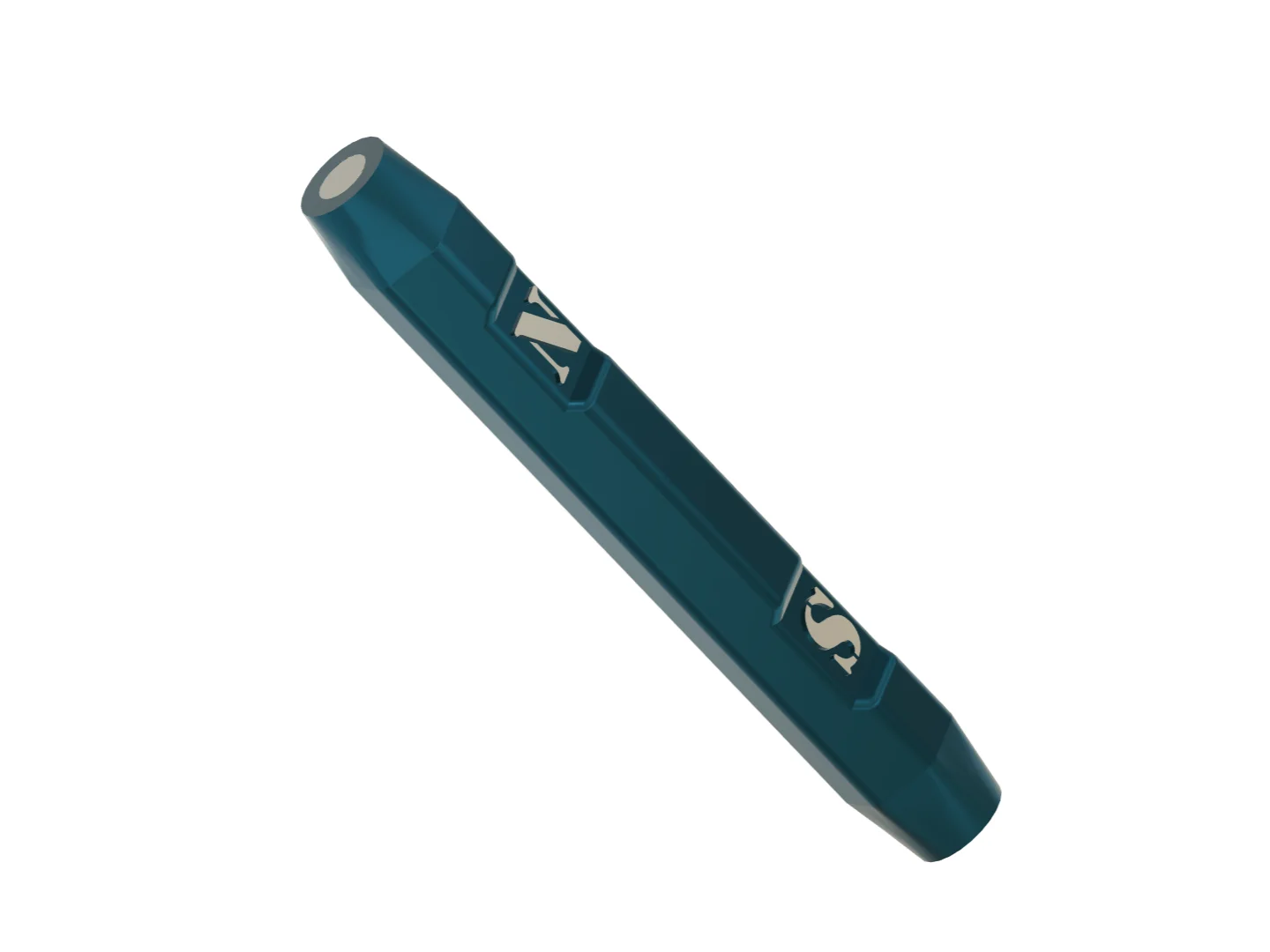
Double Poles Magnet Insert Helper Tools
This tool helps you to consistently grab magnets in a desired orientation to insert in printed parts.
Add a magnet with opposing orientation in both ends (Marked N and S). Tiny bit of glue might be needed to fix the magnet into the cavity.
Now use one side to grab and insert magnets in “Part A” of your models, then use the other side of the tool to grab and insert a magnet to “Part B” of the model, so now Part A and Part B should attract each other.
Requires magnets with the following sizes depending on which file you are printing:
File Name
Magnet Size
Double Poles Magnet Insert Helper Tool - 3x2
3x2 mm (3x1.75 mm Actual size)
Double Poles Magnet Insert Helper Tool - 6x2
6x2 mm
PETG is recommended for strong adhesion during printing. It printed fine without brim.
Hope you find it helpful.
Happy Printing =)
ByfifindrLikes500Downloads4K

 Byquibeck_3353173Likes965Downloads1.9K

 ByVC_DesignLikes104Downloads397

 ByDan Schwartz SchwartzLikes744Downloads3.4K

 Bykjus_448782Likes314Downloads673

 ByBS_PB_4005052Likes48Downloads142

 Bychubbs8697_2027893Likes585Downloads1.7K

 Byvc-designLikes0Downloads3.2K

 BywurthLikes0Downloads190

 ByRungeKuttaLikes229Downloads1.2K

 ByEadubsLikes228Downloads1.3K

 ByJeremyVillalo_760366Likes68Downloads767