F3D
Chân đế Microphone thấp 5/8 inch 1

2 images

Dụng Cụ Tiện Ích

Chân đế Microphone thấp 5/8 inch

By e9021b43_1931374

Downloads
119
Likes
10
Views
760

Files 10 5.5 MB

  • test-print_1773359331.stlSTL · 1.4 MB
  • mic-stand_1773359335.stlSTL · 1.4 MB
  • vibration-damper_1773359336.stlSTL · 99.2 KB
  • base-plate_1773359337.stlSTL · 11.8 KB

Make a variant with AI

Build another version of this model.

Open Studio

Description

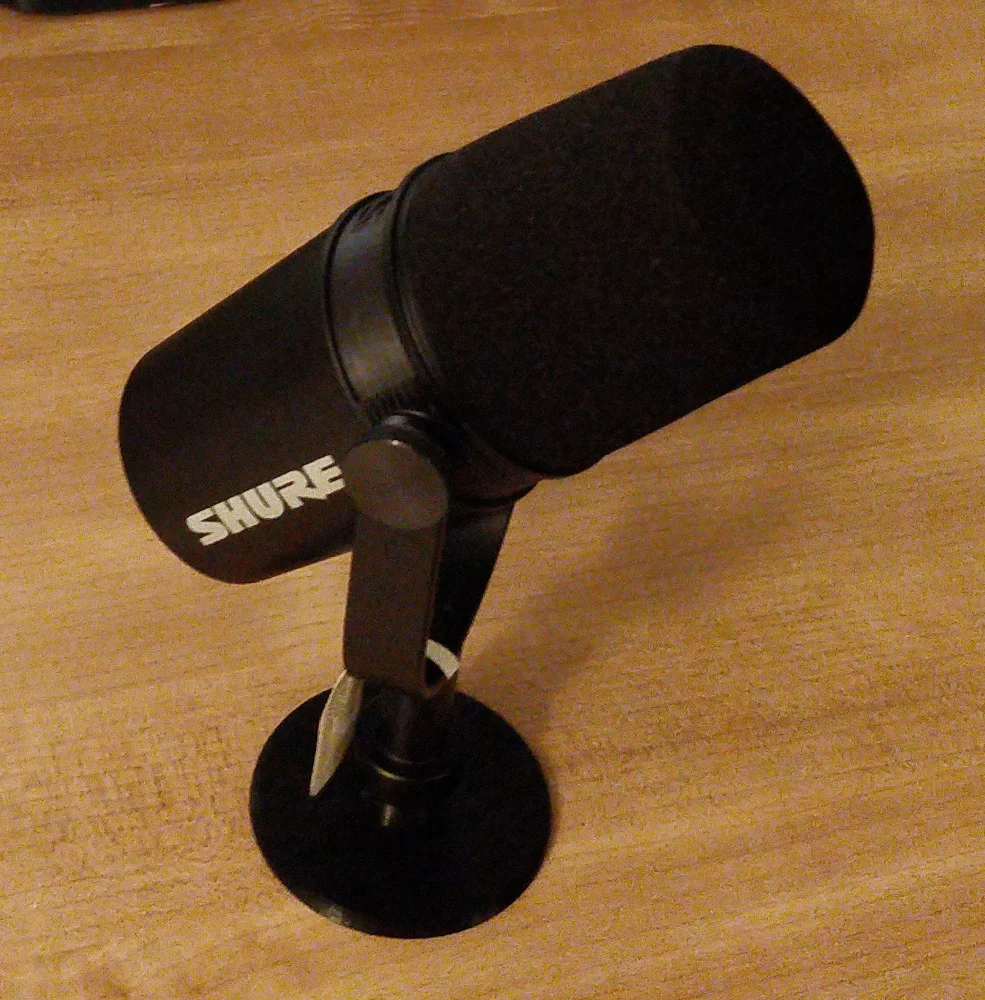
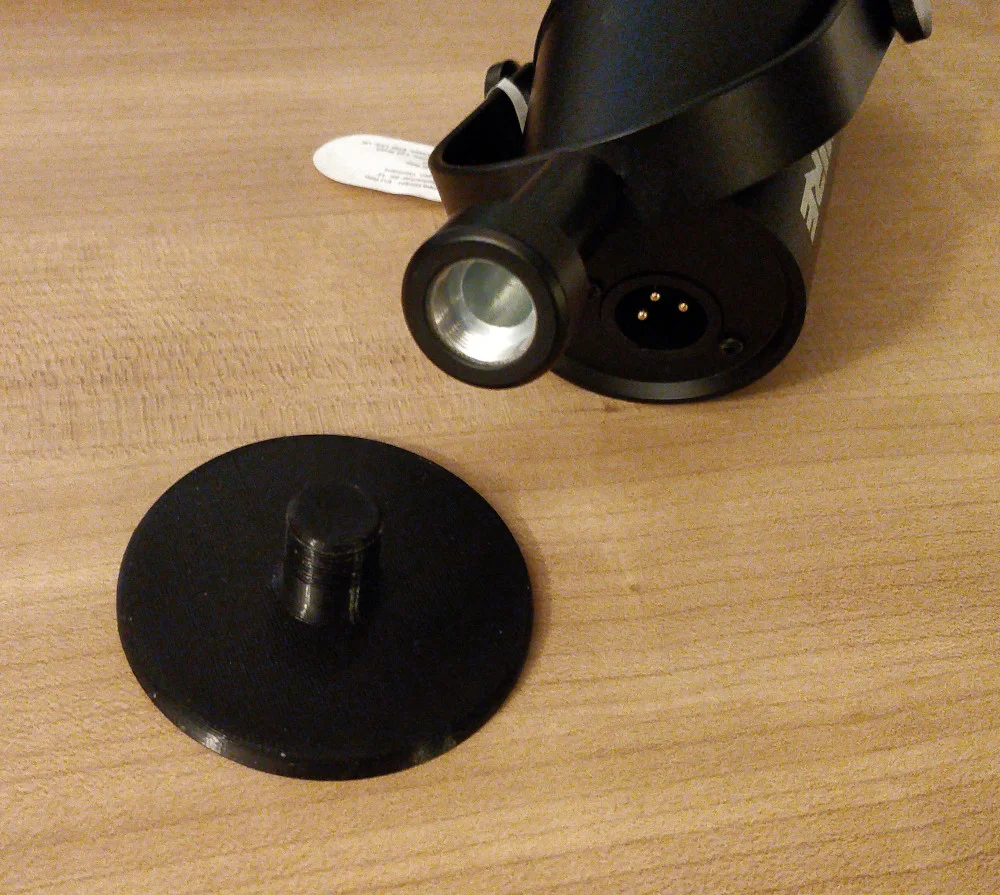
Microphone stand with standard 5/8in 27tpi thread. Raises microphone about 1.5cm above desk.

  • Printer: Original Prusa MINI+
  • Rafts: No
  • Supports: No
  • Resolution: 0.15 mm
  • Infill: 15% gyroid (any infill pattern is fine)
  • Filament brand: Prusament
  • Filament material: PLA

You will likely need to tune your print settings in order for the threads to fit:

  1. Print test-print.stl with the default settings.
  2. Test fit the threads on your microphone. Be gentle screwing it in. If they fit, go to step 6.
  3. Measure the diameter of the threads with calipers (in mm). Call this value d. Calculate (15.494-d)/2. This is your size compensation. It should be small; on the order of ±0.1 mm.
    1. In PrusaSlicer, put this value in Print Settings → Advanced → XY Size Compensation.
    2. In Cura, put this value in Print settings → Walls → Horizontal Expansion.
  4. Print test-print.stl again using the new settings.
  5. Test fit the threads in your microphone. If they still don't fit, you may need to adjust the size compensation some more.
  6. Print mic-stand.stl. You're done!

Optional: Shock Mount

To reduce noise traveling through the surface of your desk, you can add an optional shock mount (vibration damper).

  1. Print vibration-damper.stl in TPU.
  2. Glue it to the bottom your the microphone stand with cyanoacrylate adhesive.
  3. Print base-plate.stl in PLA.
  4. Glue it to the bottom of the vibration damper with cyanoacrylate adhesive.

Read more Show less

Print spec

Formats
fcstdstepstl
Model files
10
Total size
5.5 MB
Largest file
1.4 MB

0 comments

See all