




Kẹp giữ sợi Filament
 Bytinx_1344834Likes1.2KDownloads6K
Build another version of this model.
These print profiles (or “presets” as the kids are now calling them) make for faster prints, compared to Josef Průša's profiles of similar Z-axis resolution. They can often produce fantastic aesthetics despite their speed, but their focus isn't on intricate details of tiny figurines. Their goal is simply to complete a print quickly without introducing structural flaws.
I print smokin'-fast through a combination of moderately high linear speed, exceptionally wide extrusions, and combined infill layers. I stick to none of these approaches, however, where experience proves them impractical. For instance, I print overhangs rather slowly, I severely restrict perimeter accelerations, and I use normal extrusion widths when printing directly over non-solid infill. But I maintain the highest possible volumetric flow rate whenever it's not quite insane to do so. In addition, I use reliable but speed-optimized approaches for infill and support.
In these print profiles, the settings are tweaked all around to give my favorite smokin'-fast but not-quite-insane defaults. I provide profiles for nozzle sizes from 0.4 to 1.0 mm. I print mostly with a Prusa™ Mini+, but these profiles are not printer-specific. They're meant to work with just about any FFF-style printer.
In addition to the “dang fast” general-purpose profiles, good “spiral” profiles are provided as well -- for fast, sturdy, vase-mode prints.
Put the .ini files in the directory where you keep your print profiles. (There's also a universal cross-platform way, through PrusaSlicer's menus: File->Import->Import Config…)
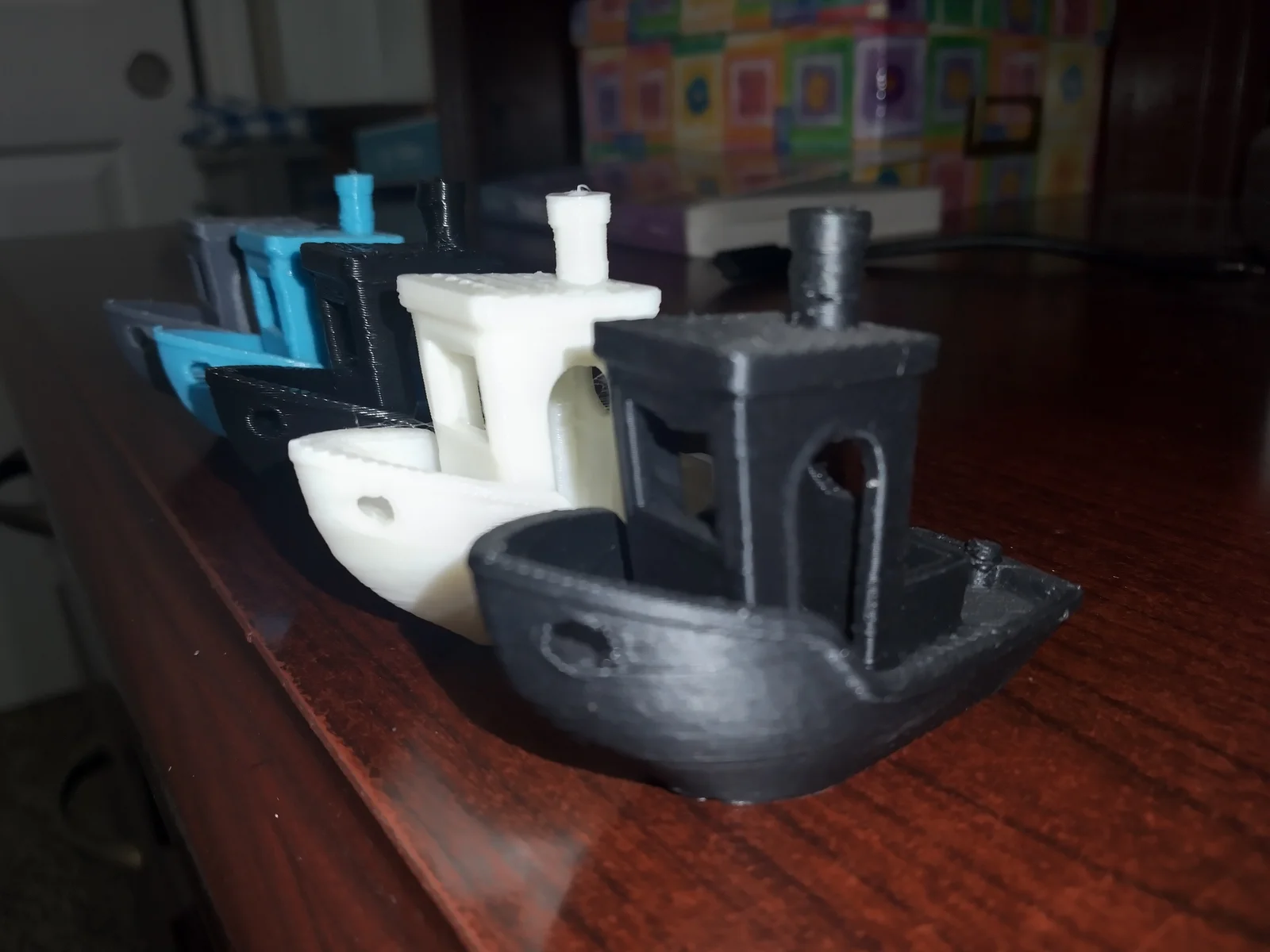
~/.config/PrusaSlicer/printC:\Users\[name]\AppData\Roaming\PrusaSlicer\print/Users/[name]/Library/Application Support/PrusaSlicer/printOf the several print profiles in this series, the coarser print profiles tend to be the fastest. A 3dbenchy tugboat is included as a benchmark test.
If you happen to experience extruder slippage, which causes a clicking sound as your printer tries to push plastic through the nozzle faster than it can melt the plastic, then try any of the following remedies:
If your prints come out slower than you expect, then check your filament profile. It may impose a filament-specific max volumetric speed.
For a filament that works especially well at high speed, try PolySonic™ PLA and my PolySonic™ filament profiles.
These presets assume typical hardware, including a mediocre cooling fan. If you’ve got something spectacular, by all means experiment with exceeding the limits set here.
Bytinx_1344834Likes1.2KDownloads6K

 Bymateusz-tokarzLikes0Downloads165

 Byprusa-researchLikes0Downloads2.7K

 Bybloblis67Likes0Downloads318

 Bylevi-linesLikes0Downloads105

 Byarhi_585078Likes64Downloads542

 Bypanda-studioLikes0Downloads252

 ByHanzo3dLikes155Downloads415

 BydarienLikes0Downloads1K

 ByGeek5DLikes147Downloads485

 Byduo3dprintLikes0Downloads153

 ByBrokentooth_designsLikes23Downloads409