



DIY
Vỏ Meshtastic Seeed Studio Xiao ESP32S3 & Wio SX1262 MOD OLED 1.3"
Remix of Vỏ Meshtastic cho Seeed Studio XIAO ESP32S3 & Wio SX1262 By Vlad____2552742
- Downloads
- 5
- Likes
- 4
- Views
- 343
- Remixes
- 0
- Comments
- 0
Files 11 2.7 MB
- XIAO_S3_1.3_SIDE_1772316163.stlSTL · 346.6 KB
- XIAO_S3_1.3_TOP_1772316164.stlSTL · 273 KB
- XIAO_S3_1.3_BACK_XTR_0_1772316165.stlSTL · 60.7 KB
- XIAO_S3_1.3_SIDE_HOOK_1_1772316165.stlSTL · 365.8 KB
Make a variant with AI
Build another version of this model.
Details
- Model ID
- #231648
- Category
- DIY
- Published
Description
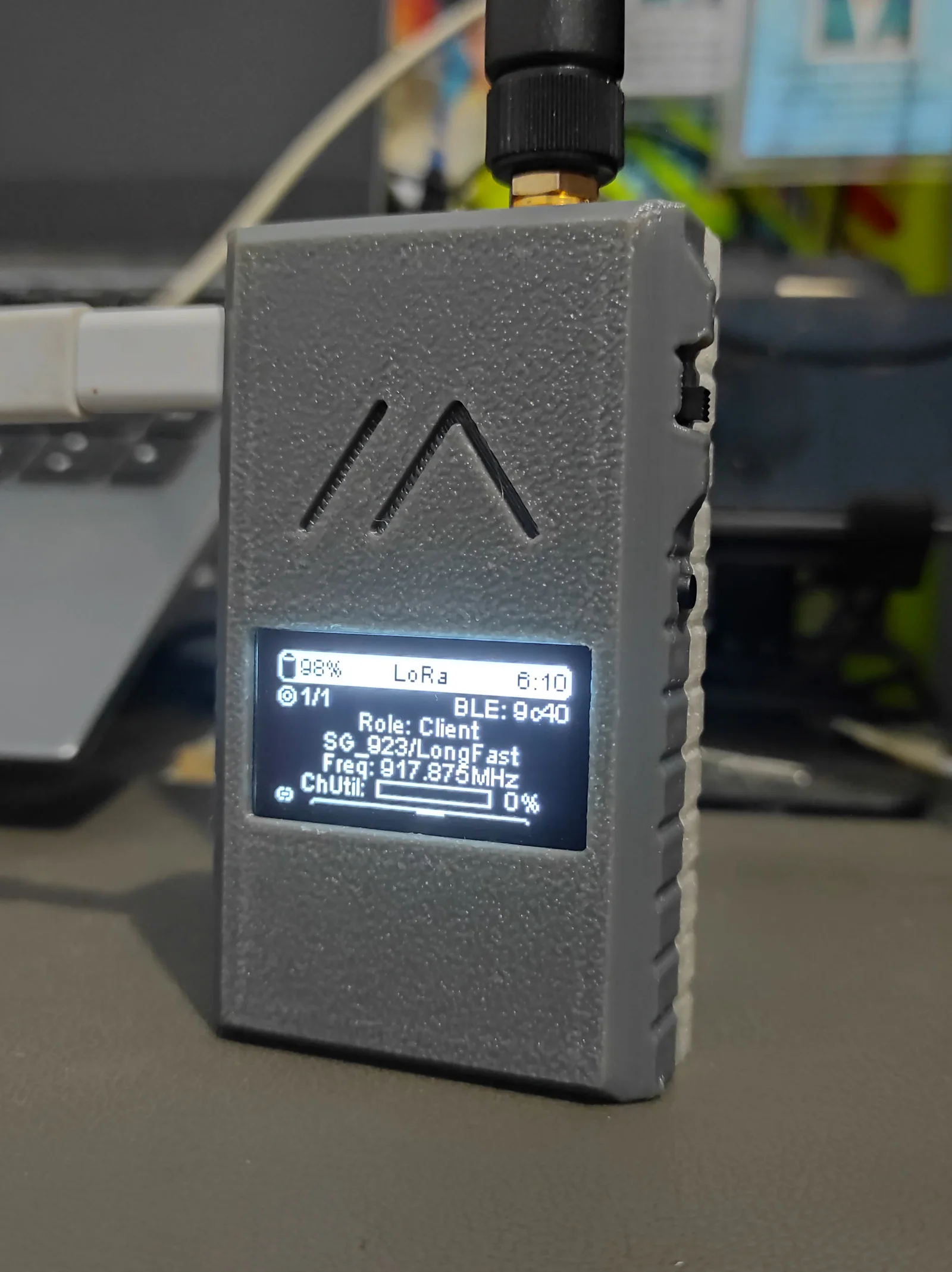
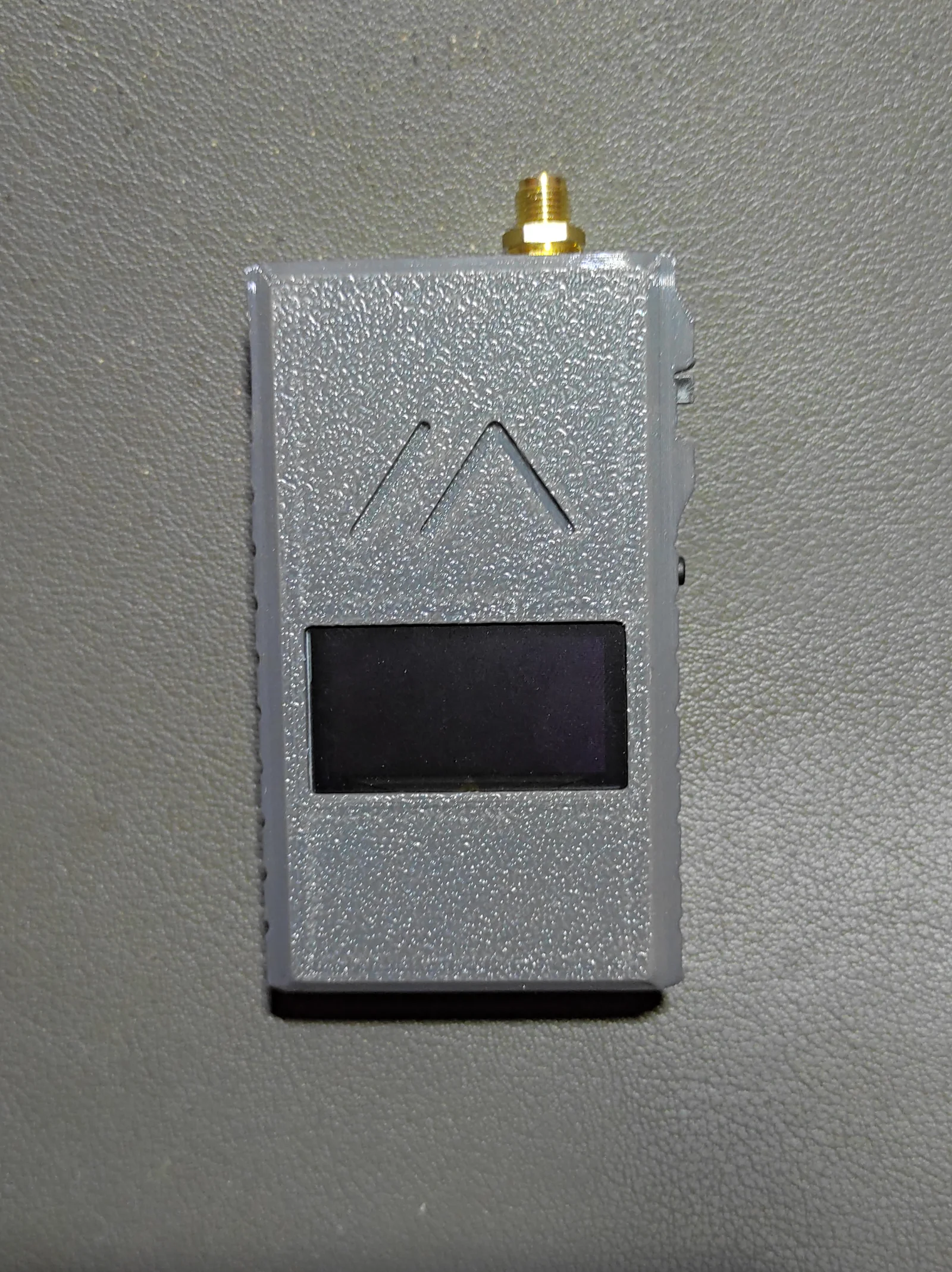
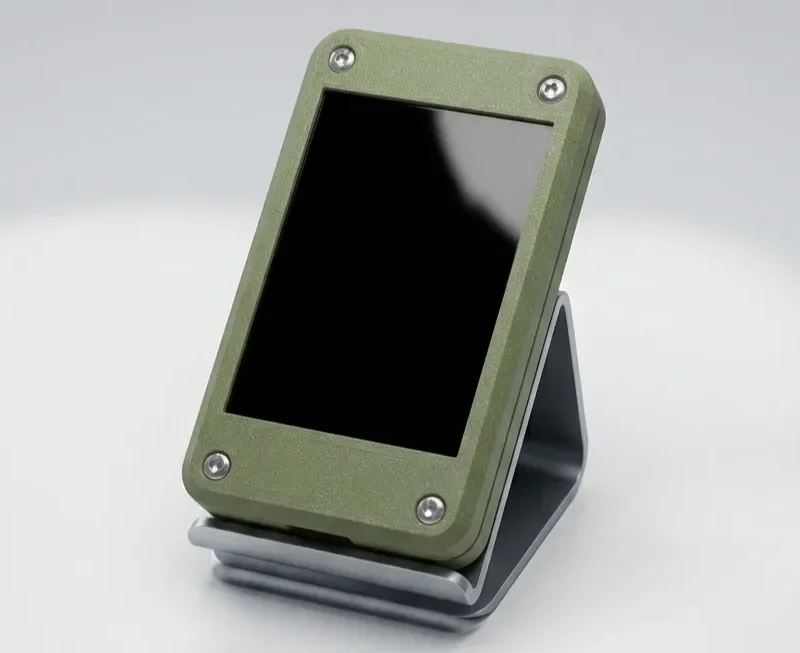
The changes I made:
-
Rotated the board & moved the USB port to the side instead of the top. (edit, both top and side versions are available)
-
I used a 1.3 OLED instead of 0.96 (pls excuse my old eyes).
-
Widen the case size (width and thickness) to fit the size of the display board & battery I used for easier installation.
-
Added a simple Meshtastic logo.
-
Add versions with various hanger/hook.
Note: The image displayed is an initial design, I have revised it a little, especially the gap on the side of the screen.
16/02/2026 (1) - Fix minor issue.
16/02/2026 (2) - Add new version with a hole for easy hanger/hook.
18/02/2026 - Add new versions with various hanger/hook, and some minor fixes.
Battery: I use a 1200 mAh Lipo (103040) battery so it is a bit thicker and difficult to fit in the original case, the current design is more flexible in the size of the battery you can insert.
Slide Switch: In the main design, it use a sub-miniature or micro-miniature (or something like that) slide switch, alternatively you can use a switch with the SS12F15 type (main body length around 10-11 mm and width/depth 5-6 mm) with a maximum stem length of 5 or 6 mm (The length of the switch guard is 6 mm so don't exceed it).
Button: I recommend tactile button with total height of 6 mm, which I think are easier to press than 5 mm. If use 7 mm it might be too long and likely prone to accidental press.
PS: I also just learned that not all GPIOs can be used for buttons. Previously, I used GPIO 8, but the board would restart when I tried to change some settings. I tried GPIO 7 but it was the same, and GPIO 9 worse, failed to get to the main menu. It turns out those are all SPI pins and can't be used, so I finally moved to GPIO 4.
For the rest explanation, you can check on the previous model or the original design.
Print spec
- Formats
- stl
- Model files
- 11
- Total size
- 2.7 MB
- Largest file
- 371.2 KB
0 comments
You may also like 12 models
See all-
-
Pocket-Size Third Hand Mini Spring Loaded Vise
 ByrjunLikes0Downloads304
-
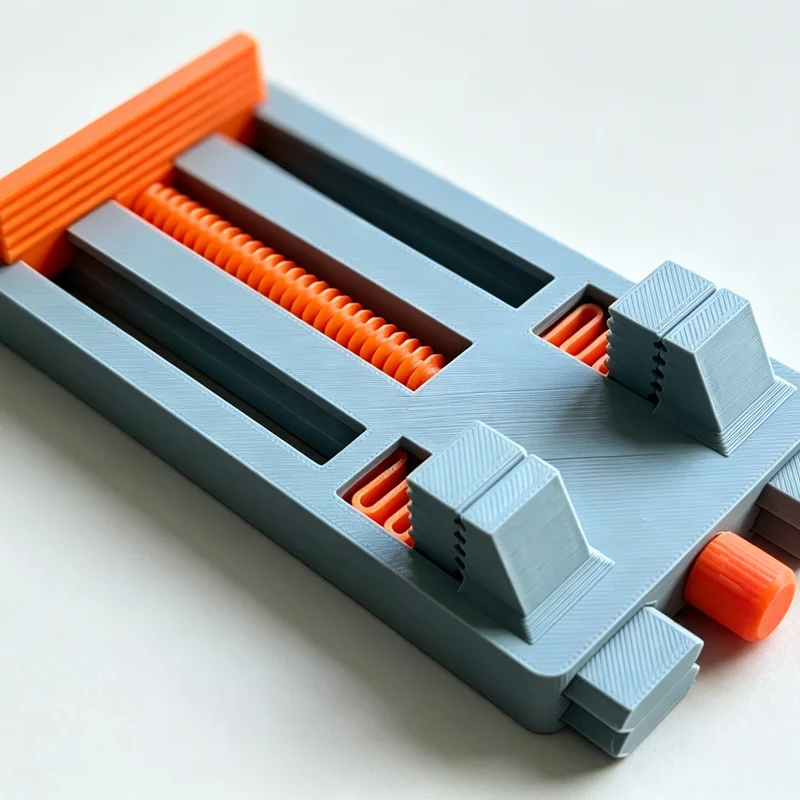
SolderMate - Fully 3D Printed Desk Soldering Companion
 ByleonicLikes0Downloads1.4K
-
Bộ sưu tập 11 nhân vật mô hình Mecca Chameleon in 3D vui nhộn
 ByZED4EverLikes313Downloads5.2K
-
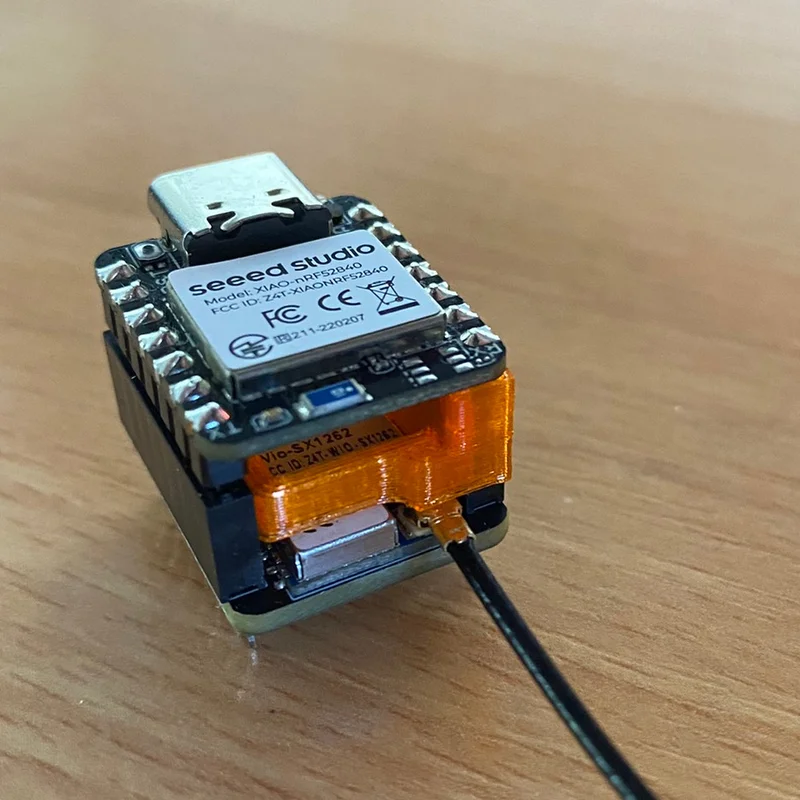
Xiao nRF52840 & Wio-SX1262 antenna clamp
 Bydreimal-8Likes0Downloads341
-
Còi Tàu Hơi Nước Mini
 ByfifindrLikes500Downloads4K
-
Hộp bảo vệ 3D cho Shelly 1 / 1PM Case - Gọn gàng và an toàn
 Bymrfixit_324954Likes65Downloads478
-
AAA Battery Case
 Bylab-96Likes0Downloads106
-

Dụng cụ Khui & Nắp Đậy Lon Nước Ngọt
 ByVC_DesignLikes679Downloads3.6K
-
 New
Clean Storage Boxes | 16 Sizes
 BymoonyxLikes0Downloads698
-
-
Dụng cụ mở hộp nhỏ gọn | Dao cắt thùng carton an toàn in 3D
 ByDan Schwartz SchwartzLikes744Downloads3.4K


