


Vải In 3D Cấu Trúc Hình Bát Giác (Octagon Fabric)
 ByDrewmundLikes833Downloads4.6K
Build another version of this model.
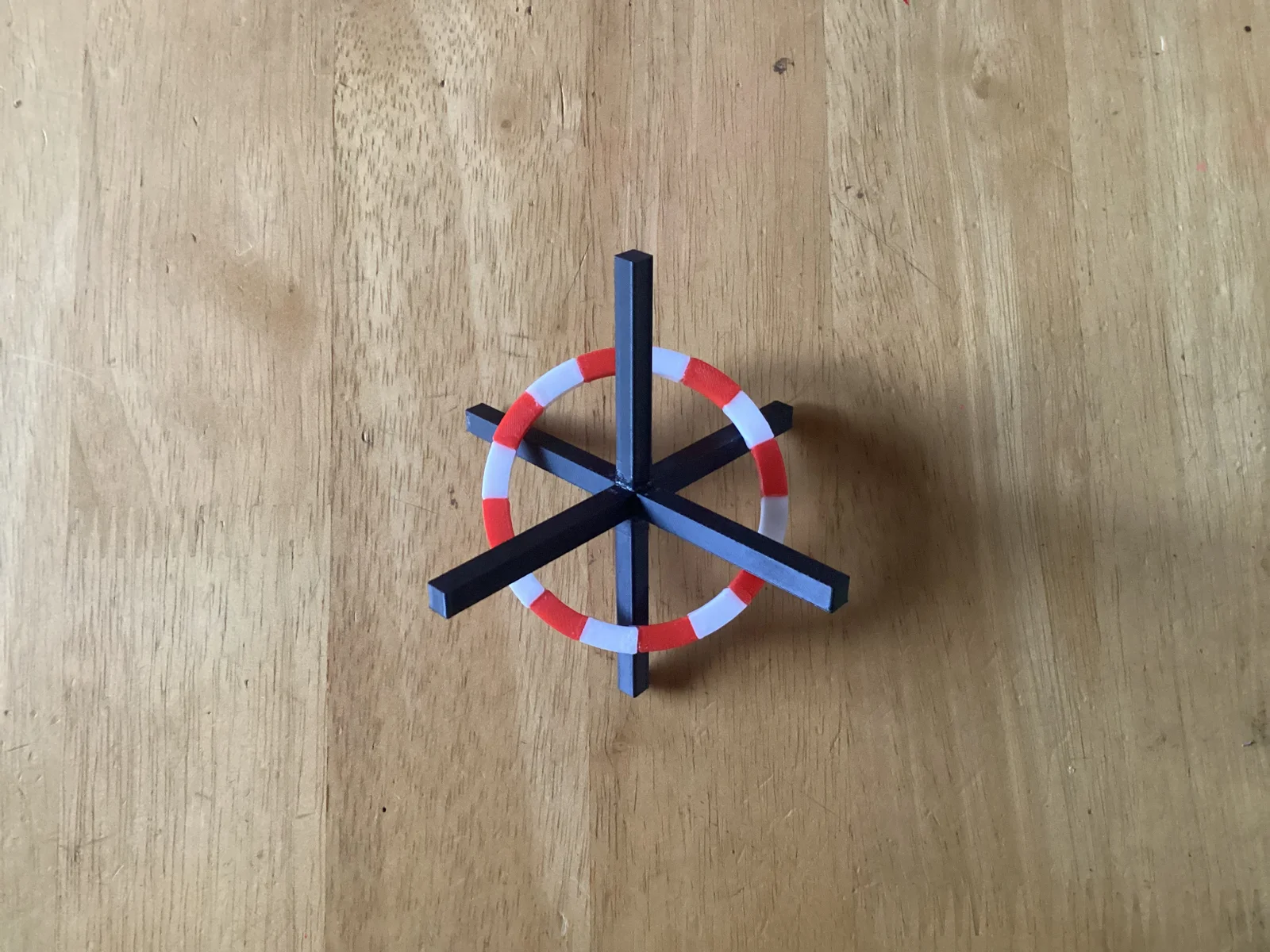
The 3D cursor in Blender is the red/white/black thing where new objects appear.
You'll need to print 16 sections of the circle, 8 in white and 8 in red. You'll then need to superglue them together. Because there can be slight imperfections in the print, I've included a file for a guide you can use to align the parts as you glue them together.
Before gluing the red/white circle completely closed, make sure you have it where you want on the black axes. Alternatively, you can glue the circle closed, align it, then glue the black z axis parts to lock it in place.
Files are in STL.
ByDrewmundLikes833Downloads4.6K

 ByFastRaccoon_718321Likes461Downloads1.5K

 ByvexanixLikes168Downloads1.3K

 ByIvoLikes196Downloads1.1K

 Bynonoobybut_3307010Likes364Downloads1K

 ByvojtagrecLikes289Downloads900

 ByCodyMeyer_2545340Likes163Downloads724

 ByPexPeppers Hot Sauce Hot SauceLikes114Downloads559

 Bymartin-schneiderLikes0Downloads398

 Bybrawl-starsLikes0Downloads142

 ByFotisMintLikes71Downloads414

 ByAryserLikes36Downloads389