



Kẹp giữ sợi Filament
 Bytinx_1344834Likes1.2KDownloads6K
Build another version of this model.
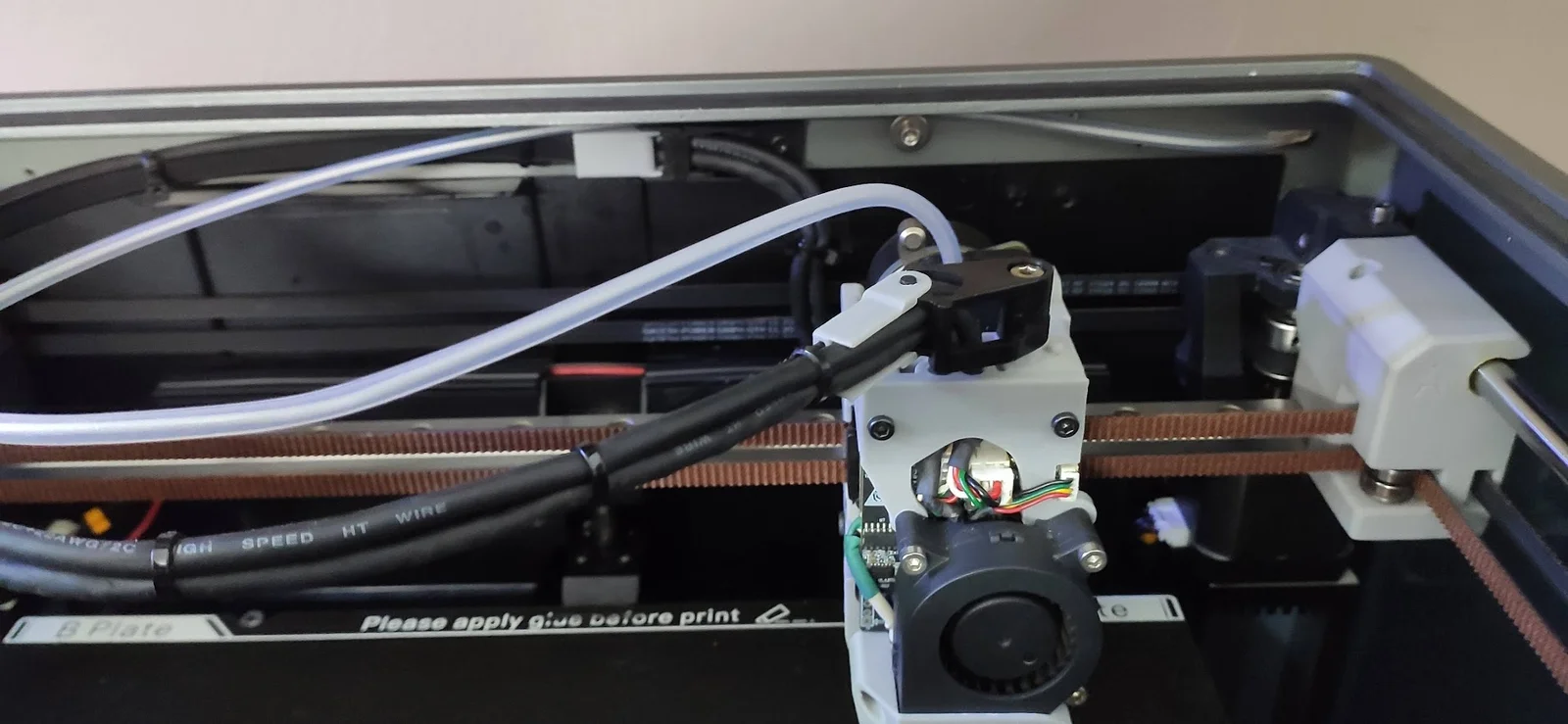
I have removed K1 Max Cable Chain and replaced it with 500mm x 7.4 (8mm) Cable Tie.
I did not want to use a riser and keep the cable horizontal.
Cable Mount 5 Deg has upwards angle to help offset cable sag.
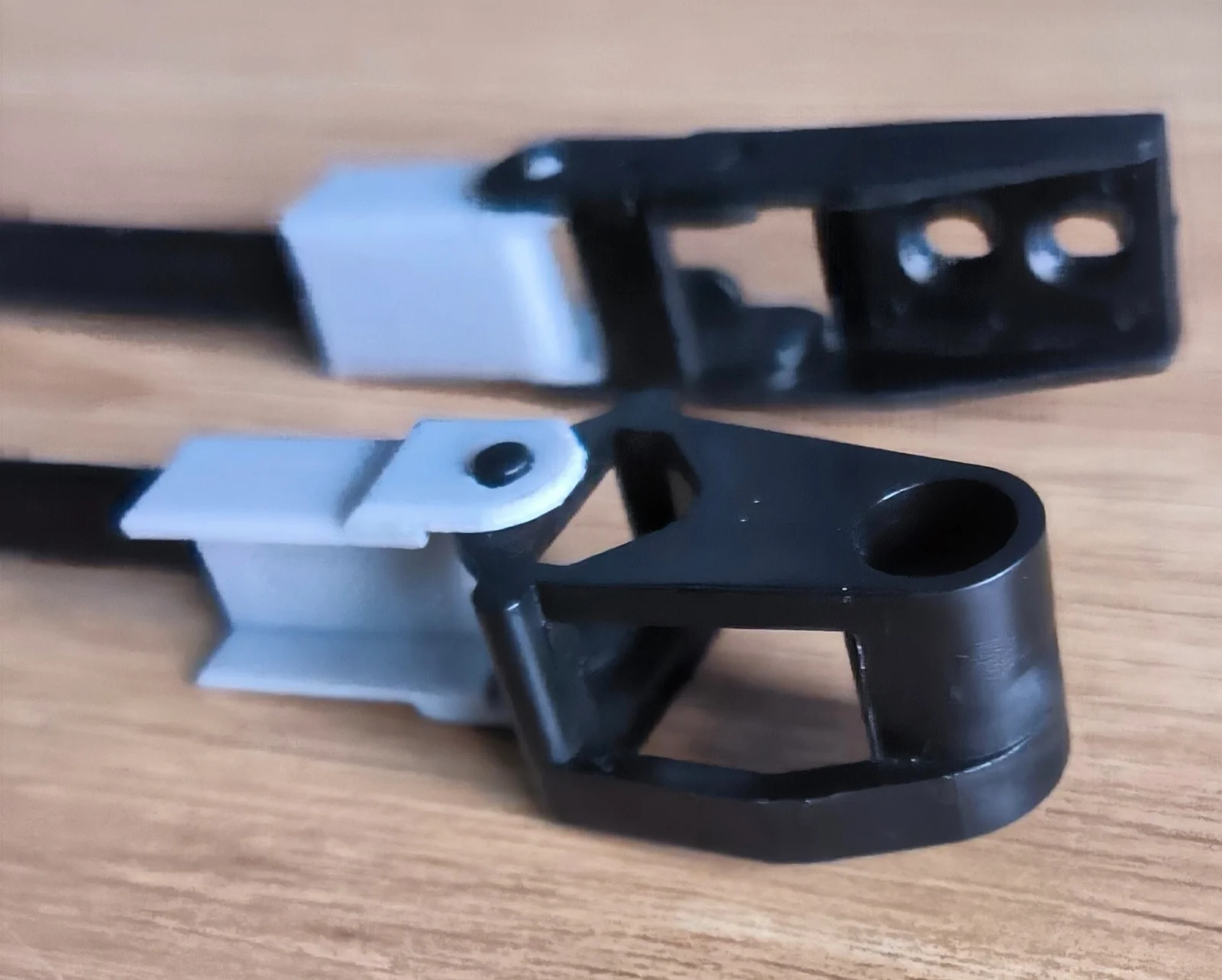
Need to cut off the triangle tip and lock off the cable tie so ends are square and chamfer corner and max length with teeth pattern.
Need to cut cable tie to correct length to match your printer cable chain. 20mm of cable tie is inserted into the printed links.
V2 using original rear and tool head mounts and use a link to interface to cable tie and allow more swing,
FLAT version adds more strength to tool head mount as it was breaking on layer line when printer vertical and inserted into chain link.
Print with Brim and supports where need.
Bytinx_1344834Likes1.2KDownloads6K

 Byprusa-researchLikes0Downloads2.7K

 Byarhi_585078Likes64Downloads540

 ByHanzo3dLikes155Downloads413

 BydarienLikes0Downloads1K

 ByGeek5DLikes147Downloads484

 ByBrokentooth_designsLikes23Downloads407

 ByvertigomakesLikes0Downloads560

 By3DSourcererLikes48Downloads377

 Byartme-3dLikes0Downloads333

 ByWyomingWolf_261196Likes52Downloads428

 Bytopronix_2170418Likes41Downloads297