



Bộ sưu tập 11 nhân vật mô hình Mecca Chameleon in 3D vui nhộn
 ByZED4EverLikes313Downloads5.2K
Build another version of this model.
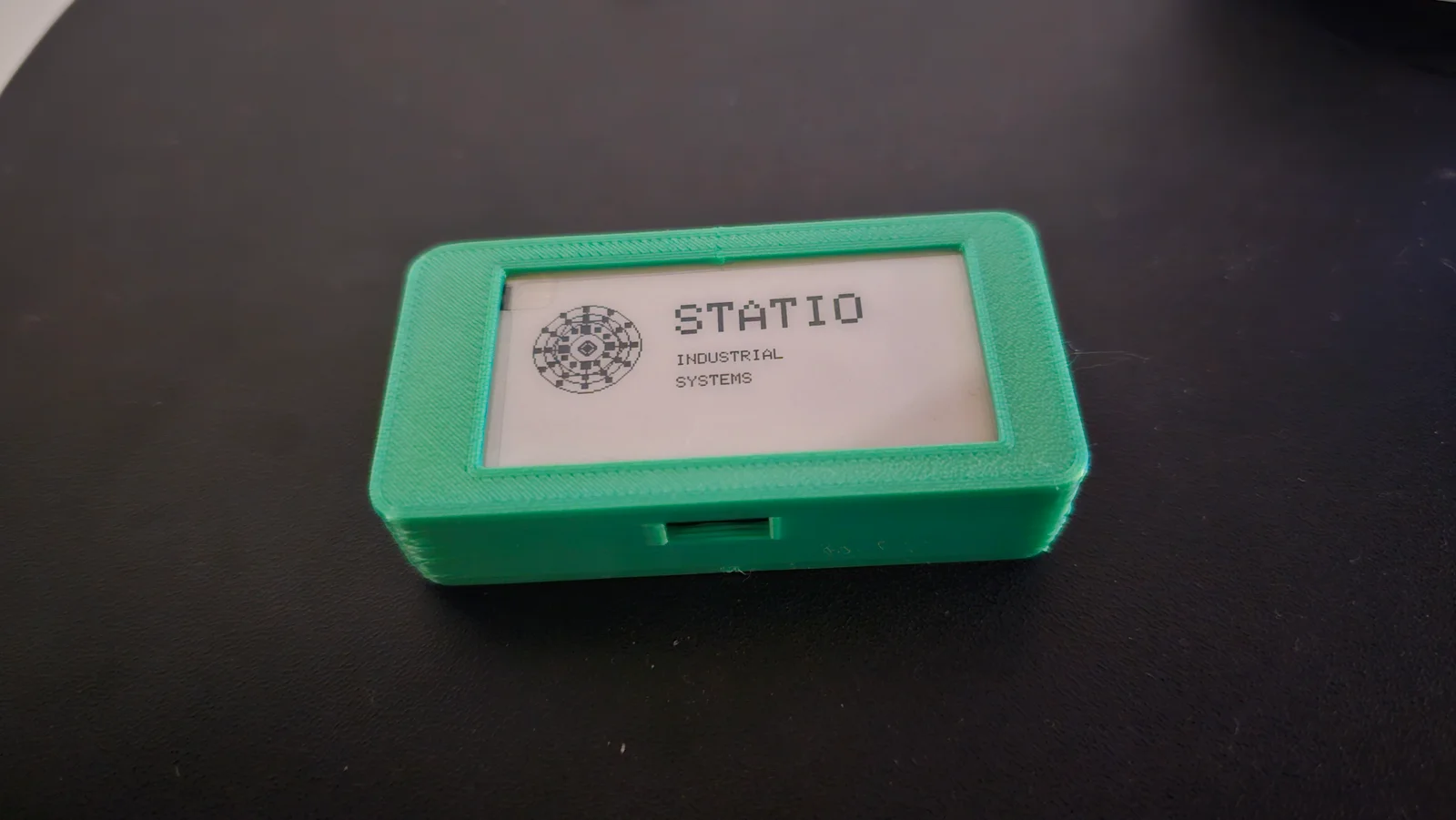
Snap-Fit Case for CrowPanel ESP32 E-Paper (2.13")
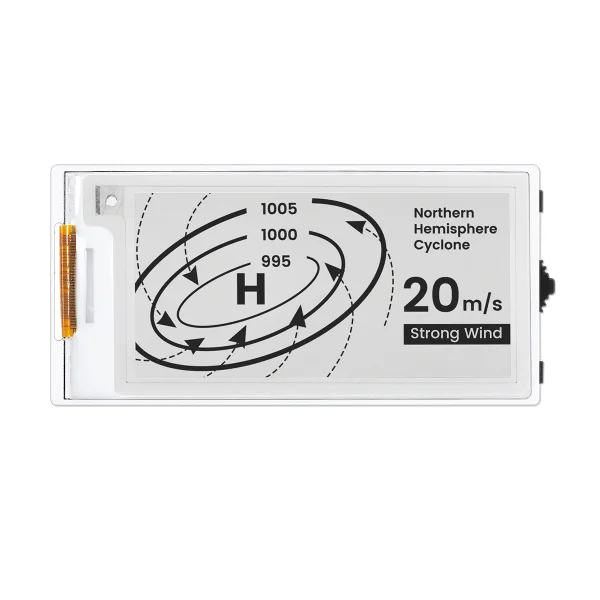
A precision-engineered, two-part protective enclosure for the CrowPanel ESP32 E-Paper HMI 2.13-inch. This design features a "sandwich" structure with a dedicated main body and a secure back cover, specifically optimized for the asymmetrical bezels of the 2.13" e-Paper display.
Tool-less Assembly: Features integrated pins with spherical locking joints. The case snaps together firmly without the need for screws or glue.
Precision Alignment: Includes an internal alignment step (rim) to prevent the back cover from shifting and to ensure a dust-tight fit.
Asymmetrical Bezel: Custom window dimensions ($6.0mm$ left, $8.0mm$ right) to perfectly frame the active area of the CrowPanel screen.
USB-C Access: Perfect cutout for easy charging and programming without removing the case.
Compact Footprint: Minimalist wall thickness ($2.0mm$) and slim front bezel ($0.8mm$) to keep the device pocketable.
Material: PLA (recommended for the snap-fit tension) or PETG.
Layer Height: 0.2mm is ideal for the pin tolerances.
Supports: None required. The model is designed to be printed flat on the bed.
Wall Count: 3 perimeters for stronger pins.
Orientation: * Print the Main Body face down.
Internal Dimensions: $66.0 \times 31.0 \times 12.5$ mm (plus gap).
Wall Thickness: $2.0$ mm.
Snap Tolerance: $0.25$ mm (designed for a firm, "click" fit).
Place your CrowPanel module into the Main Body (ensure the screen is centered in the window).
Align the Back Cover so the USB-C cutout matches the board.
Press the four corners until you hear the pins "click" into place.
ByZED4EverLikes313Downloads5.2K

 ByBasementLABLikes888Downloads1.5K

 Bydan-sabauLikes0Downloads2.5K

 ByfifindrLikes500Downloads4K

 ByVC_DesignLikes679Downloads3.6K

 ByDan Schwartz SchwartzLikes744Downloads3.4K

 Byvc-designLikes0Downloads3.2K

 ByUpcrid3D_1585693Likes808Downloads2.1K

 ByWilko_SLOLikes935Downloads2K

 Bychubbs8697_2027893Likes585Downloads1.7K

 Byquibeck_3353173Likes965Downloads1.9K

 BySeppoTakaloLikes960Downloads1.9K