




Kraken - Revolutionary Bambu Lab AMS
 ByhumebeamLikes0Downloads128
Remix of Bambu X1 Ptfe Straigen Chamre By OurAngryBadger
Build another version of this model.
Do you have the following printer errors when printing with the AMS?
Failed to pull out the filament from the extruder
Failed to feed the filament into the toolhead
Well, give this little mod a try!
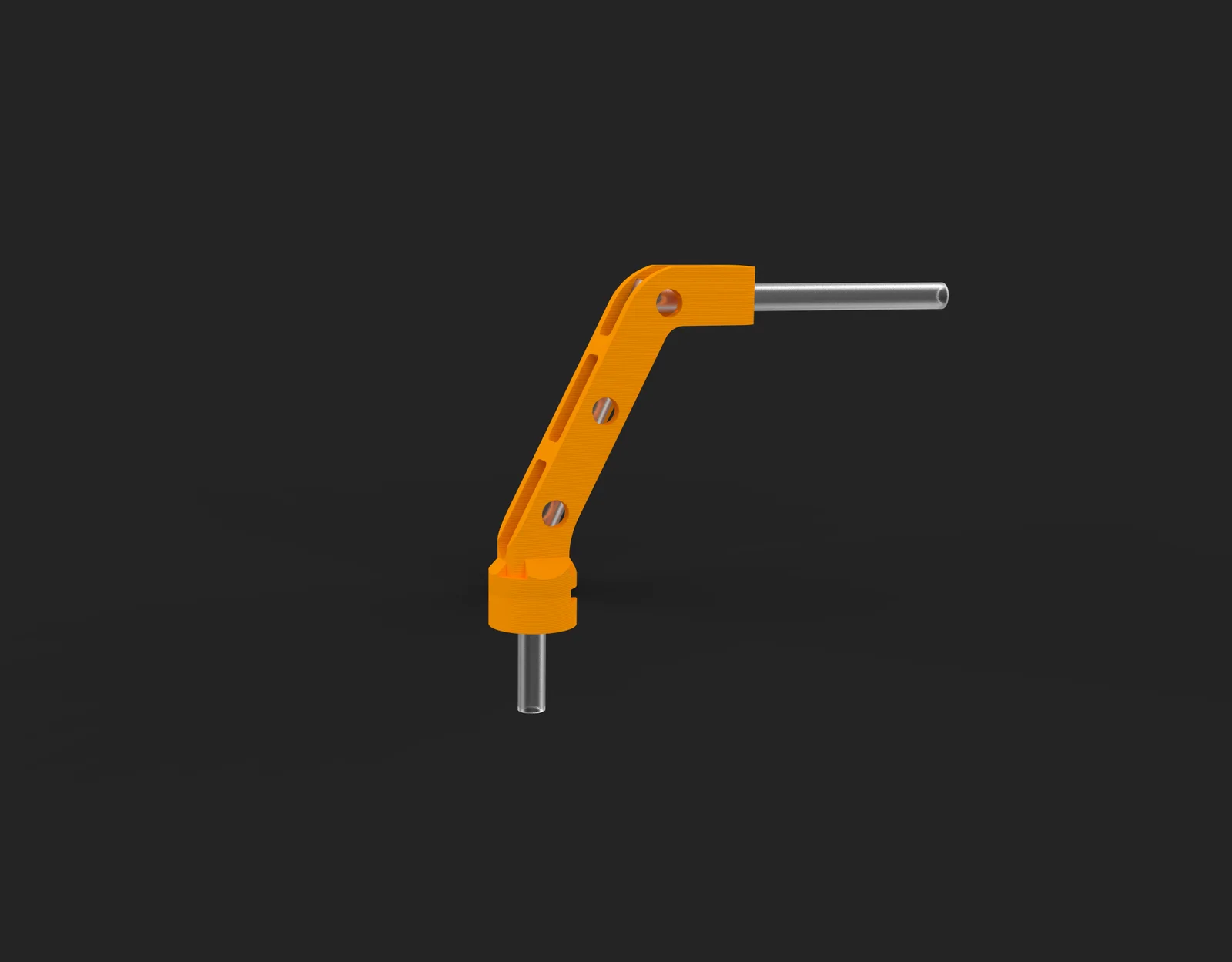
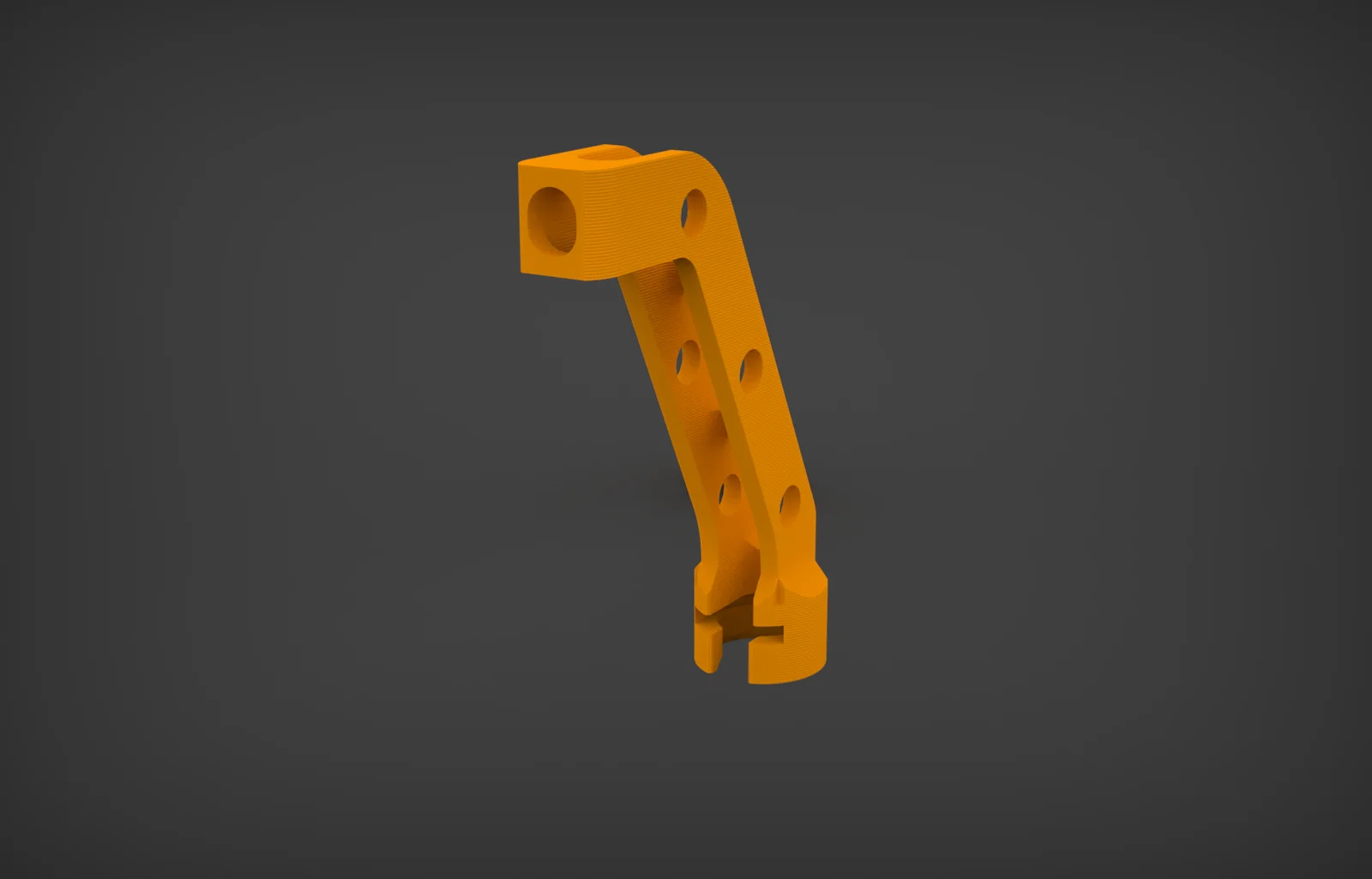
In my case, I found the most common cause of these errors to be the PTFE tube having too much of a curve as it enters the extruder. This little bracket easily clips onto the cable guide on top of the extruder body and keeps it straight.
NOTE: This is a remix of Bambu Lab's own design, they are providing the (unmodified) STL file of this to some users who contact support about AMS problems. In this remix, I made the following changes:
Will it fix your problems?
Maybe, maybe not. I think the AMS system on this printer needs a lot of refinement, but since I have created this and installed it, I have noticed a lot less error messages. It's only 1.3 grams of filament and 5 minutes to print, so give it a shot.
Printing settings:
How to install:
Leave a rating and some feedback!
Let me know if this helps at all, and also let me know if you can think of any improvements I could make to the design.
ByhumebeamLikes0Downloads128

 Byprusa-researchLikes0Downloads2.7K

 Bytinx_1344834Likes1.2KDownloads6K

 BydarienLikes0Downloads1K

 Byla-cave-au-chatLikes0Downloads965

 ByvertigomakesLikes0Downloads562

 By3DPrintDemonLikes0Downloads327

 Bychris-hillLikes0Downloads261

 Bypeter-van-der-waalLikes0Downloads254


 BykingnothingLikes0Downloads181

 Byrobert-samplesLikes0Downloads187