



Hộp đèn LED BMW M Series | Mô hình in 3D nhiều màu sắc (File 3MF)
 ByGIVEMHEVNLikes71Downloads143
Build another version of this model.
👍 Do me a big favor and hit the Like button! ✨
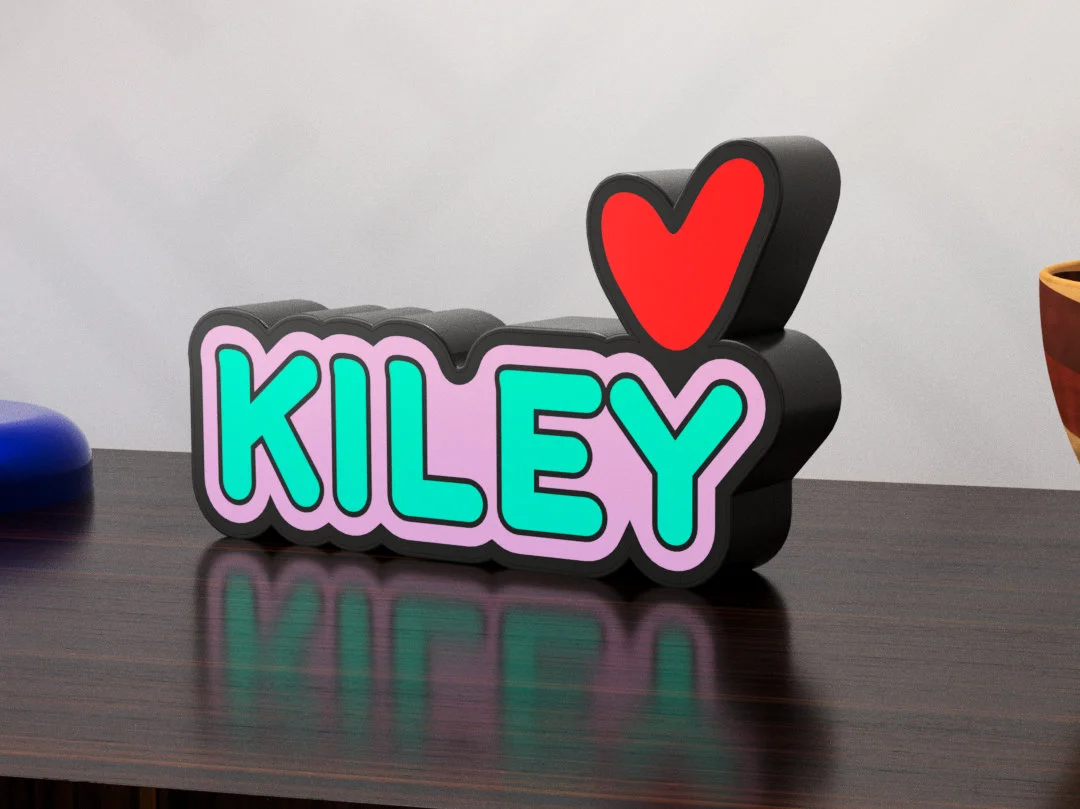
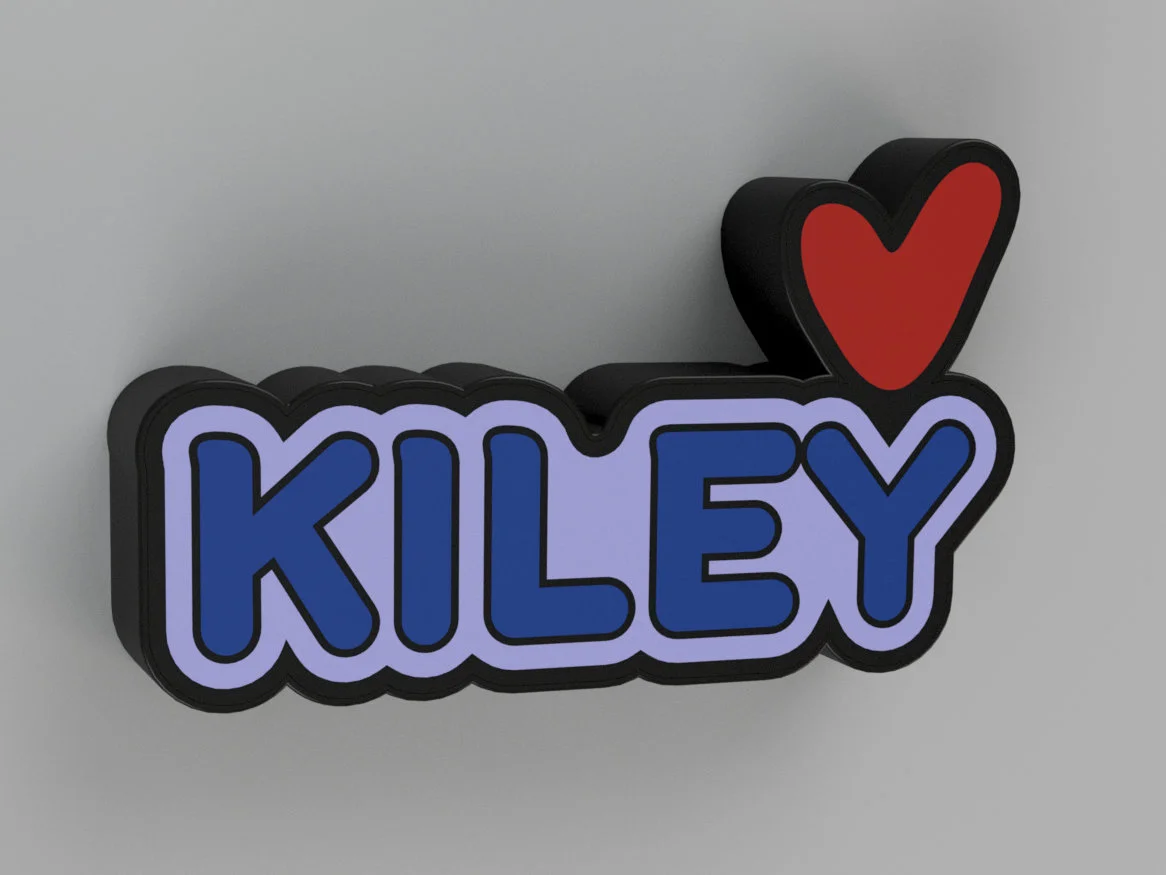
Lightbox Instructions – “Kiley”
This lightbox was created on request, featuring the name Kiley. The diffuser is printed using two different light‑transmitting filaments—for example warm white and E‑Sun white. You can use any other translucent filament, as long as it is not fully transparent. Fully transparent filament removes the soft diffusion effect.
The heart is placed inside a closed compartment. Because of this, it can be programmed separately from the name section, allowing it to have its own color.
After printing, insert the LEDs into the holes. Once positioned, add a small drop of superglue between each PCB and the body. Allow the glue to dry completely. You can then solder all LEDs together—just make sure to follow the correct data in and data out direction.
For heat management, I recommend placing the Wemos module outside the lightbox.
🛒 Shopping List
WS2812B PCB RGB LED (AliExpress)
Wemos D1 Mini (AliExpress)
30AWG Thin Wire (AliExpress)
Black Filament - used for the body and the back
Two Light, Translucent Filaments
💡 How to Flash WLED on a Wemos D1 Mini
A clear step‑by‑step video guide:
▶ YouTube Tutorial: https://www.youtube.com/watch?v=xIYOKvj4
ByGIVEMHEVNLikes71Downloads143

 Byduo3dprintLikes0Downloads375

 ByshoheiyLikes0Downloads294

 By3dbox42Likes0Downloads113

 ByTomas_tntLikes10Downloads47

 ByEmilySpencer_1496565Likes151Downloads510

 ByHeenkLikes118Downloads414

 Bymiepascora19_4336537Likes7Downloads17

 ByHDLikes6Downloads16

 Bystudio-selvaggioLikes0Downloads236

 ByFawoorkiLikes62Downloads159

 BybigcookiedaddyLikes0Downloads825