



Giá đỡ thẻ DOPE Data Card Holder cho ống ngắm
 ByTarzLikes28Downloads587
Build another version of this model.
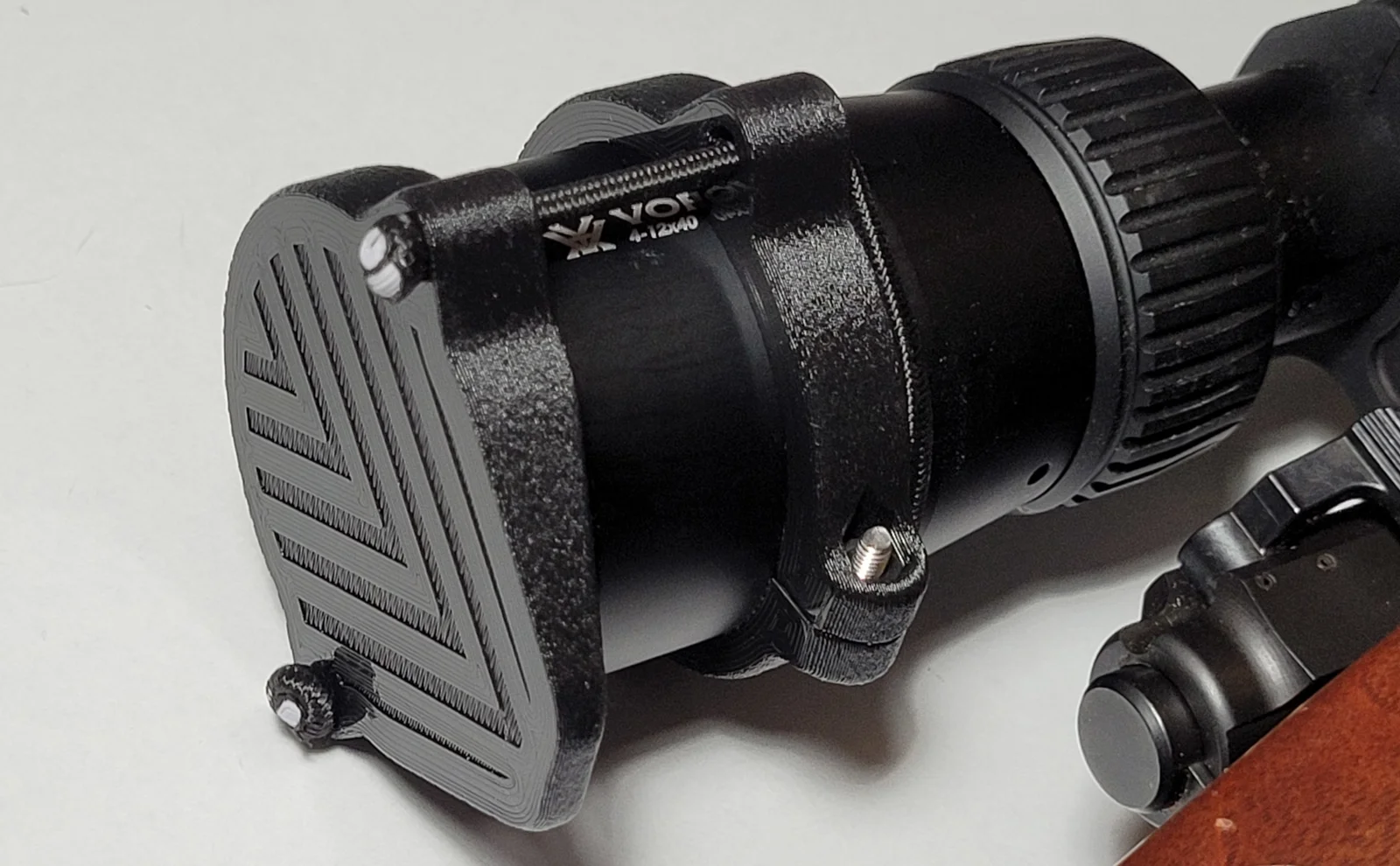
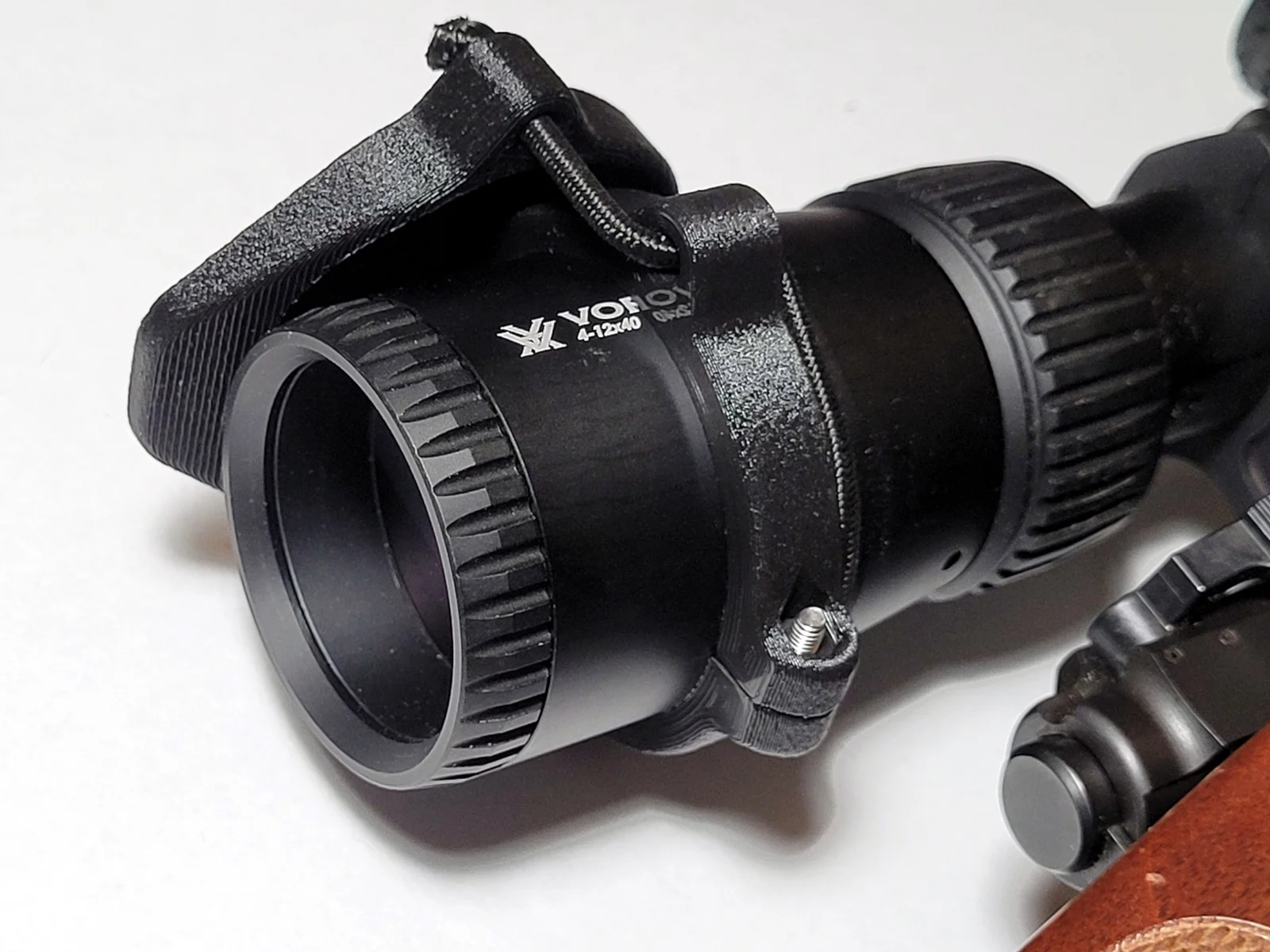
Shock Cord Scope/Light Cover "by" Qwerm
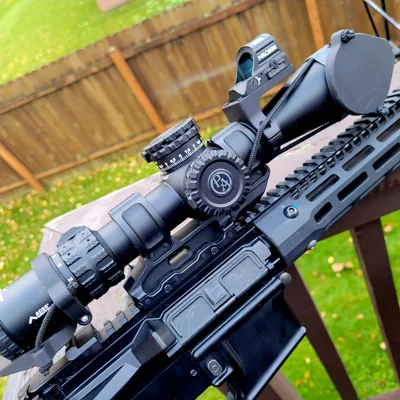
A shock cord retained cap for your light or scope based off of One Hundred Concept's ScopeCap/LightCap/ShockCollar. Included in the release are various sizes ranging from 30-70mm in 2mm increments but I have also included a SLDPRT file in order to be able to make a custom sized cap and retaining ring.
Changelog:
V1.1 - Added 26mm and 28mm sizes.
Print orientation:
Print everything on it's face.
Settings used:
Material: PLA+ (Caps also work well in TPU)
Extruder Temp: 210c
Bed Temp: 60c
Layer Height: 0.2mm
Wall Line Count: 4
Infill Percentage: 100%
Support: None
Fuzzy Skin: On
Fuzzy Skin Outside Only: On
Fuzzy Skin Thickness: 0.1mm
Fuzzy Skin Density: 10.0/mm
Materials needed:
1/8 in. Shock Cord
1x M3 x 8mm Socket Head Screw
1x M3 Nut
Directions:
- Tie a knot at the end of a length of shock cord.
- Feed the cord through one of the holes in the cap, then through a matching hole in the ring.
- Feed the cord through the opposite ring hole and through the back of the last cap hole.
- Leave a small amount of slack and tie a knot in the cord near the face of the cap.
- Mount the ring onto your scope or light and flip the cap over the lens.
- If there is too much slack in the cord either slide the ring further back or pull one end of the cord tighter and tie a new knot.
- Cut off excess cordage.
Tip: If none of the rings fit your setup and are unable to use the source file to make your own you can negate the use of the ring by looping the cord around the scope/light mount.
For more information visit One Hundred Concept's website at www.onehundredconcepts.com
Making a custom sized set of caps and collars:
I have included a SolidWorks source file that should be easy to modify in case any of the pre-generated sizes don't fit your gear properly. To make your own custom size first open "ShockCordScopeLightCover.SLDPRT" and adjust the "Main Sketch" sketch under the "Extrude Cap" feature. Set "D7@Main Sketch" (Default is set to 60.00mm) to the outer dimension of your scope or light bezel. If you set the dimension below 35mm you will have to edit the "Screw Hole" feature and edit the selected contours to only select the inner circle.
If you are not able to open SLDPRT files I suggest editing the STEP files of the closest sized cap and/or ring. The inner diameter of the ring should be 1mm larger than the outer diameter of your scope or light and the inner diameter of the cap should be 2mm larger.
ByTarzLikes28Downloads587

 ByCubaLibreee_2869176Likes125Downloads1K

 By3d-finesseLikes0Downloads154

 ByXDr4g0nXLikes198Downloads835

 ByGerhard_48223Likes240Downloads476

 ByBillRichardsLikes32Downloads406

 ByKorriLikes60Downloads620

 ByMachaki_1134160Likes36Downloads374

 ByMauroVanDerG_4110408Likes378Downloads2.7K

 By3DGearSupplyLikes26Downloads453

 ByMFTuningLikes153Downloads1.8K

 ByHeftie_218619Likes2Downloads10