



Kẹp giữ sợi Filament
 Bytinx_1344834Likes1.2KDownloads6K
Build another version of this model.
BEFORE STARTING THE IMPLEMENTATION OF THE PROJECT, READ CAREFULLY THE ENTIRE DESCRIPTION AND VIEW THE PHOTO GALLERY !!!
Hello Everyone
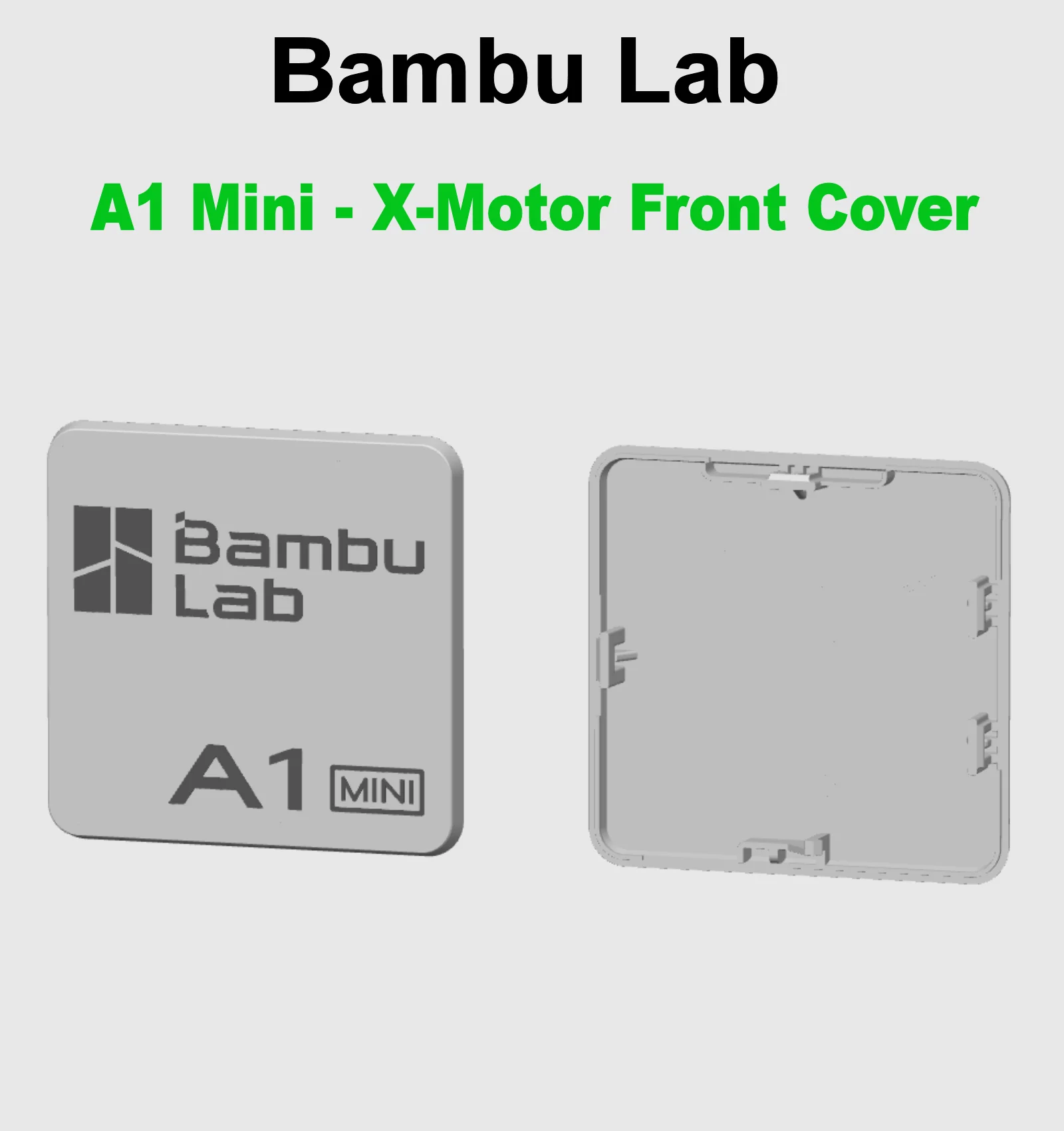
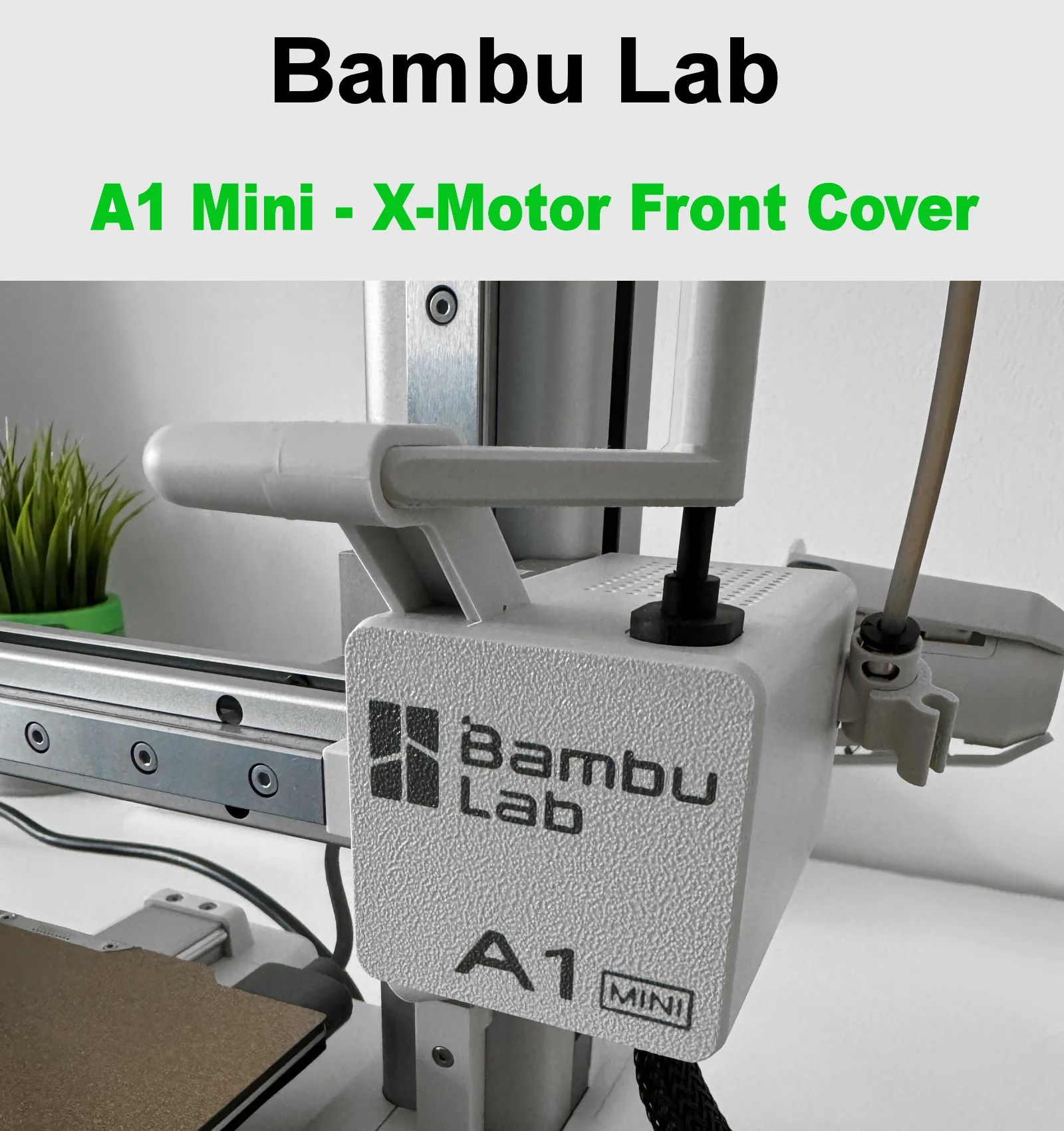
This is the front cover for the X-axis motor. I added the Bambu Lab logo and the name of the printer it is intended for. I didn't like the original cover.
The Bambu Lab logo is hidden in the first layer. If you do not color it, it will not be printed and will not be visible. You can download the STL file that needs to be colored and the 3MF file that is ready to print and is in color (Just change the filament to Your color).
When you complete the project, please share a photo and a comment. Thank you and have a nice day.
Here you will find all my modifications and accessories for Bambu Lab A1 Series printers : https://www.printables.com/pl/@Damian27/collections/1547024
For all modifications of my Bambu Lab A1-Mini printers, I used Fiberlogy Easy PLA and Fiberlogy Impact PLA filaments in Gray and Graphite colors. As you can see in the photos, the color is almost 100% consistent with the color of the printer, which makes the modifications look like factory parts.
How to Print ? :
Bytinx_1344834Likes1.2KDownloads6K

 Byprusa-researchLikes0Downloads2.7K

 Byarhi_585078Likes64Downloads540

 ByHanzo3dLikes155Downloads413

 BydarienLikes0Downloads1K

 ByGeek5DLikes147Downloads484

 ByBrokentooth_designsLikes23Downloads407

 ByvertigomakesLikes0Downloads560

 By3DSourcererLikes48Downloads377

 Byartme-3dLikes0Downloads333

 ByWyomingWolf_261196Likes52Downloads428

 Bytopronix_2170418Likes41Downloads297