

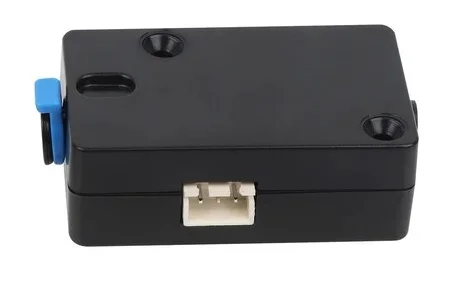


Kẹp giữ sợi Filament
 Bytinx_1344834Likes1.2KDownloads6K
Build another version of this model.
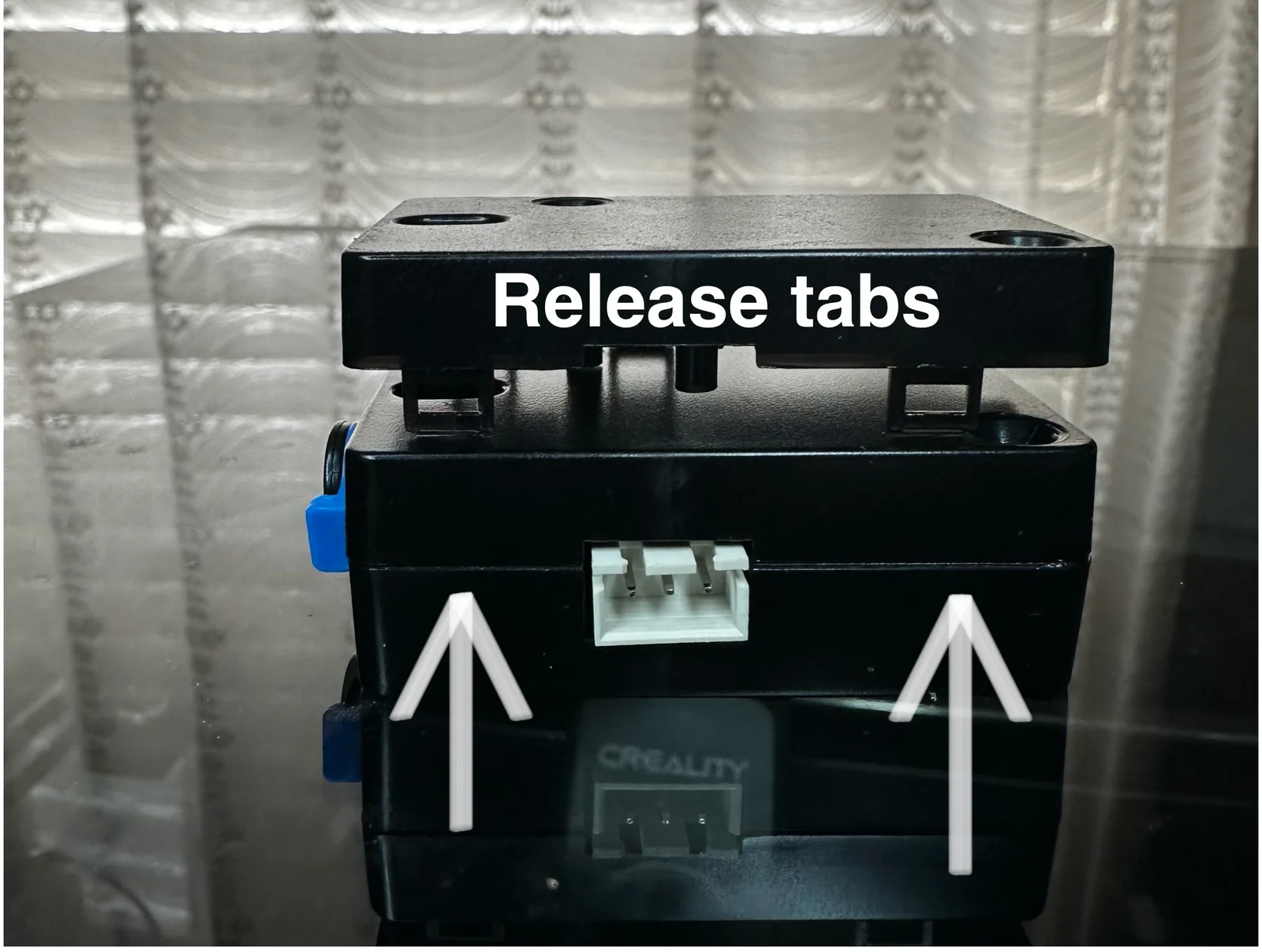
This mod corrects a filament path issue due to the bearing and the ~9mm gap for using that bearing.
Note: Creality uses this same sensor on other printers like the Ender 5 S1 and maybe others, so this should fix the same problem.
K1 Max users should use a filament that can withstand their chamber temp since the runout sensor is inside the chamber.
K1/K1C/Ender 5 S1 users should be able to use any filament since the runout sensor is on the exterior.
Try the (offset filament path) version first.
You will feel resistance when loading the filament; just push past it; it is the small roller on the sensor arm. You shouldn't have any more loading issues at the moded filament sensor.
Bytinx_1344834Likes1.2KDownloads6K

 Byprusa-researchLikes0Downloads2.7K

 ByRyanLikes0Downloads232

 Byemmanuel-garciaLikes0Downloads169

 Bycrawler-4460618Likes0Downloads171

 Bydet-manLikes0Downloads184

 Bygummiegecko8477Likes0Downloads178

 Bychukwufumnanya-arinzechukwuLikes0Downloads162

 BydalleLikes0Downloads160

 Bychris-barwickLikes0Downloads139

 ByBrokentooth_designsLikes17Downloads161
