




Harley Davidson - Kiểu dáng Fat Boy độ
 BySoarpixLikes739Downloads2.9K
Build another version of this model.
Thanks so much for the amazing support for Model J6, including downloads and likes from fellow makers around the world. Your encouragement keeps me researching, building, and sharing more models.
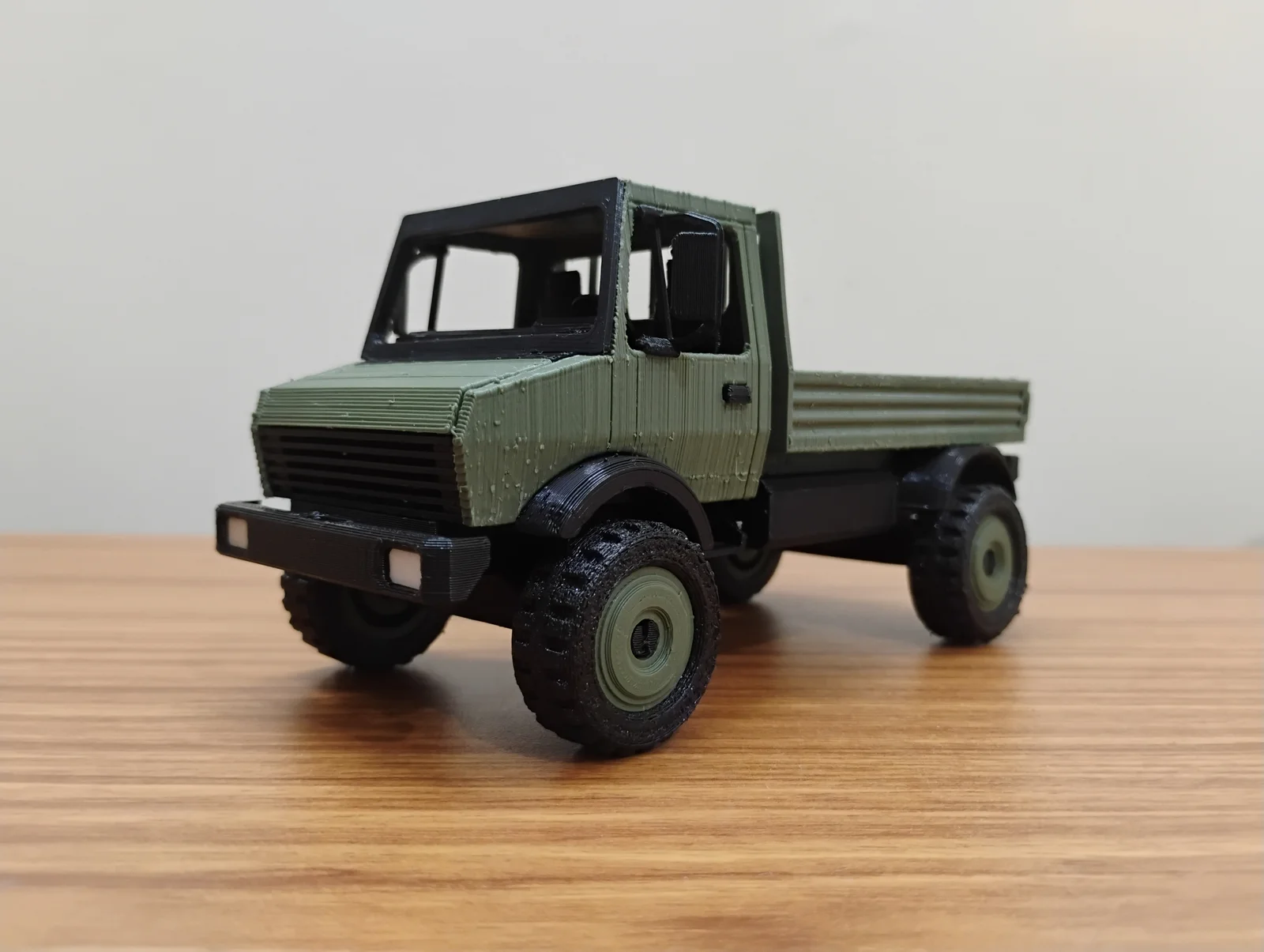
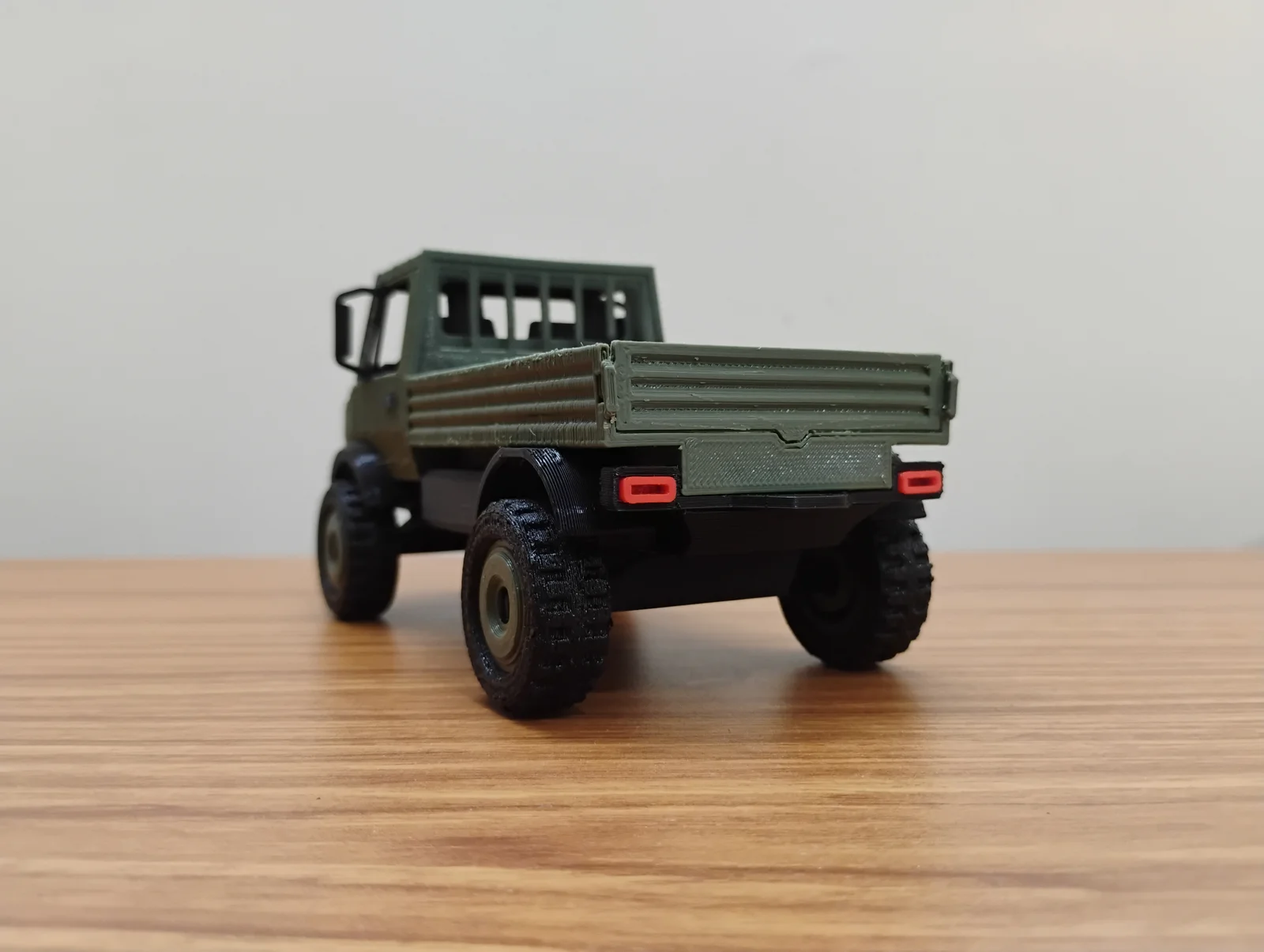
Now, let's welcome the Model U-1650. This heavy-duty utility truck model is designed to showcase off-road toughness and print-friendly assembly. A perfect build for overland build fans, military rig enthusiasts, or just love unique vehicle models, this one's for you.
This 32-scale Unimog model is specifically designed in Fusion 360 for FDM 3D printing. It features push-fit joints, eliminating the need for adhesives or fasteners during assembly. All you need is a 3D printer to print and assemble.
Please note that, based on the printer tolerances, the assembly may require additional post-processing. If necessary, use adhesive to strengthen the joints.
All the parts, along with their quantity, color, and category, are summarized in the following table.
Axle
2
Black
Bumper
1
Black
Detail
Cab
1
Color
Chassis
1
Black
Crossmember
1
Black
Detail
Dashboard
1
Black
Detail
Door Handle
2
Black
Detail
Fender FL
1
Black
Fender FR
1
Black
Fender RL
1
Black
Fender RR
1
Black
Grill
1
Black
Detail
Headlight
2
White
Detail
Hood
1
Color
Mirror L
1
Black
Detail
Mirror R
1
Black
Detail
Rim
4
Color
Seats
1
Black
Steering Wheel
1
Black
Detail
Tailgate
1
Color
Taillight
2
Red
Details
Tire
4
Black
Truckbed
1
Color
Windscreen
1
Black
Note: The tires for the build are considered for TPU prints, as a default. Use non-TPU files for rims and tires if using non-flexible materials.
Position the parts in slicing software with orientations according to the following images. Correct orientation is important for printing without support.
Print with the color of your liking.
Print parts in black. Parts can be printed in a 0.3 mm layer height to save print time.
Most of the detailing parts are black, except light parts. Recommended 0.2 mm layer height and lower print speed of about 40 mm/s.
The model is designed for printing with a 0.4 mm nozzle without supports. Use the printer-specific settings for the best quality prints.
The prints need post-processing before starting the assembly process. The process involves removing the in-built supports and stringing. You may require the following tools as per preference and availability:
Watch the following video instructions for the model assembly. Check for tolerances before assembly. Use the appropriate tool for sizing the joint members. The press-fitting of some parts may require force. Use pliers or a vice for fitting, if necessary. In case any joint feels loose, use adhesive to fix the joint.
BySoarpixLikes739Downloads2.9K

 Byancilod142_2166504Likes320Downloads1.6K

 ByMartinLikes2.4KDownloads8.8K

 Byelizabeth3dLikes0Downloads241

 ByMonomoLikes357Downloads3.7K

 ByG33kt3chstudioLikes114Downloads394

 ByGameFan_195116Likes78Downloads333

 Byandino_294444Likes55Downloads269

 ByJanevonPirch_3221436Likes57Downloads268

 Bybtlucas_554756Likes75Downloads258

 Bybazzar701Likes0Downloads376

 By1riLikes43Downloads232