



New
戒慎恐懼 票票入匭 錯視柵欄牌 | Every Ballot Into the Box — Illusion Fence Sign
 Byjeremy-linLikes0Downloads126
Build another version of this model.
https://www.printables.com/model/521230-slider-sign-blank
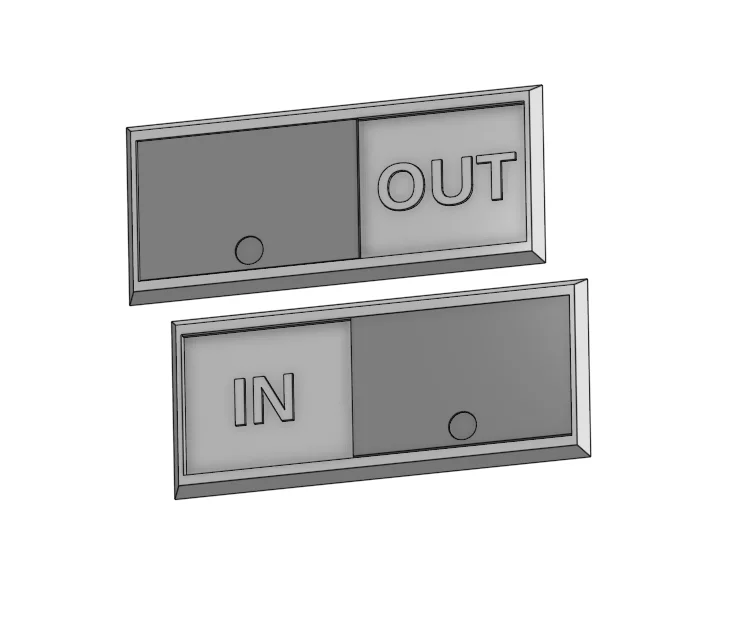
Use this sign to to show binary options. Originally I made the sign to show if a person was In or OUT, but then I decided to add some additional options just for fun. The snap-in slider moves side to side to show:
The slider can display:
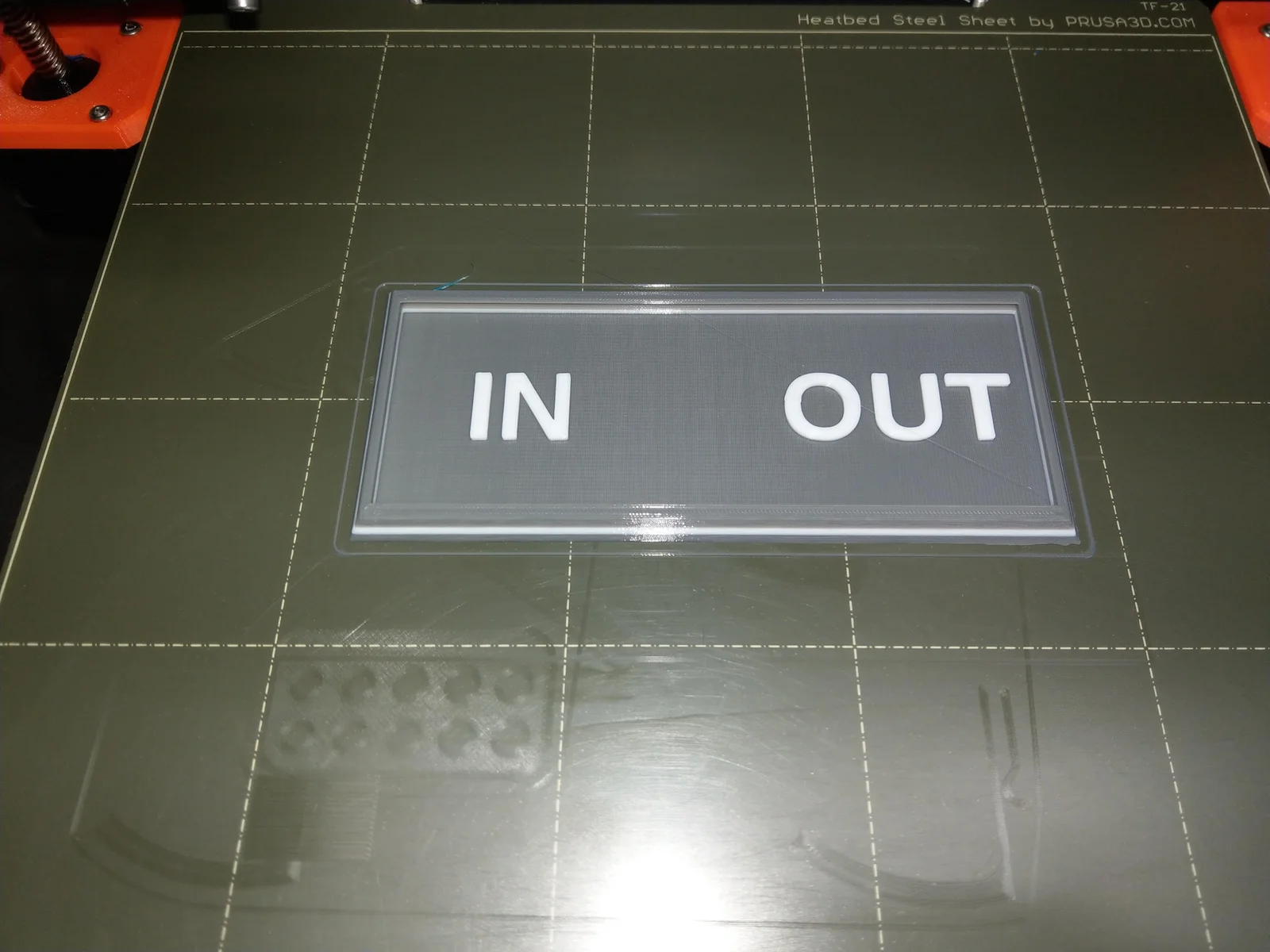
The prints are designed to print the text in a contrasting color using two color printing with filament switching. This works very well with a dark color as background and a "metallic" color for the text; a gray or black background with white text also work well (see the photos).
The OnShape 3D CAD files for this are available here:
Print in PLA with 10% rectilinear infill. Use the provided 3mf files for filament switching (or as examples).
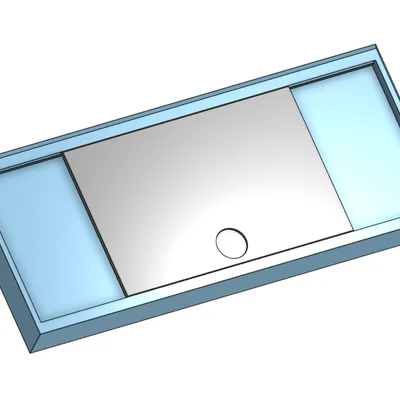
The sign base and the slider are printed separately. The slider simply snaps into place, but getting it inserted can be a bit tricky. I recommend using this technique:
Hold the sign base upside down at at angle, with the slider inserted into one slot. Push down with your thumbs to bend the base slightly along the long axis, while pushing the slider into the other slot at the same time. Once the slider snaps into place it should slide easily.
Byjeremy-linLikes0Downloads126

 ByvojtagrecLikes289Downloads905

 ByawelshmanLikes74Downloads141

 ByDrewmundLikes833Downloads4.6K

 ByS1m3DLikes74Downloads120

 ByHowler117Likes27Downloads352

 ByVojtechSkals_4144903Likes50Downloads251

 ByFastRaccoon_718321Likes461Downloads1.5K

 By3dcraftLikes0Downloads290

 ByvexanixLikes168Downloads1.3K


 ByIvoLikes196Downloads1.1K