
F3D
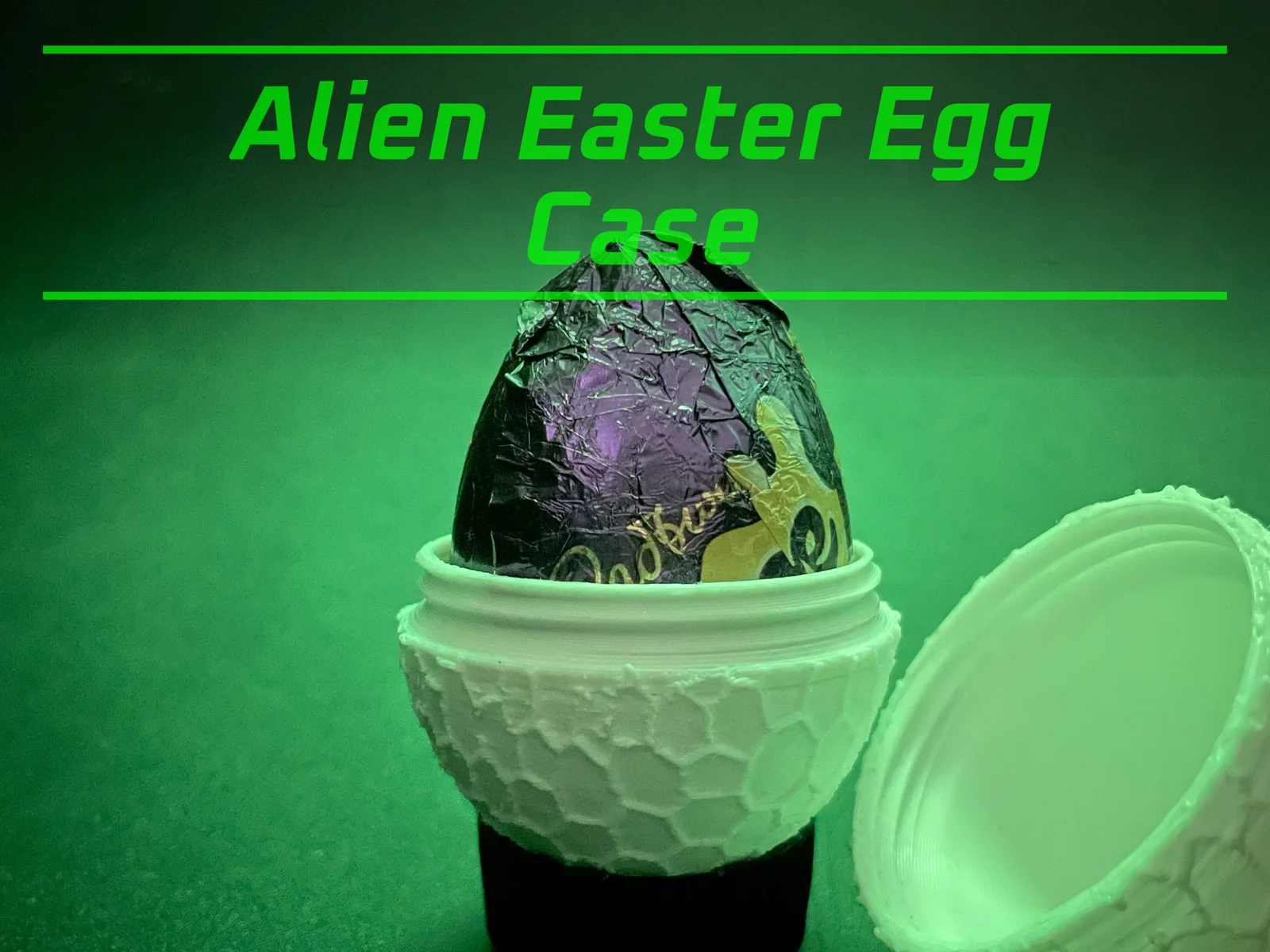
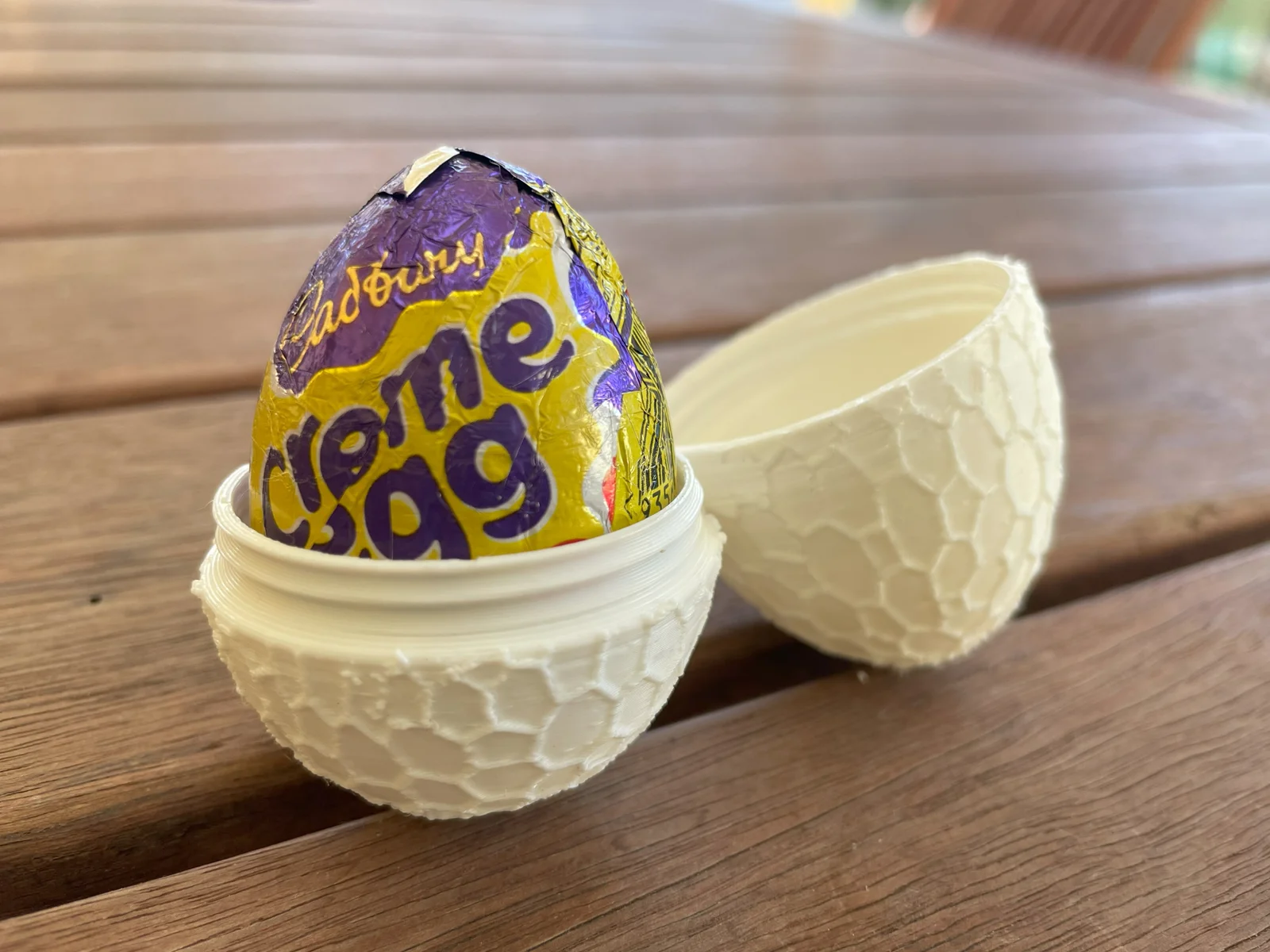
Vỏ Trứng Phục Sinh Kiểu Alien 1

3 images

DIY

Vỏ Trứng Phục Sinh Kiểu Alien

By Point3333

Downloads
168
Likes
20
Views
691

Files 5 7.4 MB

  • egg_case_combined_1766147605.3mf3MF · 1.4 MB
  • egg_case_top_1766147606.3mf3MF · 841.3 KB
  • egg_case_bottom_v2_1766147607.3mf3MF · 698.1 KB
  • egg_case_bottom_v2_1_0.4n_0.2mm_PLA_MINI_1h6m_1766147608.bgcodeBGCODE · 2 MB

Make a variant with AI

Build another version of this model.

Open Studio

Description

45 years since Alien. 1979. Wow.

A late burst of Autumn heat put paid to my initial plan, fortunately some side-tinkering with Voronoi patterns lead to a serendipitous outcome. So to celebrate 1979, we present a "choose your own adventure" shorts type-situation; the tribute to Ridley Scott's sci-fi/horror masterpiece or maybe join Pointy at the backyard table for a spot of show-and-tell?

Hints

Printing under the air conditioner is a temperamental experience. Lots of stringing. Low print quality. Best to avoid.

Design

The design process for this was interesting, basically it's a screw thread egg-shell case combined with a Voronoi eggshell, but making this was a bit of a journey.

  1. Take profile photo of egg and trace the outline in Inkscape. Grow the outline to create a margin around the egg and save this as an SVG file. Grow the outline a few more times to create the desired shell thickness (this needs to be thick enough to accommodate the screw thread) and save this as a second SVG file.
  2. Import the shell outlines in OpenSCAD and rotate_extrude() to create two egg objects, render and save to a 3MF file.
  3. Using OpenSCAD create a pair of threaded cylinder objects that can be subtracted from the egg objects to create the top and bottom halves of the egg.
  4. Take a copy of the bigger egg and use MeshMixer to create the Voronoi egg. Reducing the tri-count at this stage is a good idea. Then save this as a 3MF file.
  5. Use 3D Builder to combine the Voronoi egg and the larger egg. Save this combined egg object as a 3MF file.
  6. Use 3D Builder to subtract the top screw thread cylinder half from the combined egg object and then subtract the inner egg object to create the bottom half of the alien egg.
  7. Use 3D Builder to subtract the bottom screw thread cylinder half from the combined egg object and then subtract the inner egg object to create the top half of the alien egg.
  8. Import each object into PrusaSlicer, (the bottom half will need to be inverted) slice and then check the margins between the outside of the thread and the outer egg wall, the inside of the thread and the inner egg wall, and between the thread faces.

Read more Show less

Print spec

Formats
3mfbgcode
Model files
5
Total size
7.4 MB
Largest file
2.5 MB

0 comments

See all