

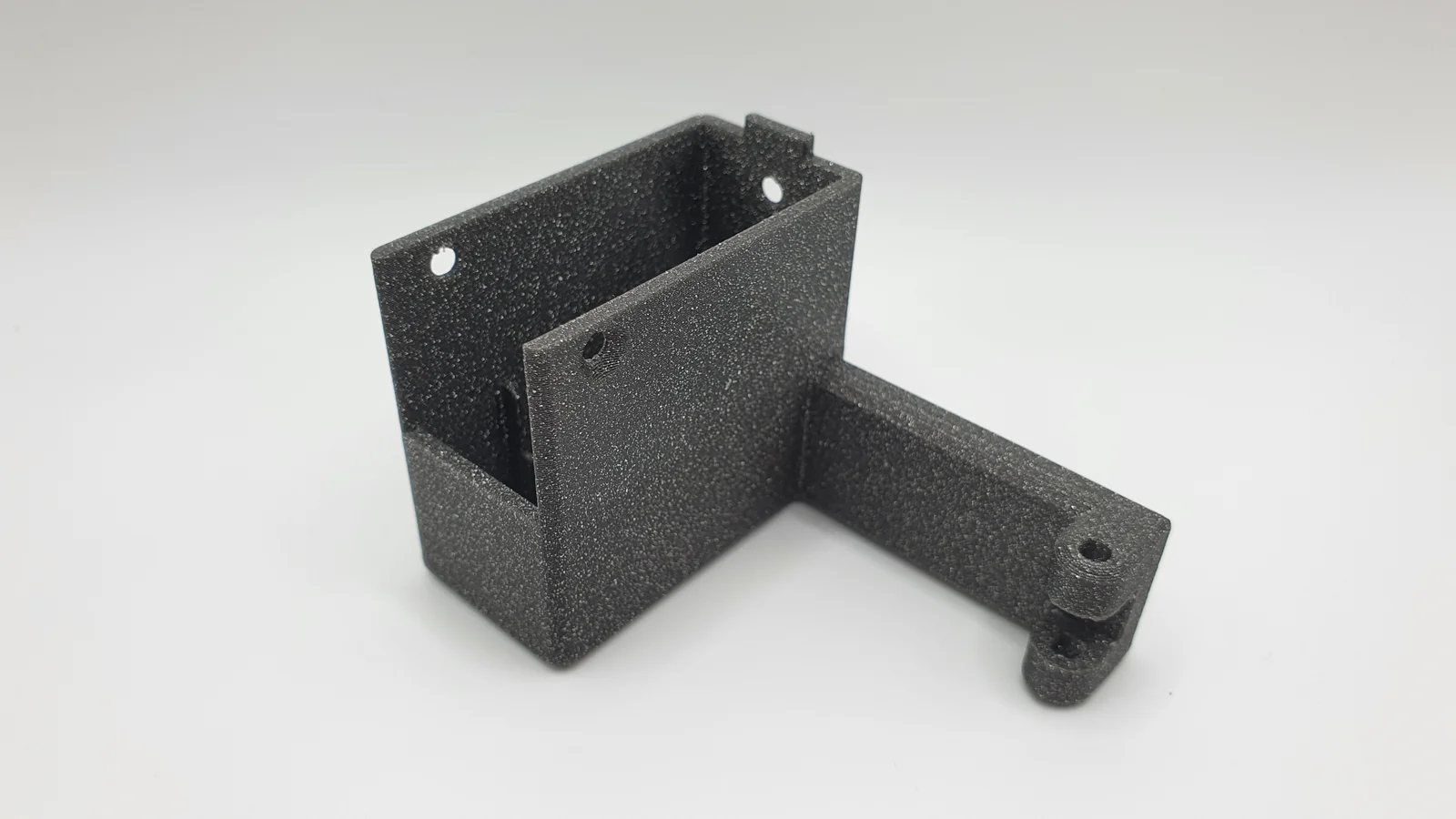
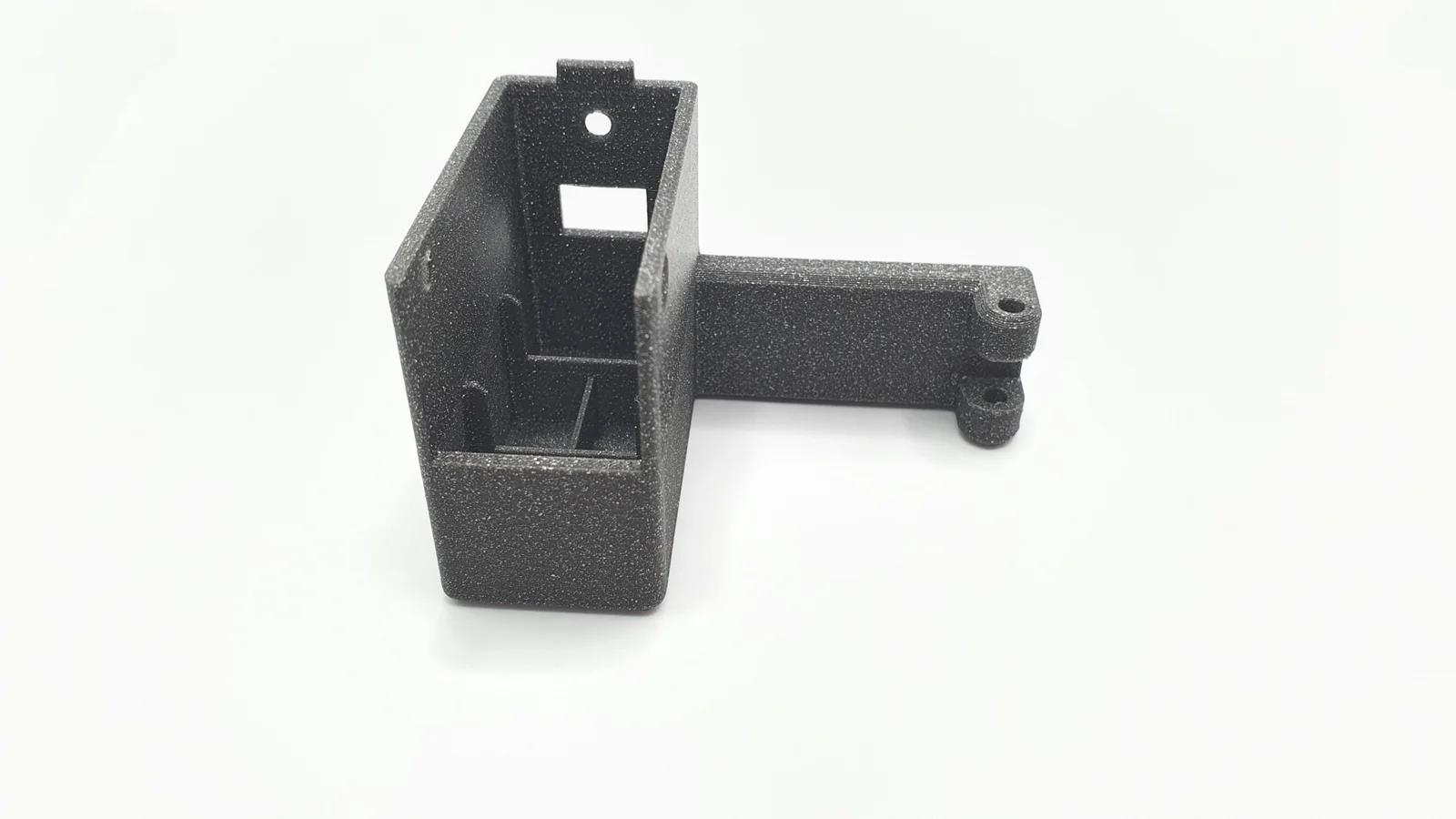


Kẹp giữ sợi Filament
 Bytinx_1344834Likes1.2KDownloads6K
Build another version of this model.
 Tay nắm cửa kính Qidi Q2 tích hợp giá treo Logitech C270ByJoshuaMaynez_1340038 · 05/28/2026
 Giá đỡ Camera C920 trên Trục X Elegoo Neptune 4 Pro (kiểu khe)ByLordButtons_1030882 · 12/14/2025
 Giá đỡ webcam C270 cho Elegoo Neptune 4ByJanekk · 06/23/2025
Recreation of the left x axis cover with mounting point for a Logitech C270. Had to raise the height of the cover to get enough clearance for the cam. The screw from underneath is a bit fiddly to get in, but it works.
I've included the Fusion 360 file so you might want to create your personal webcam mount.
If your webcam service is disabled, SSH into your printer (user: mks | password: makerbase) and run the following commands:
sudo systemctl enable webcamd
sudo systemctl start webcamd
First one enables the service on boot, second one starts it for the current session.
In Klipper open up your settings and create a Default camera. Leave the settings as the are (if you need to flip the image you can do so later on).
In your configuration folder should be a webcam.txt. Edit to your needs - USB camera is always /dev/video4.
Print settings: Optimized for a .4 nozzle with 0.2 layer height. 25% infill might be overkill. Put some support under the pivot overhang.
Bytinx_1344834Likes1.2KDownloads6K

 Byprusa-researchLikes0Downloads2.7K

 Bydet-manLikes0Downloads175

 Bygummiegecko8477Likes0Downloads167

 BydalleLikes0Downloads149

 Byarhi_585078Likes64Downloads545

 ByRaidy_980179Likes0Downloads6

 By[email protected]Likes0Downloads5

 ByHanzo3dLikes155Downloads417

 BydarienLikes0Downloads1K

 Byds-printsLikes0Downloads353

 ByGeek5DLikes147Downloads490