



New
Pocket-Size Third Hand Mini Spring Loaded Vise
 ByrjunLikes0Downloads299
Build another version of this model.
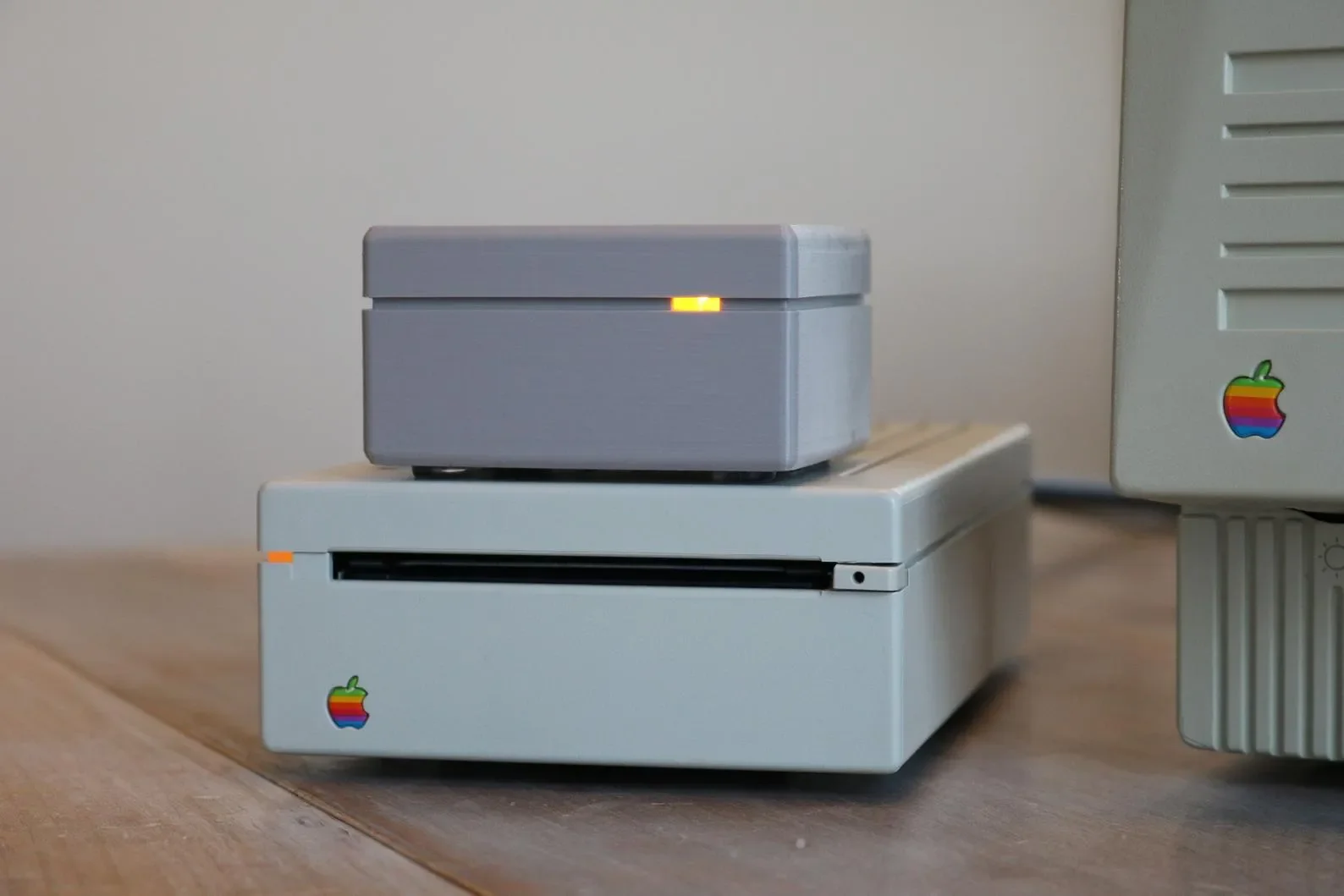
The PiSCSI (formerly known as the RaSCSI) is an exciting project by the retro Mac community, which turns a Raspberry Pi into a virtual SCSI device. It can host virtual hard drives and CD-ROM drives, which can all be attached and detached through a web interface hosted on the Raspberry Pi itself. The PiSCSI can also function as a virtual Ethernet adapter, simultaneously solving the storage and connectivity problems of 68k Macs!
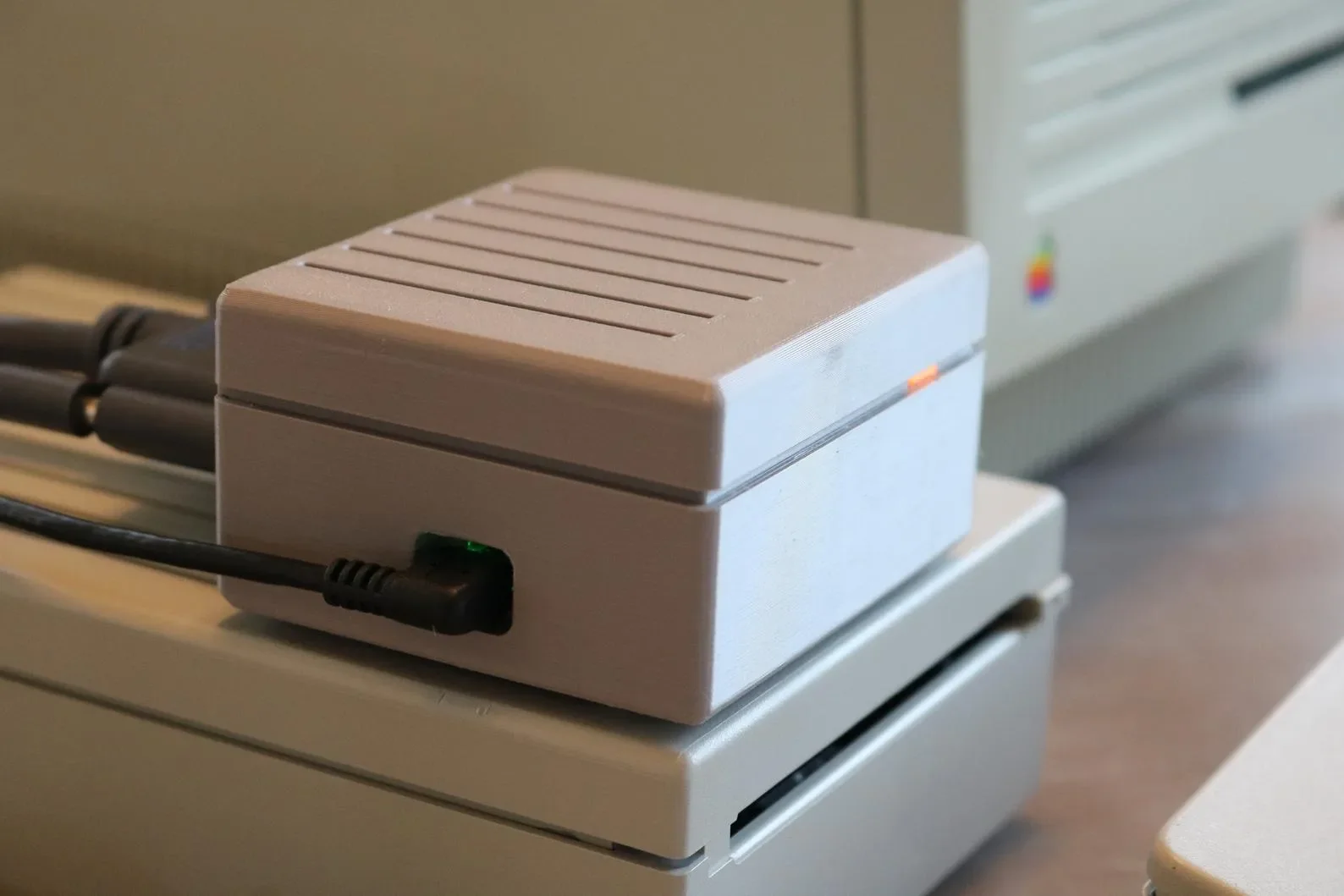
The PiSCSI Mini Case contains your PiSCSI and Raspberry Pi, so you can set it up with your Mac, or easily move it from machine to machine.
This "Mini" case has room for the PiSCSI and PiSCSI Expansion Board, giving you two DB-25 connectors.
Note: Your PiSCSI must be assembled in the "Compact" configuration to fit this case, per the PiSCSI Wiki. You will need to solder the 40-pin header to the top of the PiSCSI, and solder the 40-pin header to the bottom of the Pi Zero W to achieve this configuration.
To assemble the case, you'll need just a couple of parts!
I recommend printing the case in PETG with 8% infill. The light pipe/LED holder should be printed with clear PLA and 100% infill.
ByrjunLikes0Downloads299

 ByleonicLikes0Downloads1.4K

 ByZED4EverLikes313Downloads5.2K

 ByVC_DesignLikes271Downloads754

 ByfifindrLikes500Downloads4K

 Bymrfixit_324954Likes65Downloads475

 Bylab-96Likes0Downloads104

 ByDan Schwartz SchwartzLikes744Downloads3.4K

 ByBrokentooth_designsLikes83Downloads450

 Byvc-designLikes0Downloads3.2K

 ByUpcrid3D_1585693Likes808Downloads2.1K

 ByAdam Záhořák ZáhořákLikes39Downloads258