




New
Battery Boxes | AA/AAA/C/9V/D/Button Cell
 BymoonyxLikes0Downloads518
Build another version of this model.
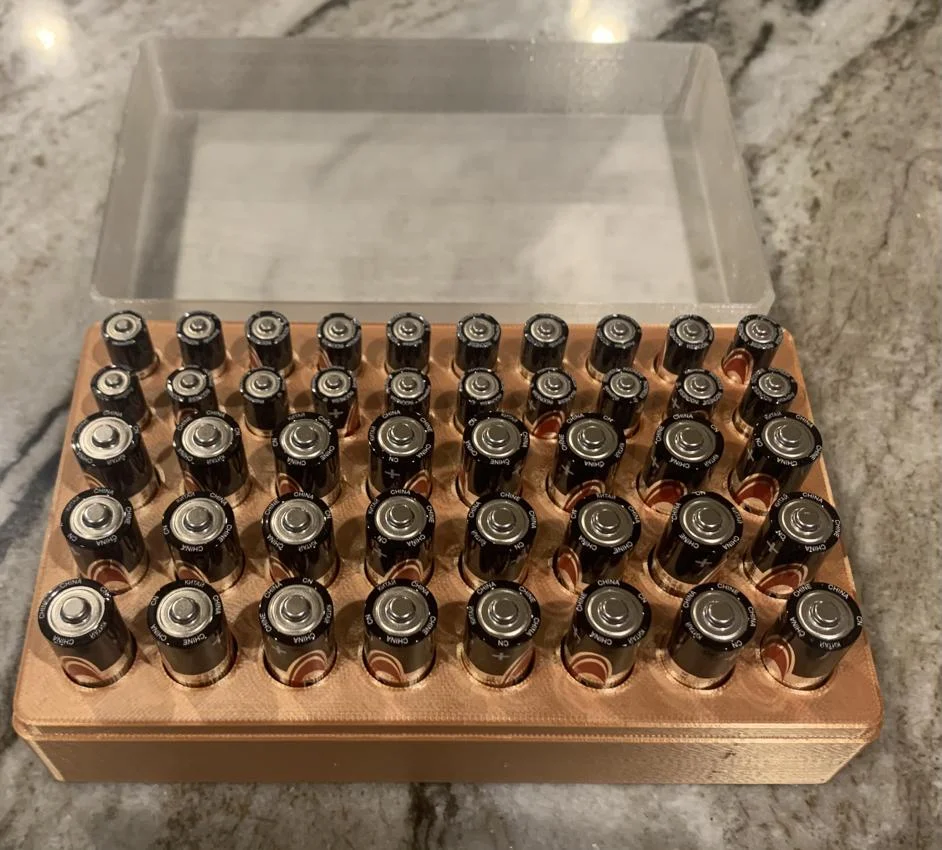
This OpenSCAD design lets you define the number of AA and/or AAA batteries for the case. Just select the number of rows of each battery type and the number of batteries per row. There are other adjustable parameters for the border width around the battery slots and the spacing between batteries. Other parameters include LidThickness and LidPlay to adjust the thickness of lid top and sides, and for proper fit on the battery box. The lid and box have spherical snaps to hold the lid in place, and on my Prusa printing at 0.3mm layers and a 1mm lid thickness with play of 0.3mm it was a fairly tight fit at first, but just right after a few times.
The settings I've used are:
By default, the box and lid render together. If the configuration is small enough to fit on your printer bed, you can export one STL file and just print them together. Otherwise, in the parameters you can uncheck PrintLid or PrintBox, then render and export each component's file separately.
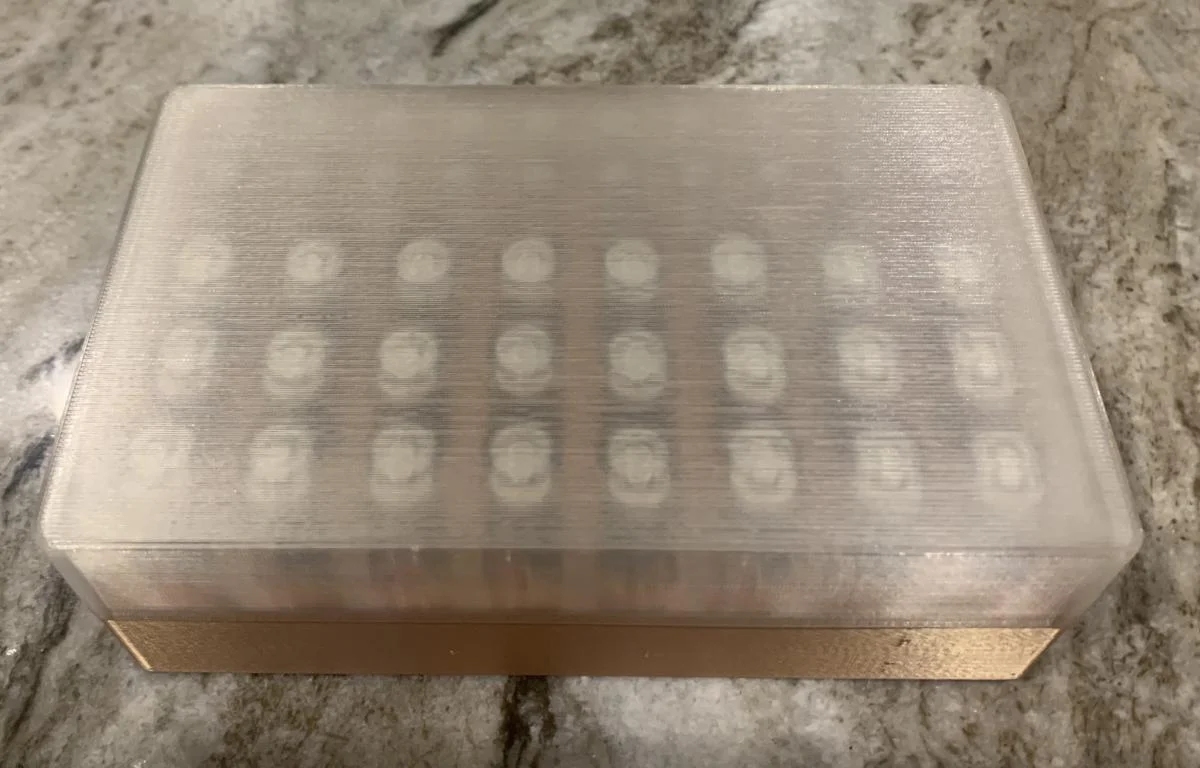
I have included the STL and Gcode files for a box holding 24 AAs and 20 AAAs so you can see the time and material required for a fairly large box. I also printed a small battery box and lid as a test, 4 AAA batteries in a 2x2 configuration, shown in the photos. This printed in 2 hours and 3 minutes.
Note the Gcode file for the lid has special settings to print as transparent as possible with clear PLA:
Now I can see how many batteries I have without taking off the lid!
With the OpenSCAD file you can remix as you wish.
BymoonyxLikes0Downloads518

 ByVC_DesignLikes721Downloads2.9K

 ByUpcrid3D_1585693Likes808Downloads2.1K

 ByWilko_SLOLikes935Downloads2K

 ByshoheiyLikes0Downloads433

 ByRobertoGalloc_356815Likes549Downloads1.8K

 ByTater_364200Likes486Downloads1.6K

 ByfifindrLikes709Downloads1.7K

 Bylab-96Likes0Downloads106

 Bywhilex_1739192Likes644Downloads1.1K

 ByGi_TLikes801Downloads1.3K

 ByzeroflowLikes186Downloads1.2K