



Ốp lưng cho Samsung S22 Ultra
 ByckthLikes148Downloads2.4K
Remix of Hộp Đựng Thẻ Nhớ SD & Micro SD Nam Châm Siêu Mỏng By landoncampbell
Build another version of this model.
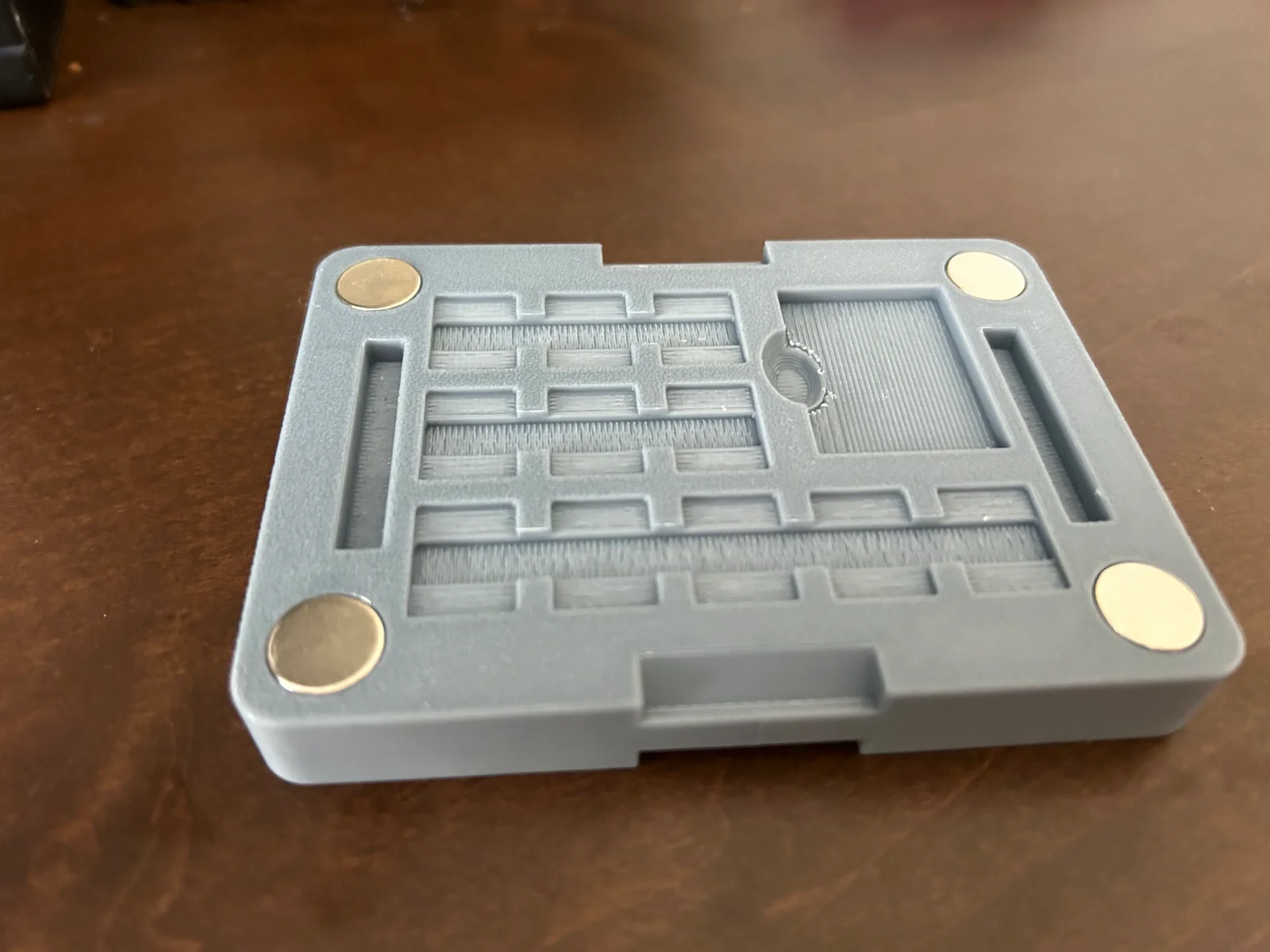
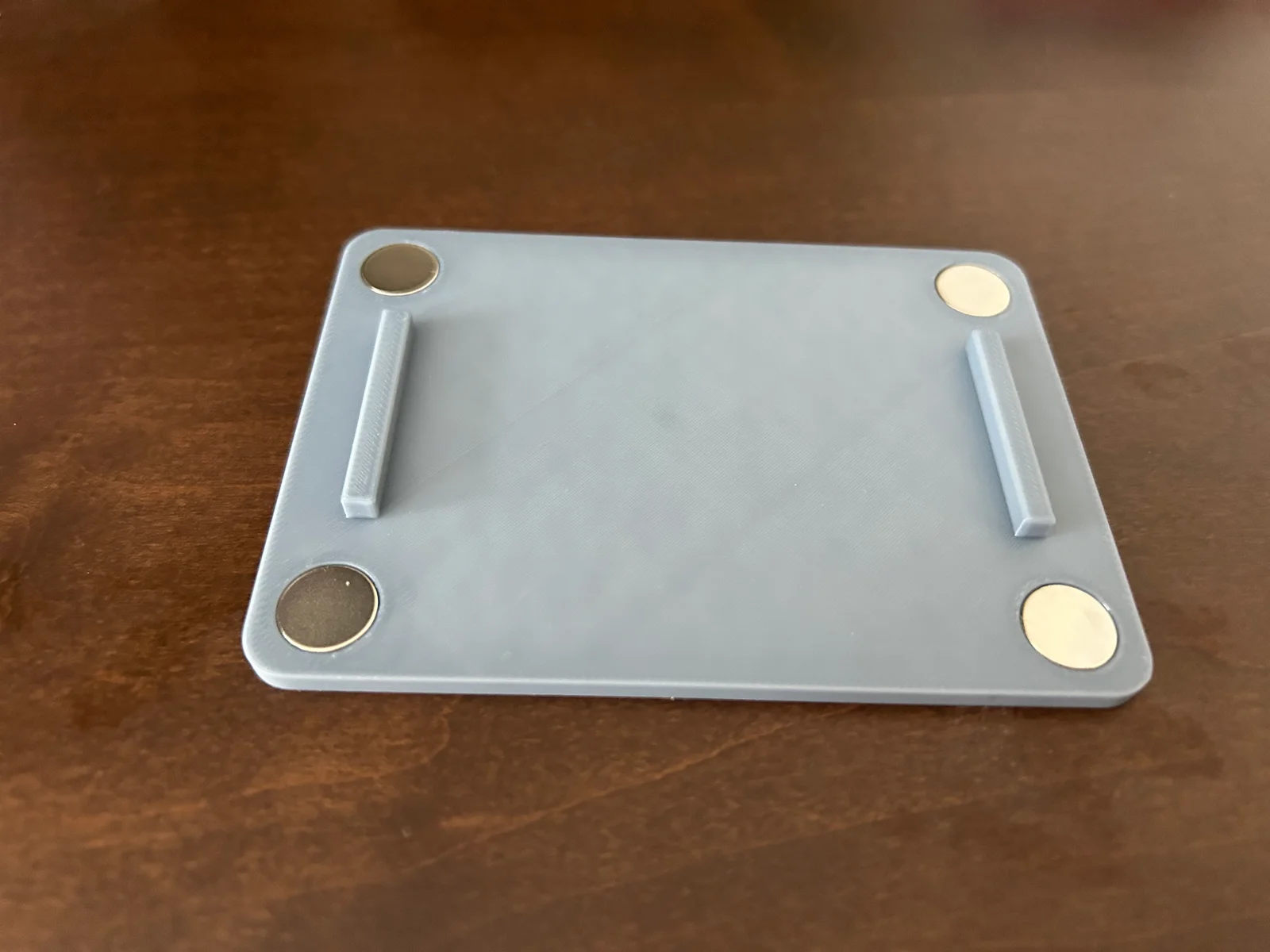
SD card case remix where I duplicated the model and flipped it over so now it has twice the amount of storage in a similar volume. I also made the holes larger to fit my 12x3 magnets.
Print:
SD Card Case Bottom.step- x1
SD Card Case Top.step- x2
16 12x3mm Magnets required
READ THIS BEFORE ASSEMBLY
Assembly: Use a Sharpie and label 8 magnets south and 8 north. It doesn't matter which side is which pole as long as they are opposites. On the base piece, put a small amount of super glue in each of the 4 holes on top. Now put 4 magnets that are all labeled the same in the hole with the labeled side down so that the Sharpie will no longer be visible. if you put the right amount of glue then there should be no overflow but if there is, wipe it with a paper towel. Now let it dry and repeat on the other side with the ones labeled opposite. The magnets should now be attracting through the plastic to hold it in better. now repeat with the tops. put 4 north in one and 4 south in the other, all with the labeled side facing down. After everything has dried sufficiently, you are now free to use as you would like.
ByckthLikes148Downloads2.4K

 ByvideograndpaLikes36Downloads286

 ByNK01_3850118Likes13Downloads215

 BynasikLikes0Downloads273

 ByBaGooNLikes64Downloads142

 ByjoranLikes0Downloads212

 ByJaronLikes310Downloads1K

 Byw3rN42Likes127Downloads935

 ByMandicReallyLikes0Downloads137

 ByTomDDLikes89Downloads574

 BycharlieLikes0Downloads116
