



New
DIY RC Crane
 ByprofessorbootsLikes0Downloads290
Build another version of this model.
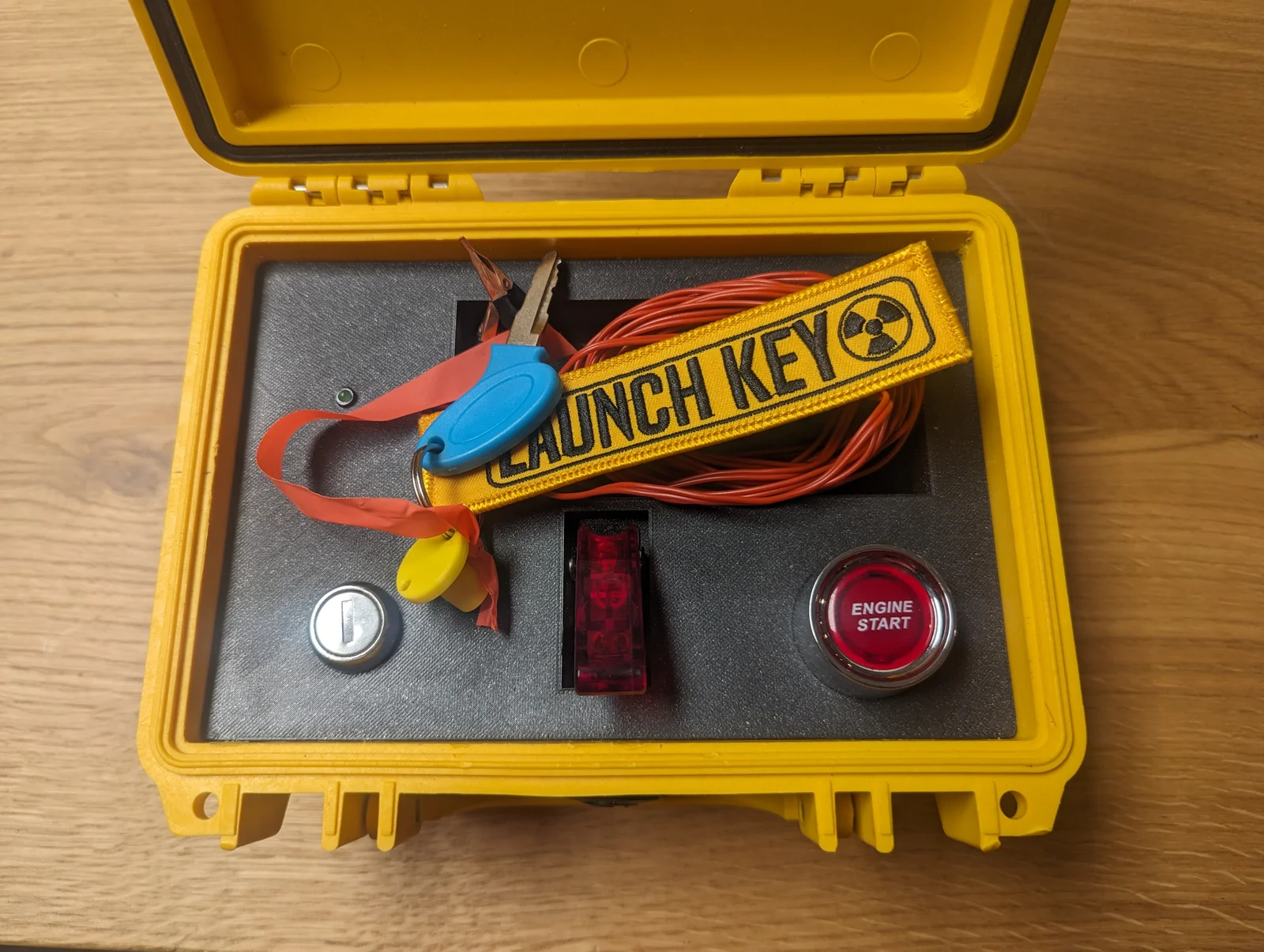
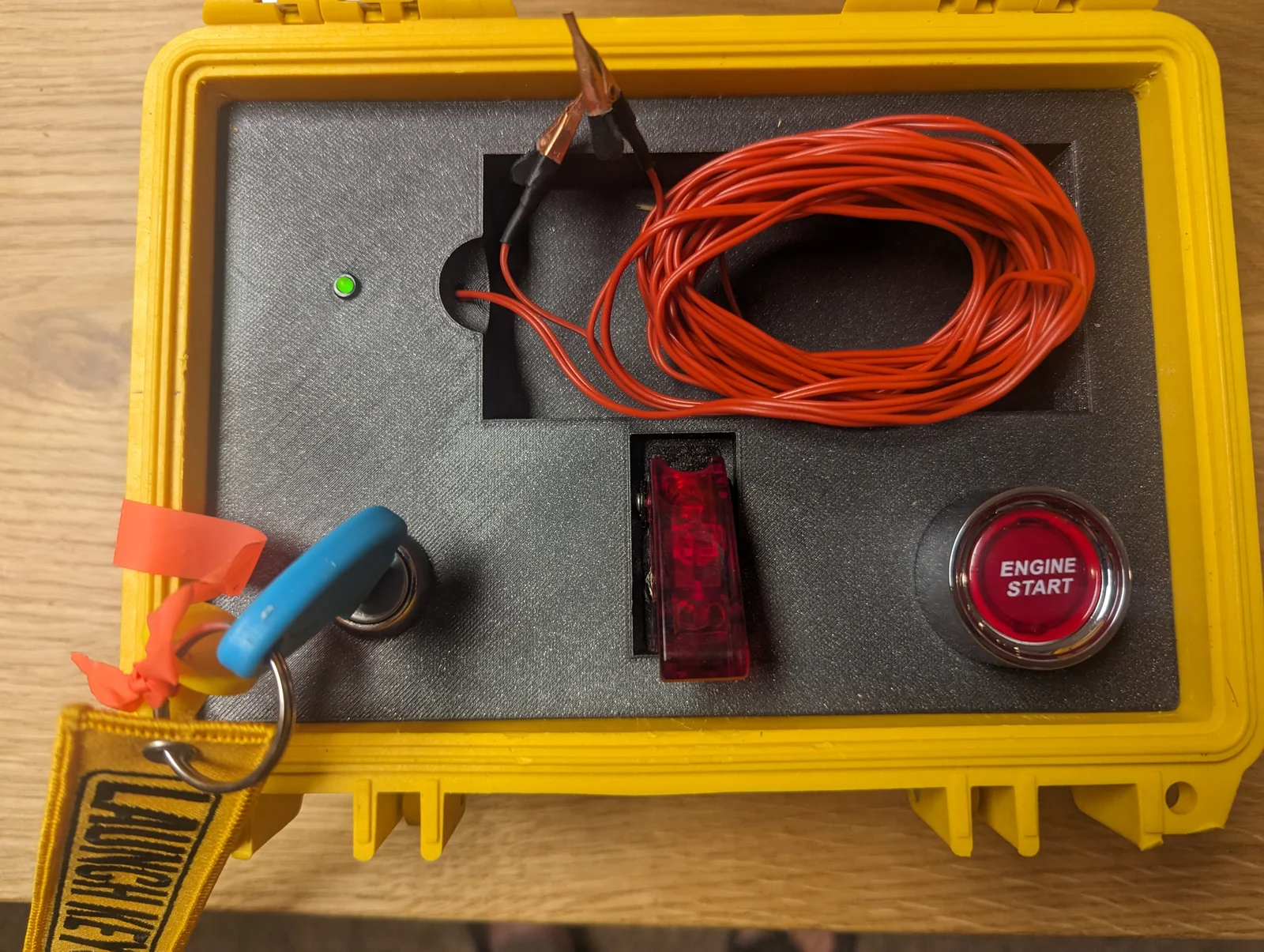
Panel snugly fits into a pelican 1120 case.
Small rechargeable battery pack underneath (held in place with 3m double sided adhesive)/ I remove the panel to recharge.
Key arms the box and turns on the green LED. The Key also has the LaunchPad safety cover. Makes sure the key isn't in the box while you set up the launchpad. Safety 3rd.
Middle red toggle switch arms the “Engine Start” button
“Engine Start” button has an ignitor check - LED on = good connection, LED off = not connected
Engine Start button - https://www.amazon.com/gp/product/B099951TY2/ref=ppx_yo_dt_b_search_asin_title?ie=UTF8&psc=1
Keyed Switch
https://www.amazon.com/gp/product/B07H28S1ZM/ref=ppx_yo_dt_b_search_asin_title?ie=UTF8&psc=1
Lighted Safety Toggle Switch
https://www.amazon.com/gp/product/B07T6XJF1T/ref=ppx_yo_dt_b_search_asin_title?ie=UTF8&psc=1
I had a small green LED lying around, but not sure where I purchased it.
Wiring came from the basic launch controller that comes with the cheapy estes launchpad.
The battery pack was one I grabbed that had 4 cells, and match the stock cheapy estes controller for voltage.
ByprofessorbootsLikes0Downloads290

 ByleonicLikes0Downloads1.4K

 ByZED4EverLikes313Downloads5.2K

 ByfifindrLikes500Downloads4K

 BymoonyxLikes0Downloads701

 ByVC_DesignLikes679Downloads3.6K

 ByDan Schwartz SchwartzLikes744Downloads3.4K

 Byvc-designLikes0Downloads3.2K

 Bythorin-oakenshieldLikes0Downloads538

 Bytorii-creative-studioLikes0Downloads455

 ByUpcrid3D_1585693Likes808Downloads2.1K

 ByshoheiyLikes0Downloads437