



Steam Machine Companion Cube / Vỏ đựng Weighted Storage Cube
 ByJaronLikes310Downloads1K
Build another version of this model.
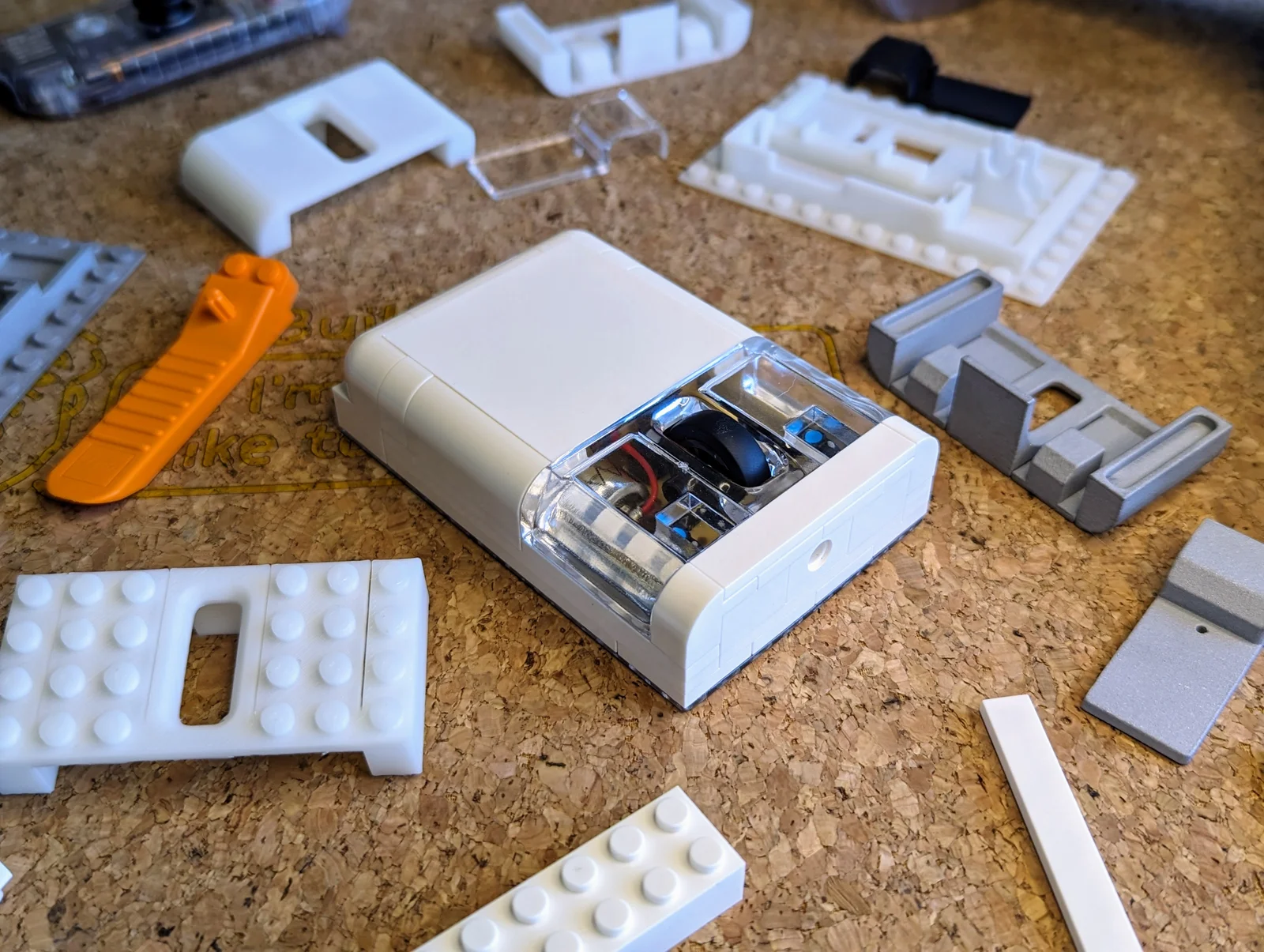
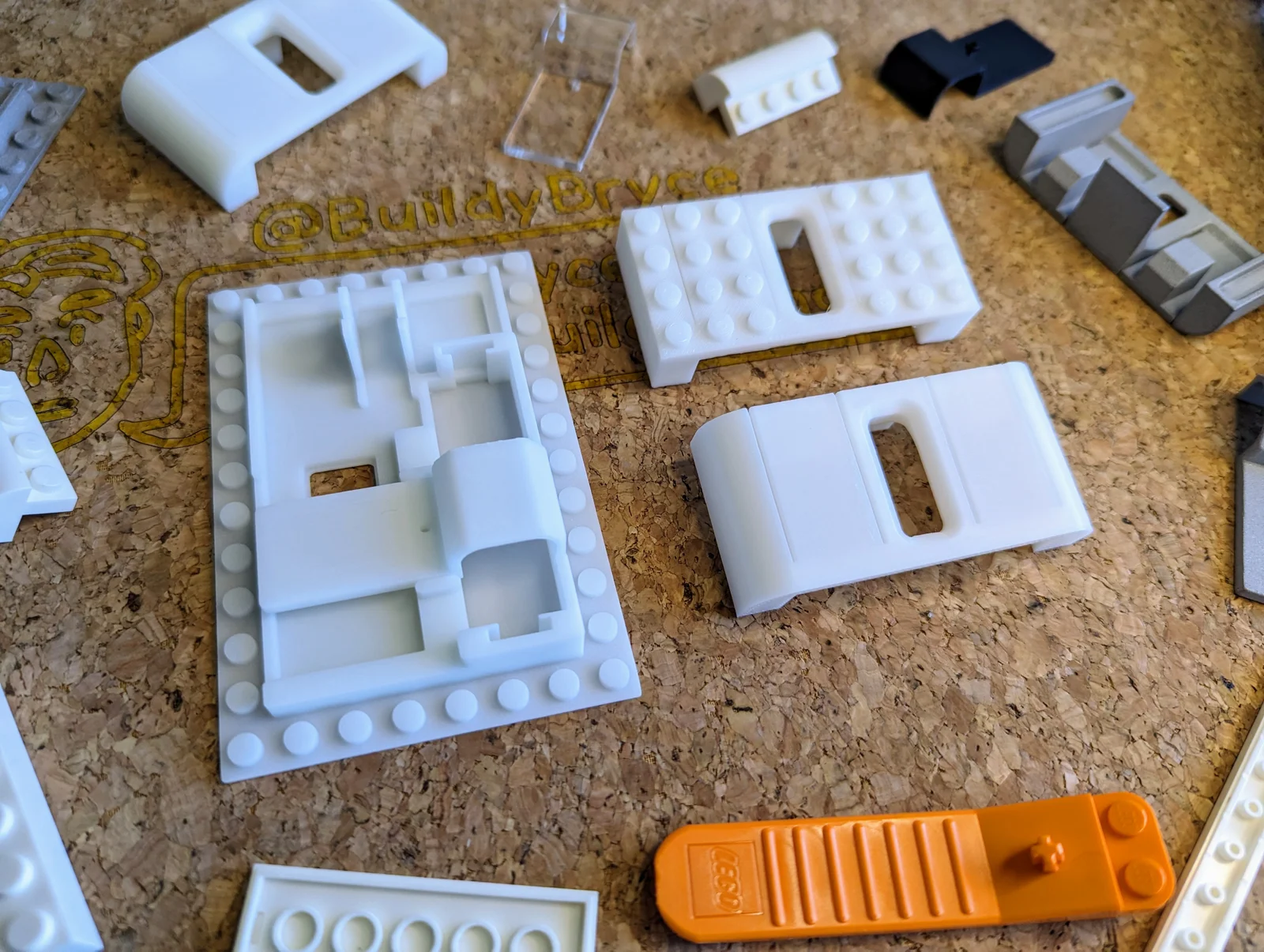
This brick mouse is compatible with toy construction bricks, including ████!
3D printing parts that are ████-compatible can be very tricky. The 3D models I've provided on this page worked perfectly for me when printing on my FFF printer at 0.2mm layer height with a 0.4mm nozzle.
Please keep in mind that you may have to adjust your slicer settings or calibrate your 3D printer to produce a good result that your bricks easily snap in and out of. I've also supplied .3mf files so that you can manually adjust the 3D models yourself.
Tolerances also vary depending on your manufacturing method. E.g. parts printed with resin may be too loose. If this happens, I recommend supergluing 1 layer of bricks directly to the 3D printed part.
I'm not able to adjust the model for you or help you. You'll need to solve any issues you may encounter on your own. Good luck!
ByJaronLikes310Downloads1K

 Byw3rN42Likes127Downloads935

 ByTomDDLikes89Downloads574

 ByJwidessLikes34Downloads375

 ByBroBuilds3D_4455044Likes32Downloads454

 ByckthLikes148Downloads2.4K

 Bynexgen-3d-printingLikes0Downloads394

 ByVikingptty_1943738Likes50Downloads233

 ByBrokentooth_designsLikes30Downloads225

 Byslava-kuzminLikes0Downloads283

 ByJKMCZLikes11Downloads177

 Byjodinskylab_3390035Likes144Downloads167