



Kẹp giữ sợi Filament
 Bytinx_1344834Likes1.2KDownloads6K
Build another version of this model.
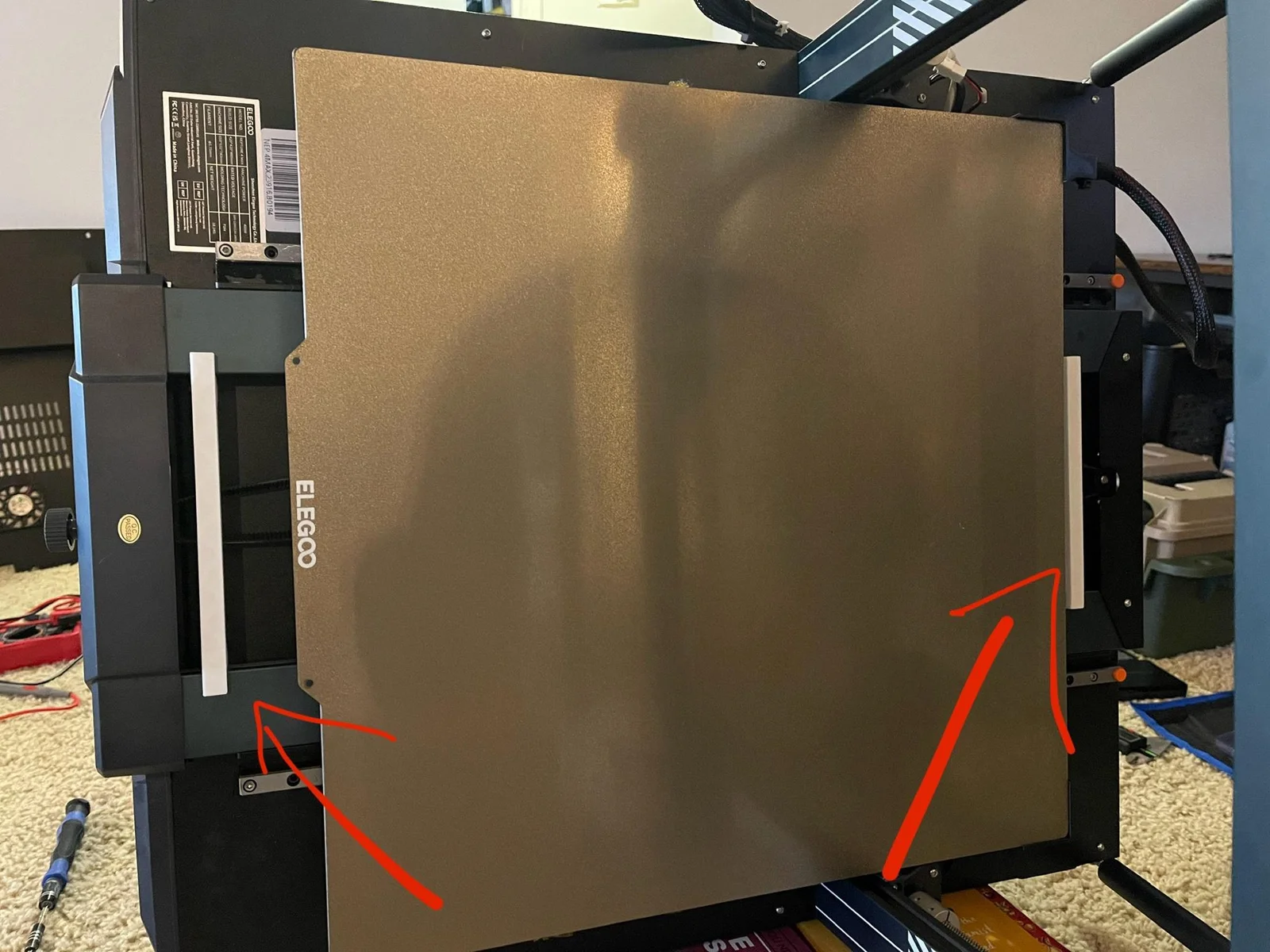
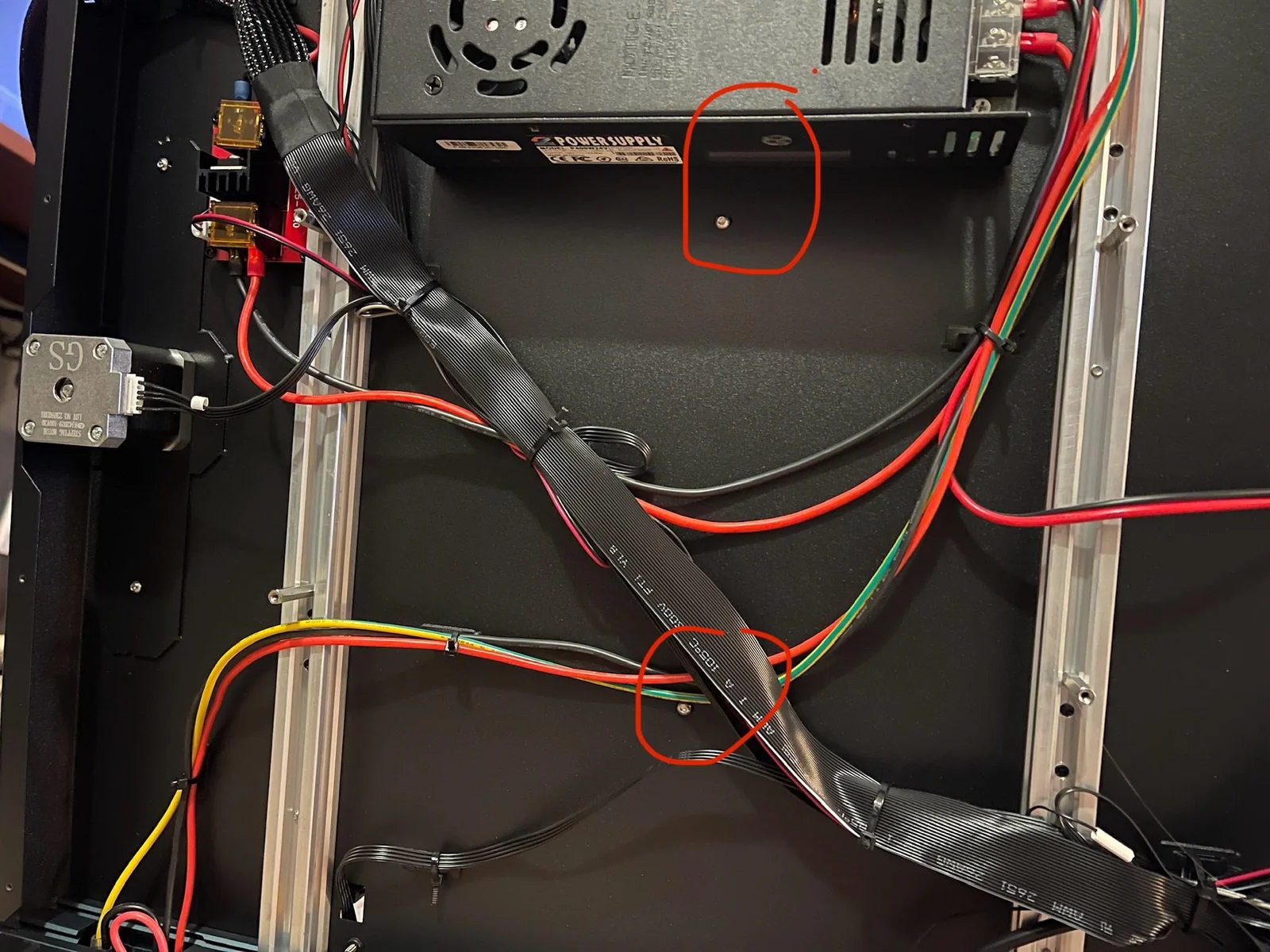
Many other including myself has issue with the bed POM wheels being loose on the N4Max due to the 2 frame beams are not align properly. The spacing should be 140mm between the beams per Elegoo's support.
You do not need to remove any of the screws. Just need to loosen them up.
Before proceeding with the installation, you need to print out 2 of the alignment tools and make sure they are within 0.2mm of 140mm. For example, 140.2mm is ok. 139.8mm is ok. Anything larger or smaller is not acceptable.
Step by step:
My printer's measurement were:
Before:
140.23mm front
140.02mm mid
139.23mm rear
After:
140.21mm front
140.23mm mid
140.21mm rear
This cause the POM wheels lost contact when the bed move to the rear and wobble. My POM wheel worn out 2/4 wheels due to this issue.
Bytinx_1344834Likes1.2KDownloads6K

 Byla-cave-au-chatLikes0Downloads973

 Byprusa-researchLikes0Downloads2.7K

 Bydet-manLikes0Downloads178

 Bygummiegecko8477Likes0Downloads169

 Bychukwufumnanya-arinzechukwuLikes0Downloads155

 Bychris-barwickLikes0Downloads134

 BydalleLikes0Downloads153

 ByjoncruzLikes0Downloads592


 BynasikLikes0Downloads125

 Byarhi_585078Likes64Downloads547