



Đầu dò cảm biến lực tự chế giá $10 cho Ender 3
 ByBrokentooth_designsLikes17Downloads145
Remix of Giá Đỡ Trục X Camera Nebula Cho Ender 3 V3 KE/SE By RuiReis_1560065
Build another version of this model.
 Giá gắn Camera Nebula lên cửa máy in Qidi Q2/Q2CByBoHjalmar_25400 · 06/03/2026
 Ngàm gắn Nebula Camera trục X bản mở rộng cho Ender 3 V3 KEByShamanec_493218 · 04/29/2026
 Giá đỡ camera Nebula cho Ender-3 V3 KE - Gọn gàng và tiện lợiByVexera_2133642 · 04/28/2026
 Giá gắn Nebula Camera cho Ender 3 V3 KE (bản hạ thấp)ByEyeDandy · 04/21/2026
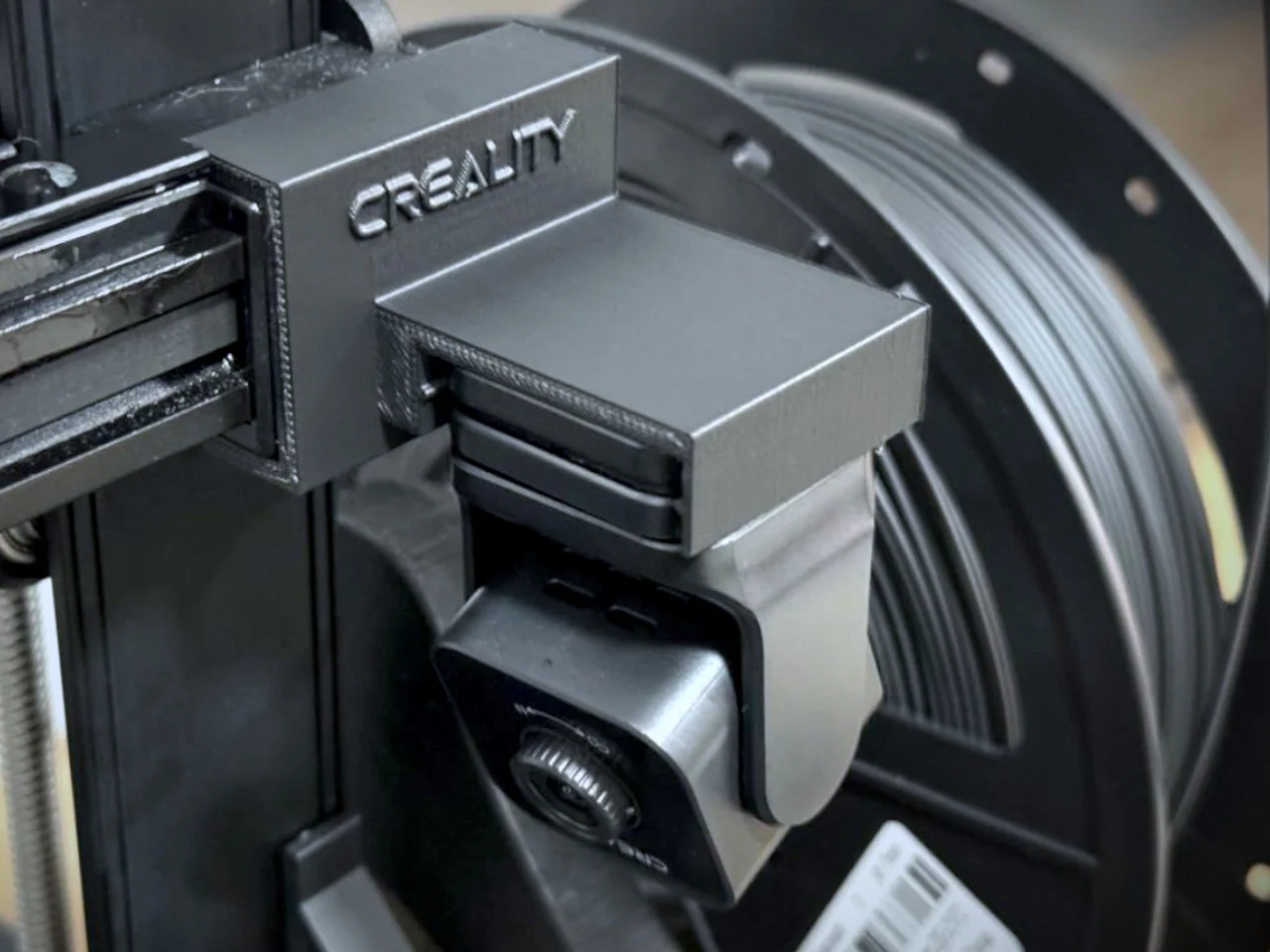
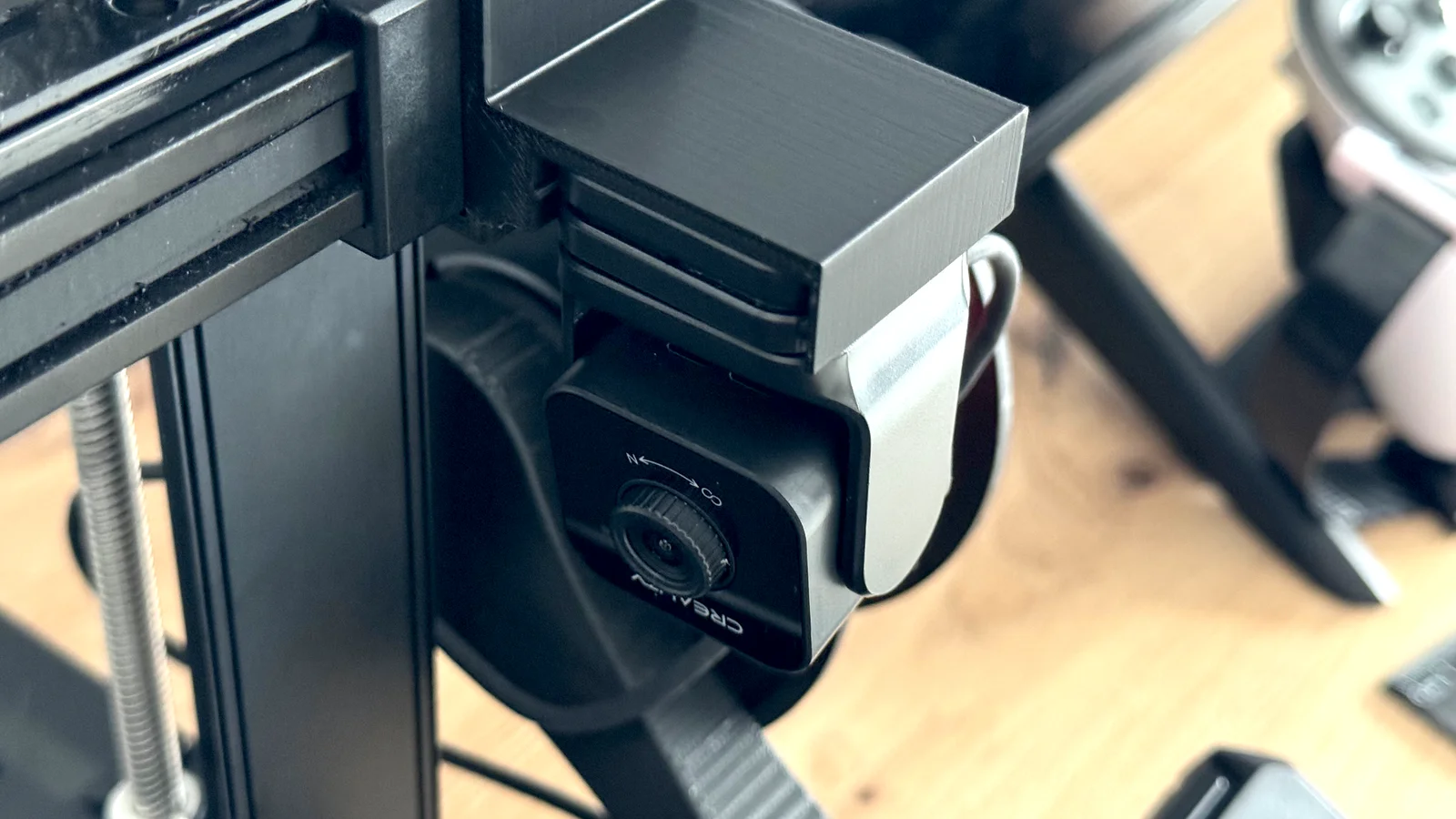
With this mod, you can place Creality's Nebula camera on your Ender 3 V3 KE without the need for screws or similar parts.
I created this mod initially because I use a side arm to load filament (https://www.printables.com/model/711231-ender-3-v3-ke-filament-spool-side-mount-toolless), and with other Nebula camera mods I've tried on my Ender 3 V3 KE, they continuously collide, making it impossible to mount the camera correctly. Hence, the need for the inverted model.
By using this mod in this way, it maintains the position of these models, allowing a clear view of the nozzle without interfering with the arm that loads the spool laterally.
The mod is placed on the right side of the X-axis, staying securely in place by utilizing the belt tensioner located in that spot. Simply snap it into place. It has precise measurements to avoid collisions with both the extruder and the side spool arm.
On the other hand, the camera uses the original anchoring system with rails, sliding onto it to stay firm and secure, preventing any kind of issues.
UPDATES
ByBrokentooth_designsLikes17Downloads145

 Bytinx_1344834Likes1.2KDownloads6K

 Bygafyx3dLikes0Downloads117

 BynozeLikes0Downloads129

 ByreddLikes216Downloads2.2K

 ByJasonOlliff_519145Likes241Downloads2K

 Byprusa-researchLikes0Downloads777

 Byarhi_585078Likes64Downloads540

 BykingnothingLikes0Downloads178

 ByTeamJesus_1604048Likes6Downloads29

 ByHanzo3dLikes155Downloads413

 ByPrintStructorLikes0Downloads129