


Hộp Trượt Tham Số Tùy Chỉnh – Giải Pháp Lưu Trữ Thông Minh
 ByRobertoGalloc_356815Likes549Downloads1.8K
Build another version of this model.
 Hộp Tham Số Không Cần Vít (No Screws Parametric Box)Bychuyskywalker · 04/28/2026
 Hộp Uno và Biểu tượng UnoBychuyskywalker · 12/15/2025
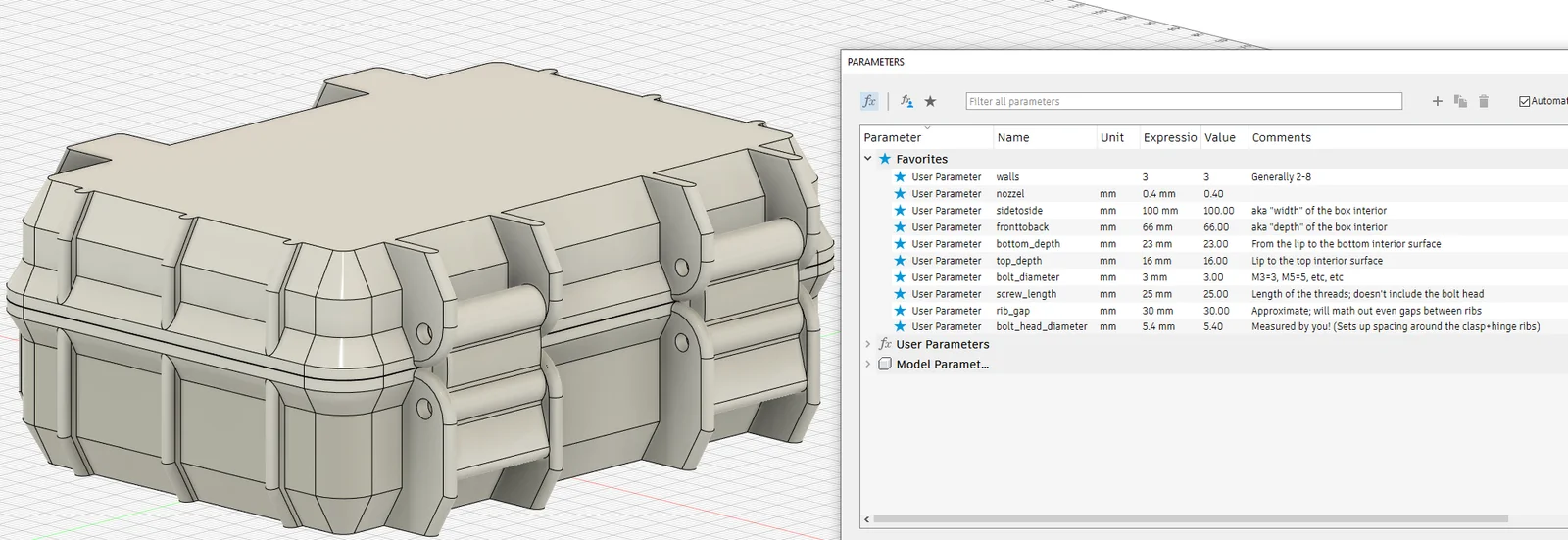
This parametric box supports an extremely wide range of customization from the Fusion 360 file; just open the “Change Parameters” feature after opening the F3D file. Highlights:
This is designed to be sliced in “Classic” mode, not with Arachne. As you can see below, when in classic mode all of the latch supports and ridges are printed with just wall maneuvers very efficiently. Helps to avoid a bunch of extra fill or infill moves. For tall boxes, this can help to speed up the print and increase the quality.
This technique even works up to some absolutely BONKERS wall widths:
Much time was spent ensuring that the walls are always of a constant horizontal thickness, keeping each printed layer is always the same number of walls. This is harder than you think! Traditionally something like the “shell” operation makes the width consistent perpendicular to the surface; so an angled surface like the overhangs would be wider on the z plane. Making the box shape with overhangs and lips remain (mostly) consistent, especially accounting for the interior chamfer, is a bit tricky.
The longer hinge and latch ribs allow this box to stand on any edge, so it's easier to stack a few of these sideways. This comes in handy for making large, but thin, boxes for stuff like tool storage.
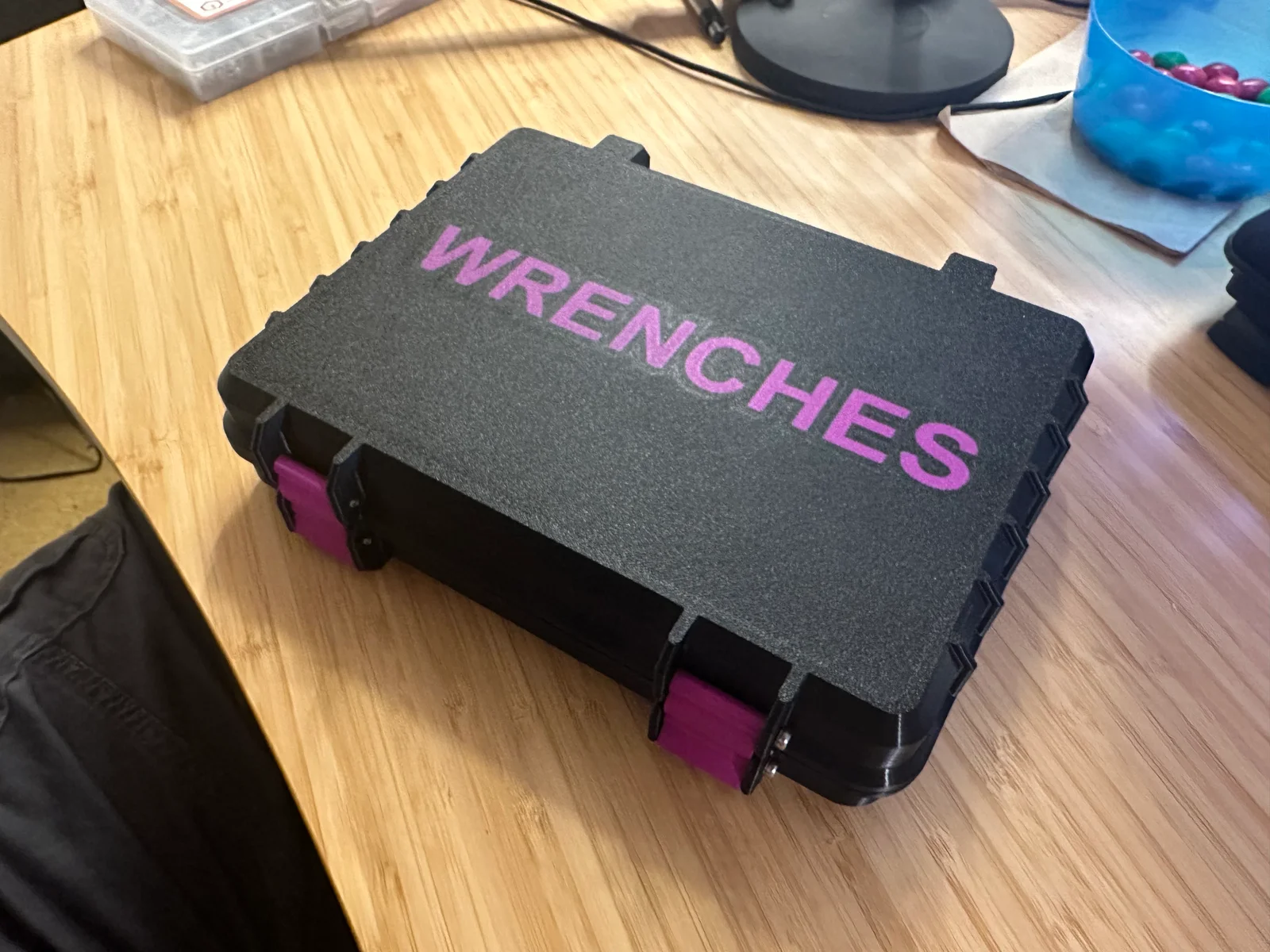
Text embedding with modern slicers and a multi-material printer make for great permanent labeling of the box.
Hopefully I haven't missed too many edge cases, but as with any parametric model if you tweak things far enough, Fusion will explode the solid bodies into a weird symphony of crazy.
Shout out to Rugged Box (Parametric) which heavily influenced my design.
hinge_offset (used to be based on rib_offset)bolt_head_diameter_gap to allow for even further height shrinkage (helps when going to 10mm top/bottom)latch_lever_length to shorten/lengthen the latch lever (on shallow bottom settings, latch lever would sometimes stick out beyond the bottom of the box)ByRobertoGalloc_356815Likes549Downloads1.8K

 BymoonyxLikes0Downloads701

 ByUpcrid3D_1585693Likes808Downloads2.1K

 ByWilko_SLOLikes935Downloads2K

 BymindthelightLikes251Downloads392

 ByTater_364200Likes486Downloads1.6K

 Bywhilex_1739192Likes644Downloads1.1K

 ByMatthew_GhostLikes350Downloads943

 ByVC_DesignLikes721Downloads2.9K

 ByshoheiyLikes0Downloads437

 ByfifindrLikes709Downloads1.7K

 ByKNIN_CustomLikes112Downloads440