



Thùng rác in Vase Mode
 BybobmakesLikes2.5KDownloads17.5K
Build another version of this model.
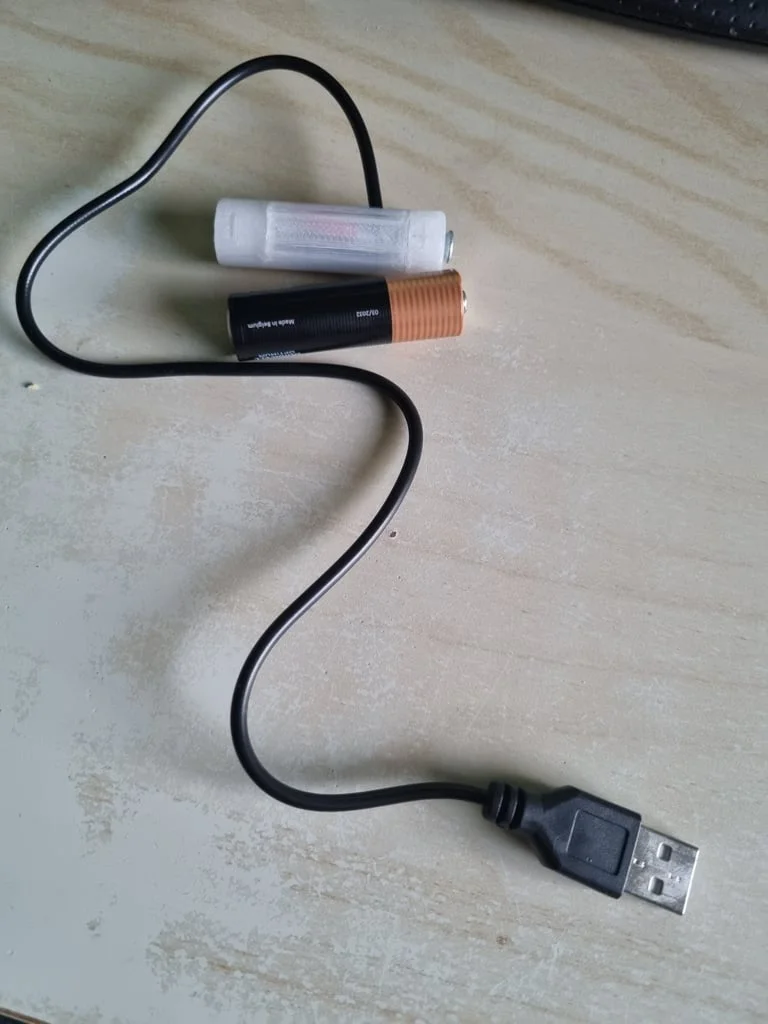
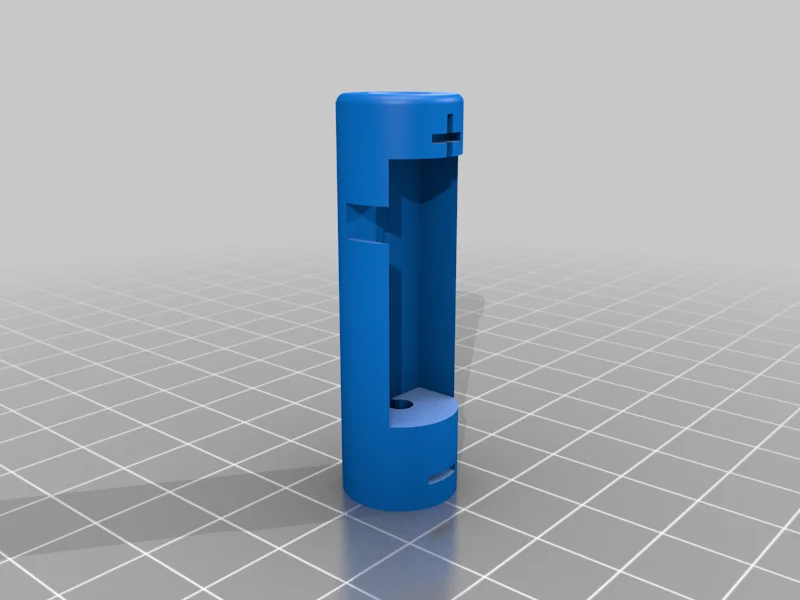
Replace regular AA battery with USB powered one. You can set the voltage for 1/2/3xAA battery replacement.
Required tools:
Printer Brand:
Creality
Printer:
Ender 3 Pro
Rafts:
Doesn't Matter
Supports:
No
Resolution:
0.28
Infill:
20%
Filament: Gambird PLA White
Notes:
Print on the flat side
Category: Replacement Parts
BybobmakesLikes2.5KDownloads17.5K

 Byelectric_pierogiLikes37Downloads390

 BymakerxLikes0Downloads361

 By178222178222_2484344Likes449Downloads1.7K

 ByVaclav_ZahradkaLikes181Downloads1.2K

 ByowlartLikes527Downloads1.3K

 ByGecko089_124026Likes45Downloads225

 Bytjfenwick_306961Likes385Downloads1K

 BycuplcompgLikes0Downloads167

 ByAWSWLikes148Downloads585

 ByVinors3DLabLikes393Downloads1K

 ByfifindrLikes216Downloads611