



Fortnite Pirate Shop Token
 Bylarp3dLikes0Downloads1.4K
Build another version of this model.
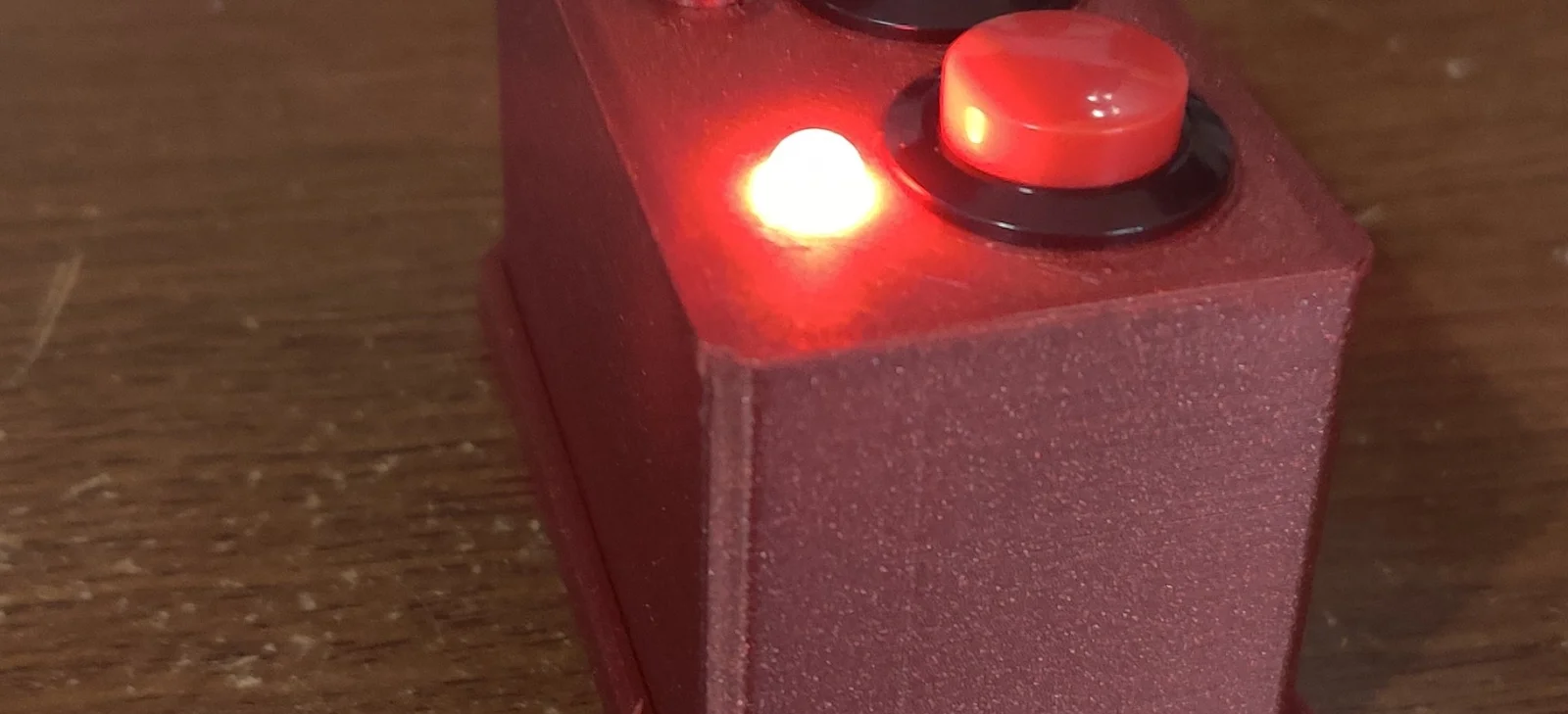
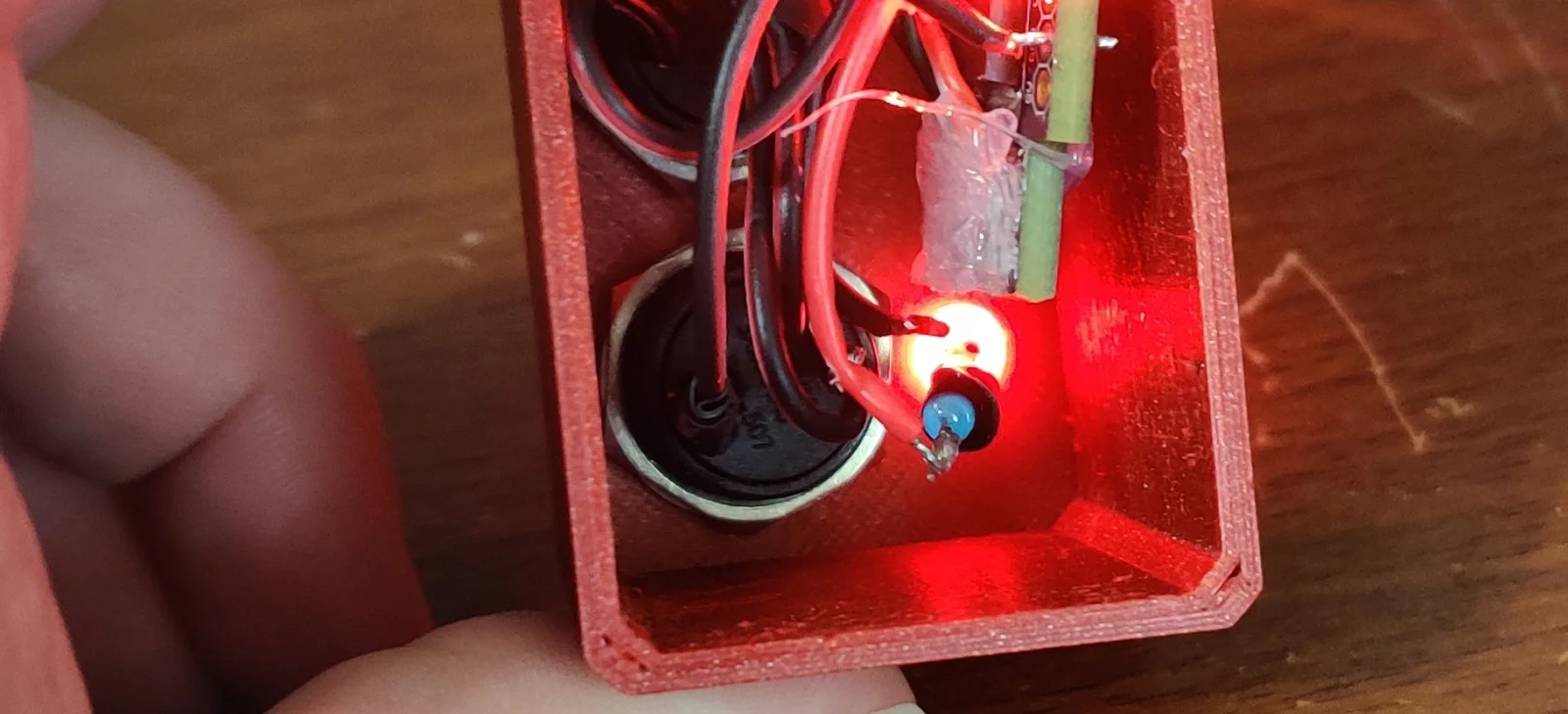
When I started to be needed more on Zoom calls where I was only every once and a while needed, I made this button to act as a Mute toggle, Push to talk, or to enable/disable video.
Printing:
PLA is fine
3 Walls
No Supports needed
Parts:
1 Led
1 old USB cable to cut up
1 Digispark Attiny85
https://www.amazon.com/gp/product/B0836WXQQR/
2 16mm Buttons
https://www.amazon.com/gp/product/B07L1MTND7/
Some wire and hot glue.
Explaining the code:
The attached Arduino code is what I am currently running on this project.
This project assumes Zoom is muted by default.
See the code of where things should be wired.
Button1:
Button2:
Bylarp3dLikes0Downloads1.4K

 ByJaronLikes310Downloads1K

 Byw3rN42Likes127Downloads941

 ByTomDDLikes89Downloads583

 ByJwidessLikes34Downloads382

 ByckthLikes148Downloads2.4K

 Bynexgen-3d-printingLikes0Downloads398

 ByVikingptty_1943738Likes50Downloads236

 By3dwakeLikes0Downloads370

 ByBrokentooth_designsLikes30Downloads231

 Byslava-kuzminLikes0Downloads292

 ByJKMCZLikes11Downloads185