



New
Custom Road-Legal Electric Car (3D Printed PETG + Carbon Fiber Body)
 Bykevin-kuehnLikes0Downloads294
Build another version of this model.
I tried printing this many different ways and ended up finding that face up with the open side underneath, and tree/organic supports to be the best quality overall, your results my vary but that was my finding.
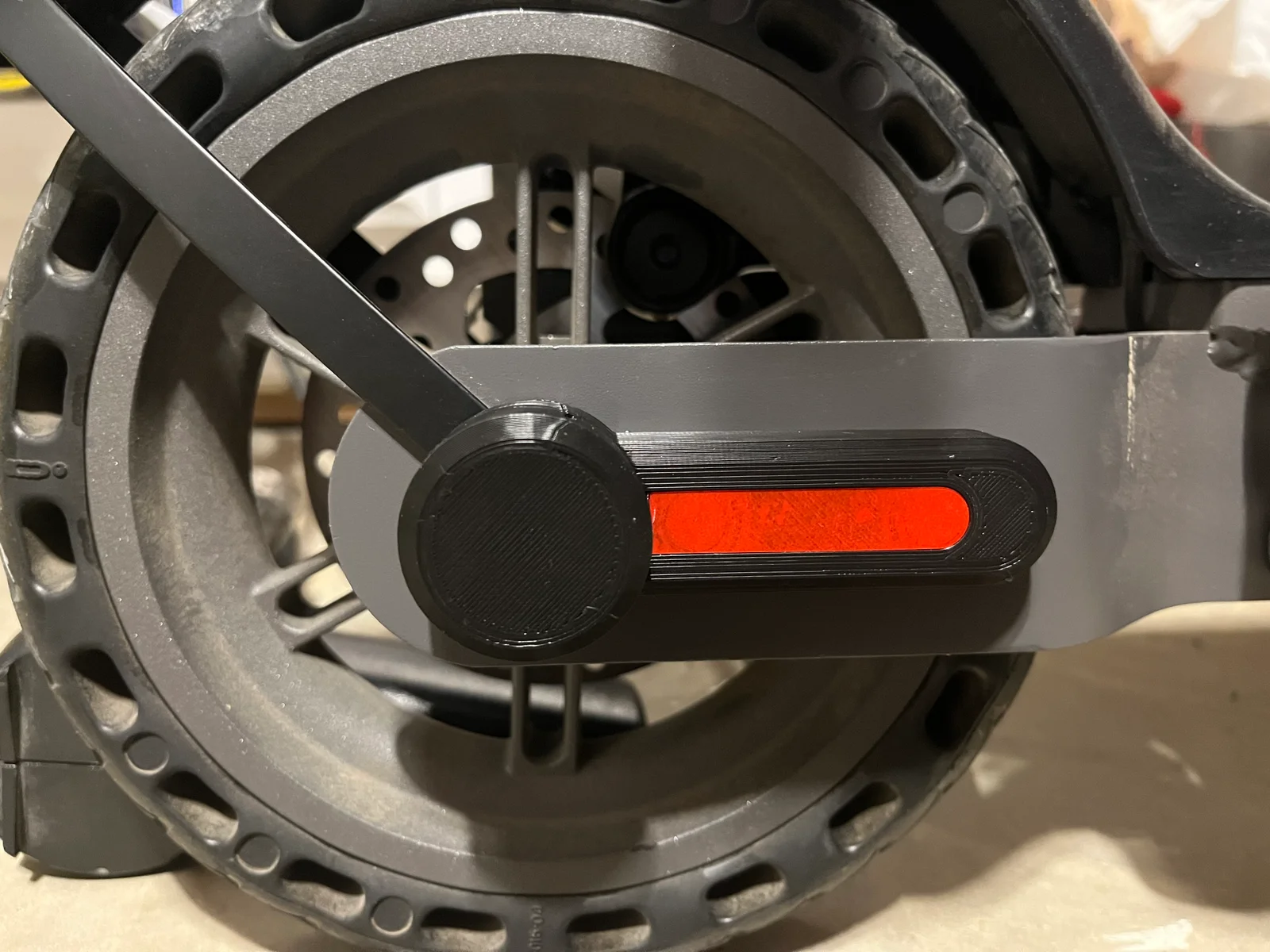
To use this you will need to remove the plastic housing from your HiBoy S2 right side rear wheel.
To do that, just use a little heat on the red/orange reflector tape and gently remove it to use it later.
Underneath you will find two HEX bolts that do nothing but hold this decorative piece on and protect the bolt that holds the rear spplashguard on.
Remove the bolts, drop your airtag into this replacement (I HIGHLY recommend removing the speaker from your AirTag first) and then bolt this new model on using the same bolts.
Once its all snugged up, I cut the end of the red/orange reflector a bit to fit my replacement piece here and stuck it back on. You may need to use a bit of glue or something when you replace yours if it has lost it's sticky.
Bykevin-kuehnLikes0Downloads294

 ByleonicLikes0Downloads1.4K

 ByZED4EverLikes313Downloads5.2K

 ByfifindrLikes500Downloads4K

 ByVC_DesignLikes679Downloads3.6K

 ByDan Schwartz SchwartzLikes744Downloads3.4K

 ByJordanK_858807Likes42Downloads437

 ByMAFIXMAFIX_337316Likes130Downloads384

 Byvc-designLikes0Downloads3.2K

 Bythorin-oakenshieldLikes0Downloads531

 Bytorii-creative-studioLikes0Downloads448

 ByUpcrid3D_1585693Likes808Downloads2.1K