

Tiêu đề Đồng hồ và đèn LED thông minh Eclipse Tóm tắt Đèn t

Ánh sáng tường phát sáng cạnh sử dụng WLED để tạo ra một hiệu ứng ánh sáng xung quanh thú vị và tương tác!

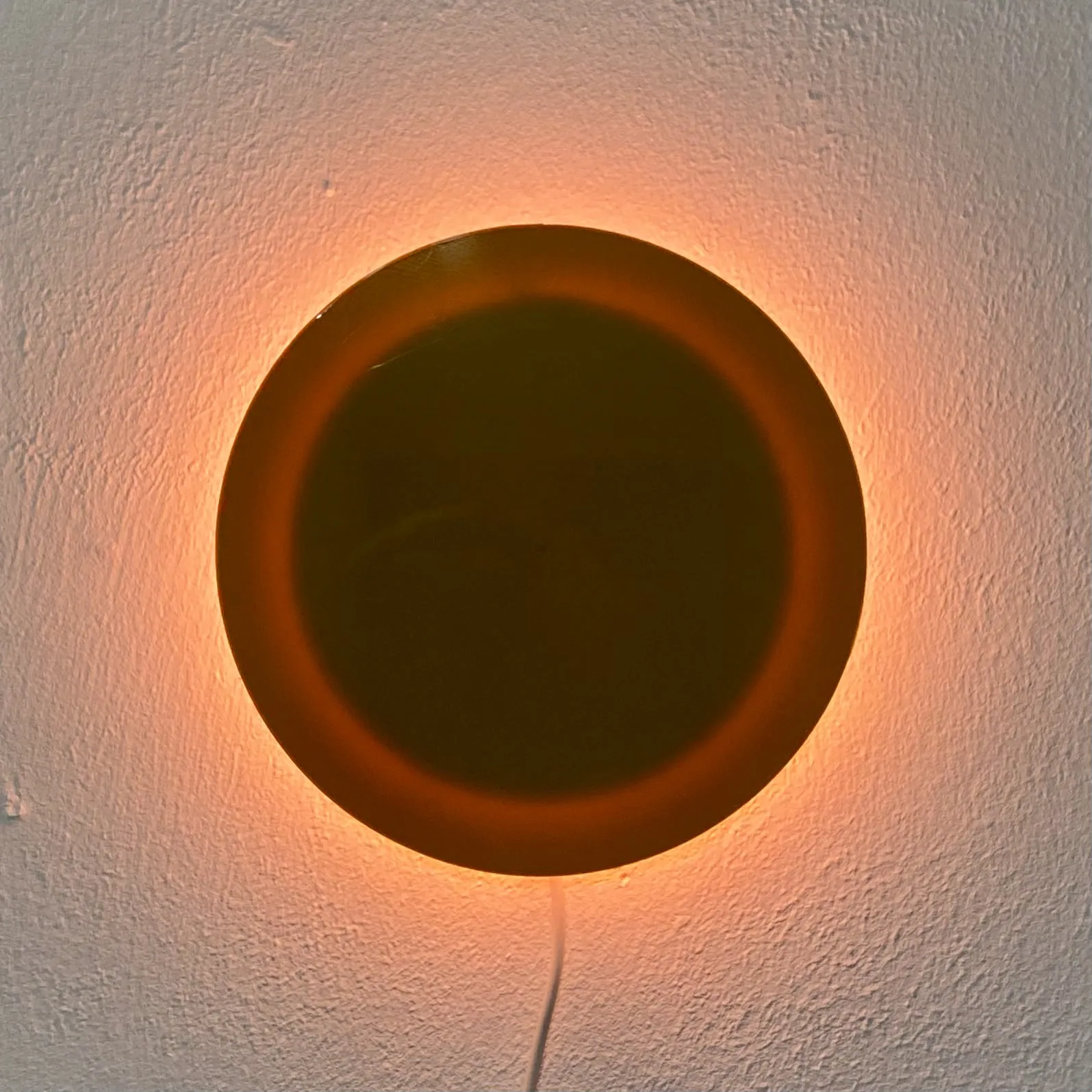


Mô tả
A quick and simple model which uses a section of 60 aRGB LED strip and affordable microcontroller running WLED!
All that's required to print are the body and back, but the faceplate allows for swapping out the front color and pattern with new colors or first layer patterns.
What You Need
- a length of 60 LEDs from any aRGB strip which has a density of 144 LEDs per Meter. (ws2812b are the most common and affordable)
- a microcontroller capable of running WLED. For this project I like the NodeMCU D1 Mini or equivalent clone.
- short lengths of wire to connect the controller to the LED strips
- Micro USB to USB A connector (to power the light)
This is a pretty simple and quick project which only requires a few solder joints. It can run from the power from just about any USB power brick, but I reccommend one that can supply at least 2 Amps at 5 Volts.
When soldering the +5v and Ground wires to the LED strip, solder both to bridge each end. This will supply power from both ends of the loop. Only connect the green data line to the LED in #1 position (12 o'clock)
WLED Firmware - Plug your microcontroller into your computer's USB port and go to this website - https://install.wled.me/ Follow the instructions. (you may need to install a special USB driver for your computer to recognize the controller. This is normal, and that page has a link to instructions on how to resolve it)
In Settings >LED Settings set the current limit to 2000mA, and specify that there are 60 LEDs.
In the WLED settings, you can even choose to set an analog clock light overlay! This is a fun feature that turns your light into an artistic and colorful wall clock!
If you want the WLED mobile app, and have an iPhone, search for the “WLED Native” app, as it's the most up to date. The normal WLED app for Android works great. You can also control your light by navigating to its IP address from any browser on your network.
Let me know if you have any questions. I hope you enjoy this fun little project! :D
Giấy phép
Tác phẩm này được cấp phép theo
Creative Commons Attribution-NonCommercial 4.0 InternationalAttribution-NonCommercial
