

McDonald's Lightbox LED Lamp

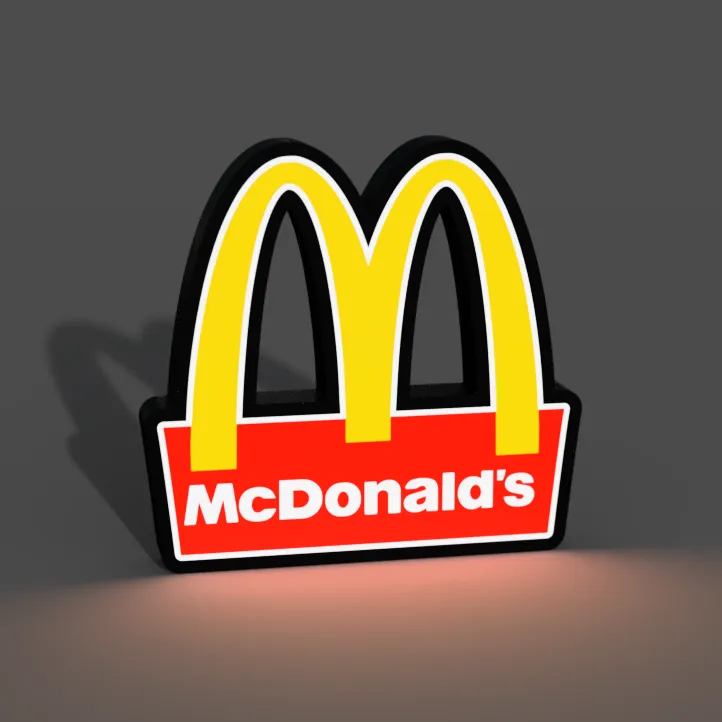
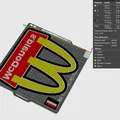
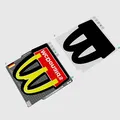
Mô hình 3D của một hộp đèn đơn giản có logo mang tính biểu tượng của McDonald mang đến một chút hoài niệm thức ăn nhanh.




Mô tả
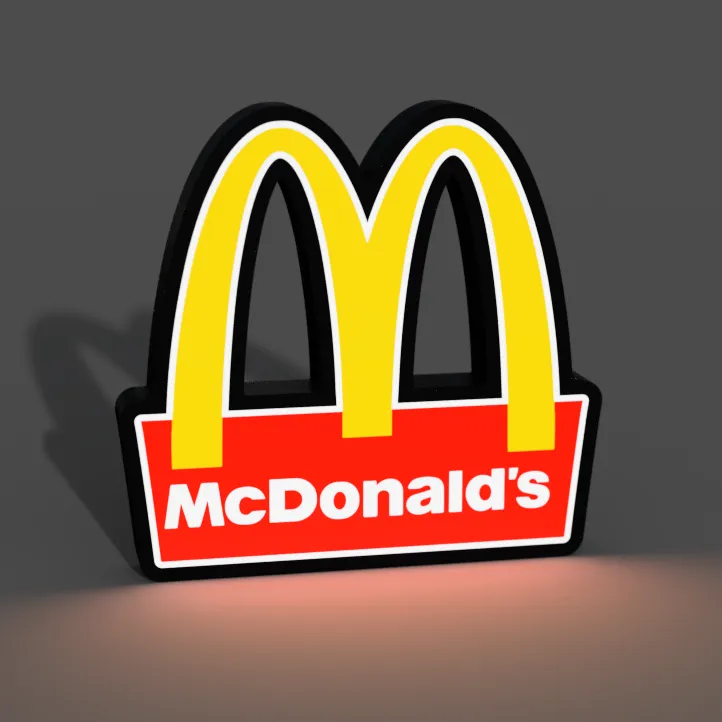
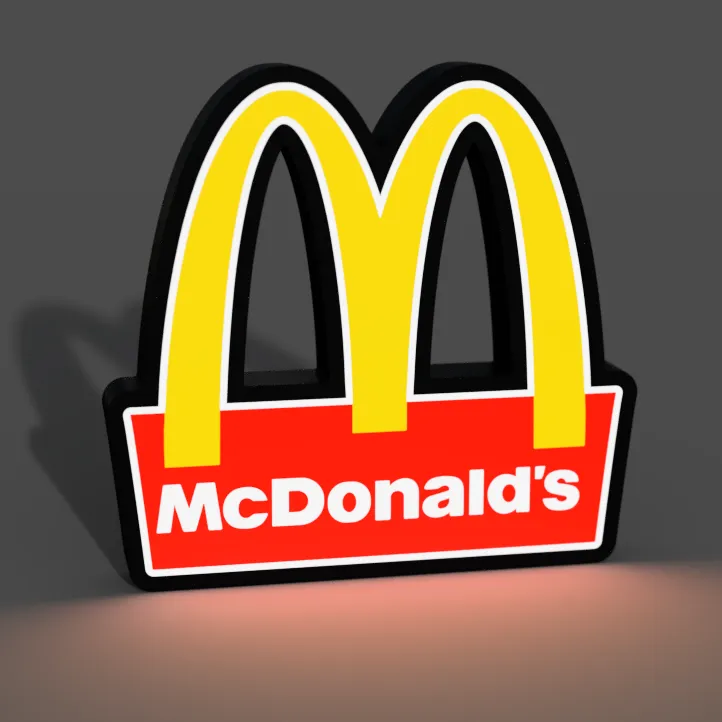
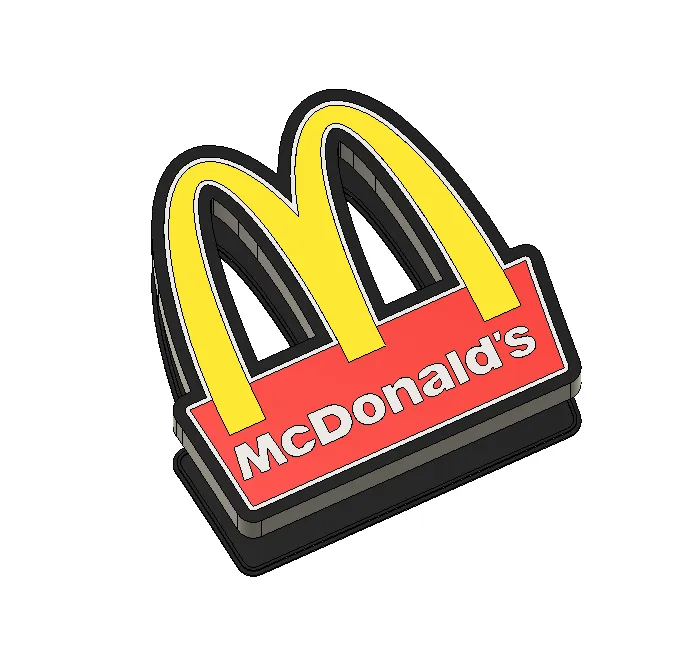
The 3D model of a simple lightbox featuring the iconic McDonald's logo brings a touch of fast-food nostalgia to your space. This classic design showcases the famous golden arches, instantly evoking the familiar sights and flavors of everyone's favorite fast-food restaurant. When illuminated, this lightbox radiates a warm, inviting glow, making it a fun and quirky addition to any kitchen or entertainment area. Celebrate your love for the world of fast food with this cheerful lightbox, perfect for adding a dash of McDonald's charm to your decor. 🍔🍟🌟
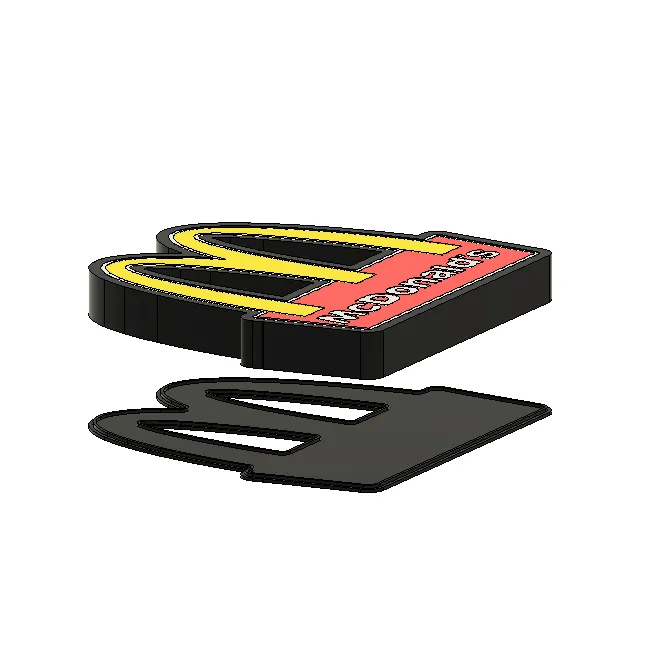
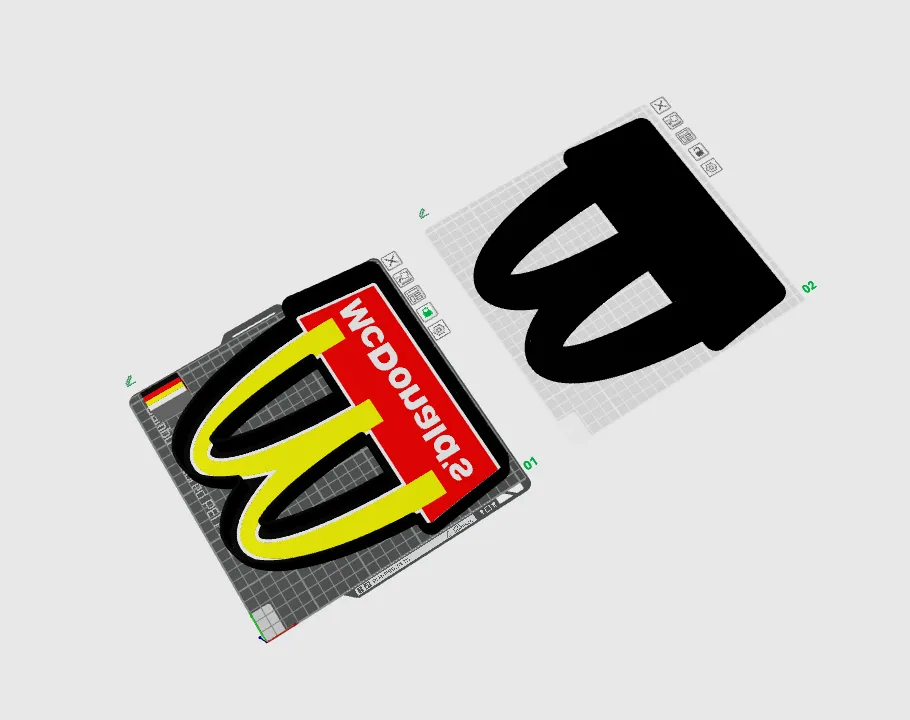
If you don't have or don't want to install LED's you can just glue the parts together and have an awesome sign!
WARNING!
- remove purge line at the beginning of the print, it may interfere, specially with bigger prints!
Materials and tools: - glue gun - aluminum tape - led strip (here is the one I use): simple 1m white led USB
- soldering iron (optional)
RECOMMENDATIONS
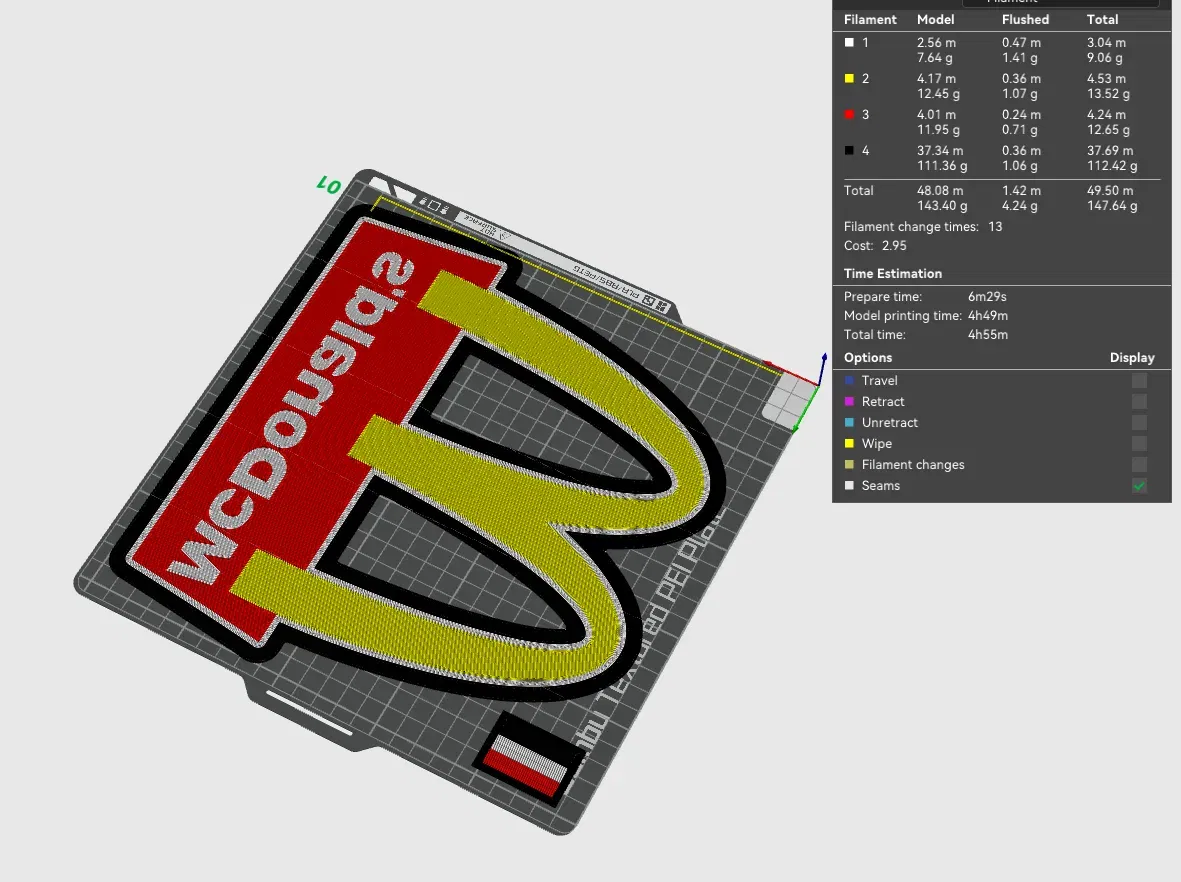
- use a textured PEI sheet - remove purge line at the beginning of the print! - use the print profile, it has quite a few setting changes that help achieve the best results - make a hole for the USB strip wherever you like it best with a soldering iron, drill or in the slicer
- use the aluminum tape on the inside of the backplate to help with light diffusion - glue the LED's the further away from the colored design possible; placing them too close ruins the diffusion and the individual LED's become visible
Bambu Studio Settings: I always recommend using the print profile I provided since it has settings with which I've been able to get the best results. If you choose not to here are the main slicer settings I recommend: - preferences (ctrl + P) → activate developer settings → Quality →Advanced → First Layer Flow Ratio: 1.04 - Quality → Wall generator → Arachne - Quality → Wall transitioning threshold angle → 50º - Strength → Advanced → Infill/wall overlap → 20% - Quality → Advanced → Avoid crossing walls - Increasing retraction/reducing temperature can help reducing wisps - Order color printing from lightest to darkest color
How to make a hole in Bambu Studio:
Assembly video:
Giấy phép
Tác phẩm này được cấp phép theo
Creative Commons — Attribution — Noncommercial — NoDerivativesCC-BY-NC-ND

File mô hình


Chưa có bản in nào được khoe. Hãy là người đầu tiên!


Chưa có bình luận nào. Hãy là người đầu tiên!