

Tượng Bán Thân/Hộp Đựng Bút
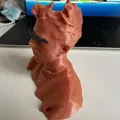
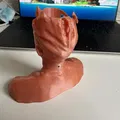
Hướng dẫn chi tiết cách tạo tượng bán thân kiêm hộp đựng bút độc đáo. Sử dụng Scandy Pro để scan đầu, Meshmixer để chỉnh sửa và Blender để hoàn thiện. Mô hình STL sẵn sàng để in 3D.
233
Lượt Xem
0
Lượt Thích
10
Lượt Tải
Cập Nhật Dec 20, 2025
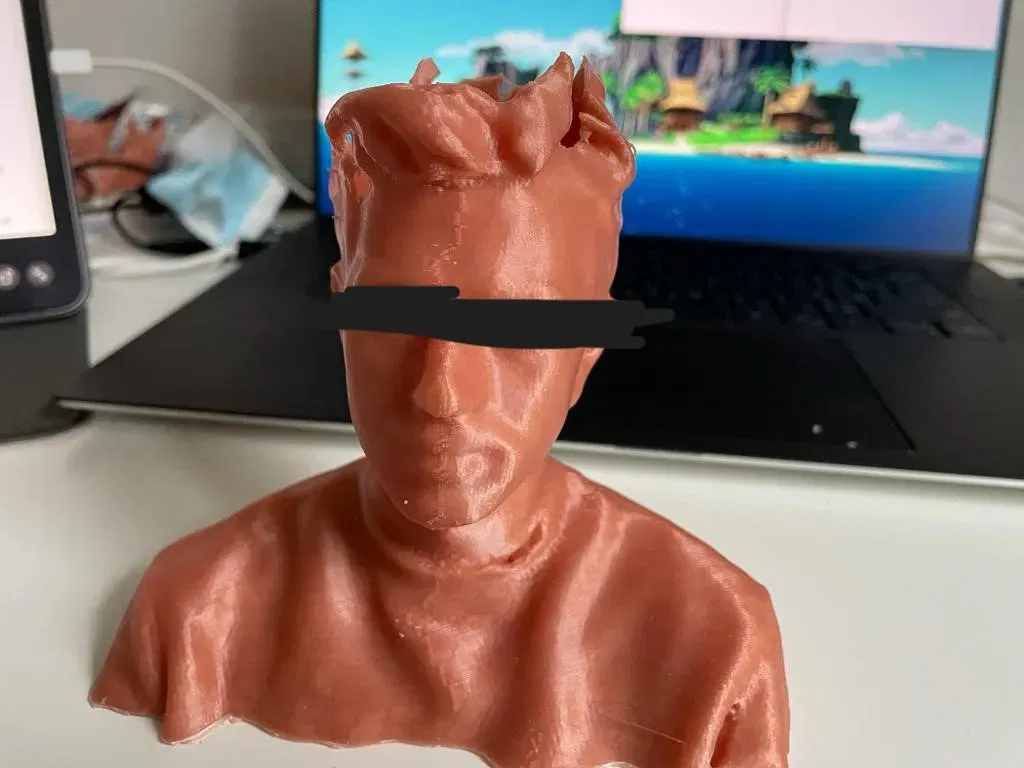
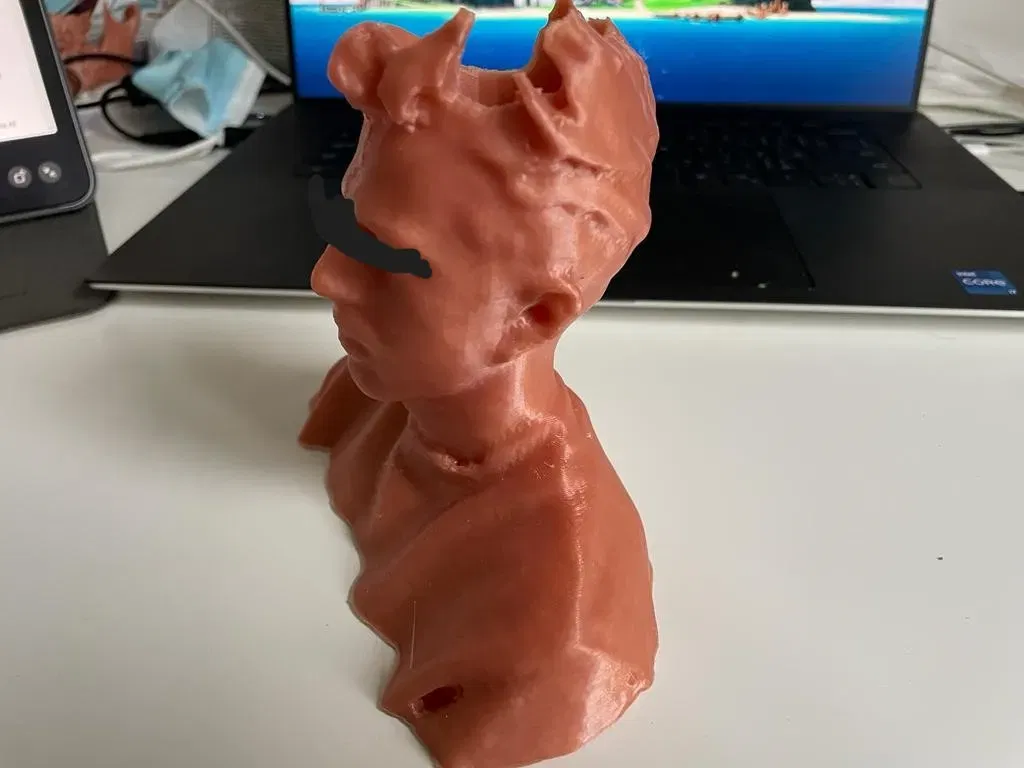
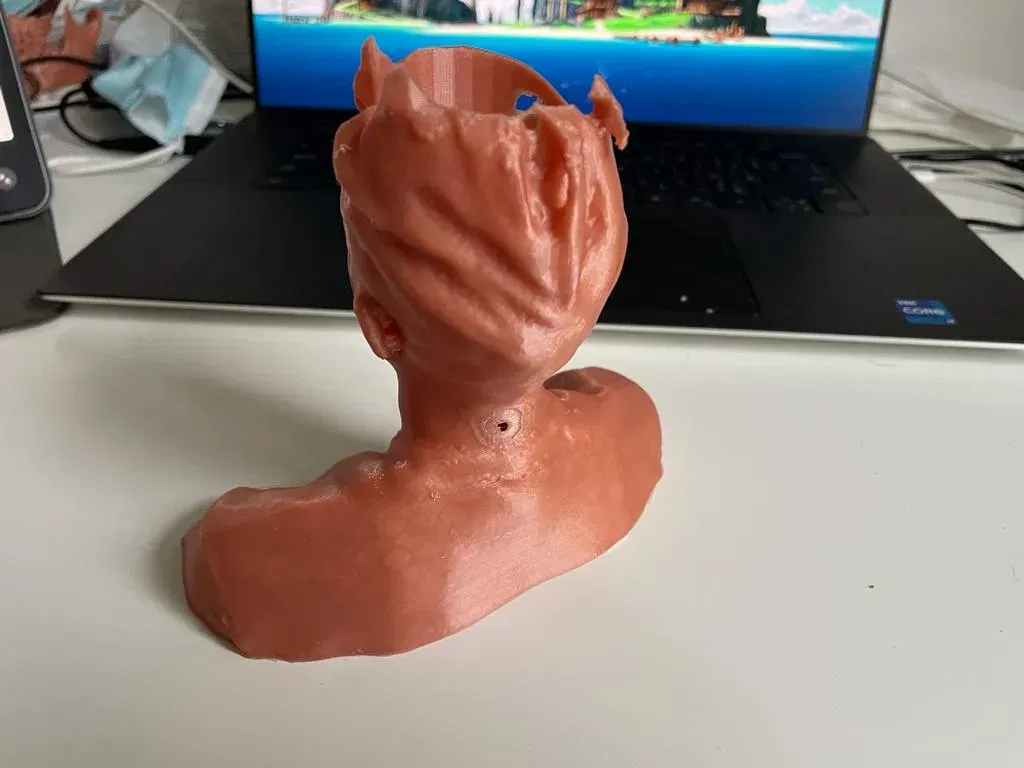
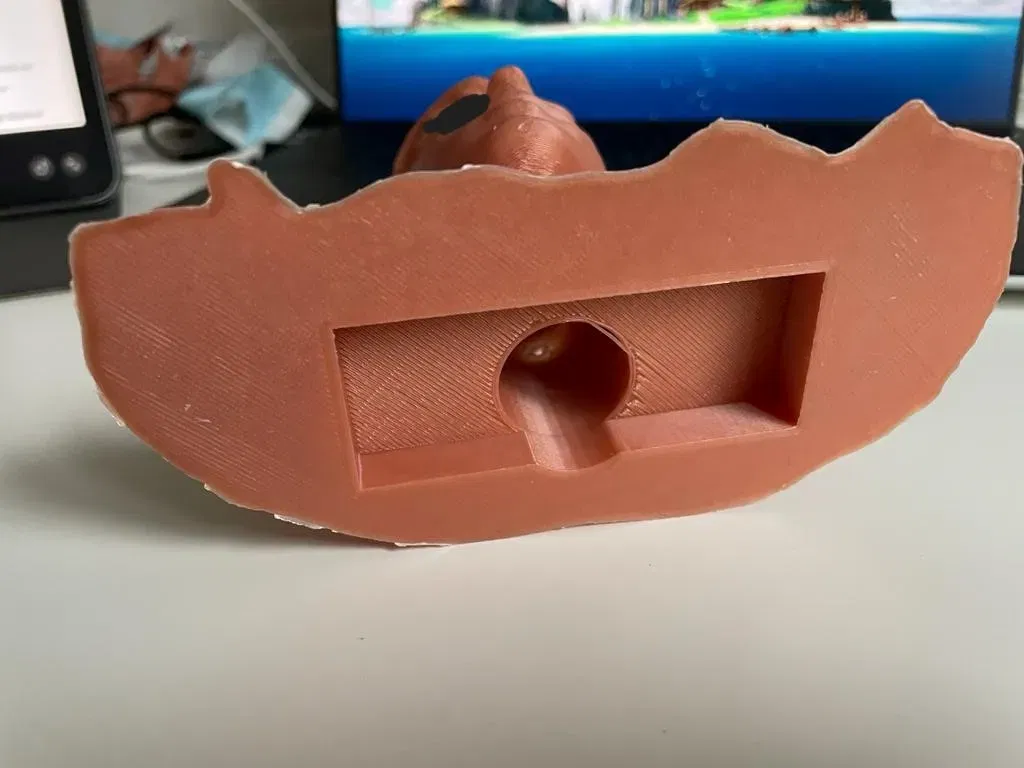

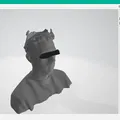
Mô tả
Các bước/quy trình để tự tạo tượng bán thân/hộp bút của bạn.
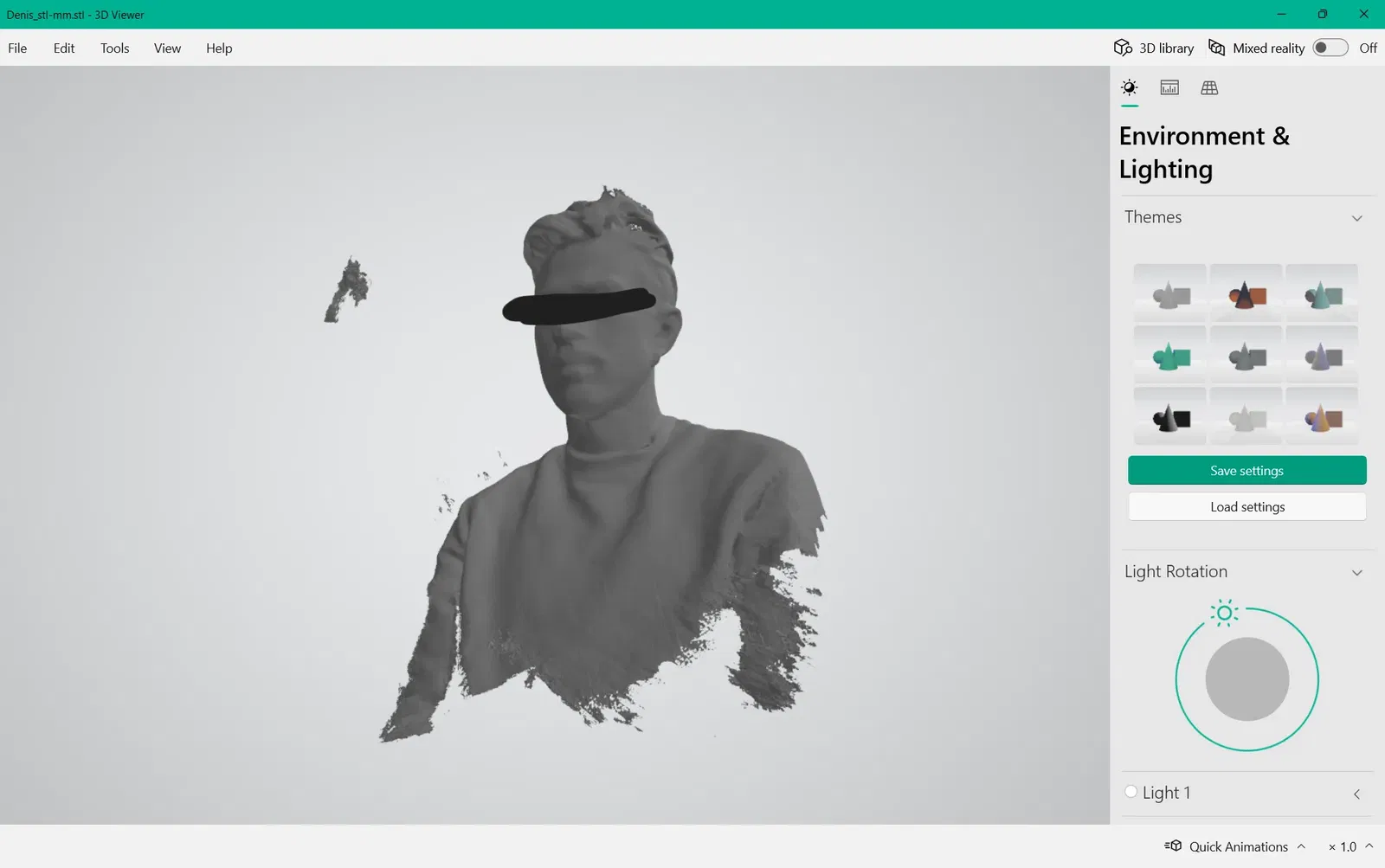
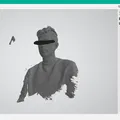
- Em scan cái đầu bằng iPhone 12 của em xài app Scandy Pro có trên appstore. Em không biết có app tương tự cho Android không. Bạn có thể scan nhiều lần miễn phí nhưng chỉ share được file STL/OBJ 1 lần/tuần thôi. Nhưng nhiêu đó là đủ xài rồi nếu bạn tự làm cho mình.
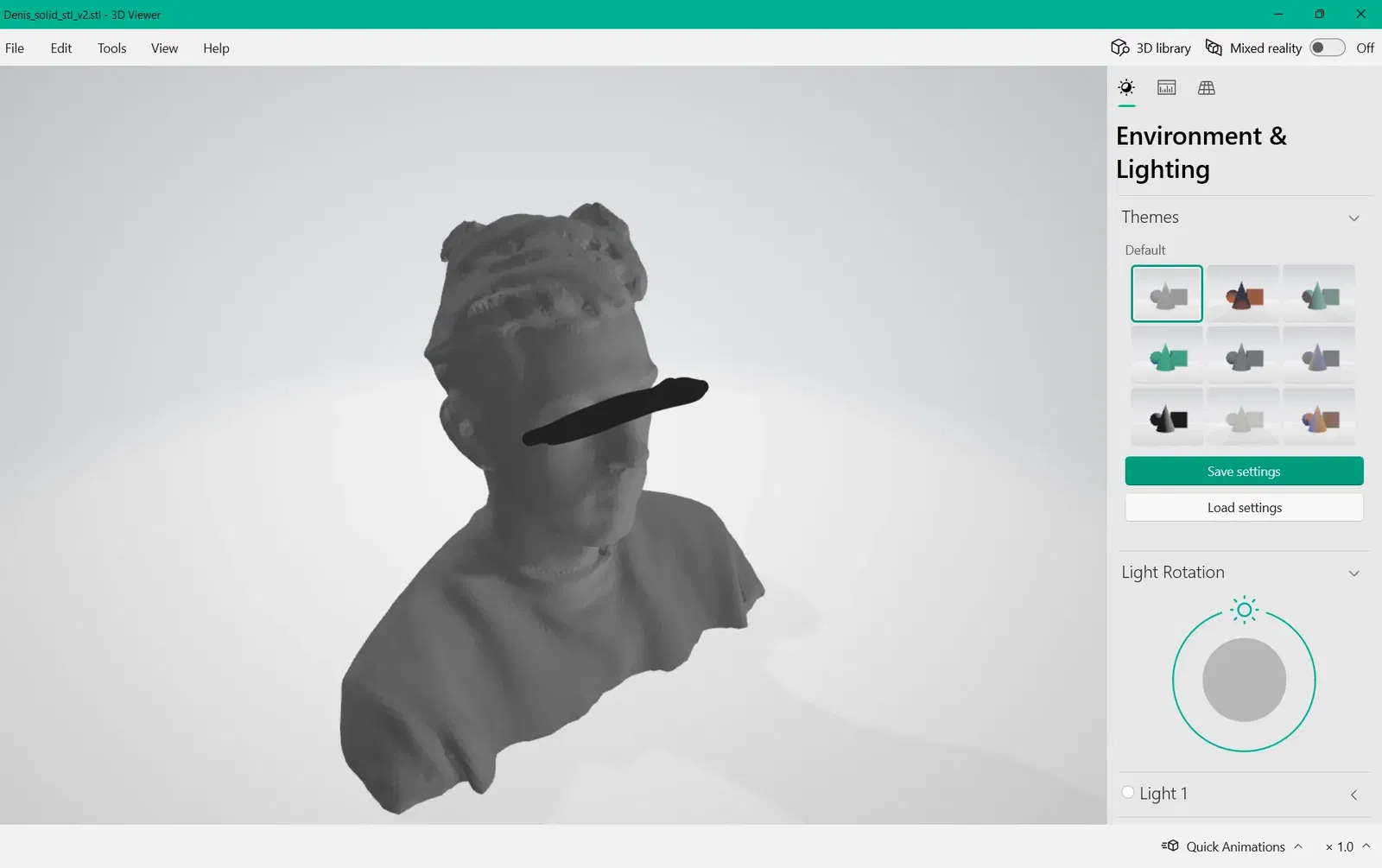
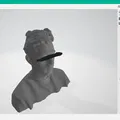
- Import model vào Meshmixer. Chỉnh sửa những phần bị nhiễu nếu có. Bấm vào tab "Select" khoanh vùng phần không muốn rồi bấm "Delete". Bấm vào tab "Edit" chọn "Plane cut". Xoay và đặt mặt phẳng theo hướng và độ cao mong muốn rồi bấm "Accept". Chuyển đổi model thành dạng khối rắn. Bấm vào tab "Analysis" chọn "Inspector", rồi bấm "Auto Repair All". (Bạn có thể chỉnh kích thước model ở đây, nhưng em chọn chỉnh trong phần mềm slicer luôn. Export model ra dạng .stl.)
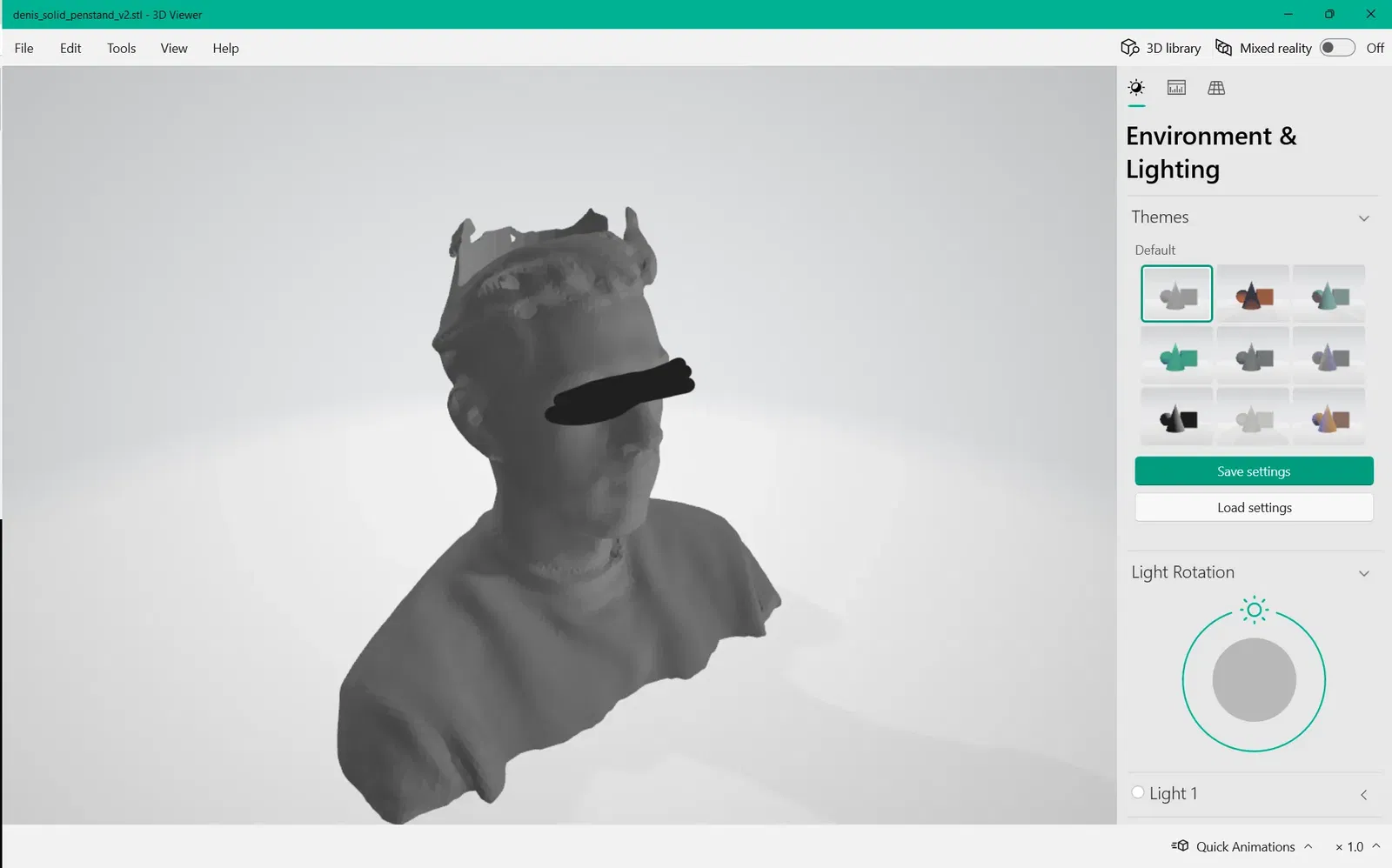
- Import model vào Blender. Nếu lúc scan bị dính phần tóc, bạn có thể bỏ qua bước này và in luôn nếu muốn tạo tượng bán thân, còn không thì bạn có thể thêm chi tiết vào model để che đi những phần tóc chưa scan được.
Giấy phép
Tác phẩm này được cấp phép theo
Creative Commons — Attribution — Noncommercial — Share AlikeCC-BY-NC-SA

File mô hình
Đang tải files, vui lòng chờ...

Vui lòng đăng nhập để bình luận.
Vui lòng đăng nhập để khoe bản in của bạn.
Chưa có bản in nào được khoe. Hãy là người đầu tiên!


Chưa có bình luận nào. Hãy là người đầu tiên!