

Printer monitor for octoprint ESP01 mini case

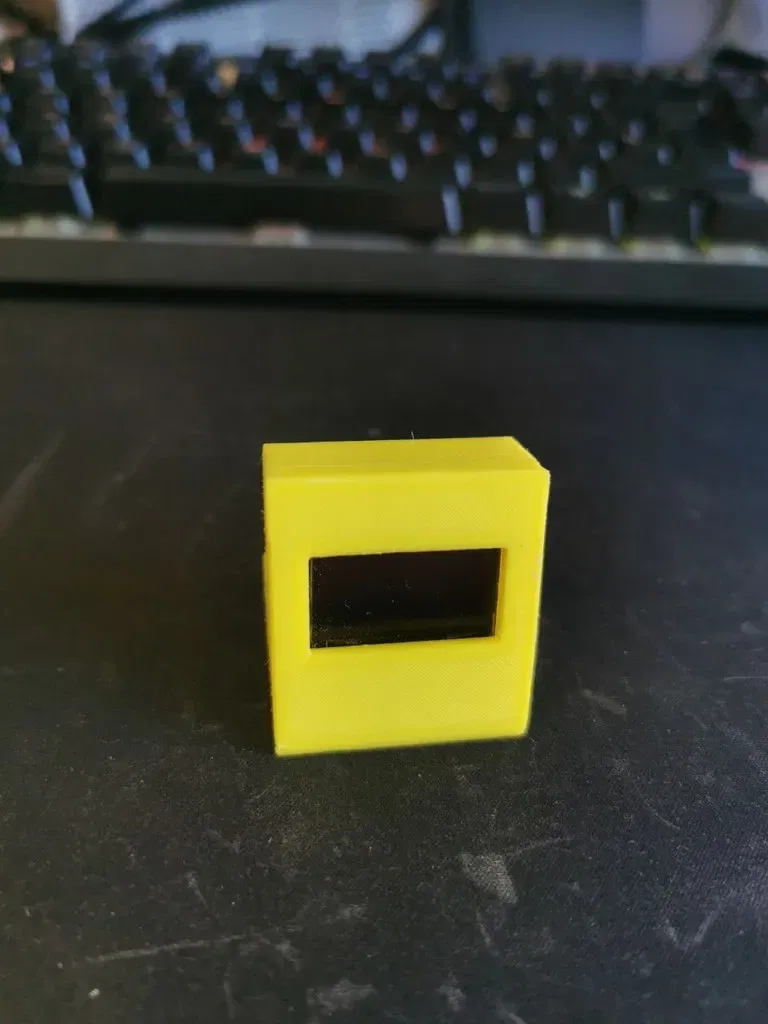
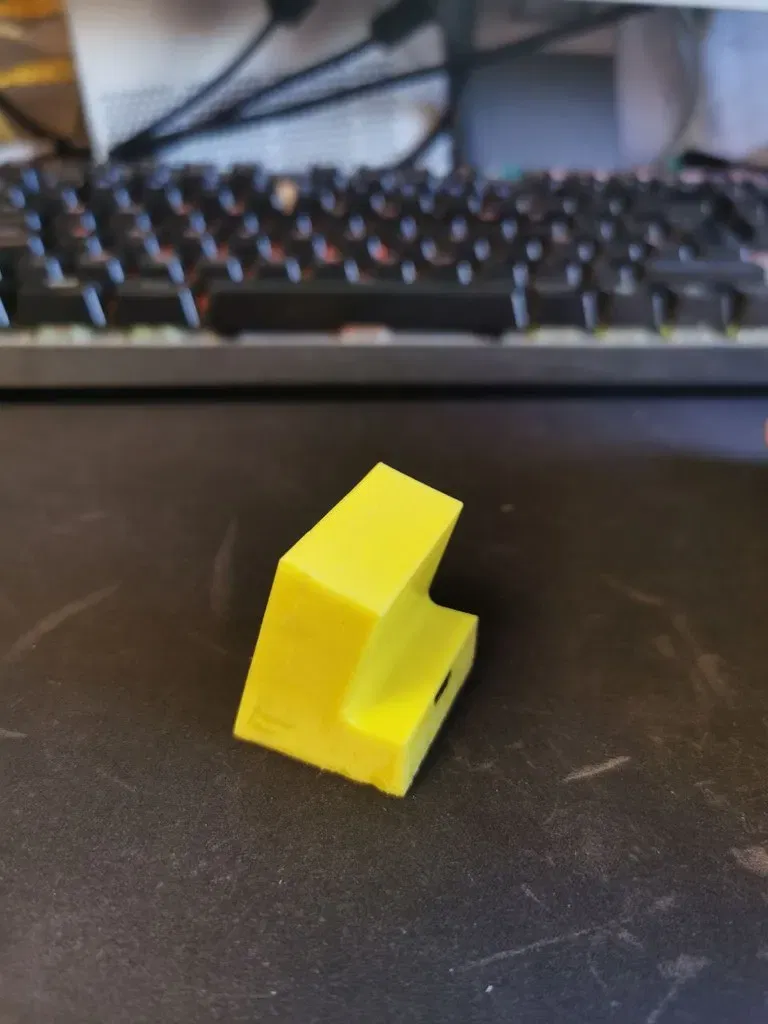
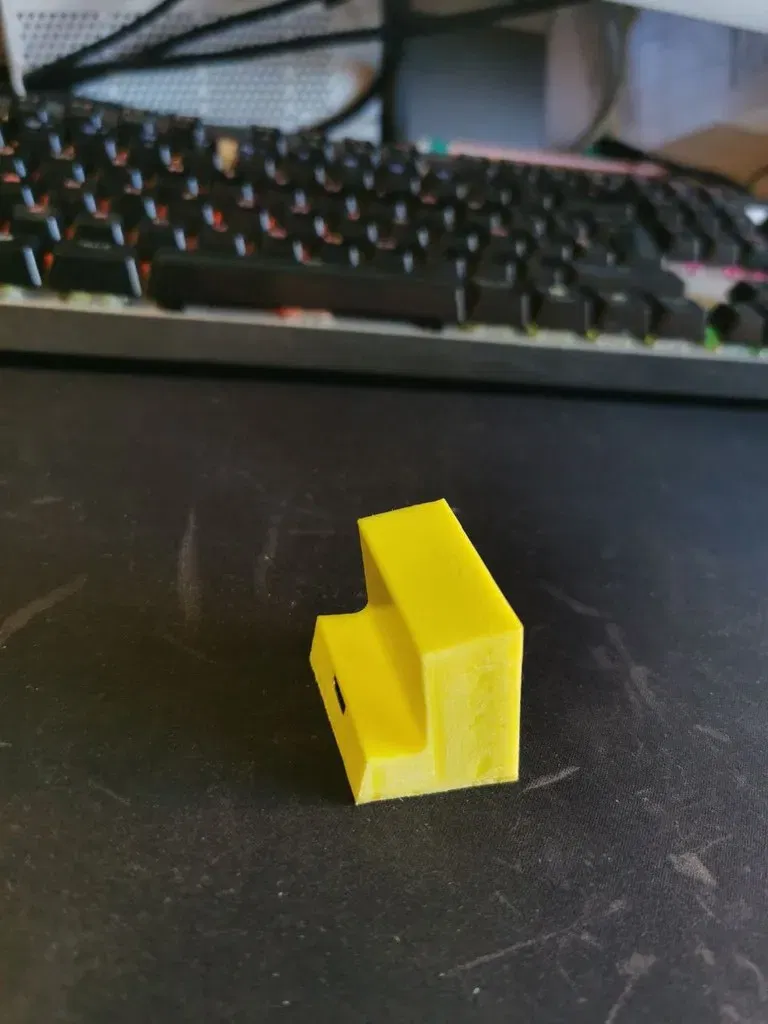
Màn hình OLED và ESP8266 01 cho màn hình máy in. Màn hình máy in là một chương trình dạy bạn ...
Mô tả
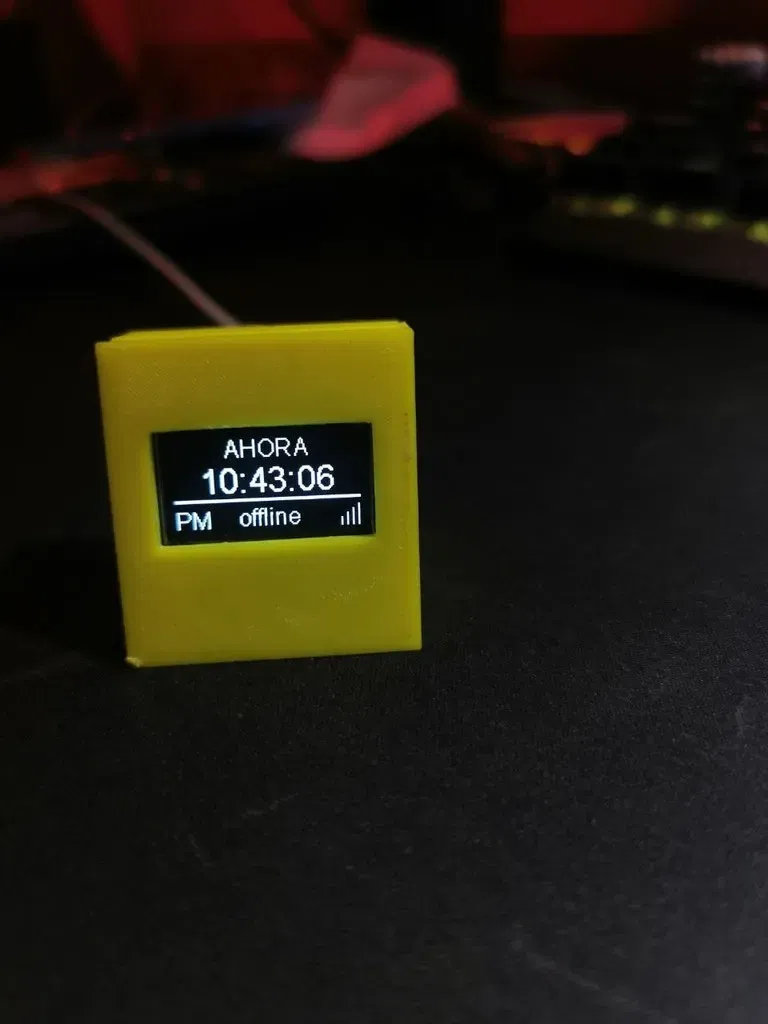
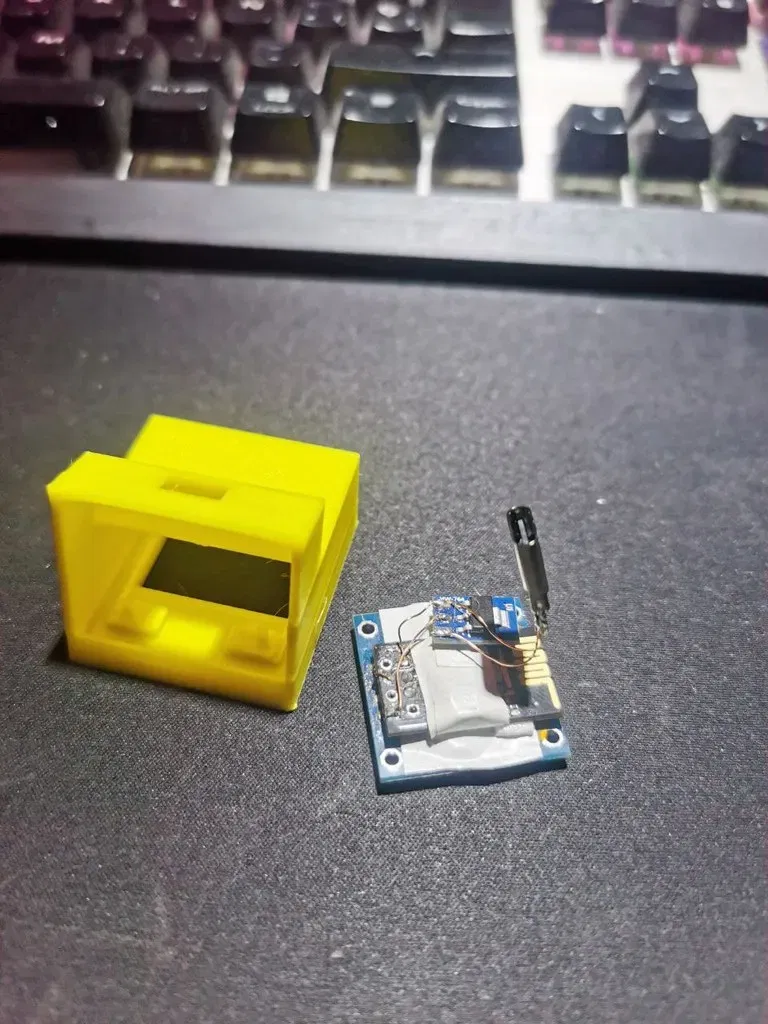
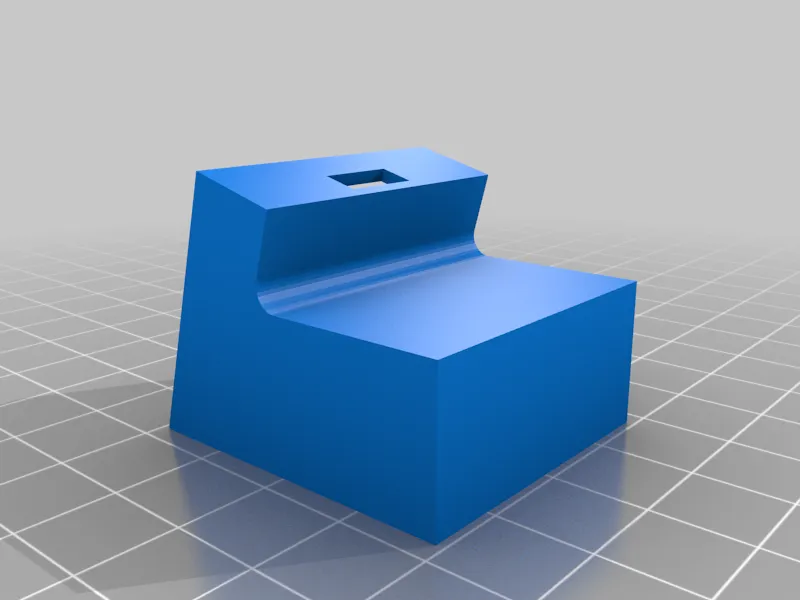
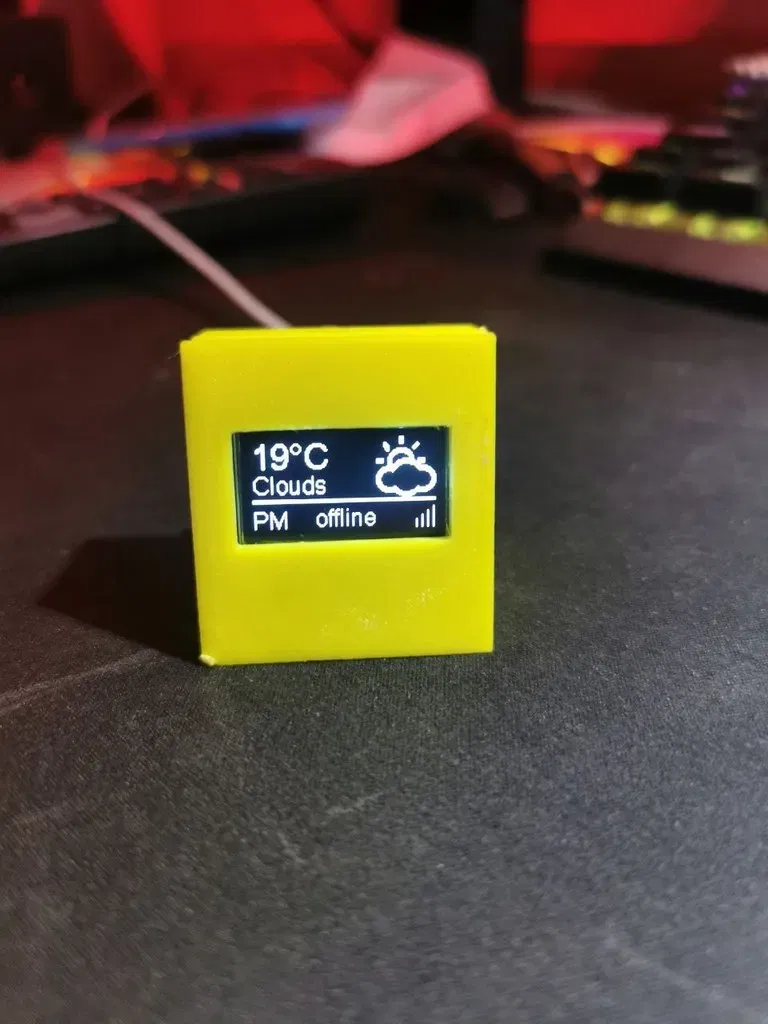
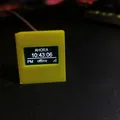
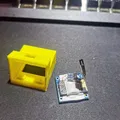
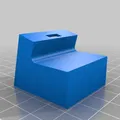
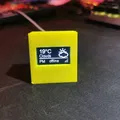
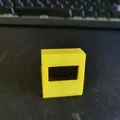
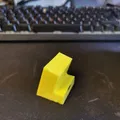
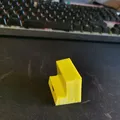
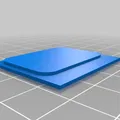
Soporte para pantalla oled y esp8266 01 para printer monitor. Printer monitor es un programa que te enseña la información en tiempo real sobre la impresión en una pantalla oled. Cuando la impresora no está imprimiendo, puede apagarse la pantalla o mostrar la hora y el tiempo. Para que funcione, se tiene que usar octoprint, Diseñé esta versión porque prácticamente todas las que hay son para el wemos o para la placa de desarrollo entera. Y a mi estas placas no me gustan nada porque son muy grandes. Iba a usar el esp8266, pero el modulo solo como suelo hacer, pero me acordé de que tenia algunos ESP 01 por ahí tirados y digo "porqué no, se supone que tambien es el 8266 y solo necesito el scl y el sda". Y funcionó perfectamente. Lo único que al principio la pantalla no iba, salía el primer texto y se colgaba. Si eso os pasa, mirad en la configuración del ide de arduino cual es el pin del led integrado predeterminado. A mi me pasaba que era uno de los pines de la pantalla y por eso se colgaba. Espero que os sea útil. Por cierto, el truco del almendruco: en el nombre de la impresora, en vez de la fea palabra octopi puedes poner una palabra bonita e inspiradora, se mostrará cuando se muestre la hora.
Support for OLED screen and ESP8266 01 for printer monitor. Printer monitor is a program that shows you real-time information about printing on an OLED screen. When the printer is not printing, the screen may turn off or display the time and weather. For it to work, you have to use octoprint. I designed this version because practically all the ones out there are for the wemos or for the entire development board. And I don't like these plates at all because they are very big. I was going to use the esp8266, but the module alone as I usually do, but I remembered that I had some ESP 01 lying around and I said "why not, it's also supposed to be the 8266 and I only need the scl and the sda". And it worked perfectly. The only thing was that at first the screen didn't work, the first text came out and it hung. If that happens to you, look in the Arduino IDE configuration to see what the default integrated LED pin is. It happened to me that it was one of the pins on the screen and that's why it hung. I hope it is useful to you. By the way, the almond tree trick (in Spanish expression like life hack or pro tip): in the name of the printer, instead of the ugly word octopi you can put a nice and inspiring word, it will be shown when the time is displayed.
Category: 3D Printer Accessories
Giấy phép

File mô hình


Chưa có bản in nào được khoe. Hãy là người đầu tiên!


Chưa có bình luận nào. Hãy là người đầu tiên!